원본 문서
GPT Image 2 · en
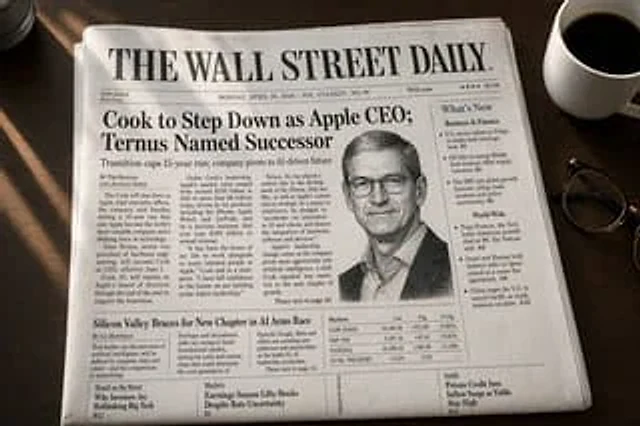
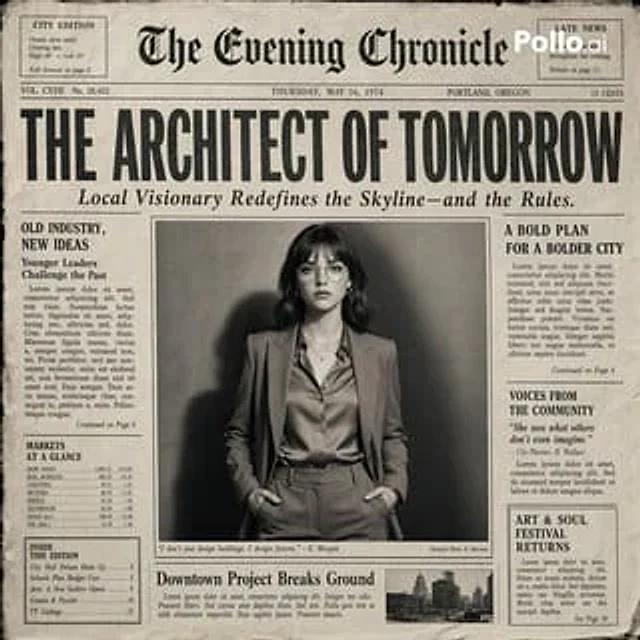
Create the most realistic retro newspaper front page design with the main subject at its center. The layout should resemble an authentic printed newspaper with a cinematic black-and-white aesthetic. The main photograph should be prominently placed in the center with a border, similar to an image in an article headline. The subject in the photograph should remain clear and legible in natural light, with slightly increased contrast to match the eye-catching editorial style. Create a striking and attention-grabbing headline at the top (create a unique headline that matches the mood of the photograph—it can be romantic, mysterious, humorous, or dramatic). Add a smaller subheading below the headline to make it look like authentic newspaper captions. Add realistic newspaper elements: small text columns (in a randomized, pseudo-text style, but with typography like real news); a fictional publication name at the top (e.g., "The Daily Prompts," "AI Times," or similar—get creative based on the image); date, issue number, and location; decorative lines, separators, and retro typography; small supplementary articles or captions related to the main image; optional stamps, doodles, or editorial notes to add personality. Style: Black and white or slightly faded monochrome paper; fine paper texture, graininess, and ink imperfections; subtle shadows and creases mimicking real printed paper; a clean but slightly worn vintage newspaper aesthetic. Atmosphere: Imbues the design with personality, expressiveness, and a sense of narrative, as if the narrative were part of the main article. Aspect Ratio: 4:5 or 1:1; a highly detailed, hyper-realistic blend of editorial photography and print design.사용 방법
- 매개변수를 포함한 전체 원본 프롬프트를 복사하세요.
- 주제, 문구, 구도를 자신의 요구에 맞게 바꾸세요.
- 호환되는 외부 도구에서 사용하고 이용 조건과 결과를 확인하세요.
시작 전 확인
- 참조 이미지가 필요한지 확인하세요. 호환 표시는 해당 모델로 이 예시를 생성했다는 뜻이 아닙니다.
- 이름, 수치, 이미지 속 문구를 확인하세요. 모델 버전에 따라 결과가 다를 수 있습니다.