原文
GPT Image 2 · en
Scene:
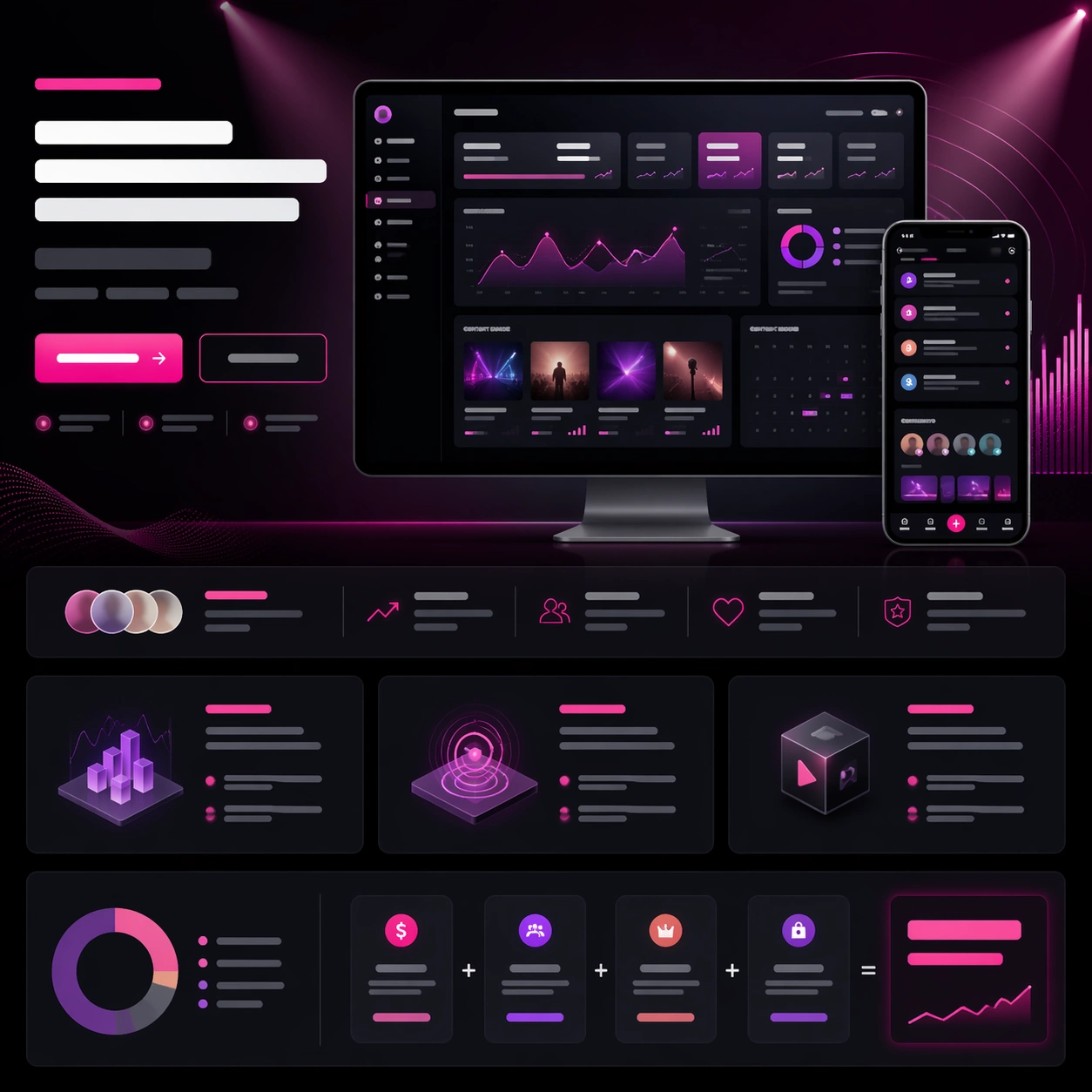
A square creator-tool launch-page still with charcoal, plum, silver, and electric pink highlights, arranged as a polished web hero with lower storytelling bands. The tone should feel ambitious and media-savvy, with glowing chart accents, thumbnail-like content tiles, and a cinematic gradient field behind the main dashboard. Keep the structure crisp enough to read instantly as a real launch website for creators.

Subject:
Center a desktop screenshot for a creator analytics portal, showing unreadable yet believable audience graphs, revenue cards, content performance tiles, and a campaign calendar. Add a smaller phone companion screen showing notifications and community highlights. Around the screenshots, build a strong launch-page hierarchy with abstract headline bars, two CTA buttons, a social-proof strip, three feature modules, and a monetization breakdown band. Use a subtle hero illustration of floating spotlight beams and signal waves to frame the product without overpowering it.

Important details:
The page must feel like product marketing with a real business objective, not a random dashboard collage. The product screenshots should carry the proof while the surrounding modules establish aspiration, trust, and action. Keep the layout disciplined and premium, with consistent card language, balanced empty space, and clear vertical rhythm. All text-like elements must remain unreadable placeholder forms only. The result should suggest a launch system that could extend into ads, keynote slides, and storefront images.

Use case:
App Launch Hero System single study 6/9, testing whether a creator-economy analytics page can blend dense product proof, visual energy, and believable conversion structure.

Constraints:
No readable text, no watermark, no logos, preserve exact 1:1 aspect ratio, no browser chrome, no social-media brand icons, no influencer portraits dominating the frame, no cluttered thumbnail wall, no fake readable chart labels, no distorted monitor angles.
使い方
- パラメータを含む元のプロンプト全体をコピーします。
- 被写体、文字、構図を自分の要件に置き換えます。
- 対応する外部ツールで使用し、利用条件と結果を確認します。
開始前の確認
- 参考画像の要否を確認してください。互換モデルの表示は、そのモデルでの生成実績を意味しません。
- 名前、数値、画像内の文字を確認します。モデルの版で結果は変わります。