原始文档
GPT Image 2 · en
Scene:
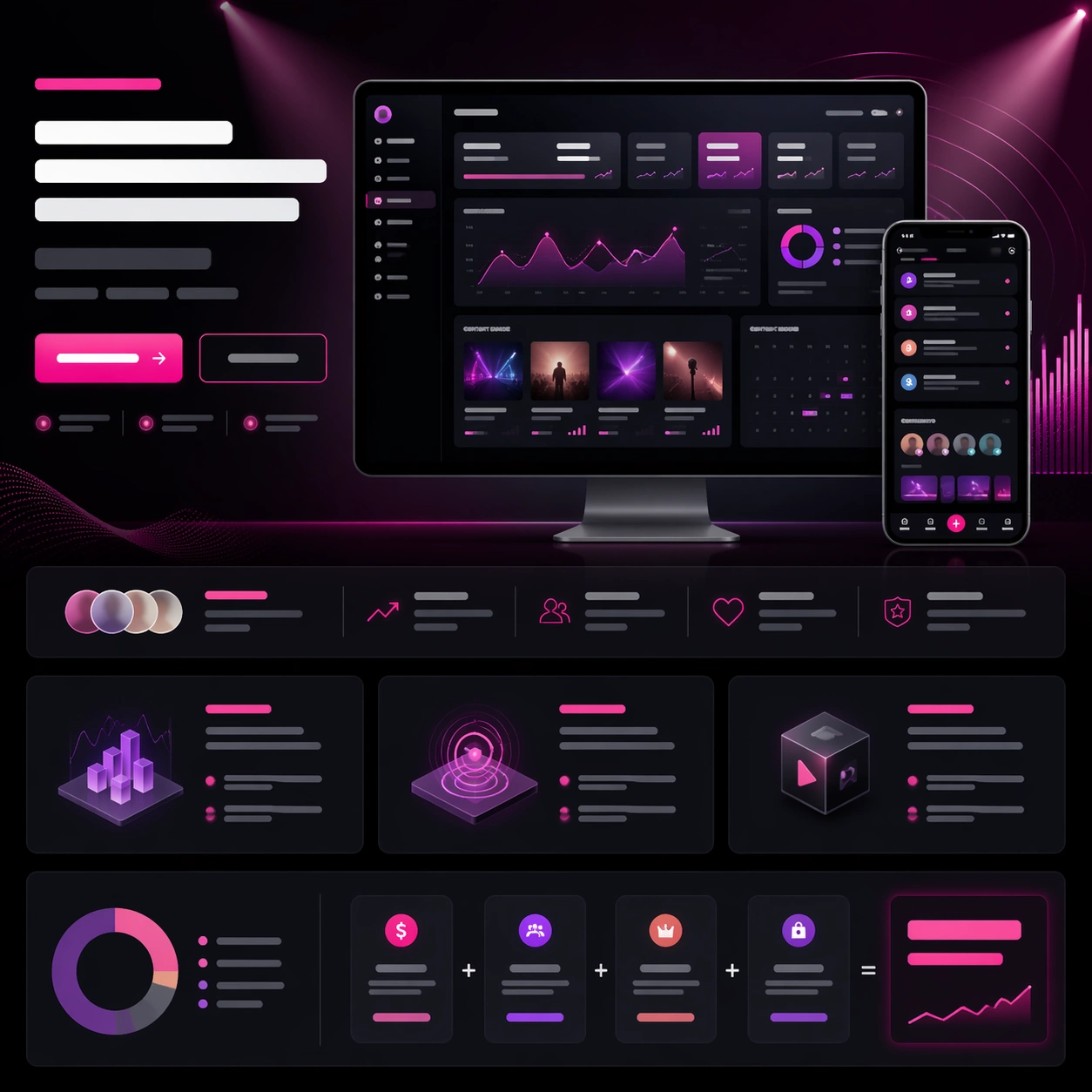
A square creator-tool launch-page still with charcoal, plum, silver, and electric pink highlights, arranged as a polished web hero with lower storytelling bands. The tone should feel ambitious and media-savvy, with glowing chart accents, thumbnail-like content tiles, and a cinematic gradient field behind the main dashboard. Keep the structure crisp enough to read instantly as a real launch website for creators.

Subject:
Center a desktop screenshot for a creator analytics portal, showing unreadable yet believable audience graphs, revenue cards, content performance tiles, and a campaign calendar. Add a smaller phone companion screen showing notifications and community highlights. Around the screenshots, build a strong launch-page hierarchy with abstract headline bars, two CTA buttons, a social-proof strip, three feature modules, and a monetization breakdown band. Use a subtle hero illustration of floating spotlight beams and signal waves to frame the product without overpowering it.

Important details:
The page must feel like product marketing with a real business objective, not a random dashboard collage. The product screenshots should carry the proof while the surrounding modules establish aspiration, trust, and action. Keep the layout disciplined and premium, with consistent card language, balanced empty space, and clear vertical rhythm. All text-like elements must remain unreadable placeholder forms only. The result should suggest a launch system that could extend into ads, keynote slides, and storefront images.

Use case:
App Launch Hero System single study 6/9, testing whether a creator-economy analytics page can blend dense product proof, visual energy, and believable conversion structure.

Constraints:
No readable text, no watermark, no logos, preserve exact 1:1 aspect ratio, no browser chrome, no social-media brand icons, no influencer portraits dominating the frame, no cluttered thumbnail wall, no fake readable chart labels, no distorted monitor angles.
使用方法
- 复制完整原始提示词,并保留其中的参数。
- 按需求替换主体、文字和构图要求。
- 在兼容的外部工具中使用,核对当前使用条件并检查结果。
开始前需了解
- 先确认是否需要参考图。标注兼容模型,不代表该示例由这个模型生成。
- 核对名称、数字与画面文字;不同模型版本的结果可能不同。