原文
GPT Image 2 · en
Scene:
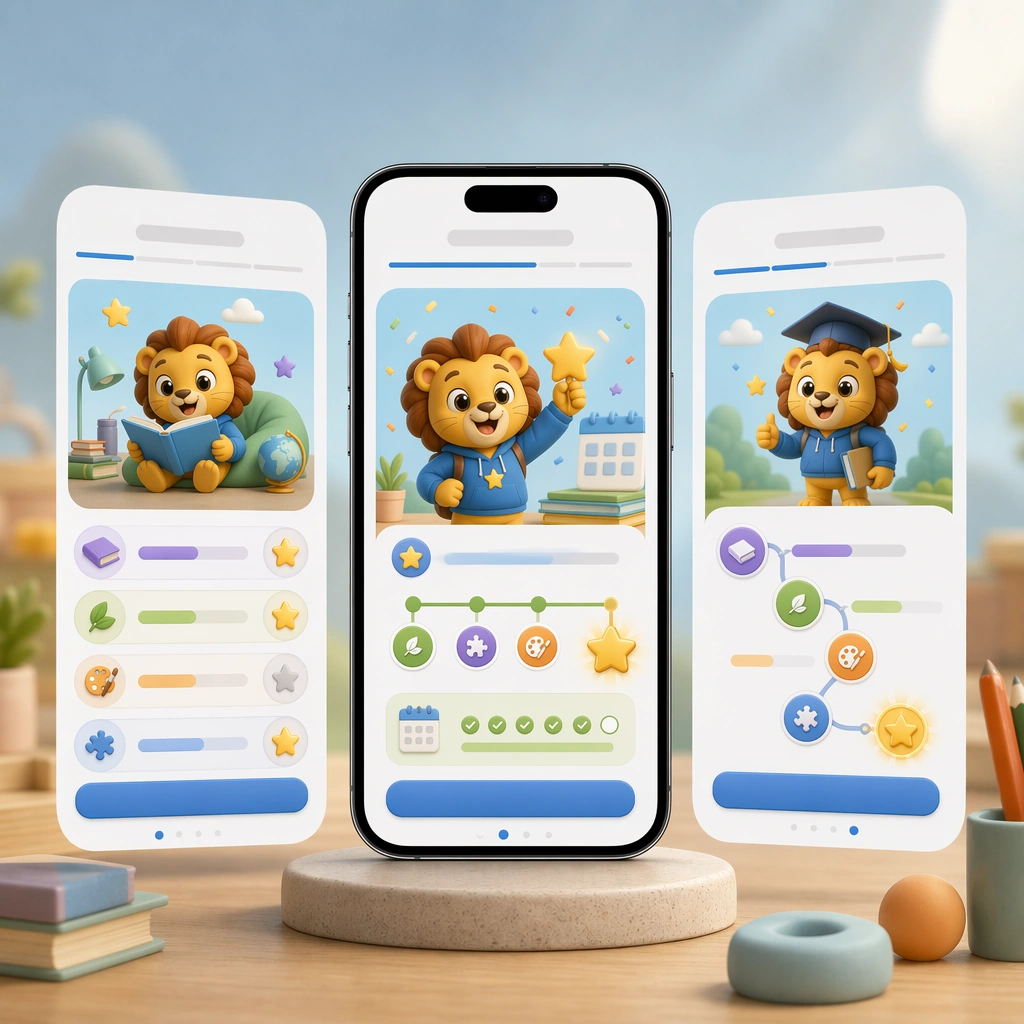
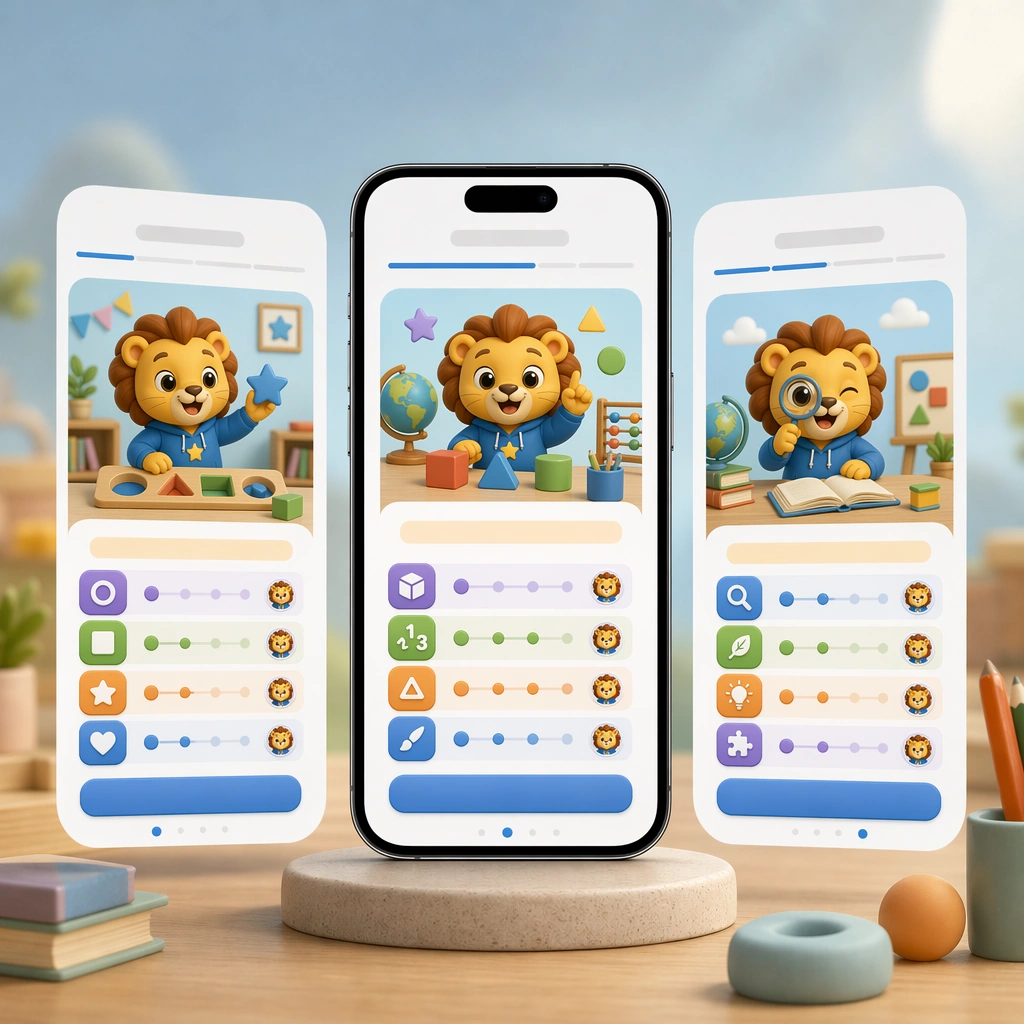
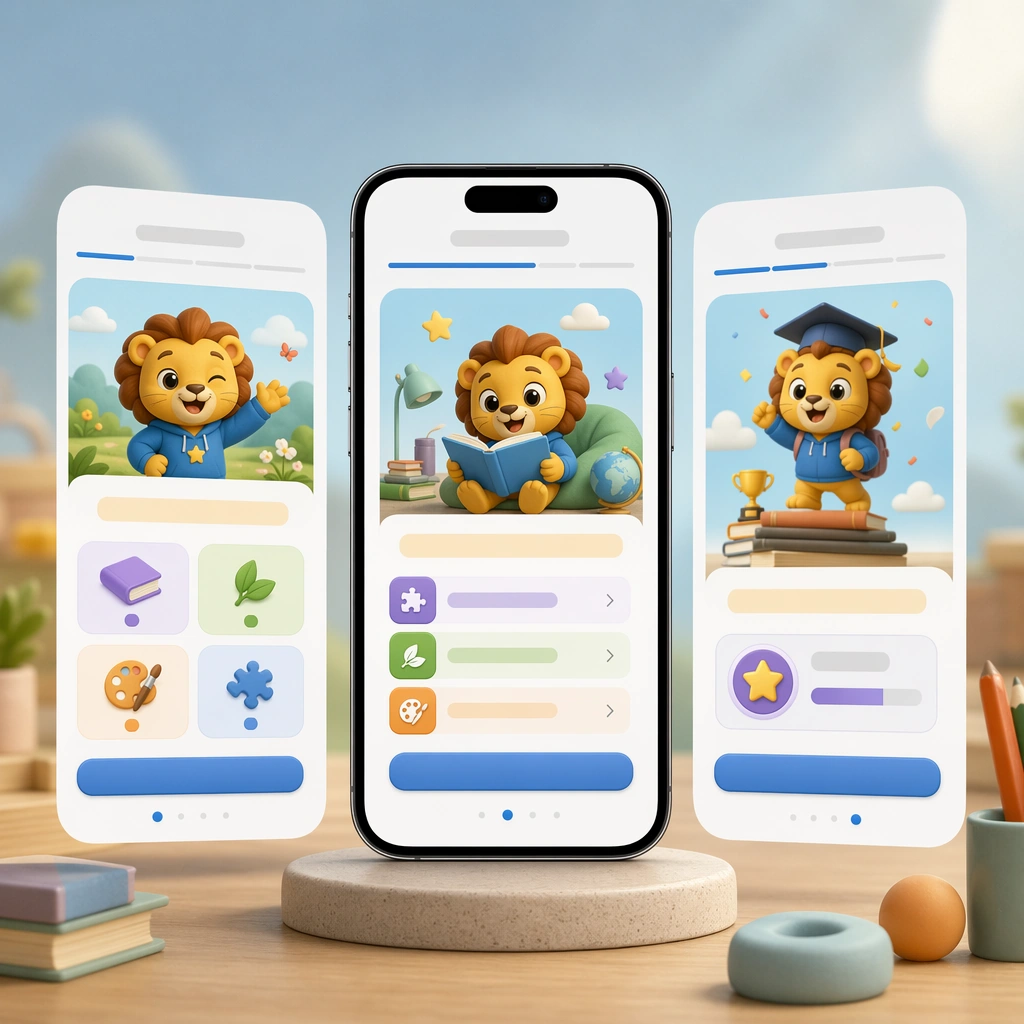
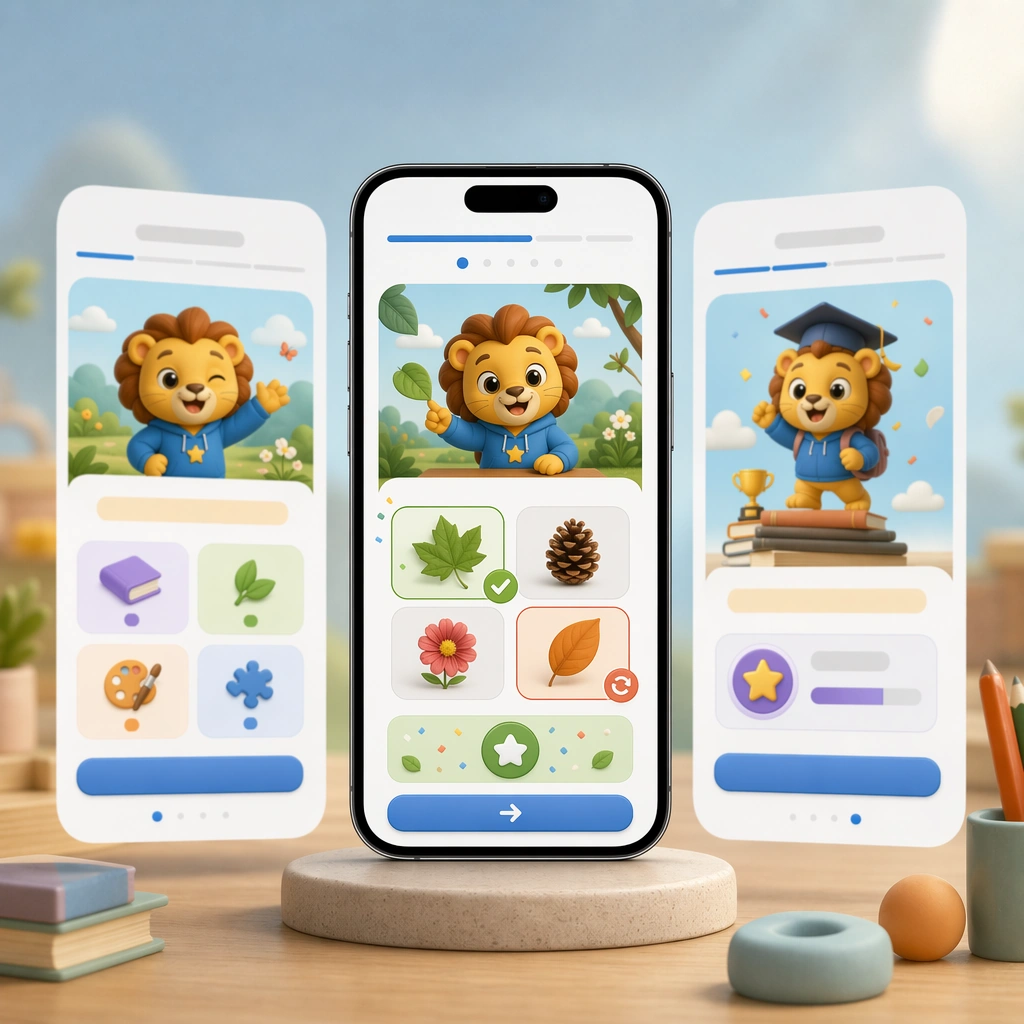
Render the same square hero composition with a smartphone front and center, subtle layered depth, and studio-grade reflections that match the reference screen set. The image should look like a polished product-marketing tile focused on one feedback moment in the learning journey. Keep the square frame balanced, calm, and production-ready so the asset can serve gallery review, research comparison, and real educational delivery at the same time.

Subject:
Show a practice screen with picture choices, gesture-friendly controls, celebratory but controlled feedback icons, and a gentle correction state that still feels positive. Avoid text entirely and communicate meaning through color, motion cues, and a very obvious answer-feedback hierarchy. The subject matter should feel intentionally selected for a coherent curriculum family rather than like a random decorative assortment.

Important details:
Hold the reference system tightly: identical module shapes, mascot styling, palette anchors, and UI spacing. The scene should prove that the app can handle instruction and response with clarity, not just onboarding charm. Preserve the same mobile device framing, card radius, mascot style, color system, icon weight, and spacing rhythm from the reference screen set. Use variation only in the teaching content, supporting props, and scene-specific mood while preserving the core visual system exactly.

Use case:
Learning App Onboarding and Lesson UI series study 3/4, practice feedback screen.

Constraints:
No readable text, no watermark, no logos, preserve exact 1:1 aspect ratio, no readable UI copy, no app-store branding, no logos, no generic gaming clutter, no impossible device anatomy, no notification spam.
使い方
- パラメータを含む元のプロンプト全体をコピーします。
- 被写体、文字、構図を自分の要件に置き換えます。
- 対応する外部ツールで使用し、利用条件と結果を確認します。
開始前の確認
- 参考画像の要否を確認してください。互換モデルの表示は、そのモデルでの生成実績を意味しません。
- 名前、数値、画像内の文字を確認します。モデルの版で結果は変わります。