原始文档
GPT Image 2 · en
Scene:
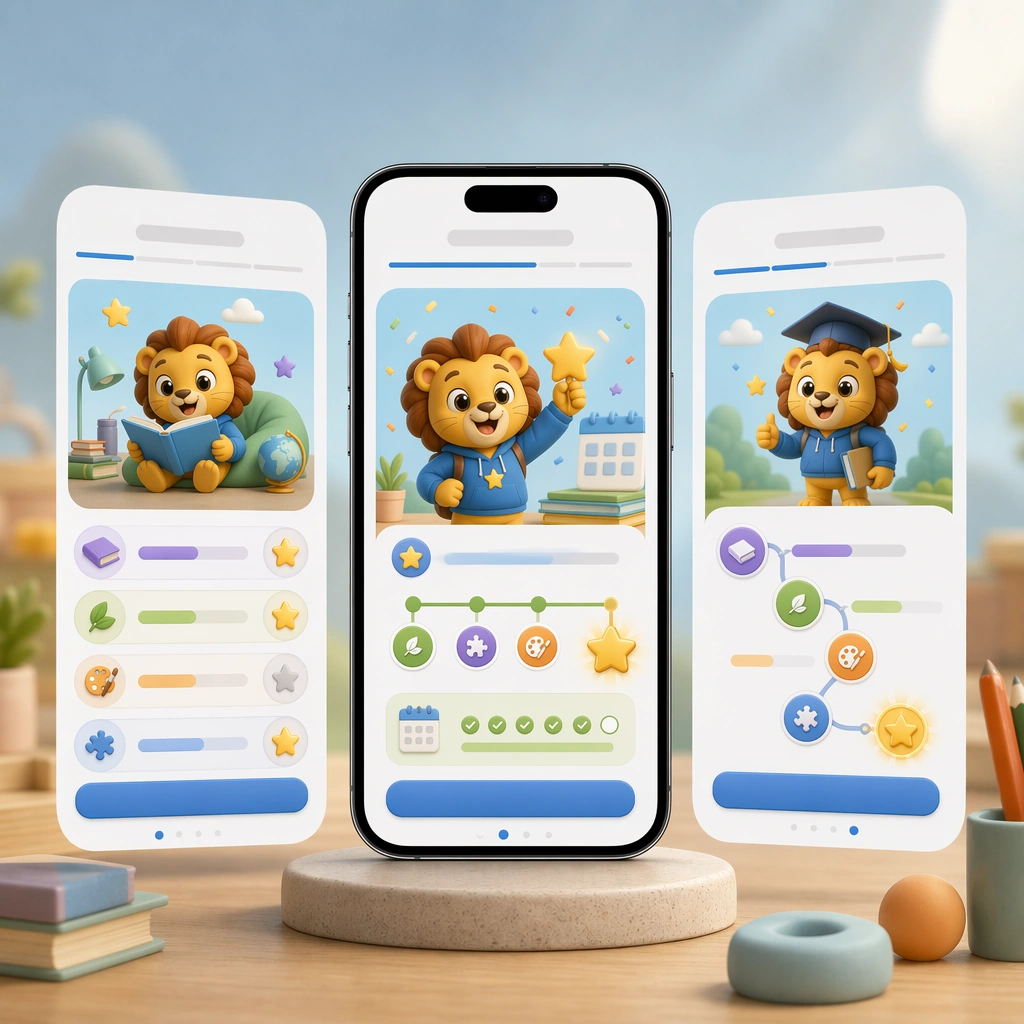
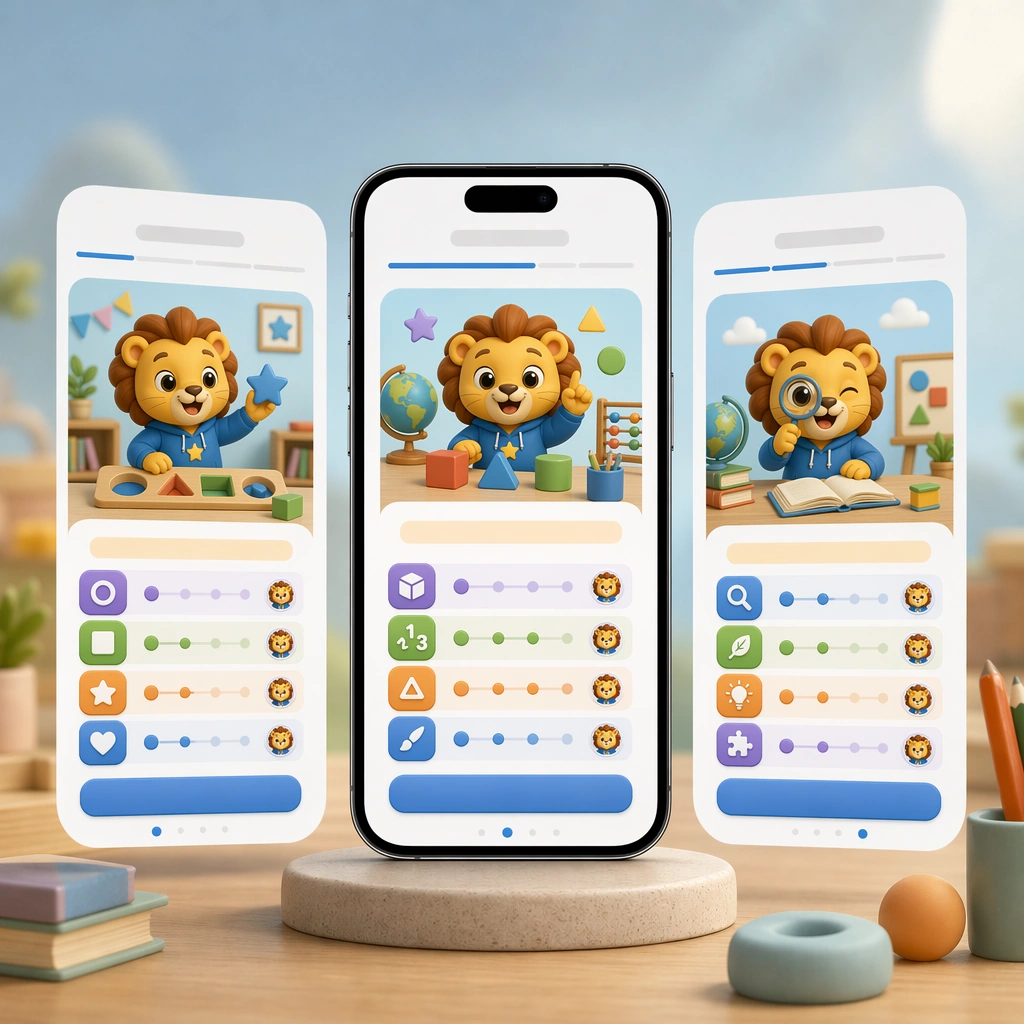
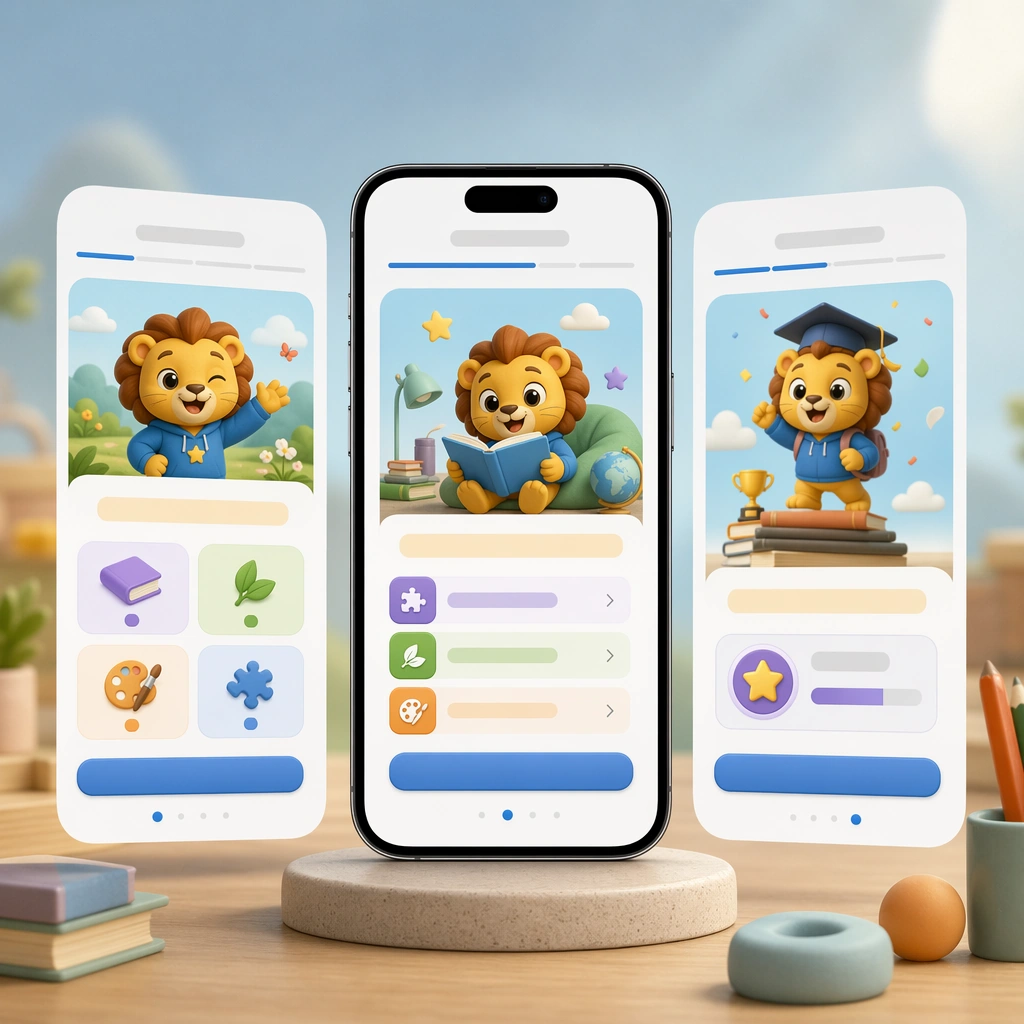
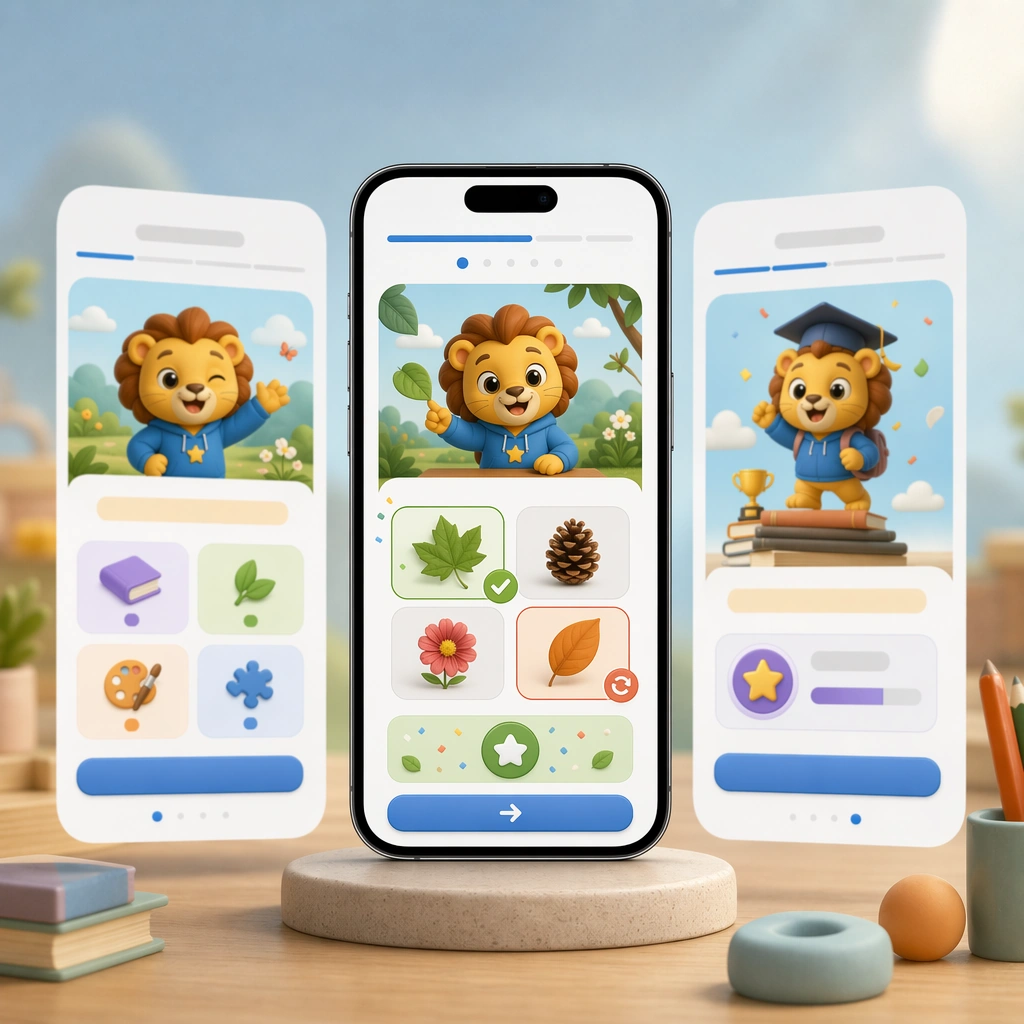
Render the same square hero composition with a smartphone front and center, subtle layered depth, and studio-grade reflections that match the reference screen set. The image should look like a polished product-marketing tile focused on one feedback moment in the learning journey. Keep the square frame balanced, calm, and production-ready so the asset can serve gallery review, research comparison, and real educational delivery at the same time.

Subject:
Show a practice screen with picture choices, gesture-friendly controls, celebratory but controlled feedback icons, and a gentle correction state that still feels positive. Avoid text entirely and communicate meaning through color, motion cues, and a very obvious answer-feedback hierarchy. The subject matter should feel intentionally selected for a coherent curriculum family rather than like a random decorative assortment.

Important details:
Hold the reference system tightly: identical module shapes, mascot styling, palette anchors, and UI spacing. The scene should prove that the app can handle instruction and response with clarity, not just onboarding charm. Preserve the same mobile device framing, card radius, mascot style, color system, icon weight, and spacing rhythm from the reference screen set. Use variation only in the teaching content, supporting props, and scene-specific mood while preserving the core visual system exactly.

Use case:
Learning App Onboarding and Lesson UI series study 3/4, practice feedback screen.

Constraints:
No readable text, no watermark, no logos, preserve exact 1:1 aspect ratio, no readable UI copy, no app-store branding, no logos, no generic gaming clutter, no impossible device anatomy, no notification spam.
使用方法
- 复制完整原始提示词,并保留其中的参数。
- 按需求替换主体、文字和构图要求。
- 在兼容的外部工具中使用,核对当前使用条件并检查结果。
开始前需了解
- 先确认是否需要参考图。标注兼容模型,不代表该示例由这个模型生成。
- 核对名称、数字与画面文字;不同模型版本的结果可能不同。