
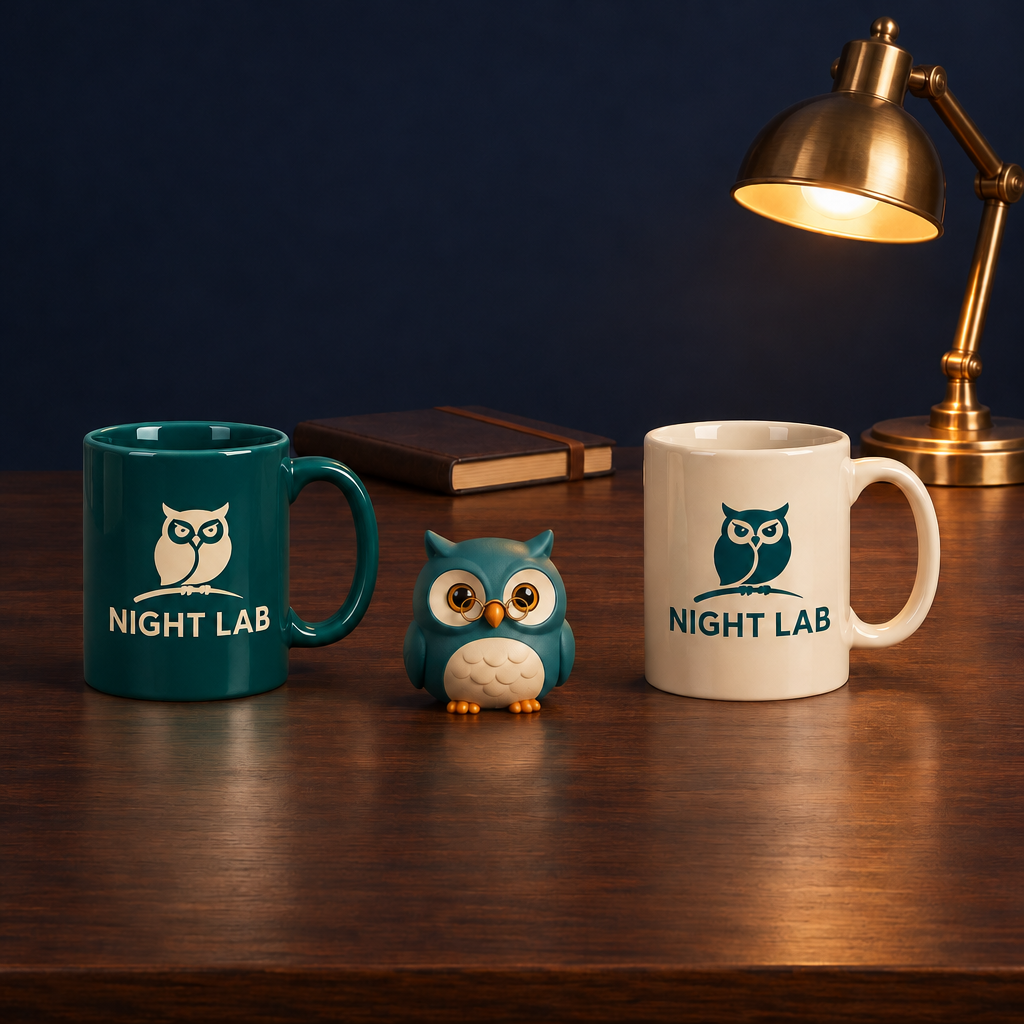
Change only the left mug ceramic body to deep teal. Preserve both NIGHT LAB logos, the owl, mug shapes, reflections and all scene objects.
パラメータを含む元のプロンプト全体をコピーします。 被写体、文字、構図を自分の要件に置き換えます。 対応する外部ツールで使用し、利用条件と結果を確認します。
Change only the left mug ceramic body to deep teal. Preserve both NIGHT LAB logos, the owl, mug shapes, reflections and all scene objects.
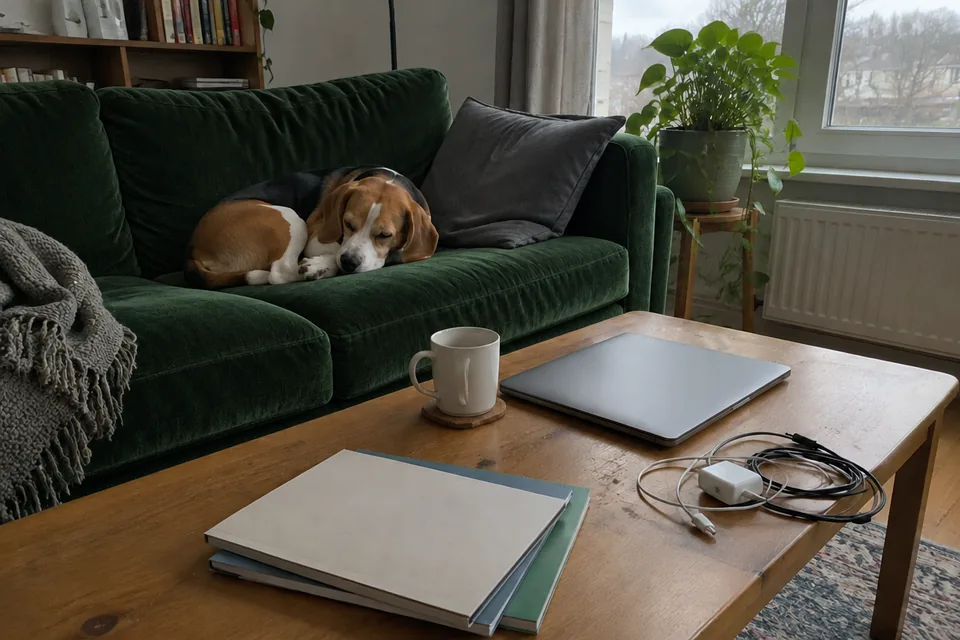
Change only the sofa to dark green velvet. Keep everything else in the photo unchanged.
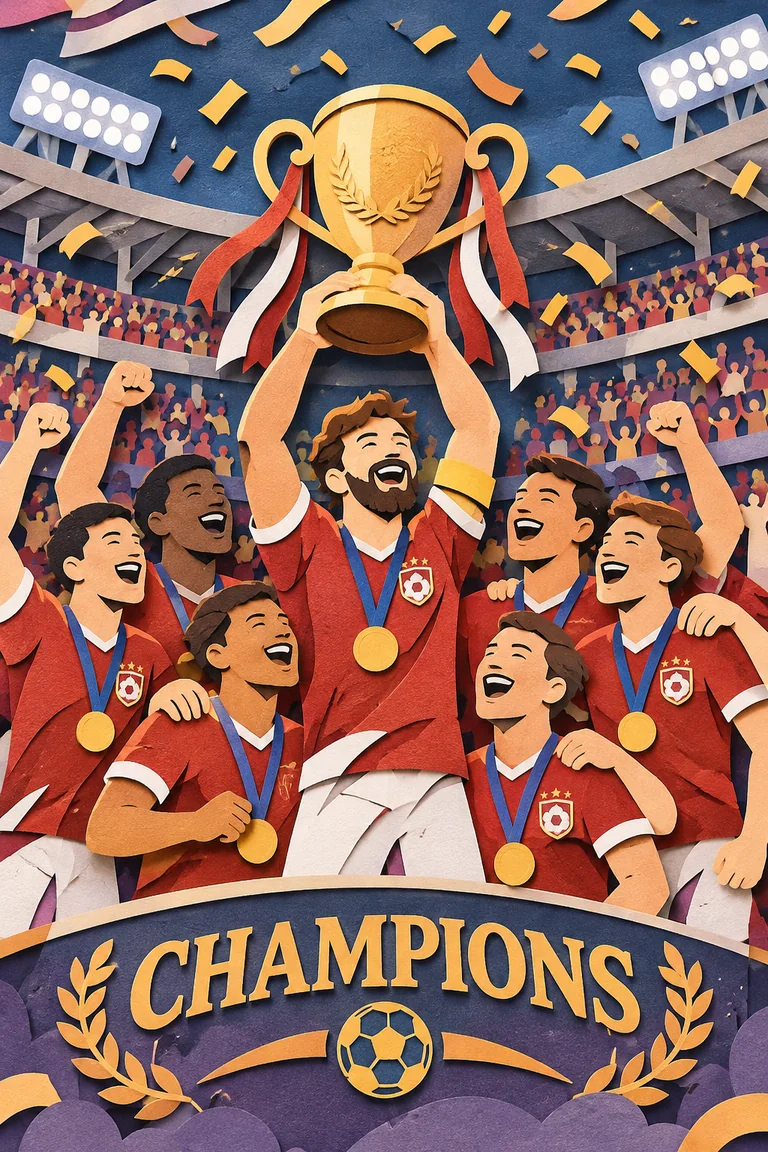
A premium handcrafted layered paper-cut illustration of a football team celebrating a championship victory inside a packed stadium.
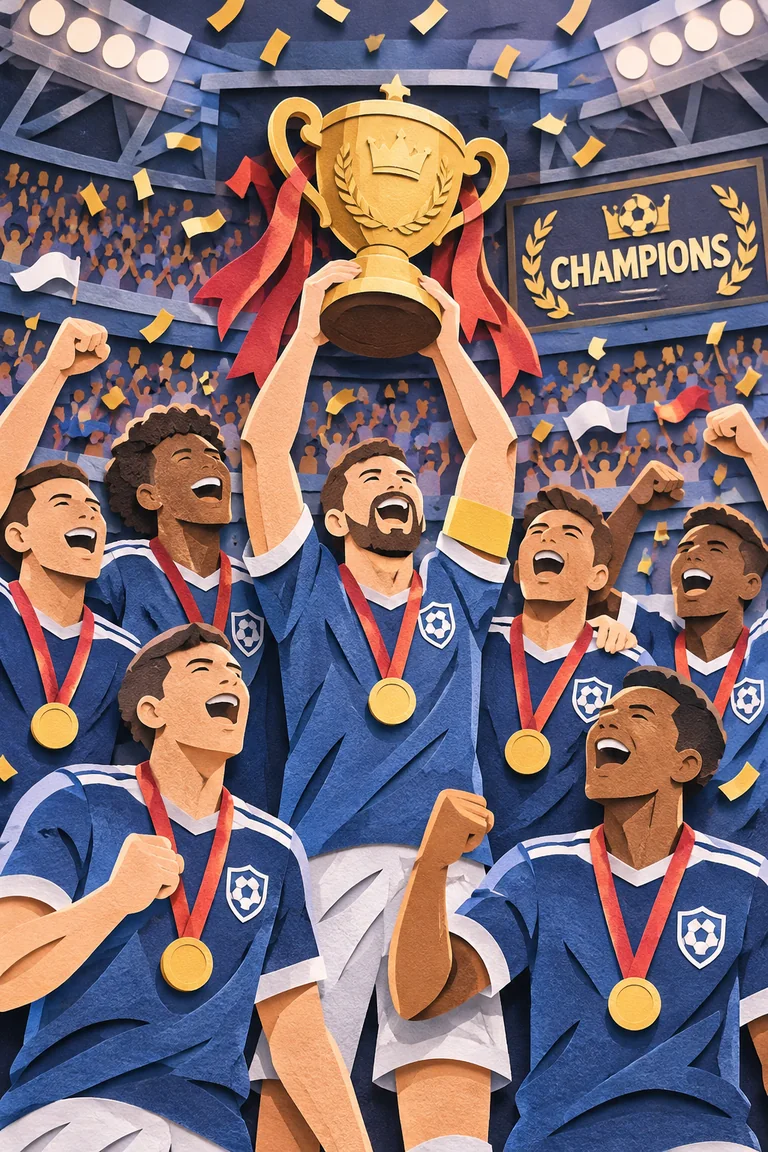
A premium handcrafted layered paper-cut illustration of a football team celebrating a championship victory inside a packed stadium.
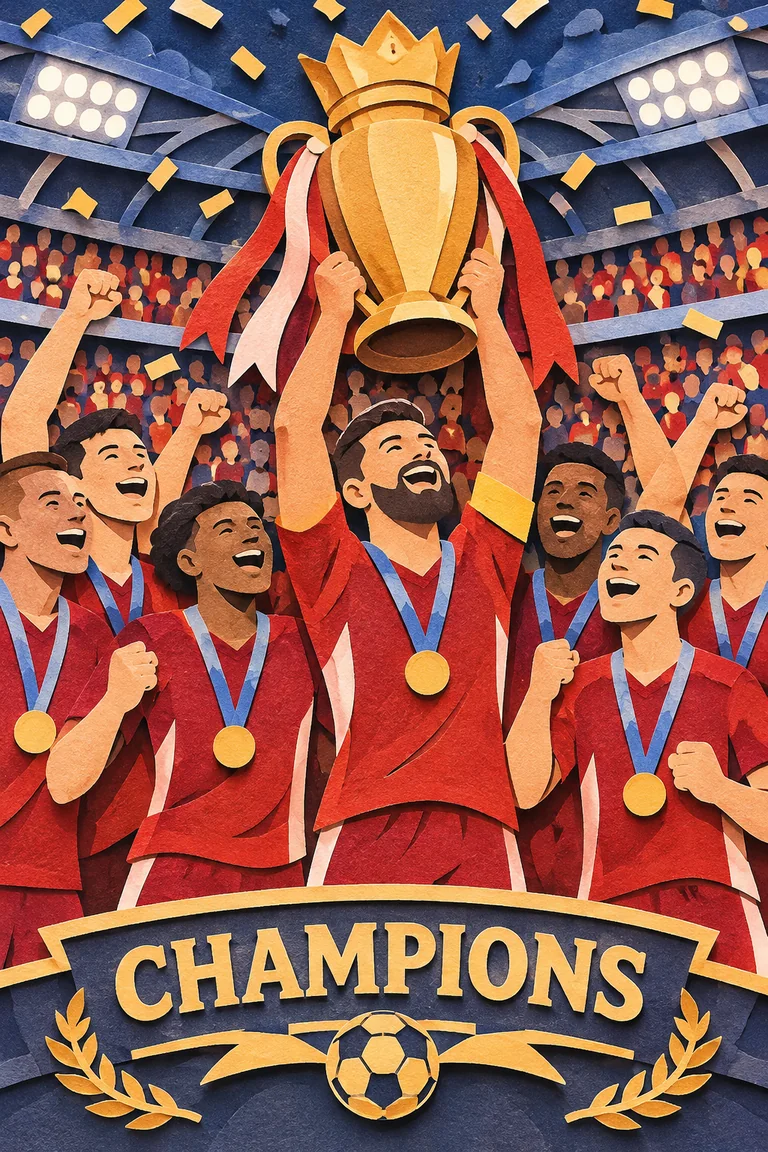
A premium handcrafted layered paper-cut illustration of a football team celebrating a championship victory inside a packed stadium.
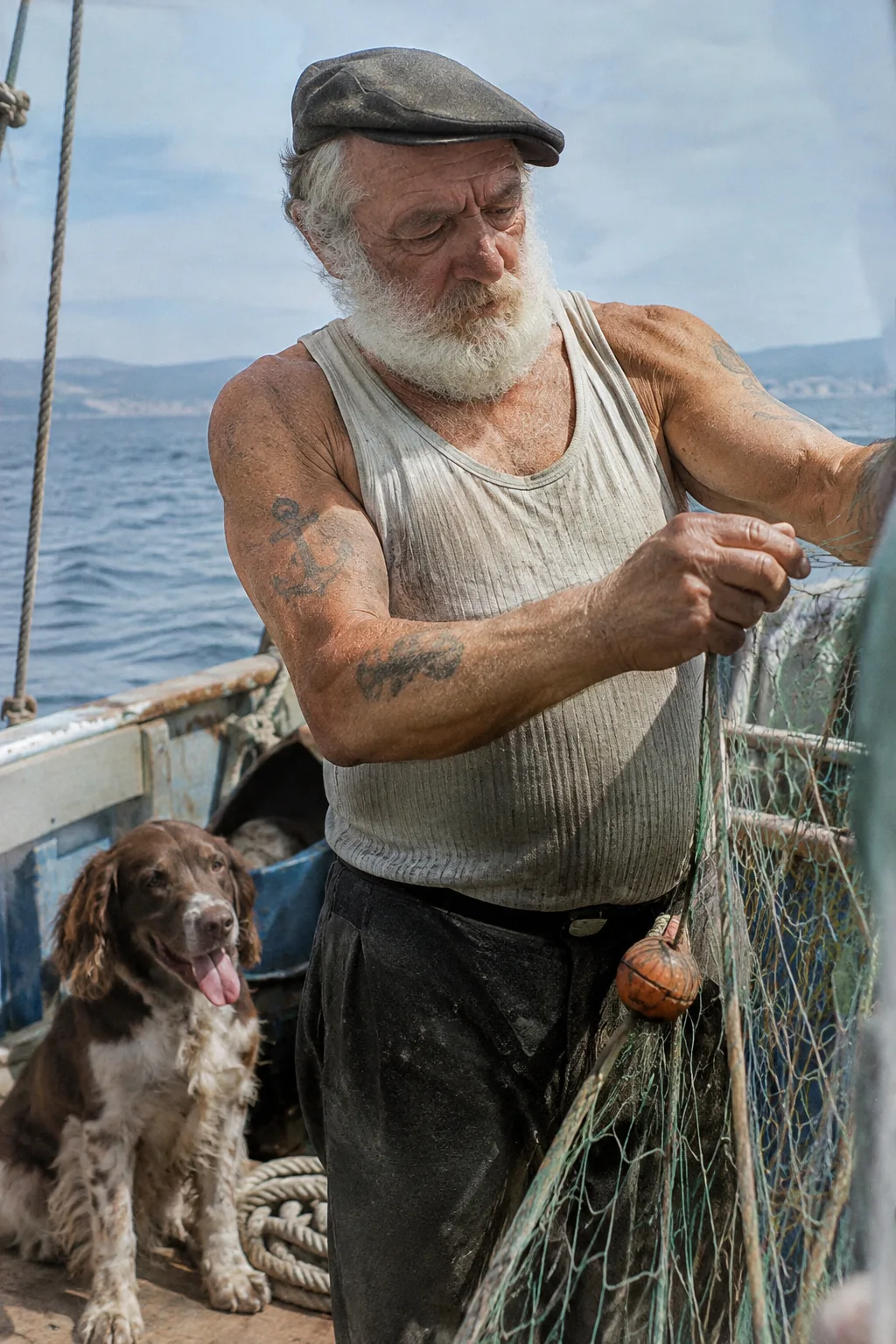
Create a photorealistic candid photograph of an elderly sailor standing on a small fishing boat. He has weathered skin with visible wrinkles, pores, and sun texture, and a few faded traditional sailor tattoos on his arms. He is calmly adjusting a net while his dog sits nearby on the deck. Shot like a 35mm film photograph, medium close-up at eye level, using a 50mm lens. Soft coastal daylight, shallow depth of field, subtle film grain, natural color balance. The image should feel honest and unposed, with real skin texture, worn materials, and everyday detail. No glamorization, no heavy retouching.
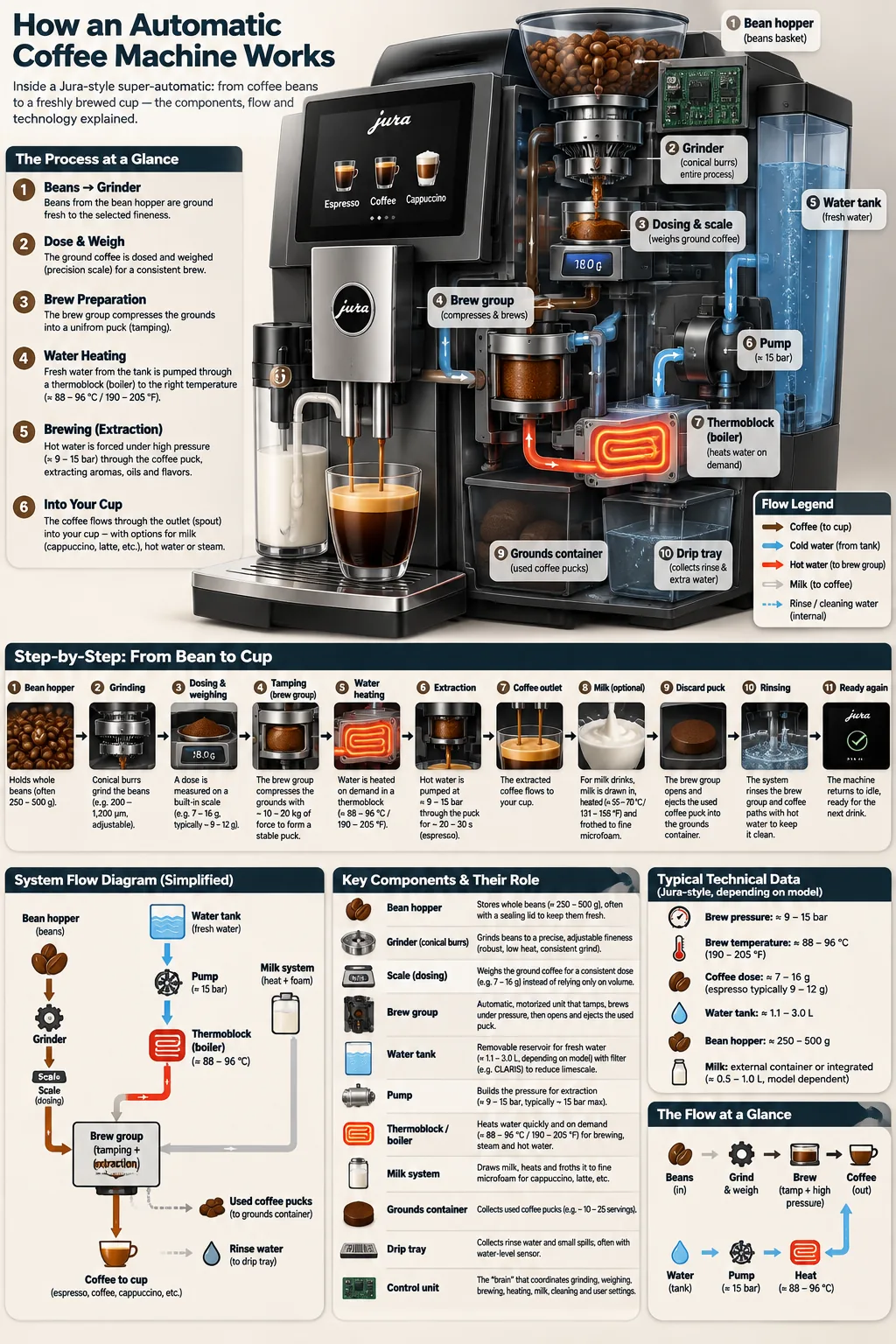
Create a detailed Infographic of the functioning and flow of an automatic coffee machine like a Jura. From bean basket, to grinding, to scale, water tank, boiler, etc. I'd like to understand technically and visually the flow.
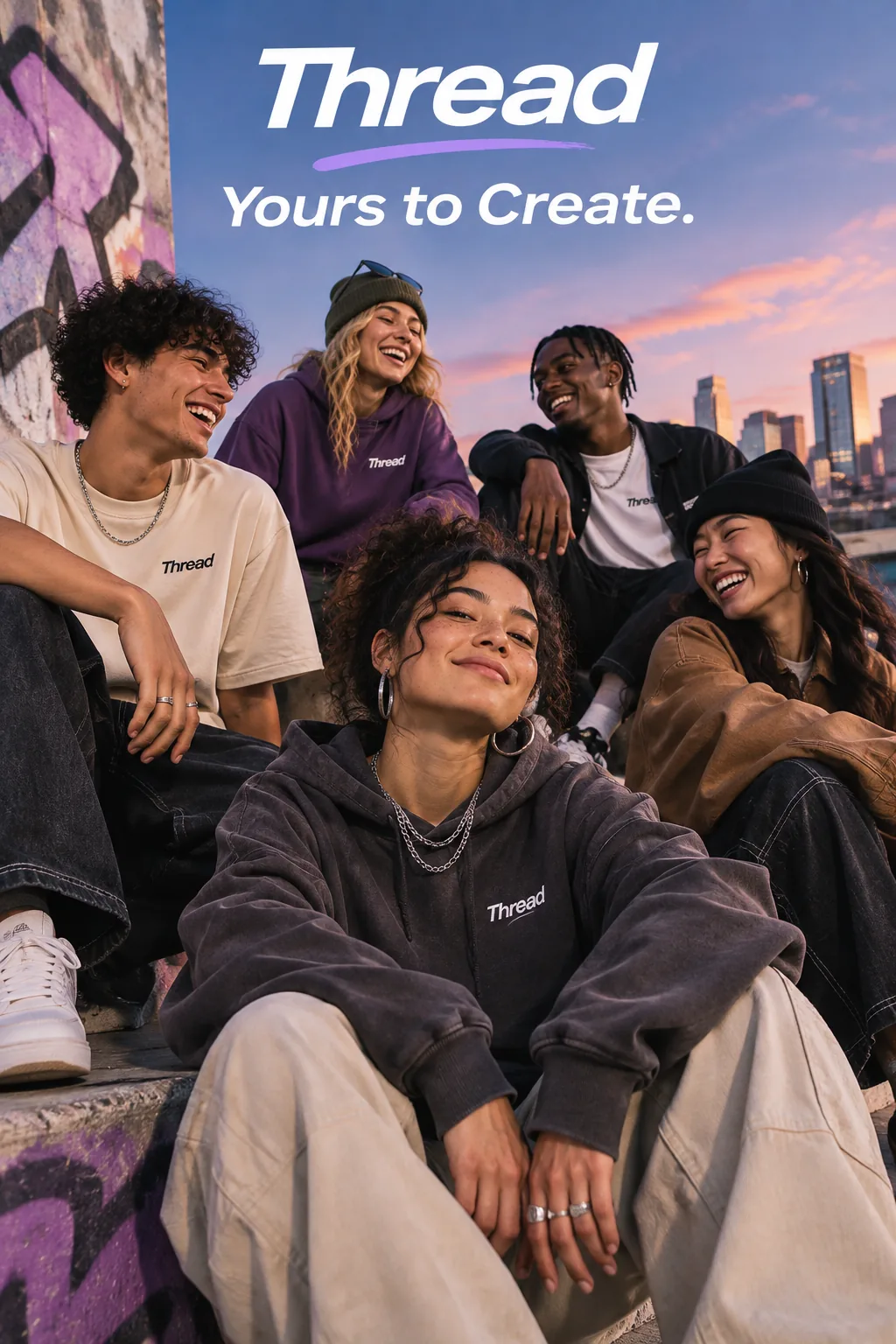
Give me a cool in culture ad / fashion shot for a brand called Thread. It's a hip young street brand. The ad shows a group of friends hanging out together with the tagline "Yours to Create." Make it feel like a polished campaign image for a youth streetwear audience: stylish, contemporary, energetic, and tasteful. Use clean composition, strong color direction, natural poses, and premium fashion photography cues. Render the tagline exactly once, clearly and legibly, integrated into the ad layout. No extra text, no watermarks, no unrelated logos.