プロンプト · 創作の探索

プロンプトギャラリー

実際のプロンプトと生成例を探索。次の創作に役立つヒントを見つけ、全文を無料でコピーできます。

生成例
6,699
モデル
9
出典
67
6,699 件のプロンプト例 · ページ 24 / 140
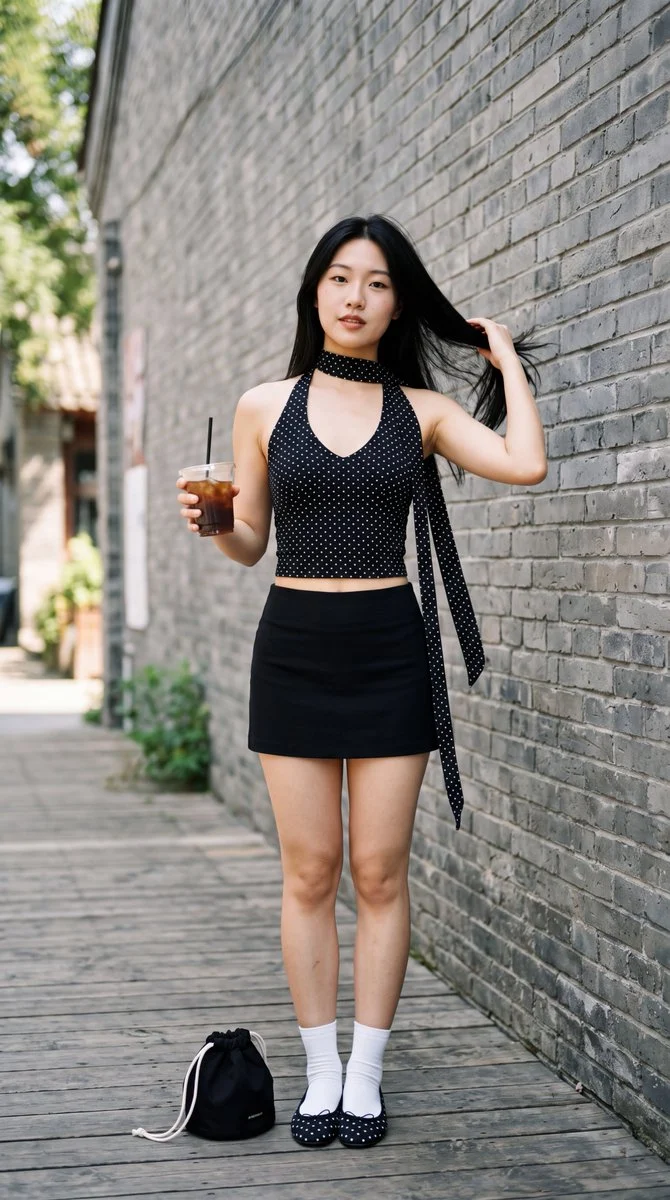
Example generated from “Polka-dot street-style portrait”
Nano Bananaen

A photorealistic full-body portrait of a young East Asian woman in her early 20s with long straight jet-black hair cascading over one shoulder, fair porcelain skin, soft facial features, and a calm neutral expression looking directly at the camera. She stands confidently outdoors against a tall gray brick wall. She wears a tight black halter-neck crop top with small white polka dots, a deep plunging V-neckline, and a long matching polka-dot fabric scarf draped from the neck and hanging loosely down her side. A short tight black mini skirt sits high on her hips. She has white crew socks and black ballet flats with white polka dots. In her left hand she holds a clear plastic cup filled with iced coffee and a black straw. Her right hand is raised, gently touching the ends of her hair near her shoulder. A small black drawstring pouch rests on the wooden floorboards beside her feet. Use soft natural daylight, realistic skin texture, sharp details, shallow depth of field, and high-resolution fashion photography.
Example generated from “Pure White Marketplace Packshot (reference photo required)”
Nano Banana 2.1en

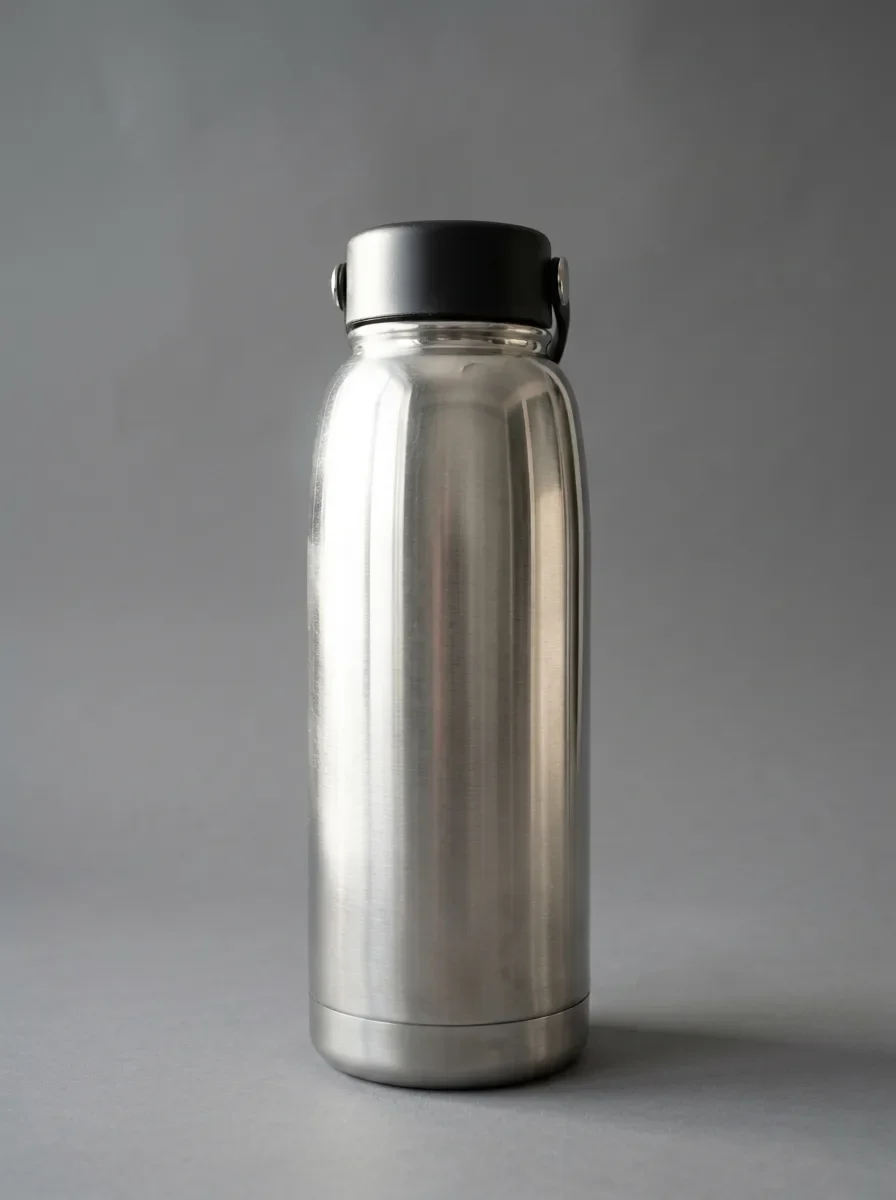
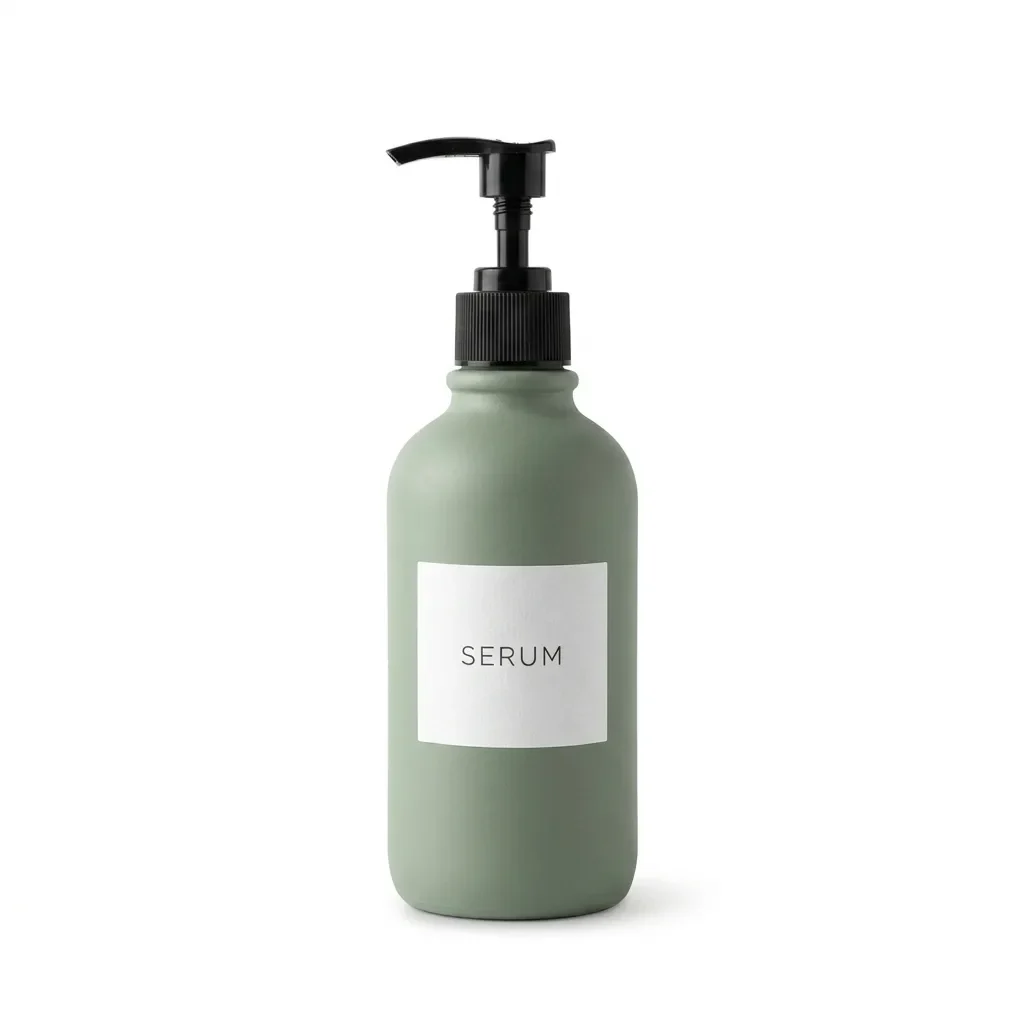
Keep the product exactly as it is, including its shape, label, colors and proportions. Replace the background with pure white (#FFFFFF) and center the product. Light it with soft, even studio light from both sides and add a subtle natural contact shadow under its base. Crisp edges, no color spill, clean e-commerce packshot.

Example generated from “Black Acrylic Mirror Reflection (reference photo required)”
Nano Banana 2.1en

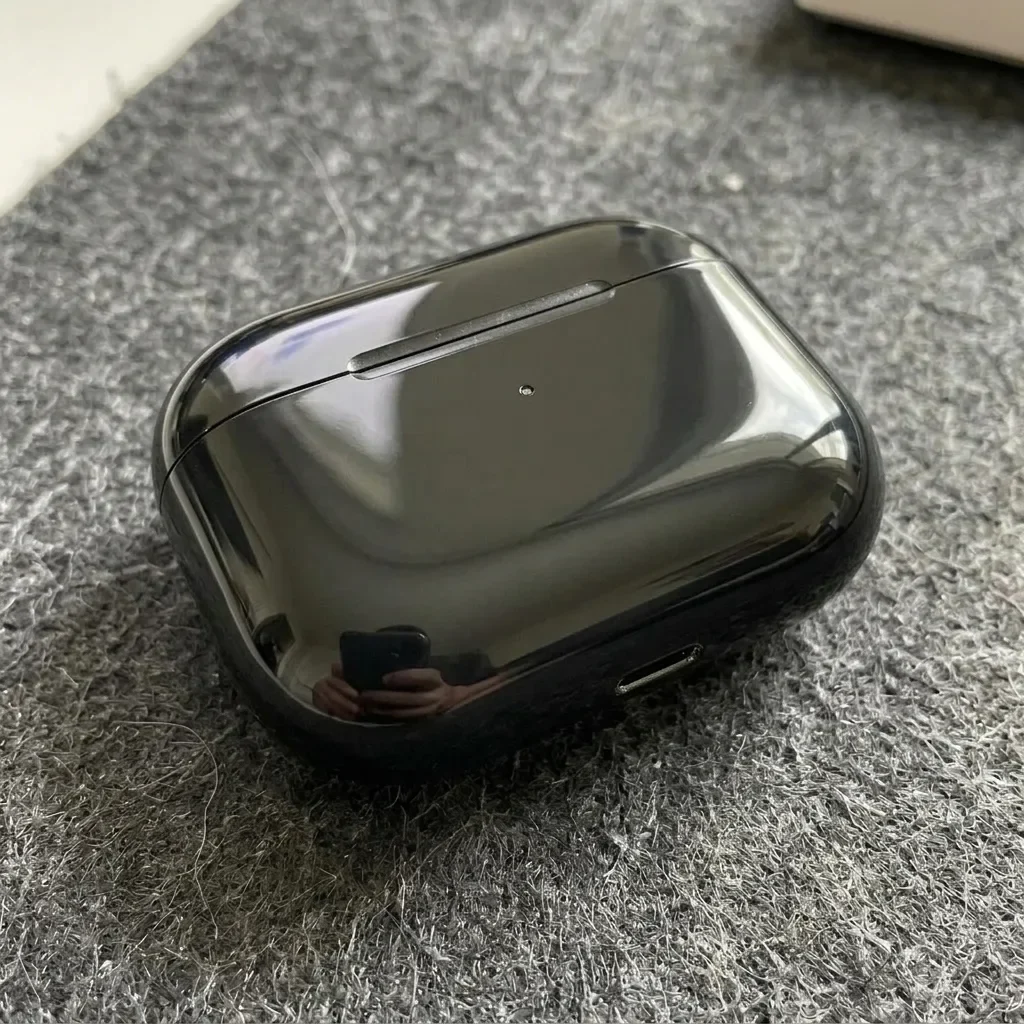
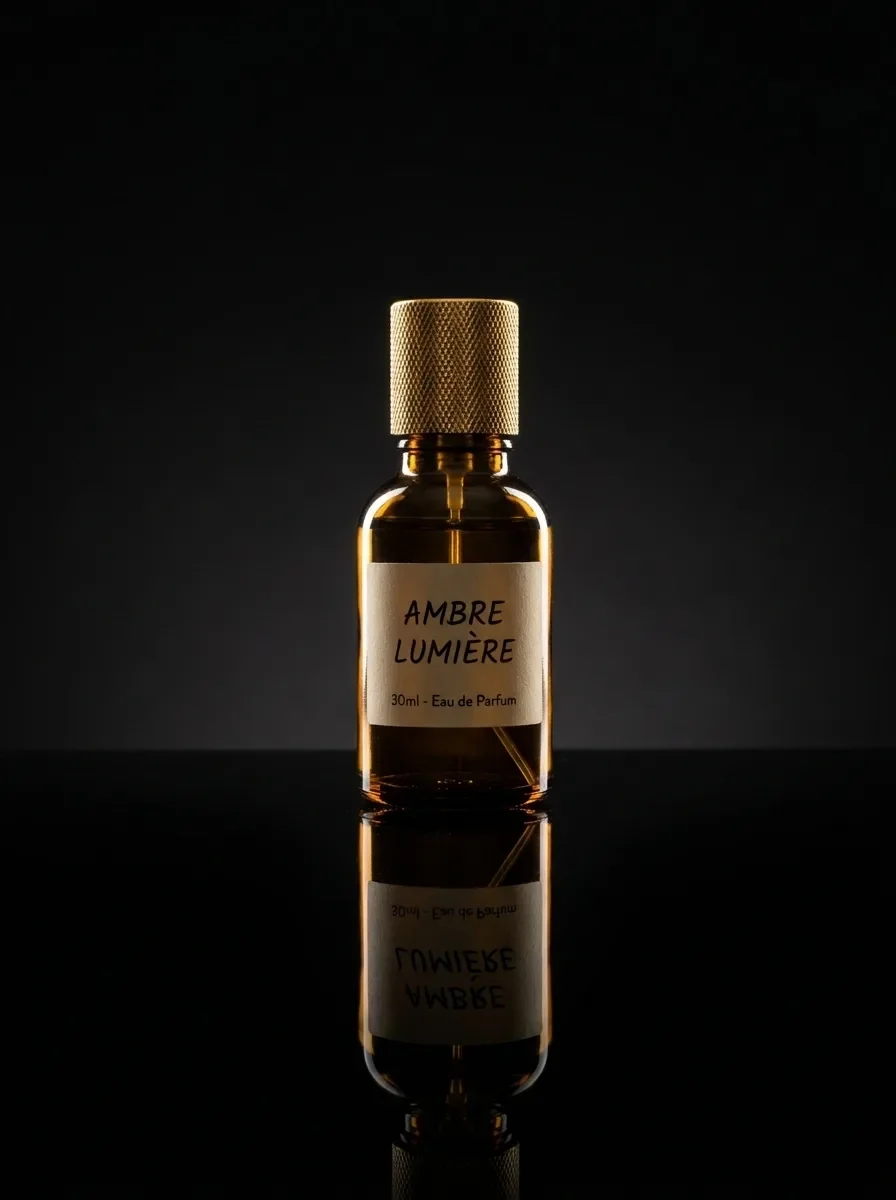
Keep the product unchanged. Place it on glossy black acrylic with a crisp mirror reflection that fades downward. Use a dark, seamless background and a dramatic rim light along both edges of the product. Deep contrast, luxury brand look, ultra-sharp detail.

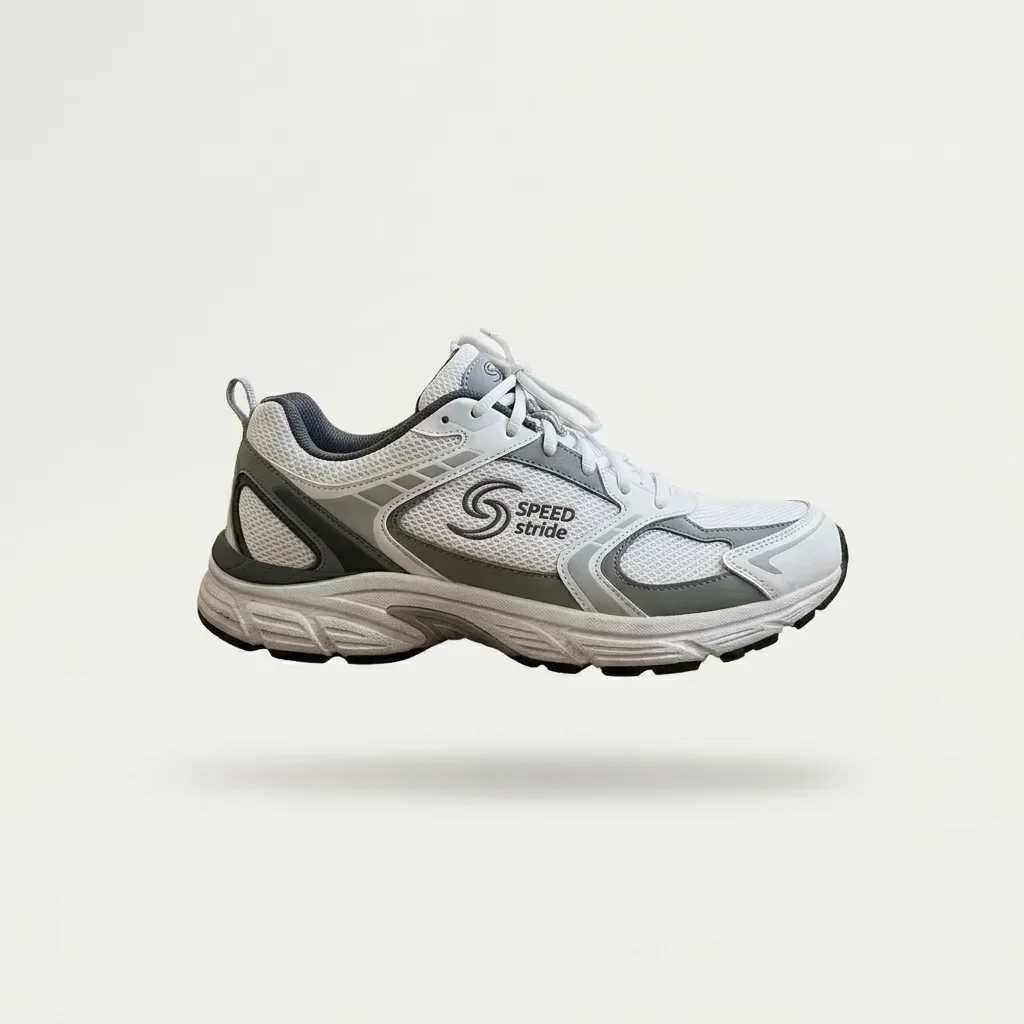
Example generated from “Floating Hero Shot (reference photo required)”
Nano Banana 2.1en

Keep the product unchanged. Make it float about 2 cm above a seamless off-white studio backdrop, with a soft, diffused shadow on the floor directly beneath it. Soft overhead lighting, clean and minimal catalog style.

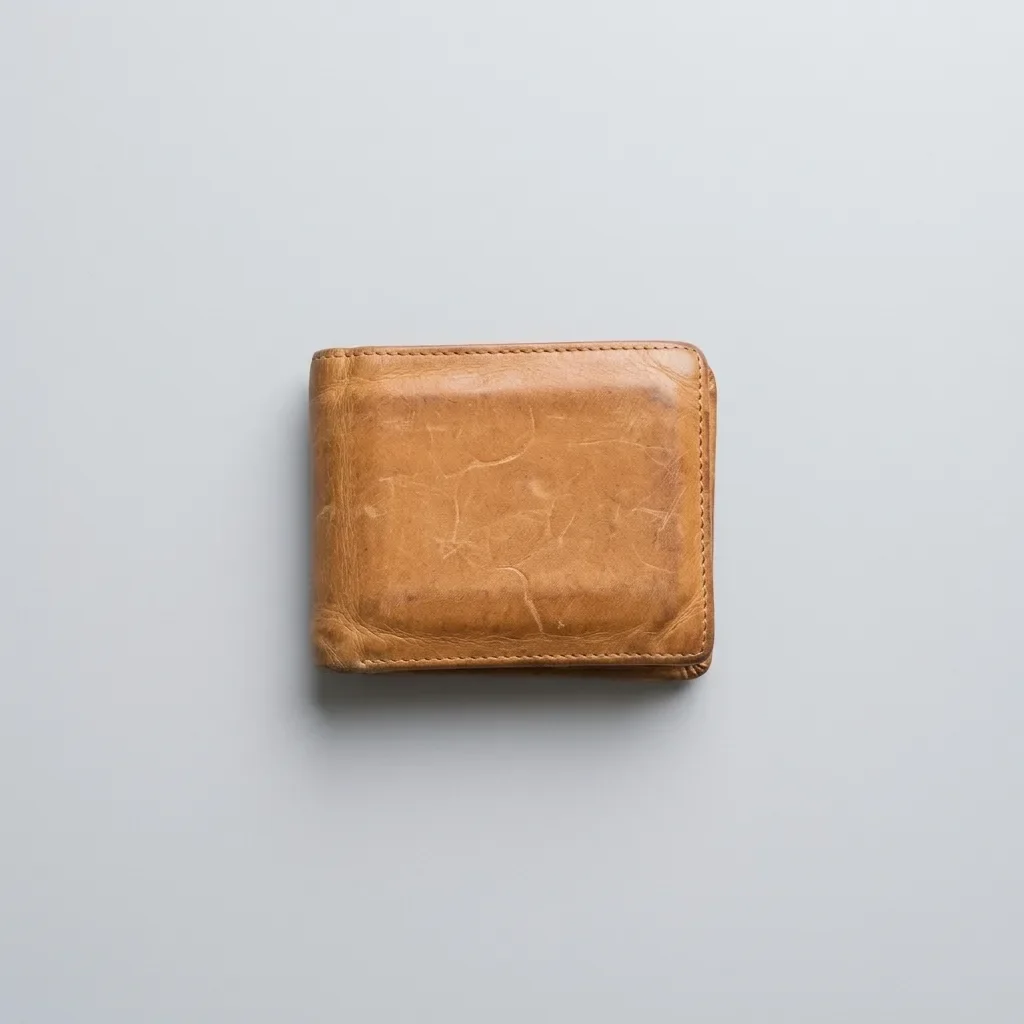
Example generated from “Overhead Flat Lay on Light Gray (reference photo required)”
Nano Banana 2.1en

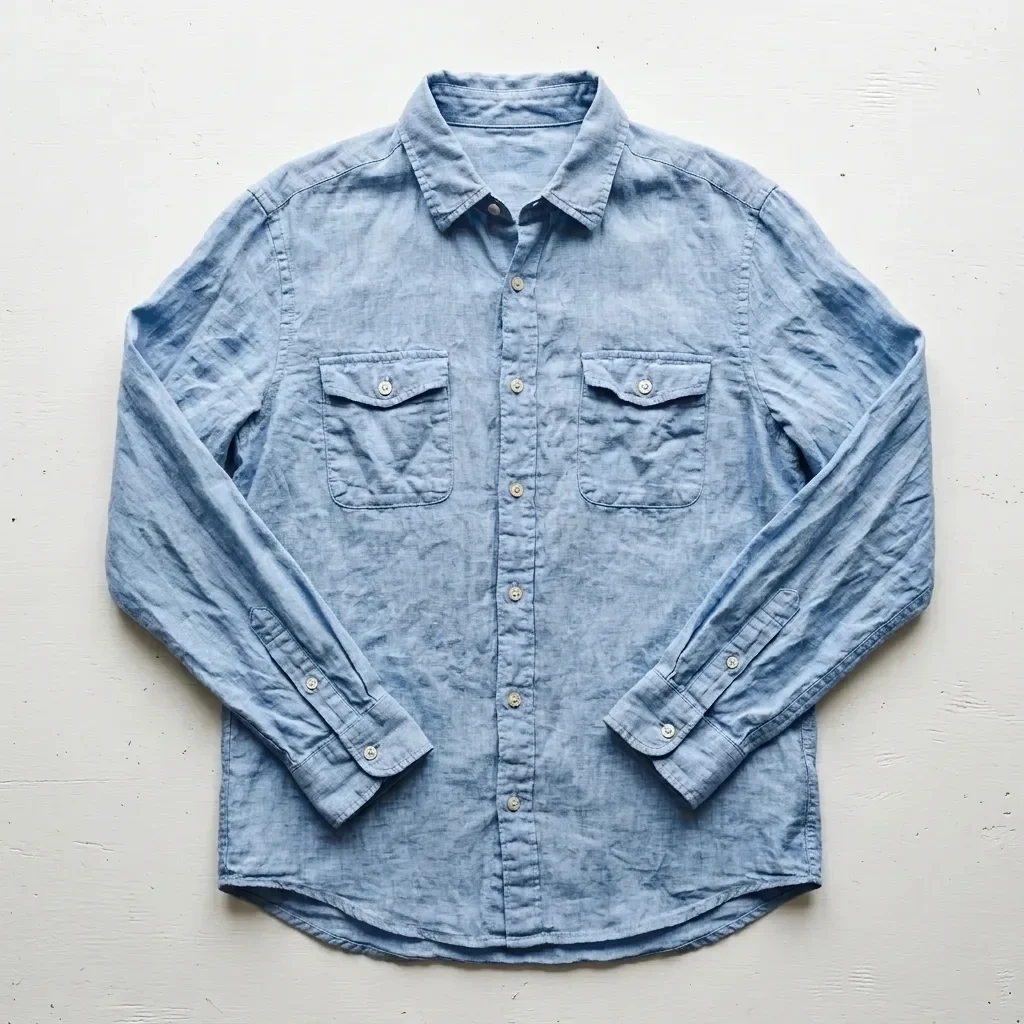
Keep the product exactly as it is, including its shape, stitching, colors and any logo. Show it as an overhead flat lay, photographed straight down and centered on a light gray seamless background. Soft, even lighting with only a faint shadow. Clean, minimal marketplace listing photo.

Example generated from “Three-Quarter Catalog Angle (reference photo required)”
Nano Banana 2.1en

Keep the product's design, colors, materials and logo exactly as they are. Show it at a three-quarter angle, turned about 45 degrees to the left, on a pure white background with a soft contact shadow. Even studio lighting, consistent e-commerce catalog style.

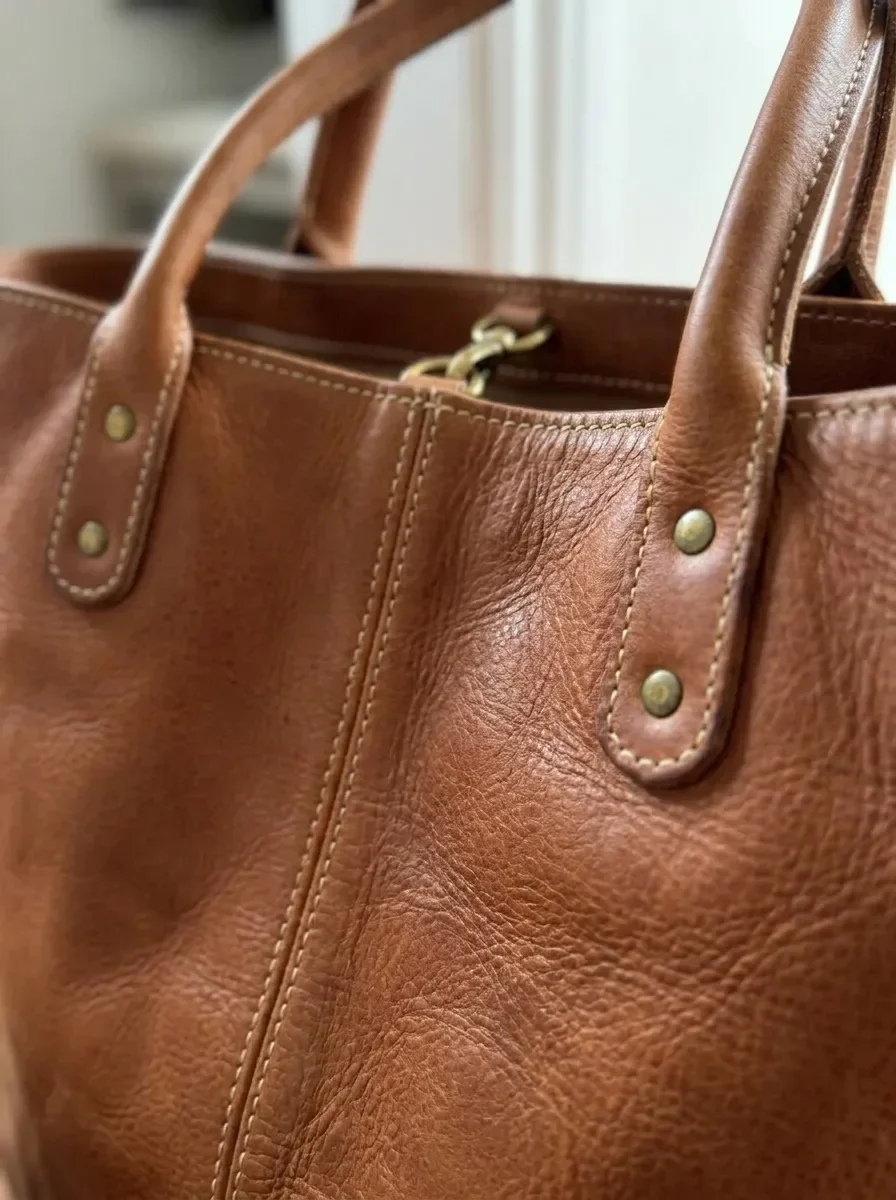
Example generated from “Material Close-Up for Detail Images (reference photo required)”
Nano Banana 2.1en

Turn this into a close-up detail shot of the product's material and craftsmanship. Fill the frame with its surface texture, stitching and hardware, using a shallow depth of field and soft side light that brings out the texture. Keep the colors, materials and hardware finish exactly as in the original photo.

Example generated from “Preview Colorways Side by Side (reference photo required)”
Nano Banana 2.1en

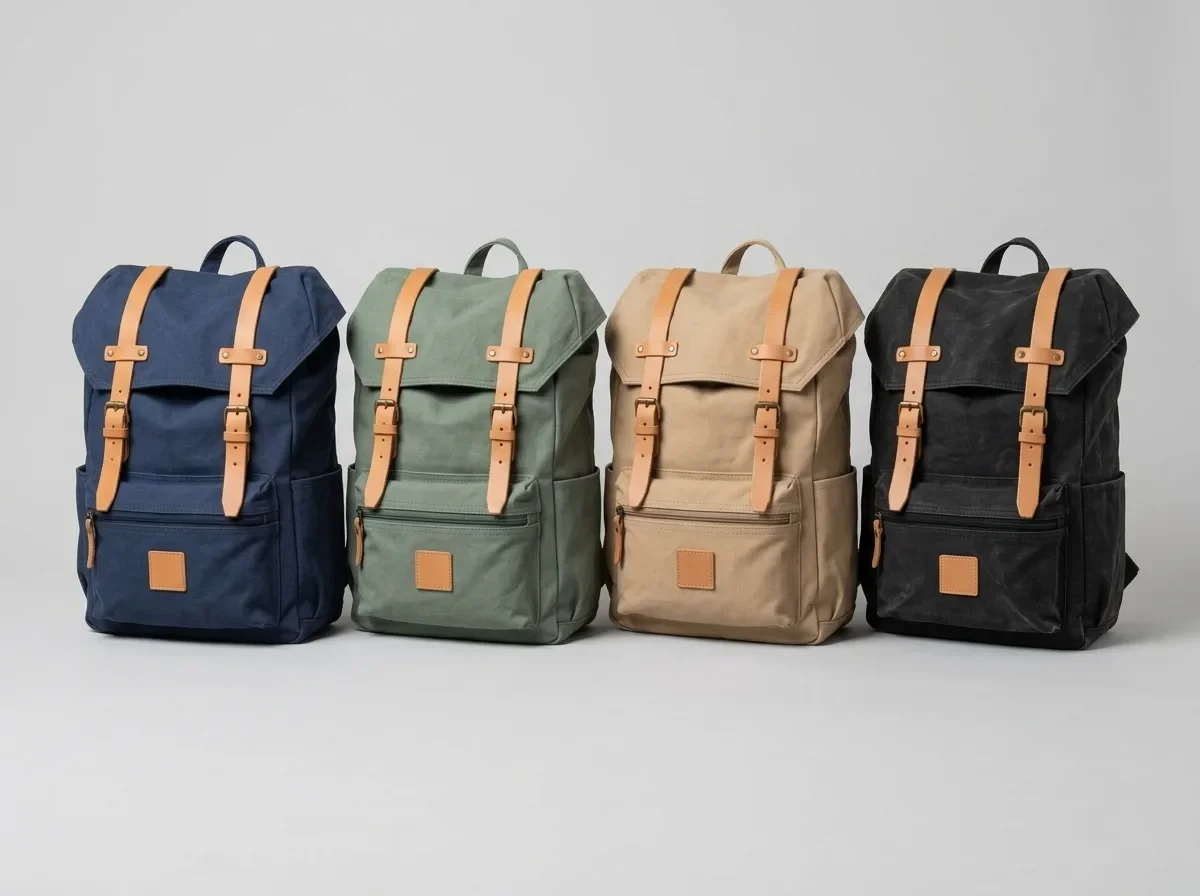
Show this product in four colorways side by side: its original color, sage green, sand beige and charcoal black. Keep the shape, materials, details and logo identical across all four. Space them evenly on a light gray background with the same soft studio light and matching shadows.

Example generated from “Travertine Block in Morning Light (reference photo required)”
Nano Banana 2.1en

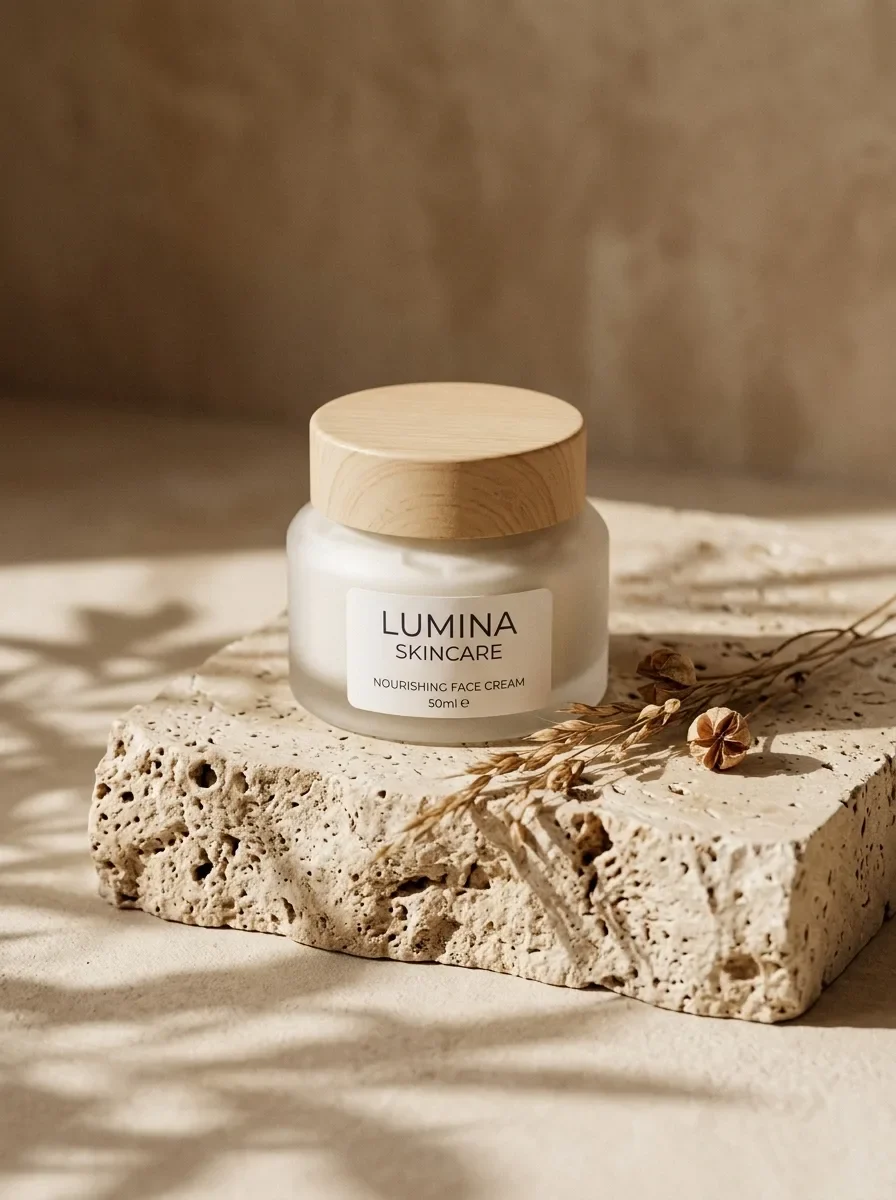
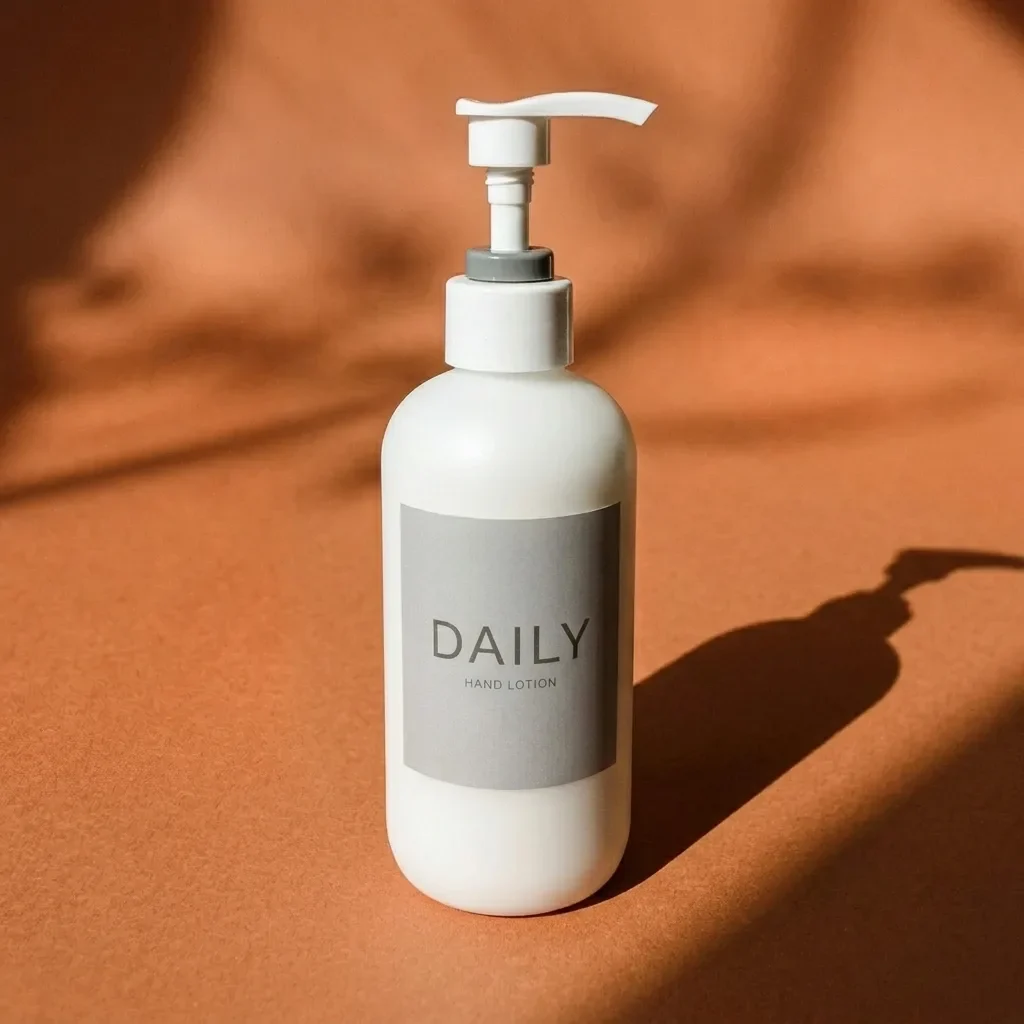
Keep the product exactly as it is, including its shape, label and colors. Place it on a raw-cut beige travertine block with a few dried botanical stems beside it. Soft morning window light casts dappled leaf shadows across the scene. Warm, organic mood, shallow depth of field, editorial lifestyle photo.

Example generated from “Marble Vanity with Water Droplets (reference photo required)”
Nano Banana 2.1en

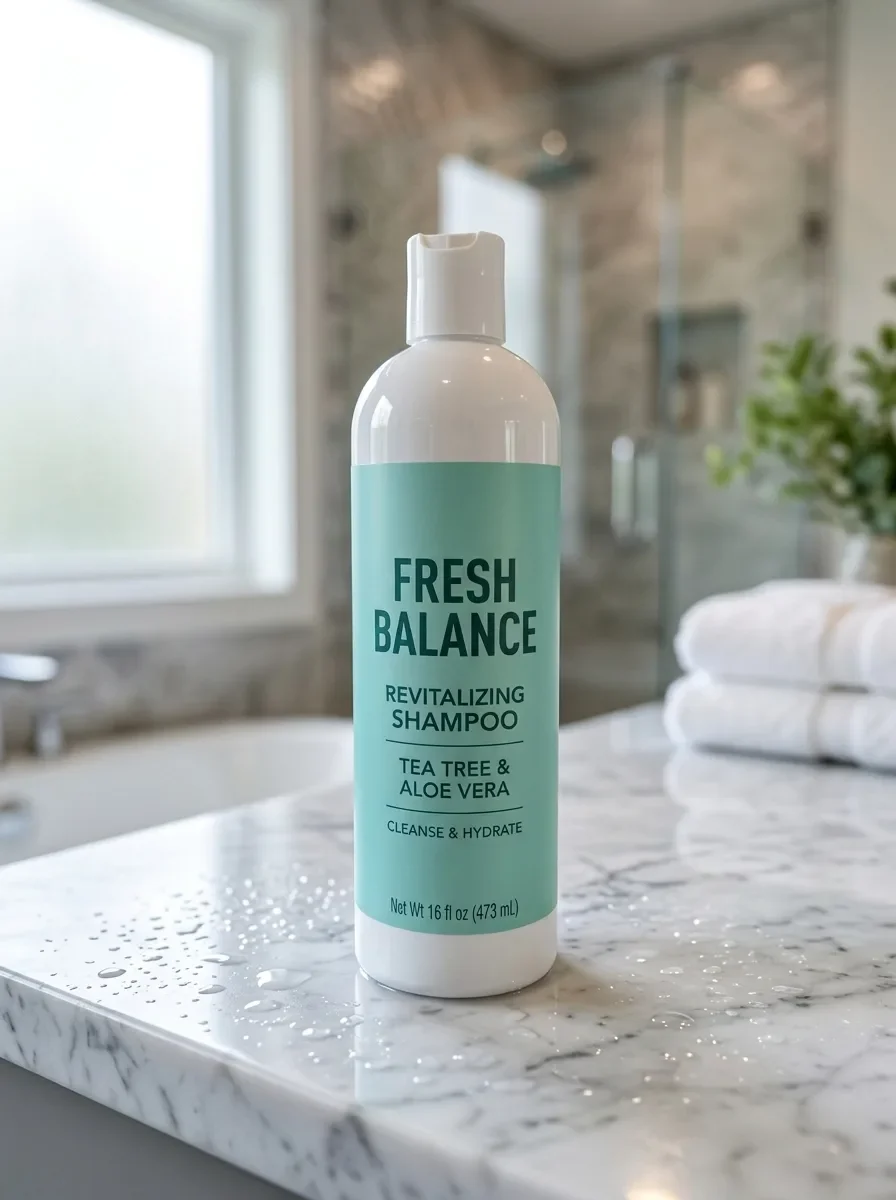
Keep the product unchanged. Place it on a polished white Carrara marble bathroom vanity with fine water droplets on the surface. Soft light through a frosted window, a blurred luxury spa bathroom in the background. Fresh, clean skincare advertising look with crisp focus on the product.

Example generated from “Oak Table with Kitchen Props (reference photo required)”
Nano Banana 2.1en

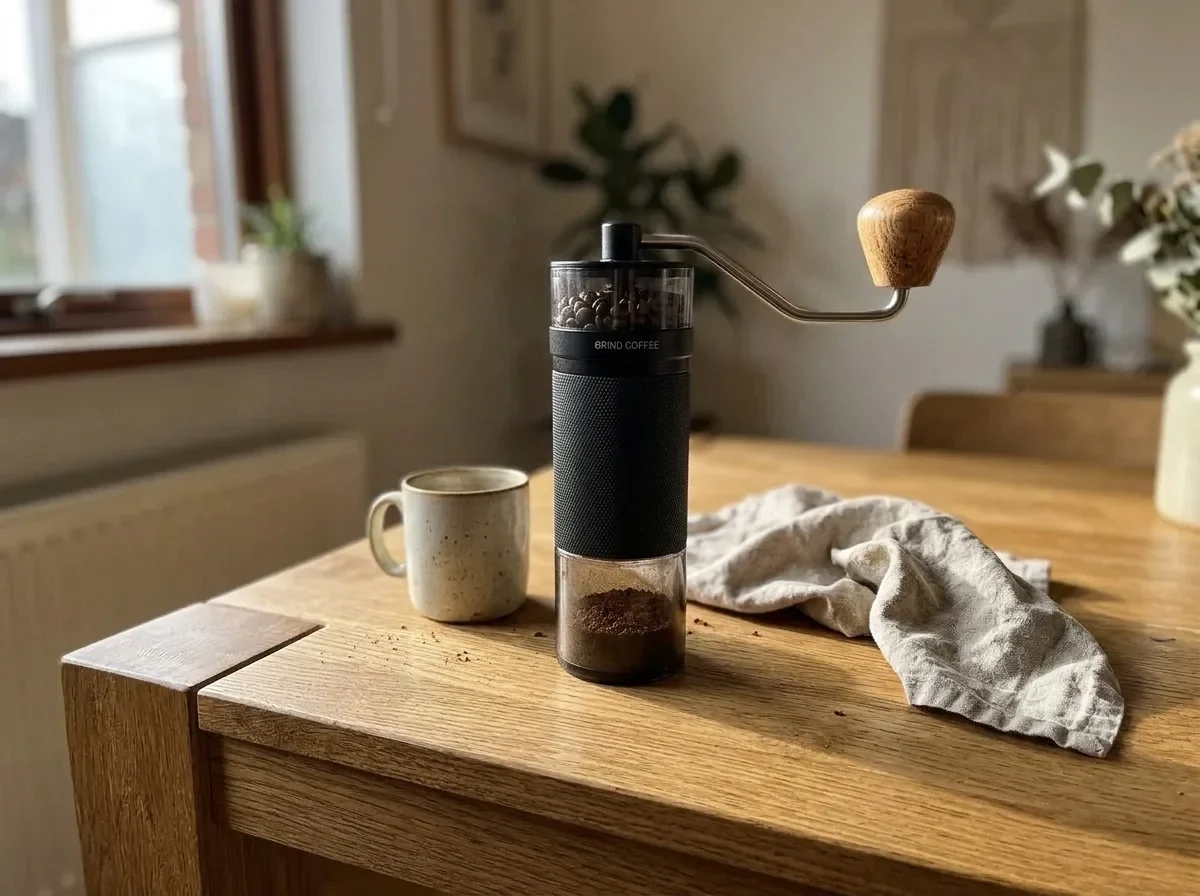
Keep the product unchanged. Place it on a natural oak tabletop with visible wood grain, with a ceramic cup and a linen napkin nearby. Warm daylight from a side window, authentic Scandinavian home atmosphere, f/4 depth of field, product in sharp focus.

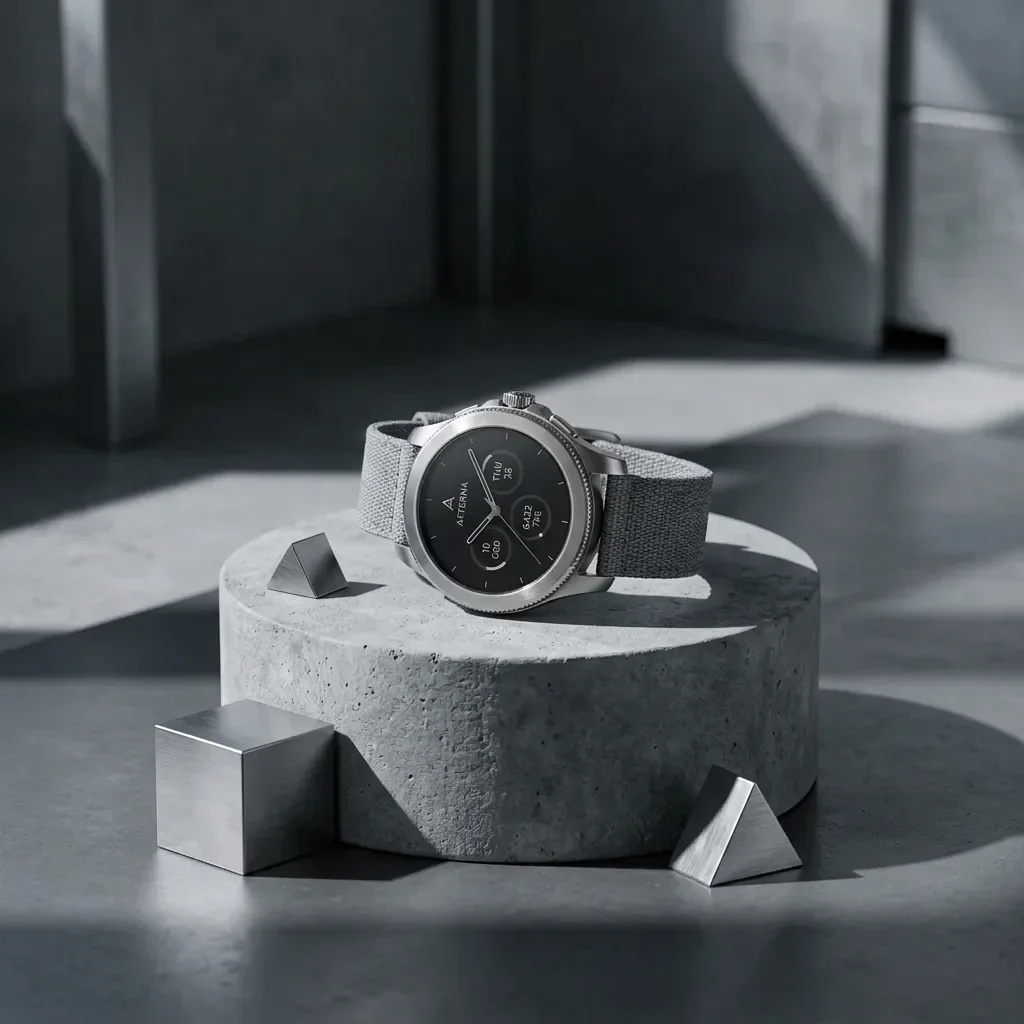
Example generated from “Concrete Podium, Tech Style (reference photo required)”
Nano Banana 2.1en

Keep the product unchanged. Place it on a minimalist raw gray concrete cylinder podium with a few brushed-metal geometric shapes around it. Cool architectural light with sharp, angular shadows. Modern industrial look for tech accessories, high detail.

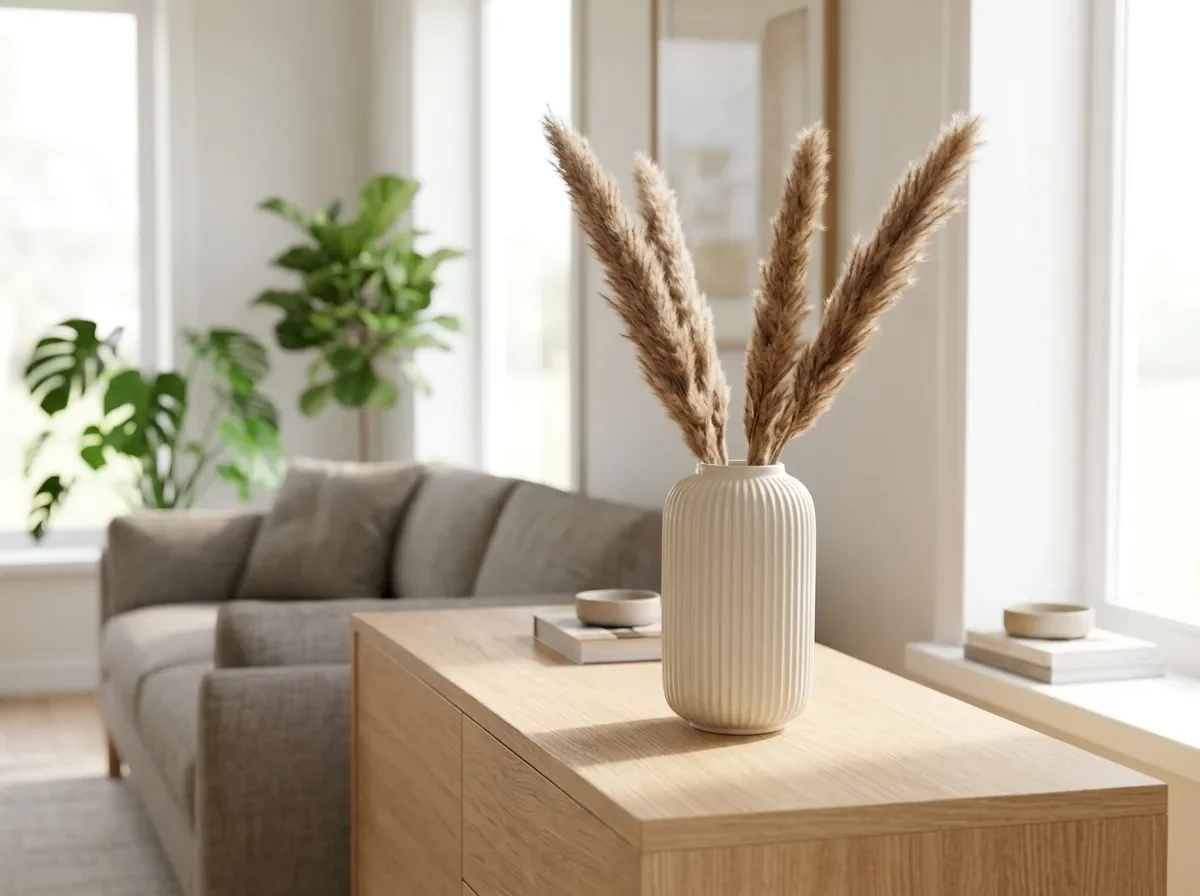
Example generated from “Bright Modern Living Room (reference photo required)”
Nano Banana 2.1en

Keep the product exactly as it is, including its shape, finish and colors. Place it on a light oak sideboard in a bright, modern living room, with a sofa and green plants softly blurred behind it. Natural daylight from a large window, shadows that match the light, photorealistic interior catalog photo.

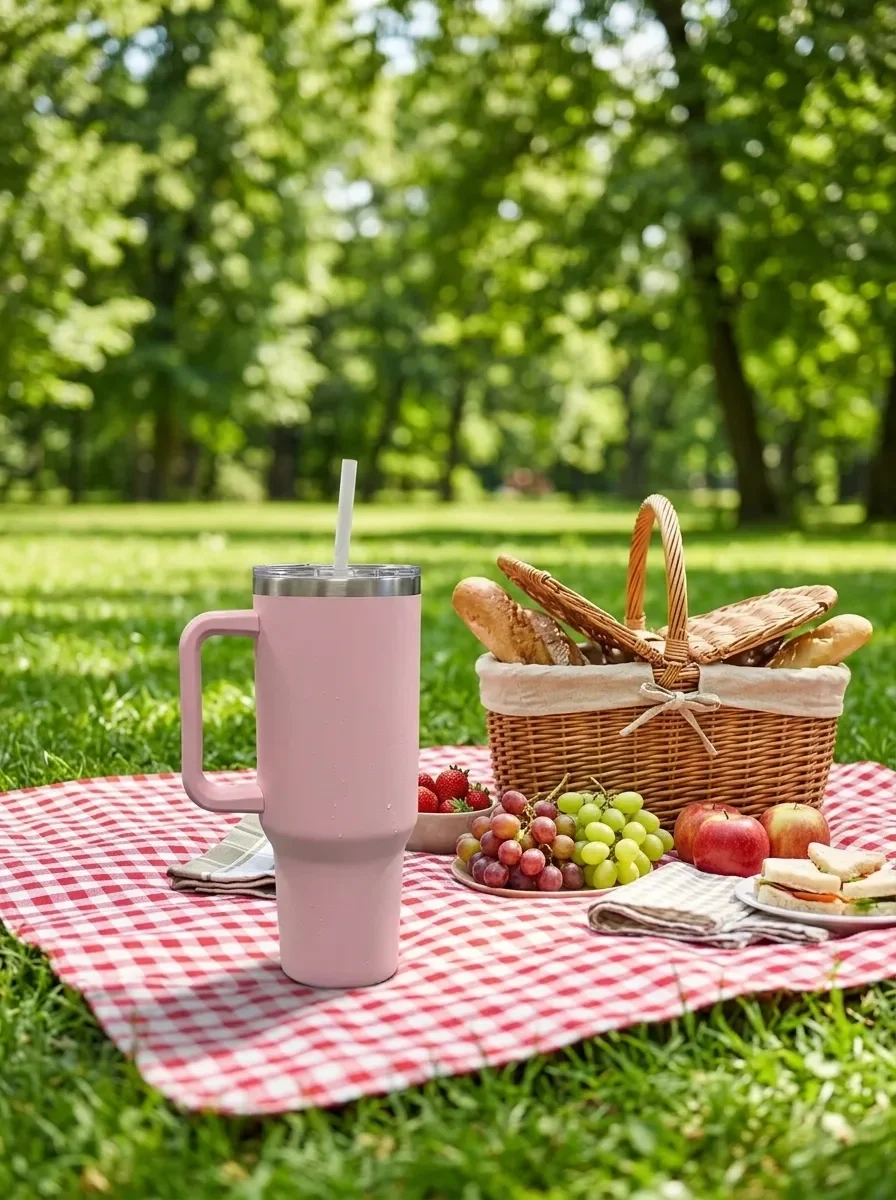
Example generated from “Sunny Picnic Blanket (reference photo required)”
Nano Banana 2.1en

Keep the product unchanged. Place it on a red and white checkered picnic blanket in a sunny park, with a wicker basket and fresh fruit nearby and trees softly blurred in the background. Bright natural daylight with soft shadows, shallow depth of field, cheerful summer lifestyle photo.

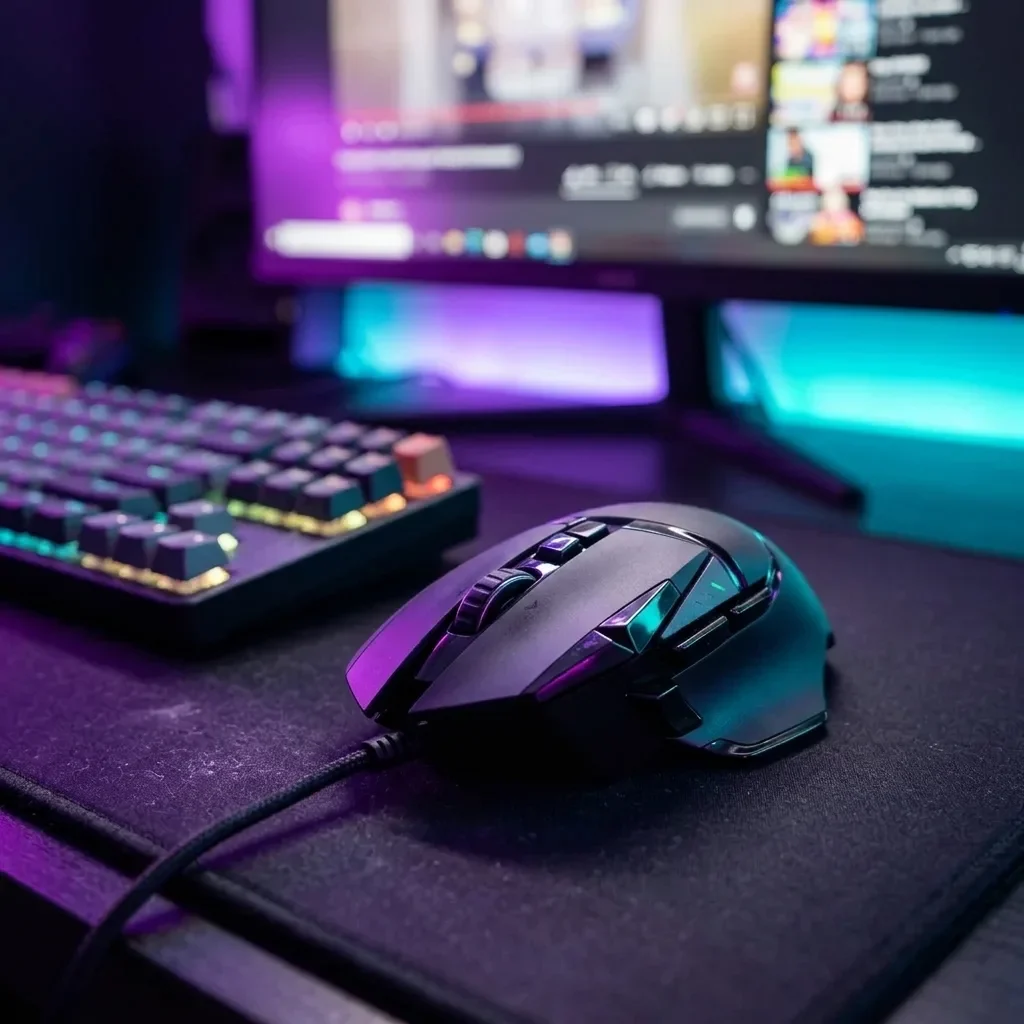
Example generated from “Neon Gaming Desk (reference photo required)”
Nano Banana 2.1en

Keep the product unchanged, including its shape, buttons and logo. Place it on a dark desk mat in a gaming setup, with a mechanical keyboard and the glow of a monitor softly blurred behind it. Purple and cyan neon light with subtle RGB reflections along the product's edges. Moody, high-contrast tech product photo.

Example generated from “Remove Glare on Shiny Surfaces (mask required)”
Nano Banana 2.1en

Remove the glare, window reflections and camera reflection in the marked area of the shiny surface. Replace them with a smooth, even highlight that follows the surface's curvature, so it blends seamlessly with the rest of the product. Keep everything outside the marked area unchanged. Apply the edit only inside the white region of the following mask.

Example generated from “Erase Barcode and Price Sticker (mask required)”
Nano Banana 2.1en

Erase the barcode, price sticker and any text label in the marked area. Rebuild the packaging underneath so its color, texture and printed pattern continue naturally, with no smudges or leftover edges. Keep everything outside the marked area unchanged. Apply the edit only inside the white region of the following mask.

Example generated from “Remove Dust and Fingerprints (reference photo required)”
Nano Banana 2.1en

Remove all dust, lint, fingerprints and fine scratches from the product's surface. Keep its shape, color, glossy finish, logo and reflections exactly as they are, and leave the background unchanged. Clean, freshly unboxed look.

Example generated from “Place a Product into Your Scene (two reference images)”
Nano Banana 2.1en

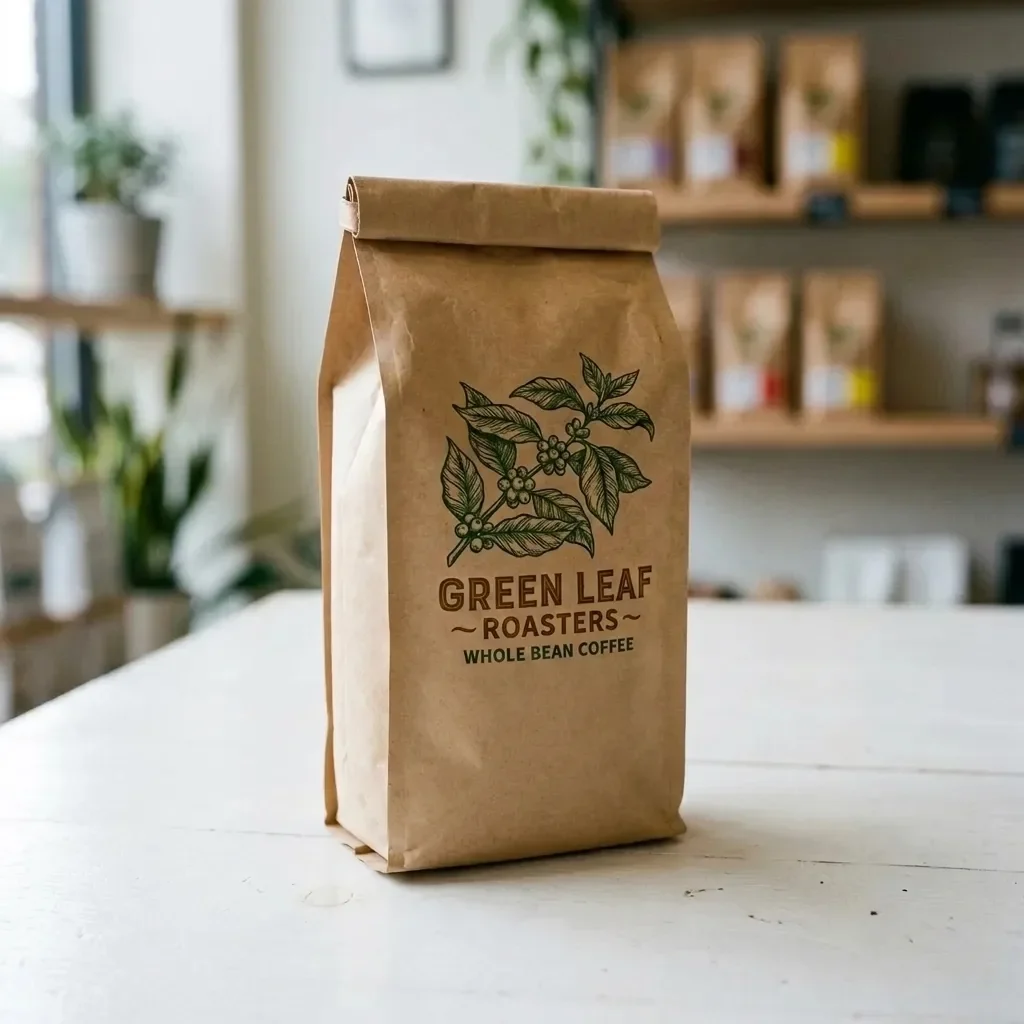
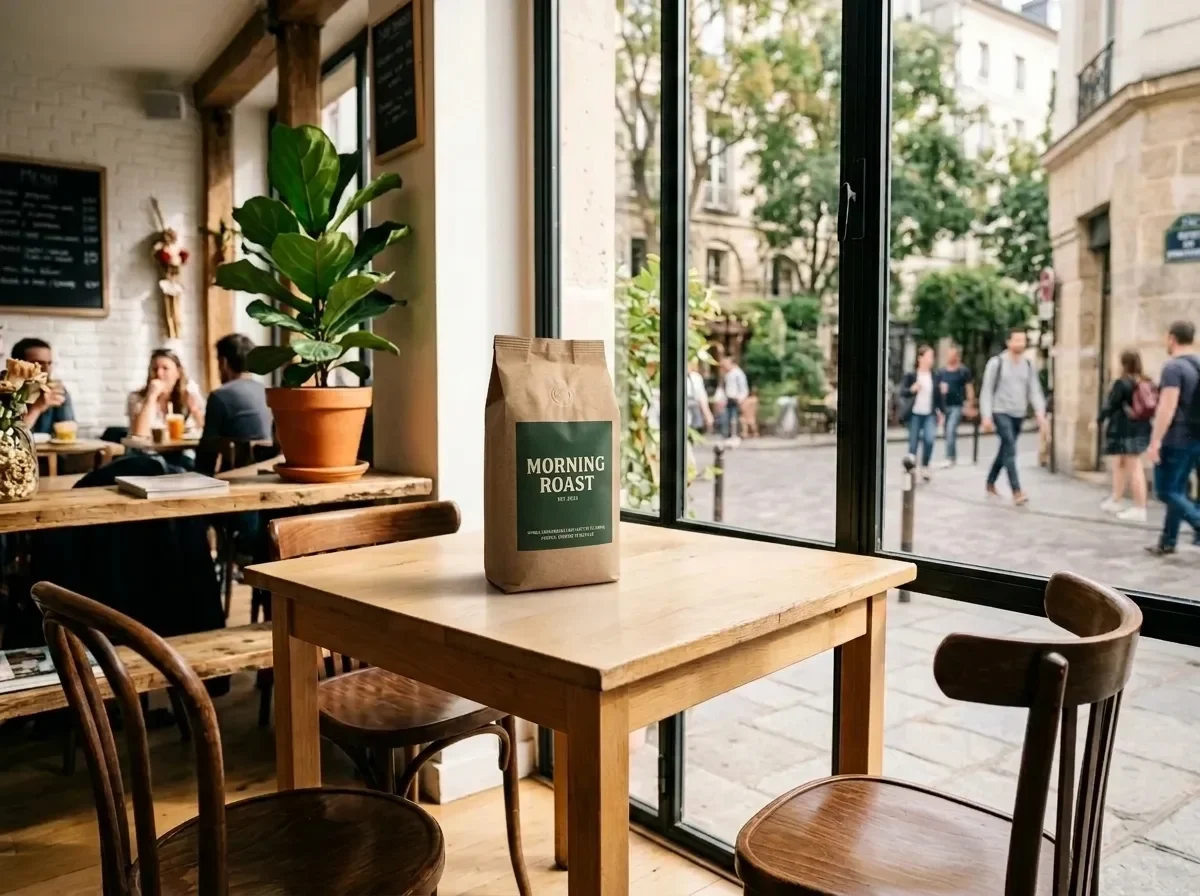
Place the product from IMG_2 on the table in IMG_1. Keep the product's shape, label and colors exactly as in IMG_2. Match IMG_1's perspective, lighting direction and color temperature, and add a natural contact shadow so the product looks photographed in place. Keep the rest of IMG_1 unchanged.

Example generated from “Bundle Two Products into One Shot (two reference images)”
Nano Banana 2.1en

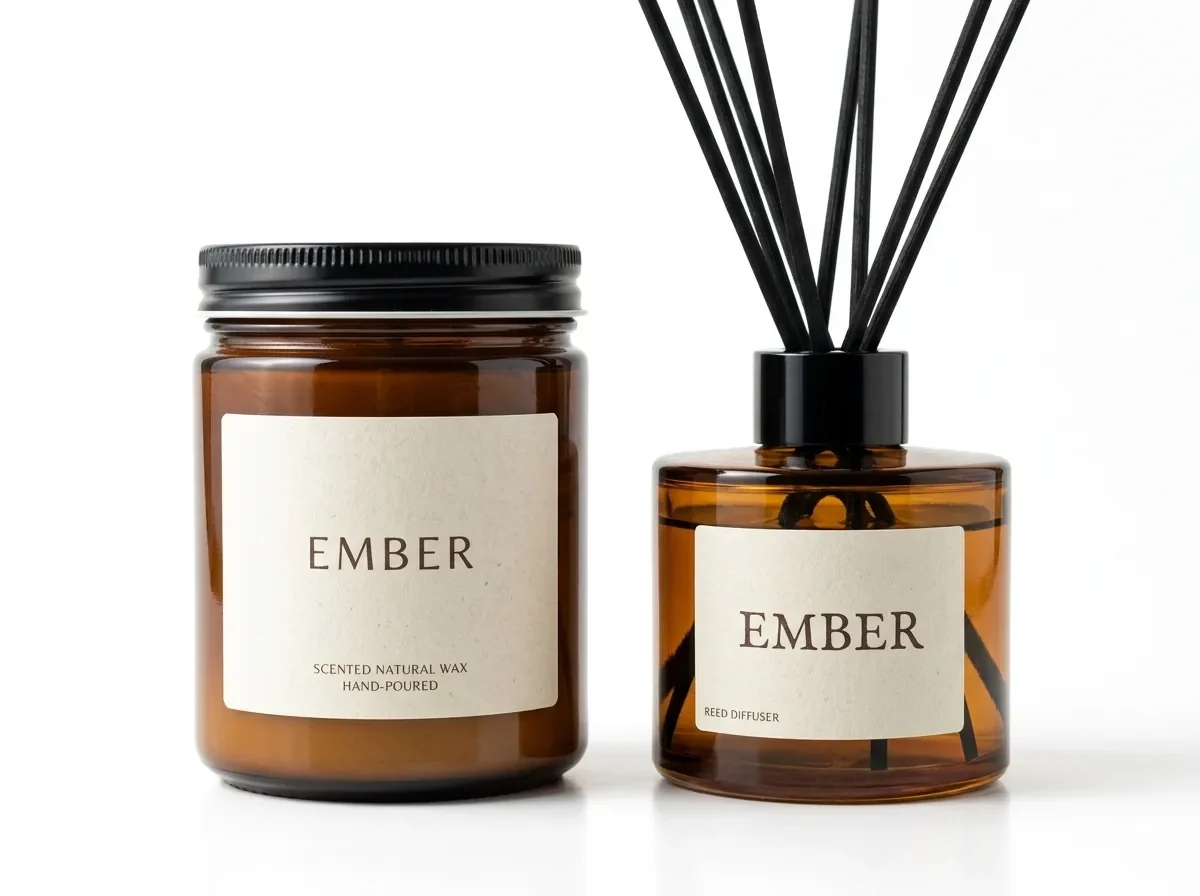
Combine the product in IMG_1 and the product in IMG_2 into one bundle photo. Keep both products exactly as they are, including their shapes, labels and colors. Arrange them side by side on a pure white background with the same soft studio light and natural contact shadows. Clean gift-set listing image.

Example generated from “Match Your Existing Catalog Look (two reference images)”
Nano Banana 2.1en

Restyle IMG_1 to match the look of IMG_2: use the same background color, lighting direction, shadow style and color grade. Keep the product in IMG_1 exactly as it is, including its shape, label and colors. Do not copy the product or props from IMG_2.

Example generated from “Ghost Mannequin to Street Model (reference photo required)”
Nano Banana 2.1en

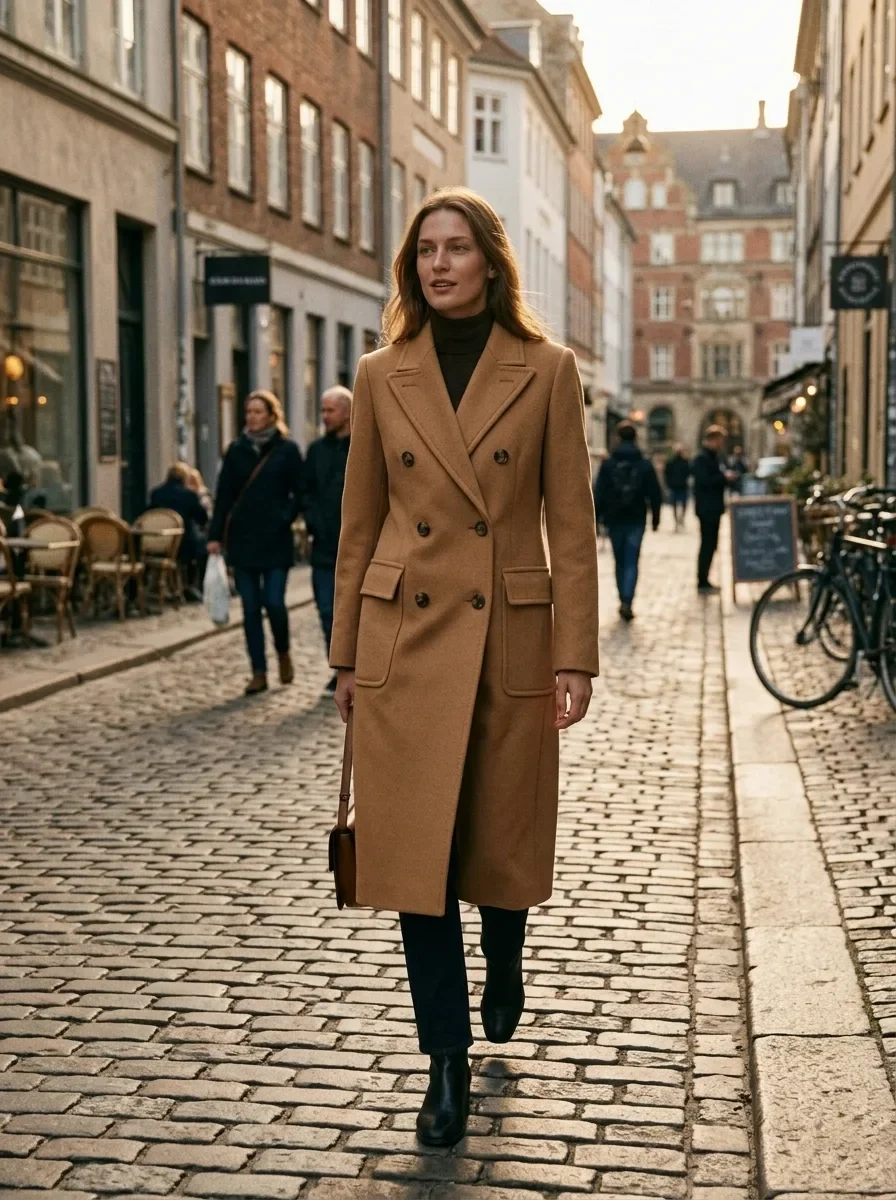
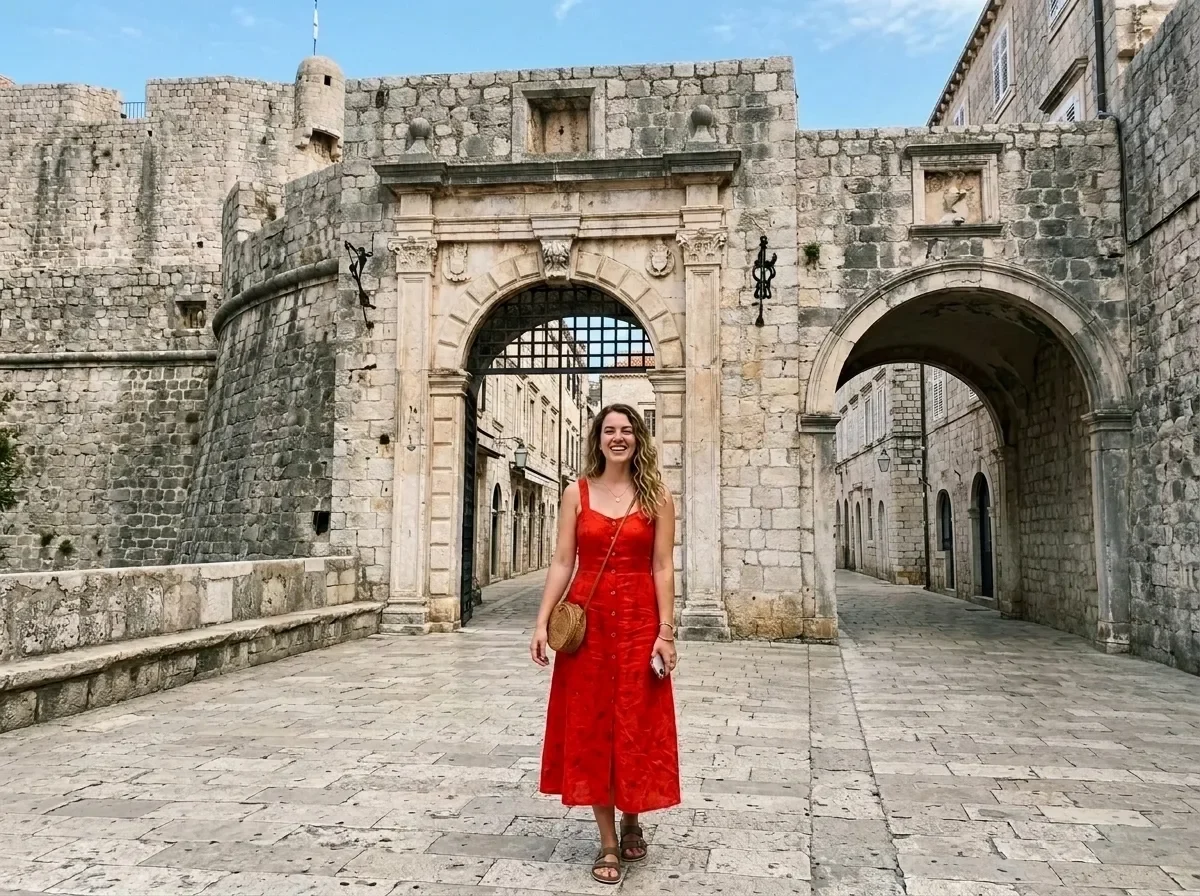
Show the garment in this photo worn by a tall female model walking on a European cobblestone street. Keep the garment exactly as it is: cut, color, pattern, buttons and seams. Natural fabric folds and movement, golden-hour side light, 35mm street fashion photo.

Example generated from “Virtual Try-On (two reference images)”
Nano Banana 2.1en

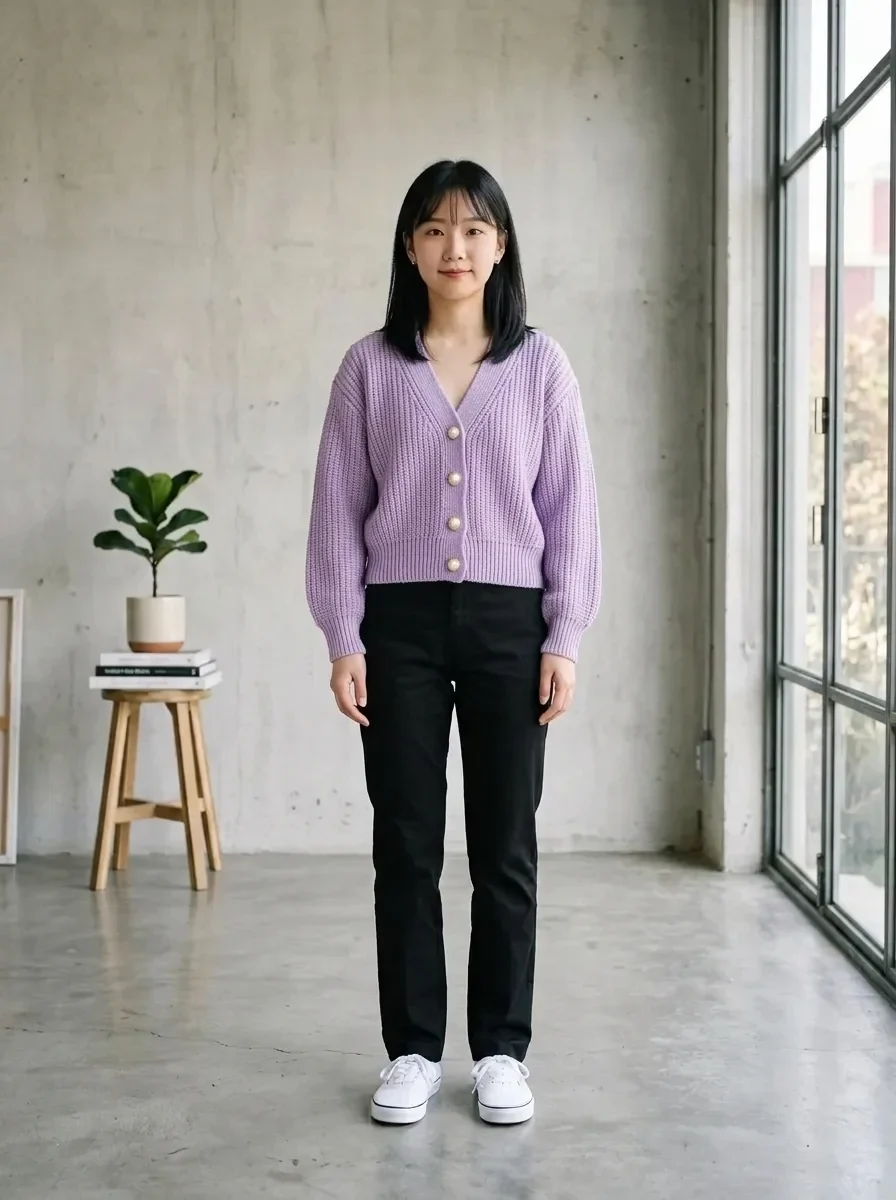
Dress the person in IMG_1 in the garment from IMG_2. Keep the person's face, hairstyle, body shape and pose unchanged. Keep the garment's cut, color, fabric texture and seams exactly as in IMG_2, with natural folds that fit the pose. Keep IMG_1's background and lighting.

Example generated from “Upgrade Fabric to Silk (mask required)”
Nano Banana 2.1en

Change the fabric of the garment in the marked area to heavy, lustrous mulberry silk with a fluid drape and soft highlights along the folds. Keep the garment's cut, seams, color and fit unchanged, and keep everything outside the marked area as it is. Apply the edit only inside the white region of the following mask.

Example generated from “Smooth Out Fabric Wrinkles (mask required)”
Nano Banana 2.1en

Smooth out the creases and wrinkles in the marked area as if the garment had been professionally steamed. Keep the woven fabric texture, color, seams and the garment's natural shading. Keep everything outside the marked area unchanged. Apply the edit only inside the white region of the following mask.

Example generated from “Recolor a Garment (mask required)”
Nano Banana 2.1en

Change the color of the garment in the marked area to sage green. Keep the fabric texture, stitching, folds, shadows and highlights exactly as they are, so it looks like the same garment dyed in a new color. Keep everything outside the marked area unchanged. Apply the edit only inside the white region of the following mask.

Example generated from “Clean Studio Backdrop for Model Shots (reference photo required)”
Nano Banana 2.1en

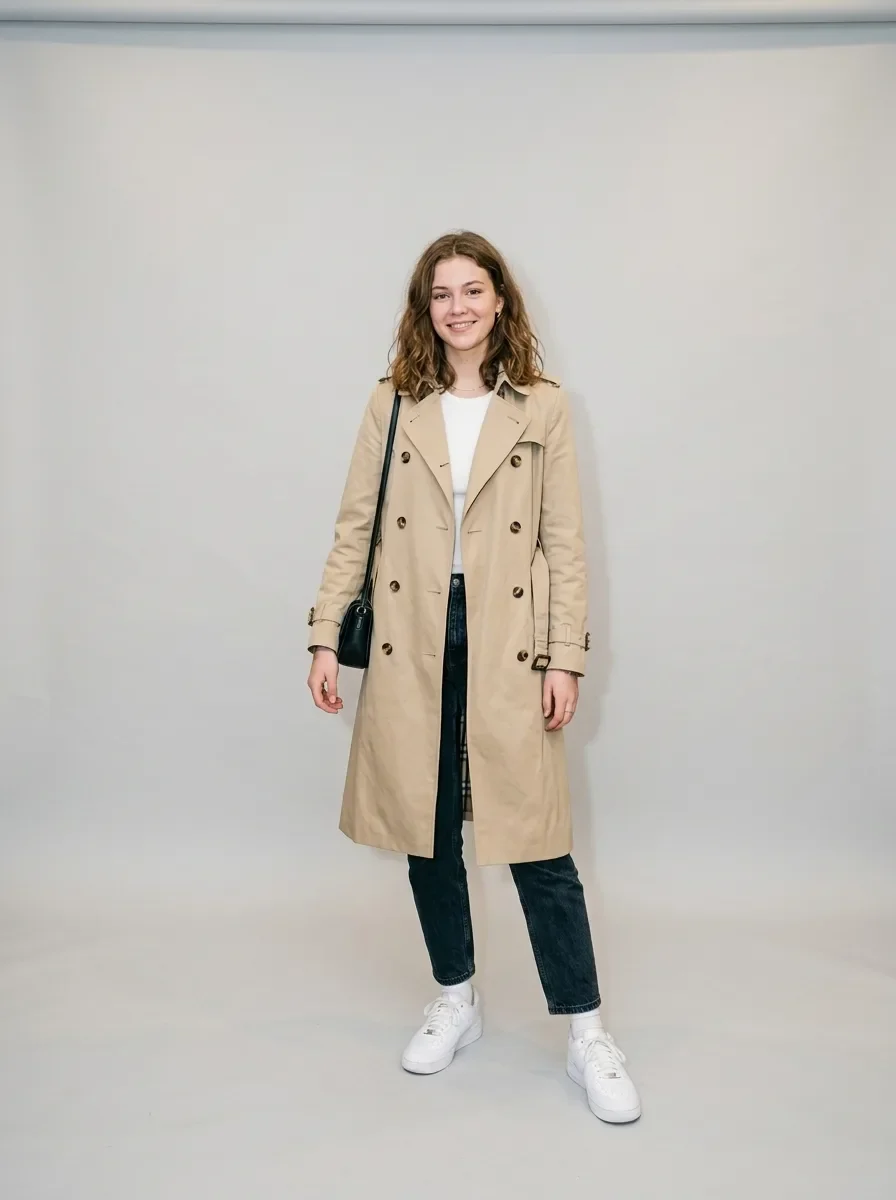
Keep the model, pose, outfit and the lighting on the model exactly as they are. Replace the cluttered background with a seamless light gray studio backdrop and add a soft, natural shadow on the floor behind the feet. Clean fashion e-commerce look.

Example generated from “Change Hair to Platinum Blonde (mask required)”
Nano Banana 2.1en

Recolor the hair in the marked area to a bright platinum blonde with soft golden undertones. Keep the hairstyle, individual strands, shine and natural hairline transitions. Keep the face and everything outside the marked area unchanged. Apply the edit only inside the white region of the following mask.

Example generated from “Natural Skin Retouch (reference photo required)”
Nano Banana 2.1en

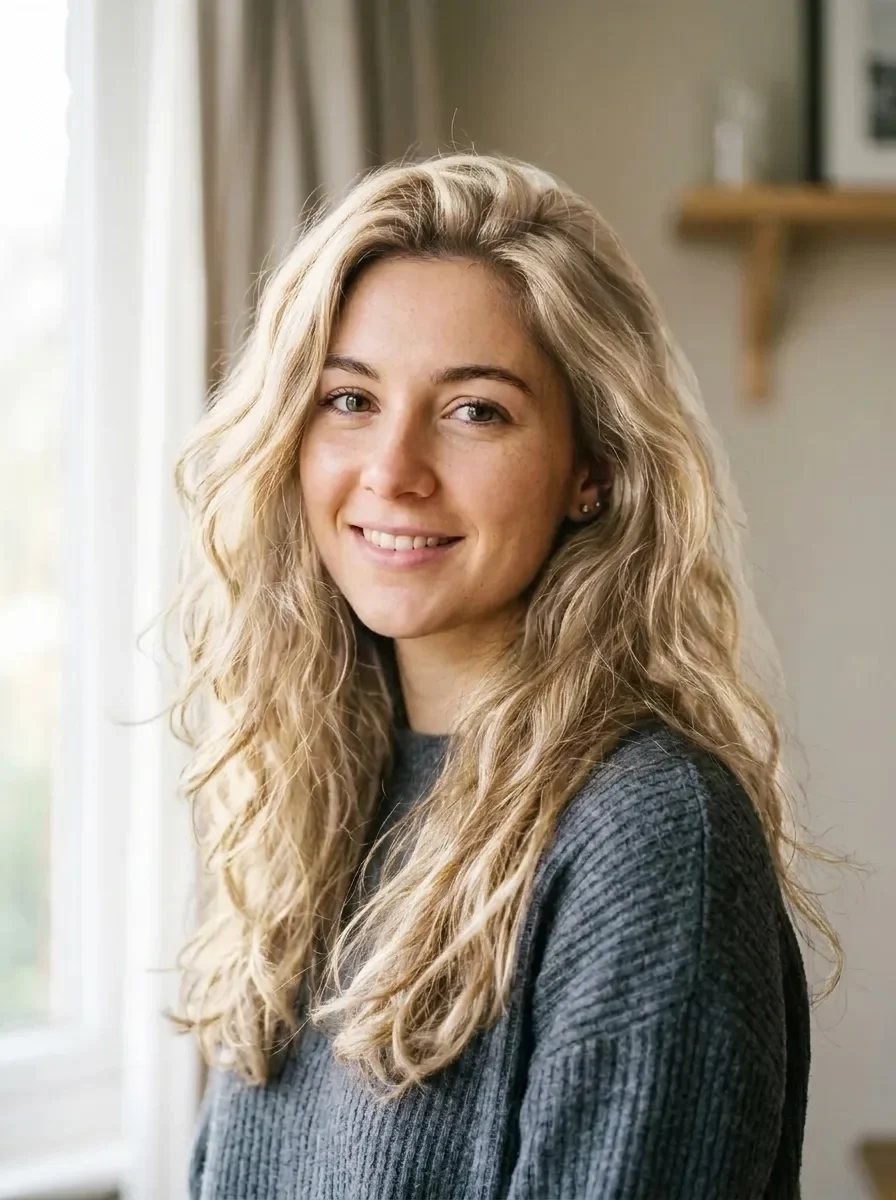
Retouch the skin on the face: reduce temporary redness and small blemishes while keeping the real pore texture, freckles and natural skin tone variation. No plastic smoothing. Keep the face shape, features, expression and lighting exactly as they are.

Example generated from “Casual Photo to Business Headshot (reference photo required)”
Nano Banana 2.1en

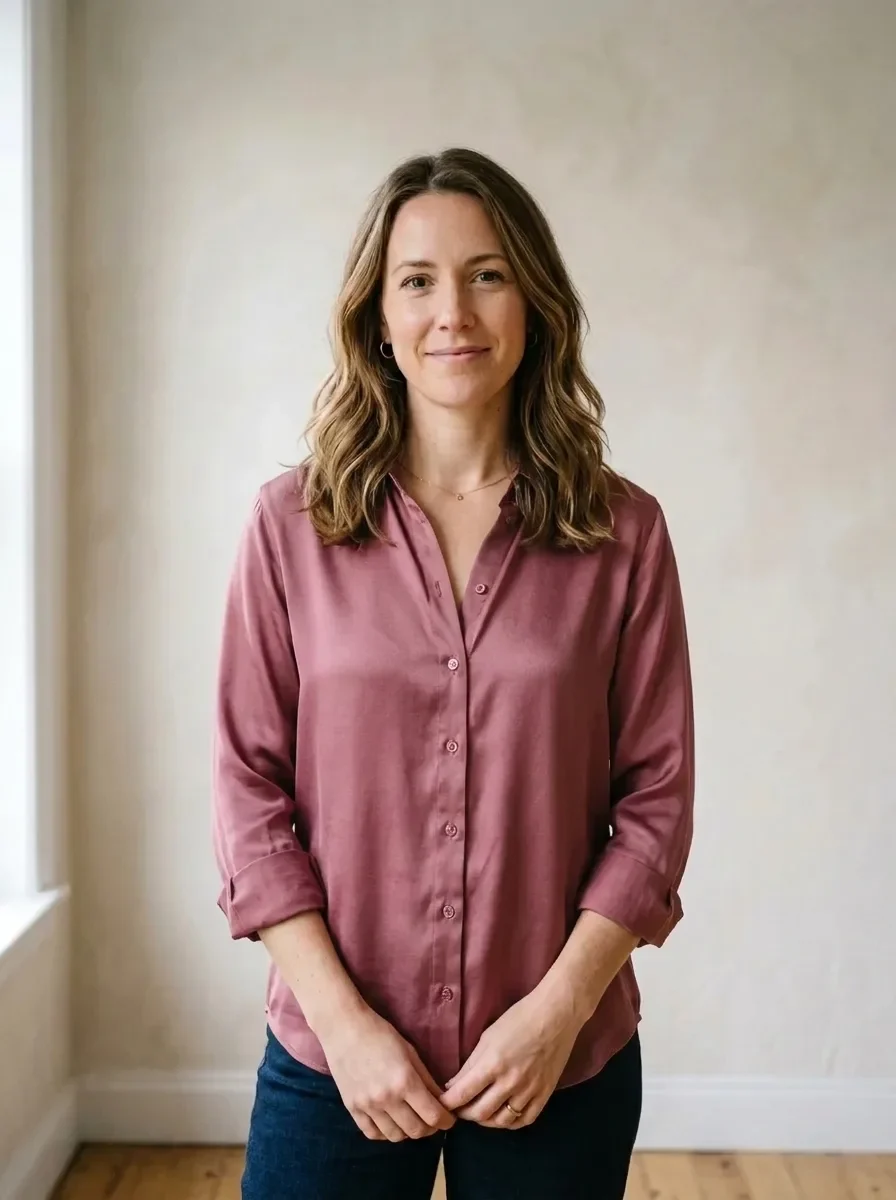
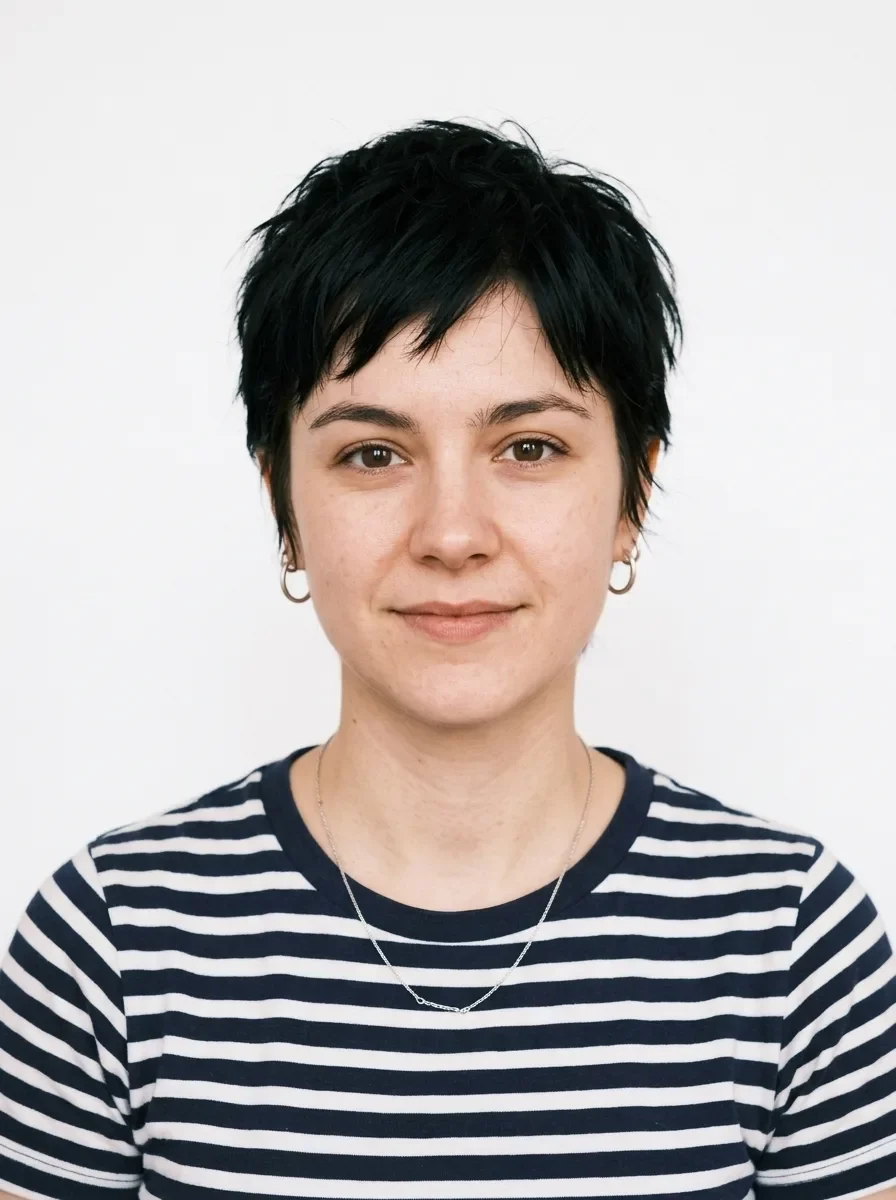
Turn this into a professional business headshot. Keep the person's face, features, hairstyle and expression exactly the same. Replace the background with a smooth mid-gray studio backdrop, dress the person in a navy blazer over a white shirt, and use soft key light from the front left. Sharp focus on the eyes.

Example generated from “ID Photo with White Background (reference photo required)”
Nano Banana 2.1en

Turn this into a passport-style ID photo: a front-facing head-and-shoulders crop on a plain white background, with even lighting and no shadows on the face or background. Keep the person's face, features, hairstyle and skin tone exactly the same.

Example generated from “Remove People from the Background (mask required)”
Nano Banana 2.1en

Remove the people in the marked area and rebuild the background behind them so the scenery, lighting and perspective continue naturally, with no blur, smears or leftover shadows. Keep the main subject and everything outside the marked area unchanged. Apply the edit only inside the white region of the following mask.

Example generated from “Christmas Pine and Warm Bokeh (reference photo required)”
Nano Banana 2.1en

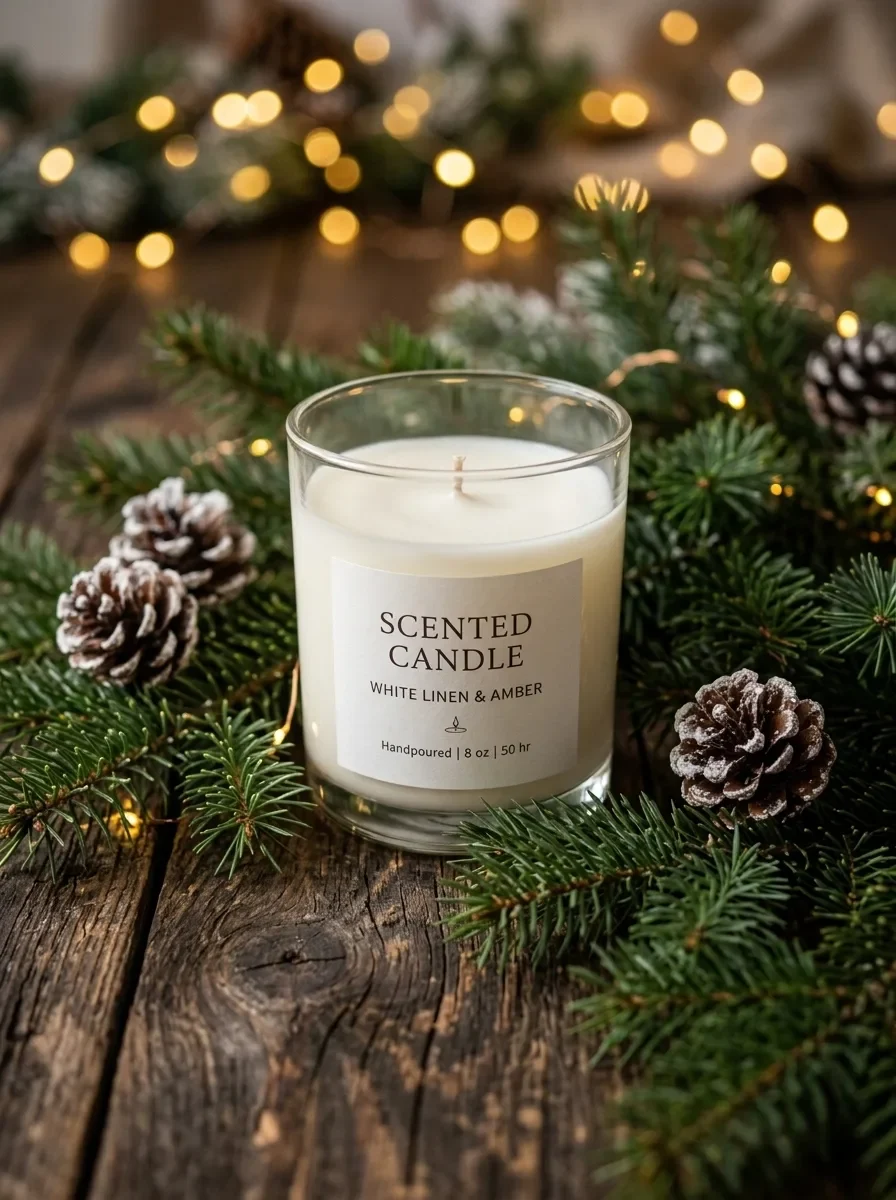
Keep the product unchanged. Place it on dark rustic wood surrounded by fresh pine branches and a few frosted pinecones, with golden fairy lights forming warm, round bokeh in the background. Cozy, premium Christmas campaign look.

Example generated from “Summer Pool Water and Caustics (reference photo required)”
Nano Banana 2.1en

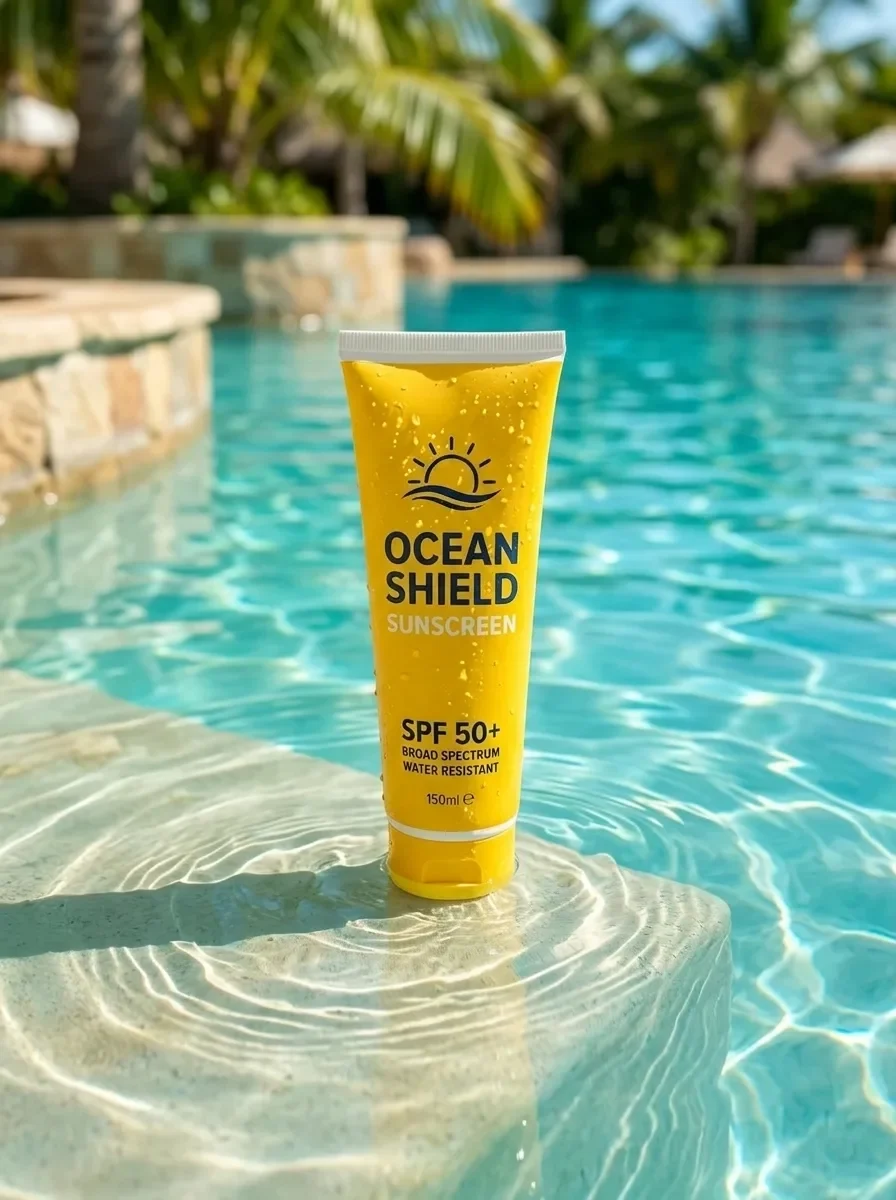
Keep the product unchanged. Place it standing in shallow, crystal-clear turquoise pool water, with dancing sunlight caustics across the product and gentle ripples around its base. Bright tropical sunlight, refreshing summer campaign look.

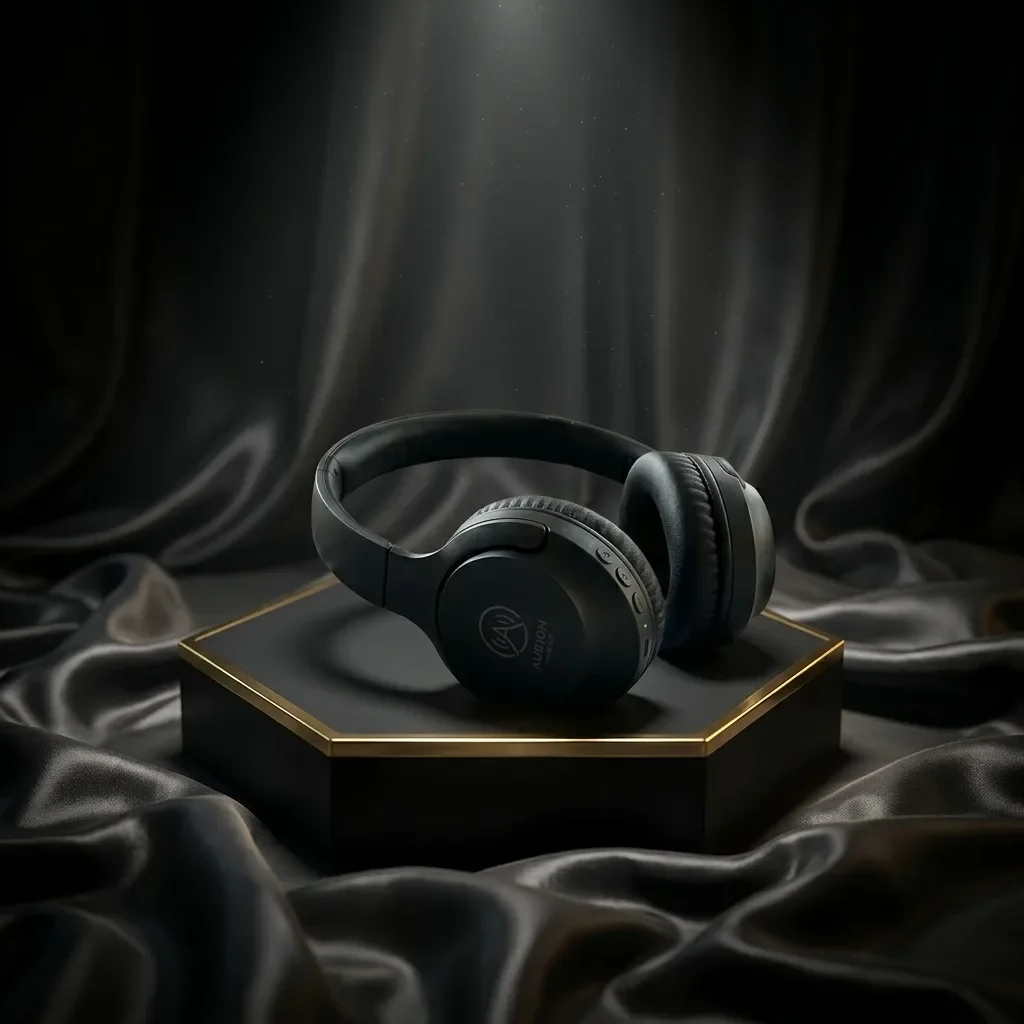
Example generated from “Black Friday Black-and-Gold Pedestal (reference photo required)”
Nano Banana 2.1en

Keep the product unchanged. Place it on a matte black hexagonal pedestal with polished brass edges, with flowing dark satin fabric in the background and a dramatic spotlight from above. Luxurious Black Friday campaign look, premium commercial photography. Do not add any text.
Example generated from “Turn a Product Photo into a Sale Poster (reference photo required)”
Nano Banana 2.1en

Turn this product photo into a sale poster. Keep the product unchanged and centered. Add the headline "SUMMER SALE" at the top and "50% OFF" below the product in a bold, clean sans-serif, on a bright coral background with simple geometric shapes. Spell the text exactly as given.

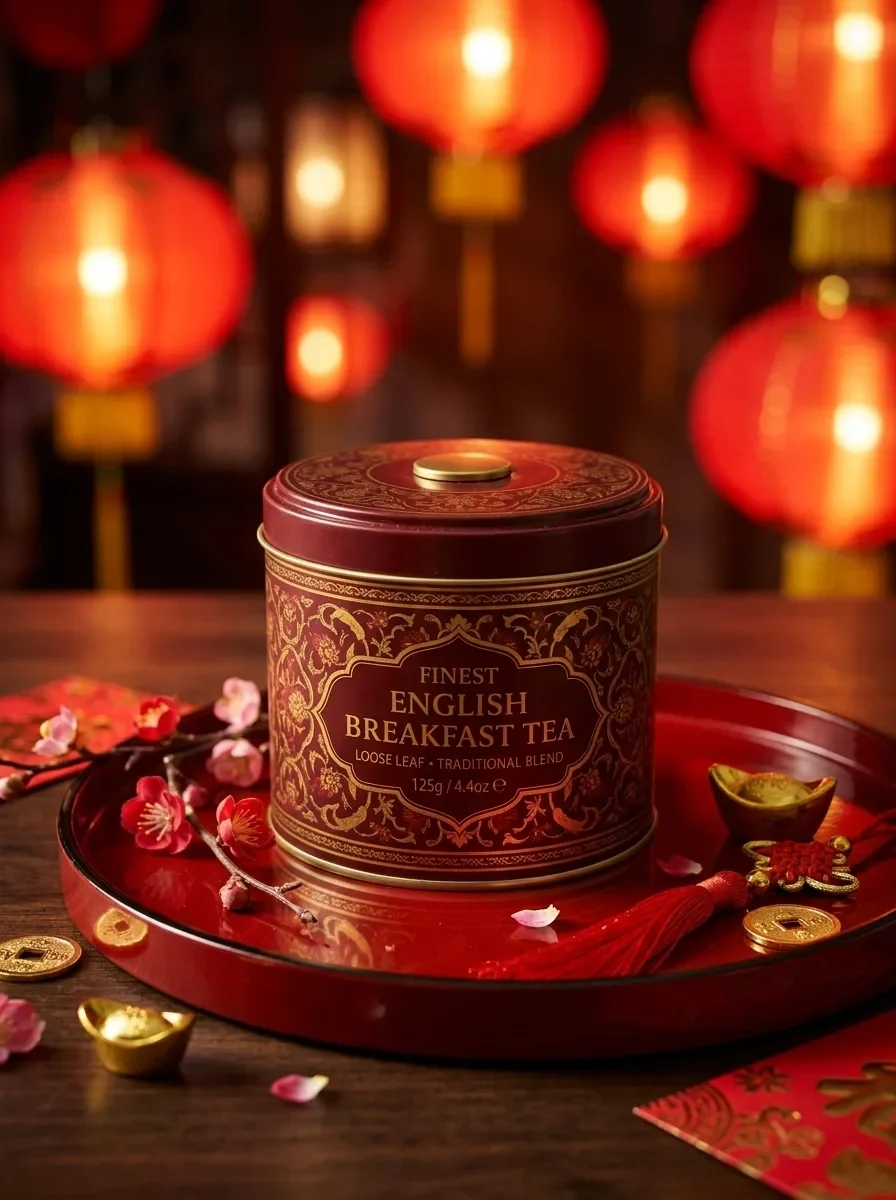
Example generated from “Lunar New Year Red and Gold (reference photo required)”
Nano Banana 2.1en

Keep the product unchanged. Place it on a red lacquer tray with plum blossom branches and small gold ornaments around it, and blurred red paper lanterns glowing in the background. Warm, festive Lunar New Year campaign look with rich red and gold tones.

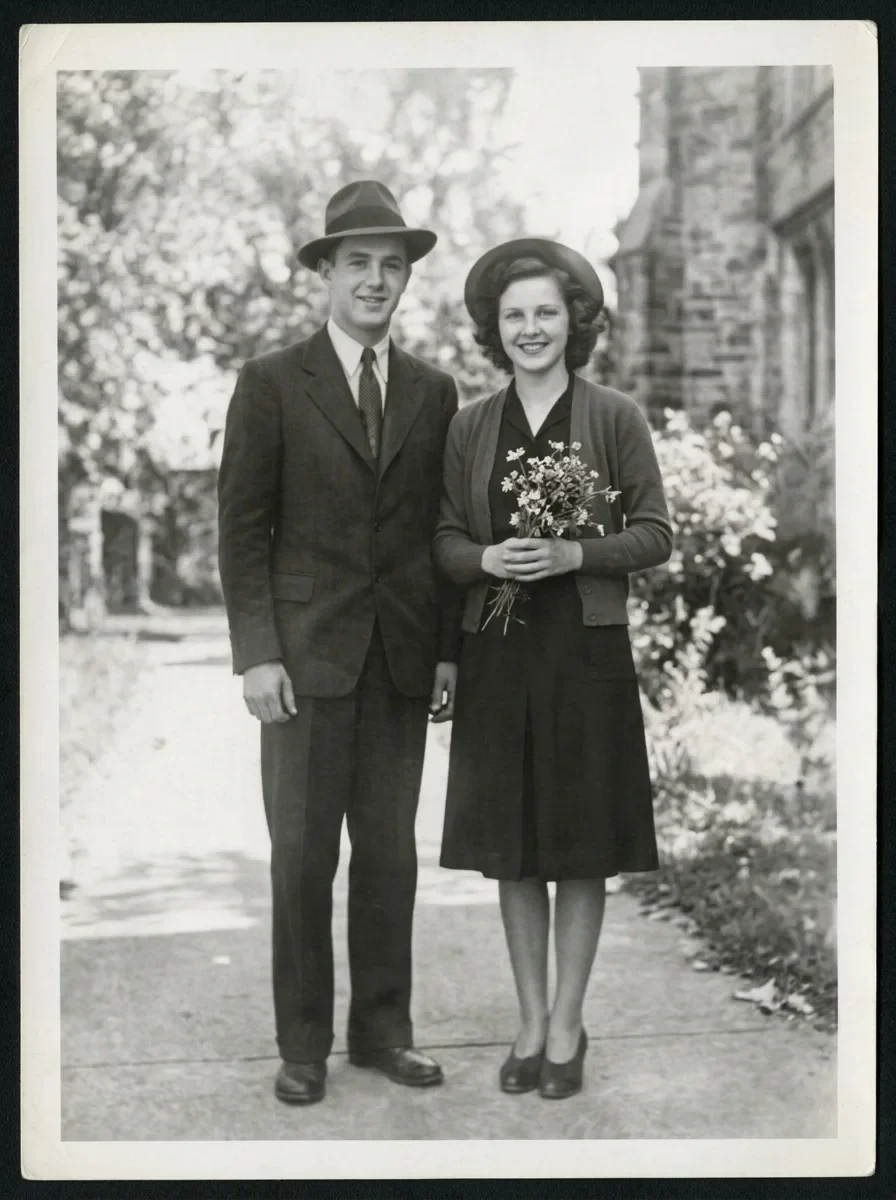
Example generated from “Restore a Faded Old Photo (reference photo required)”
Nano Banana 2.1en

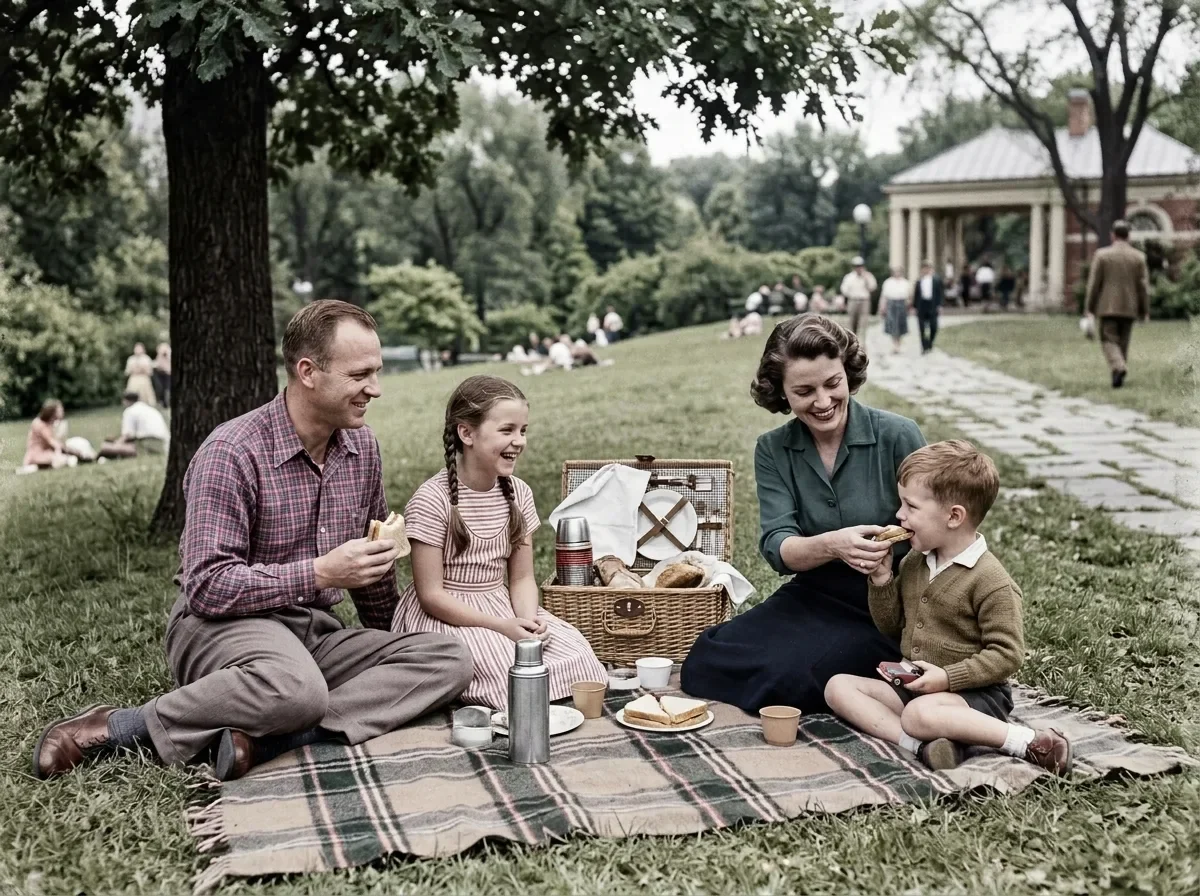
Restore this old photograph: remove the yellow age cast, dust spots, scratches and fold creases, and bring back clear, natural detail in the faces and eyes. Keep the people's features, expressions, clothing and the original composition unchanged. Clean archival quality with natural contrast.

Example generated from “Colorize a Black-and-White Photo (reference photo required)”
Nano Banana 2.1en

Colorize this black-and-white photo with natural, period-accurate colors: realistic skin tones, clothing and surroundings. Keep every detail, the grain structure and the composition exactly as they are; only add color. Avoid oversaturated or uniform tints.

Example generated from “Fix Blur and Noise (reference photo required)”
Nano Banana 2.1en

Sharpen this blurry, noisy photo: remove motion blur and grain, and recover crisp edges and fine texture. Keep the subject, colors, lighting and composition exactly the same. Do not add new details or change any shapes.

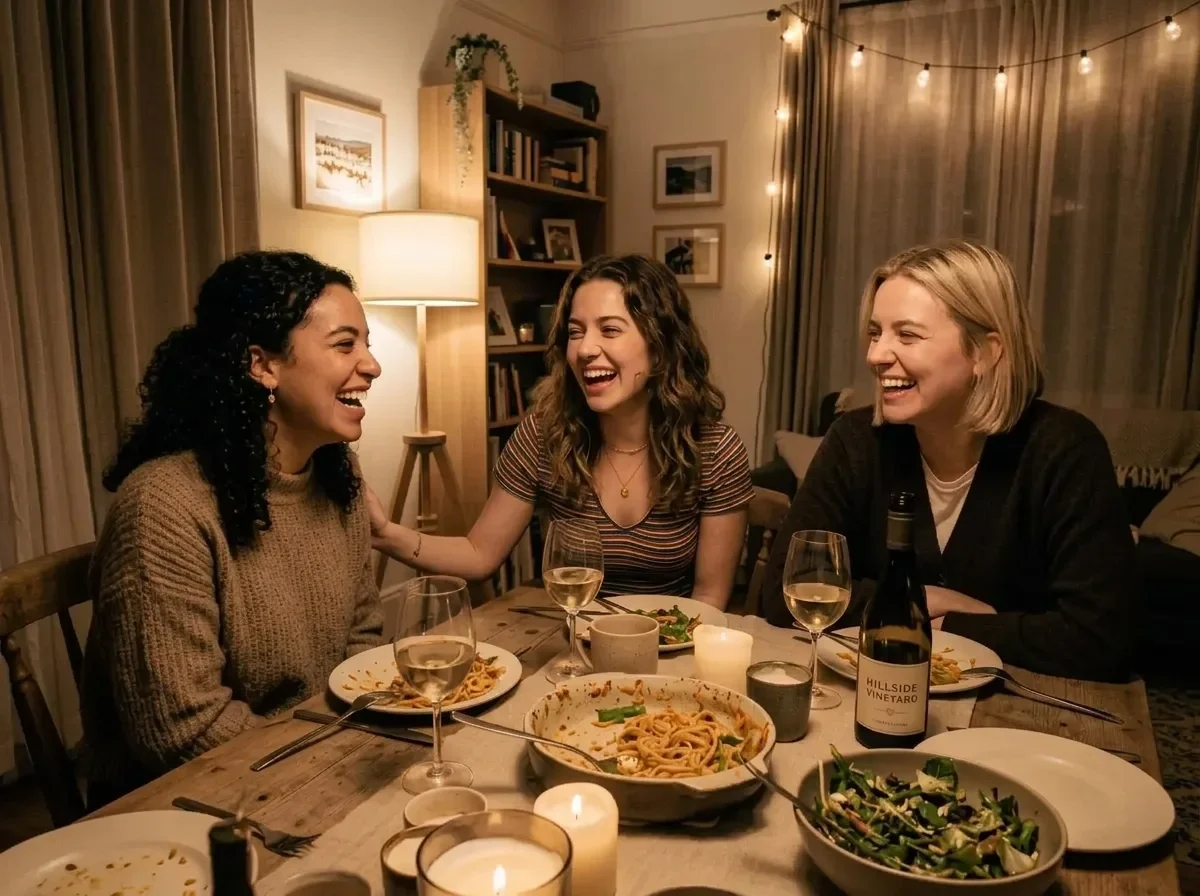
Example generated from “Brighten an Underexposed Photo (reference photo required)”
Nano Banana 2.1en

Fix this underexposed photo: raise the exposure so the faces and the table are clearly visible, recover detail in the shadows, neutralize the color cast and reduce noise. Keep the scene, people and composition exactly the same, and keep the light looking natural.

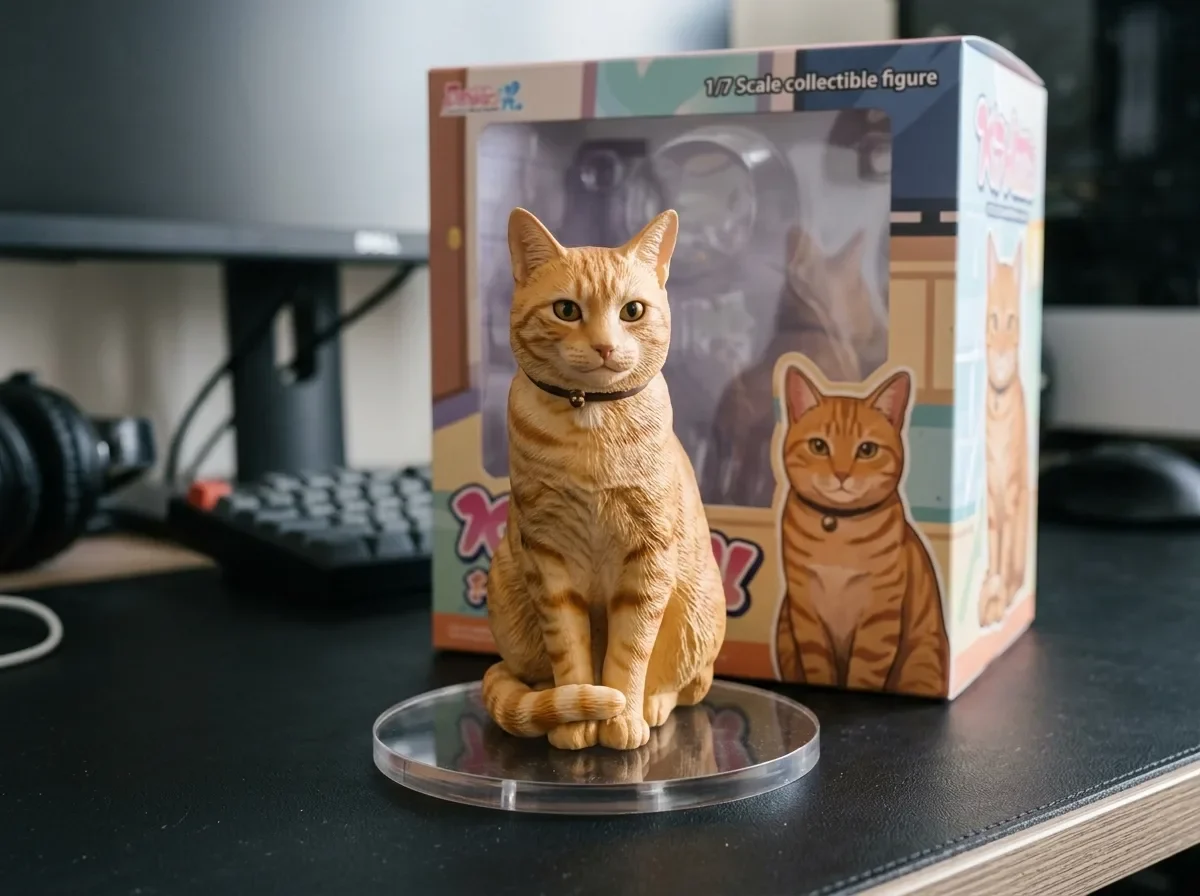
Example generated from “Turn Your Pet into a Collectible Figure (reference photo required)”
Nano Banana 2.1en

Turn the animal in this photo into a 1/7 scale collectible figure standing on a round clear acrylic base on a computer desk. Behind it, place a toy packaging box printed with the same character. Keep the animal's markings, colors and pose. Realistic studio product photo with soft light.

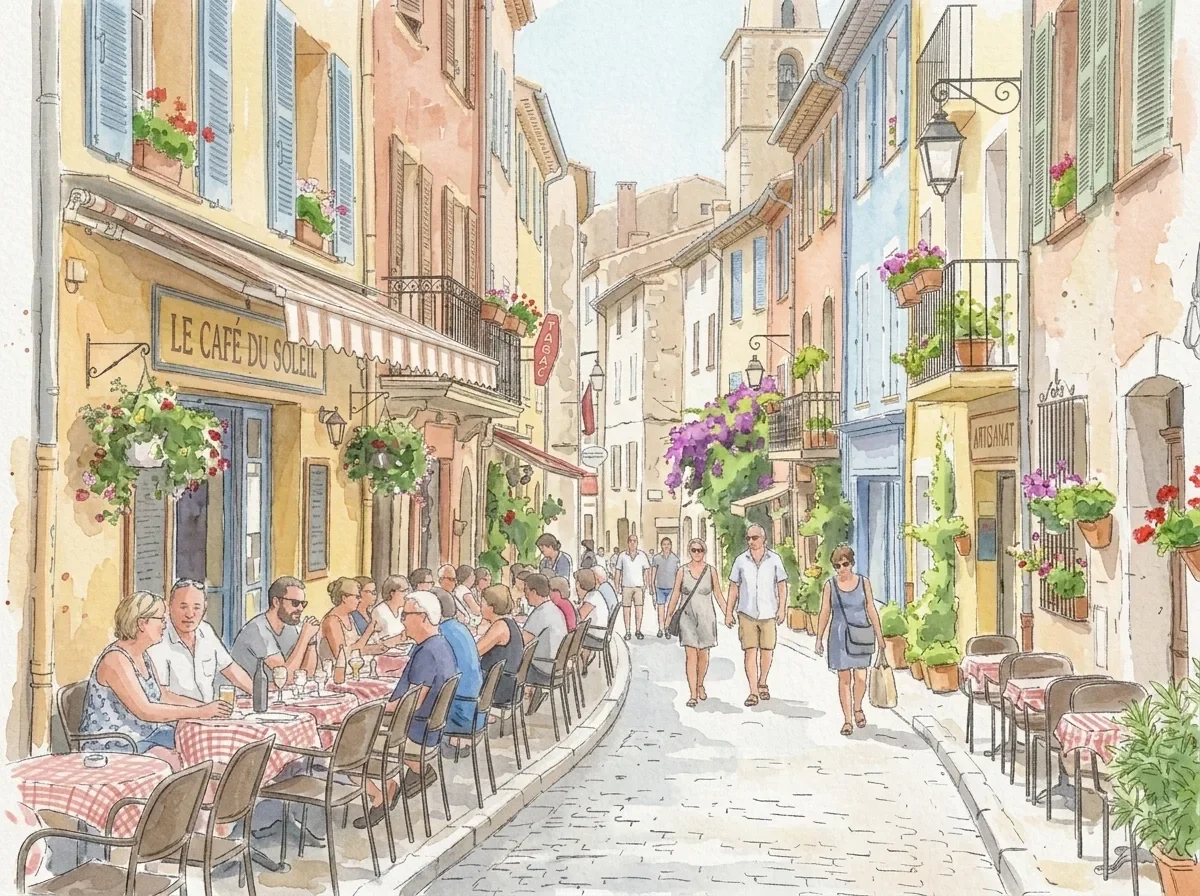
Example generated from “Photo to Watercolor Illustration (reference photo required)”
Nano Banana 2.1en

Redraw this photo as a loose watercolor illustration on textured paper, with soft color washes, visible brush strokes and fine ink outlines. Keep the composition, buildings and main shapes recognizable. Light, airy palette with white paper showing through.

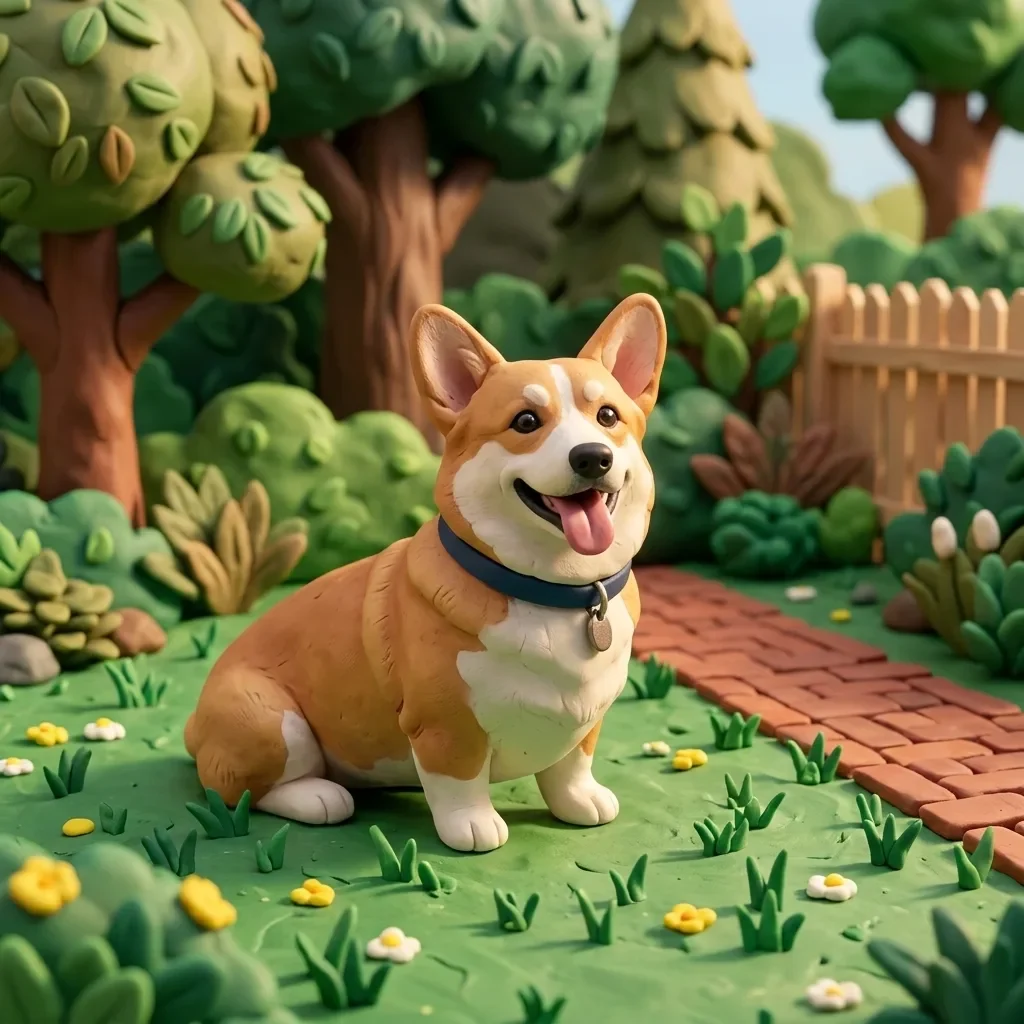
Example generated from “Photo to 3D Clay Character (reference photo required)”
Nano Banana 2.1en

Transform this photo into a handmade 3D clay animation style, with soft rounded shapes, visible fingerprint texture in the clay and a miniature set. Keep the subject's pose, colors and key features recognizable. Warm soft lighting, playful stop-motion look.

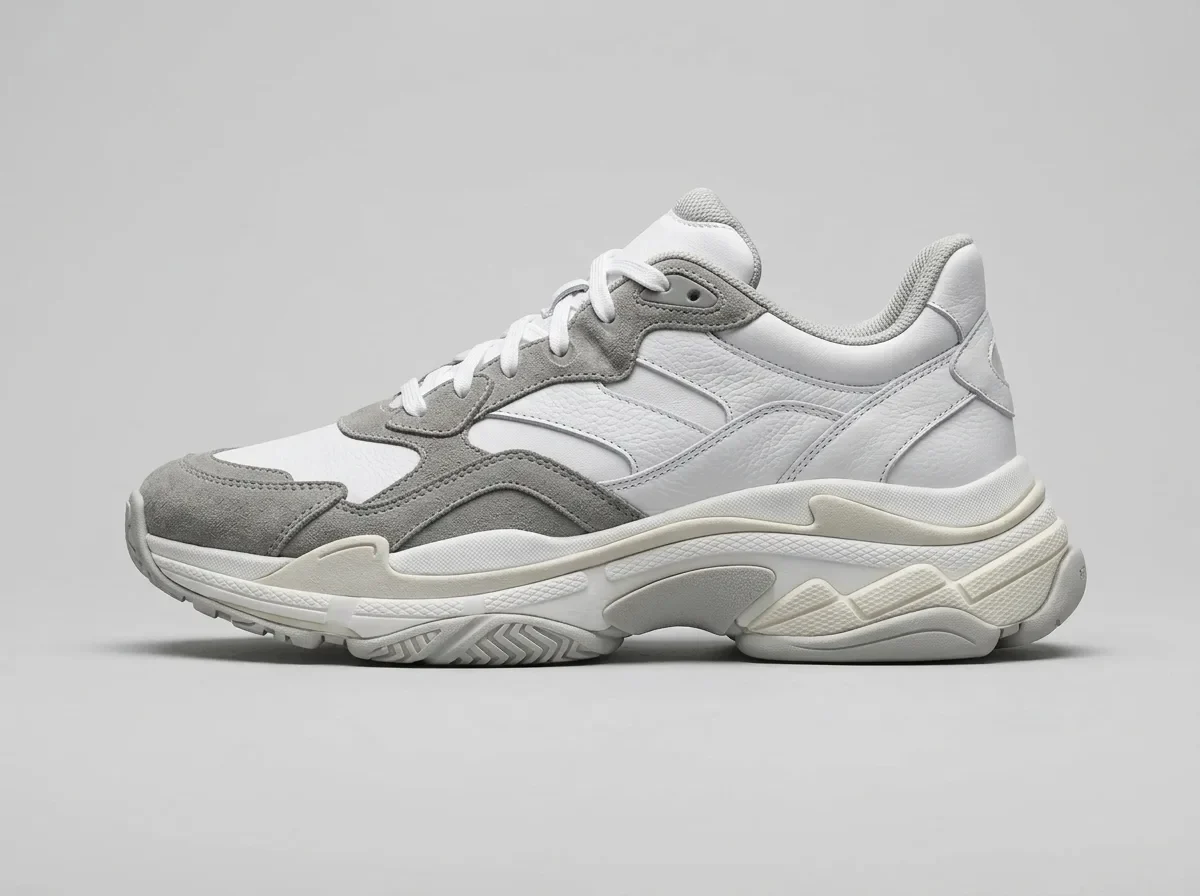
Example generated from “Sketch to Product Render (reference photo required)”
Nano Banana 2.1en

Turn this pencil sketch into a photorealistic product render. Follow the sketch's shape, proportions and details exactly. Use realistic materials: white leather upper, gray suede panels and a rubber sole, on a light gray studio background with soft shadows.
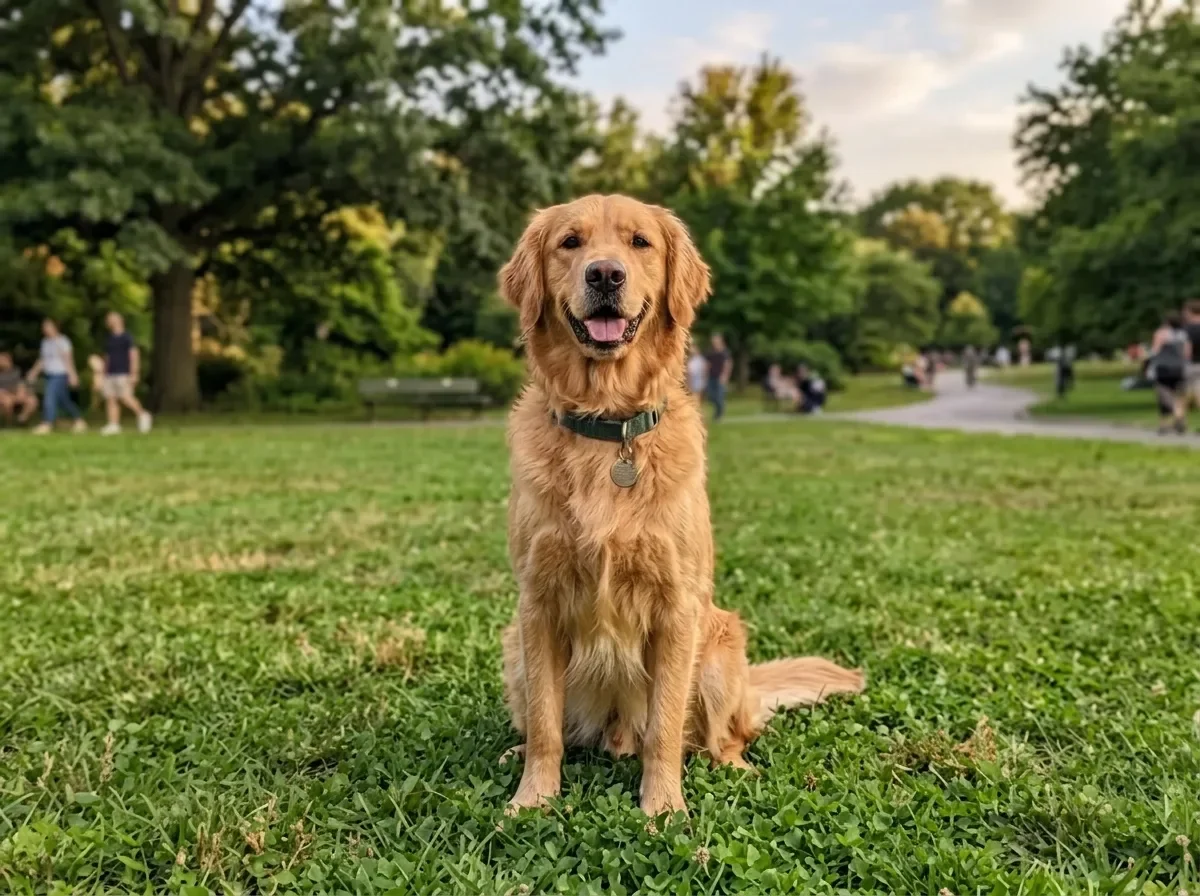
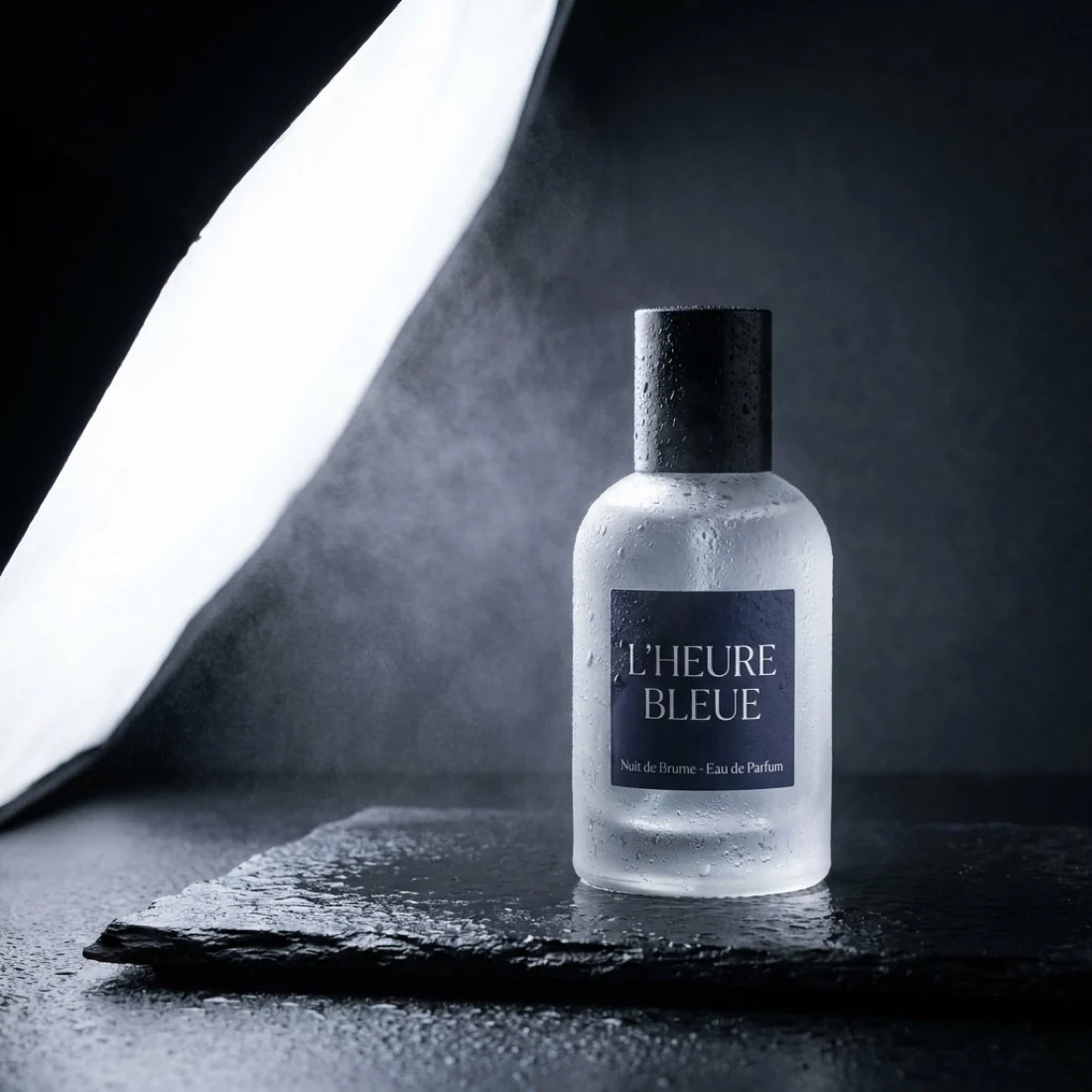
Example generated from “Product Hero Perfume”
Nano Banana 2.1en

Studio hero shot of a frosted glass perfume bottle on a wet black stone slab, single softbox from the left, faint mist, deep charcoal background, crisp label text, commercial product photography

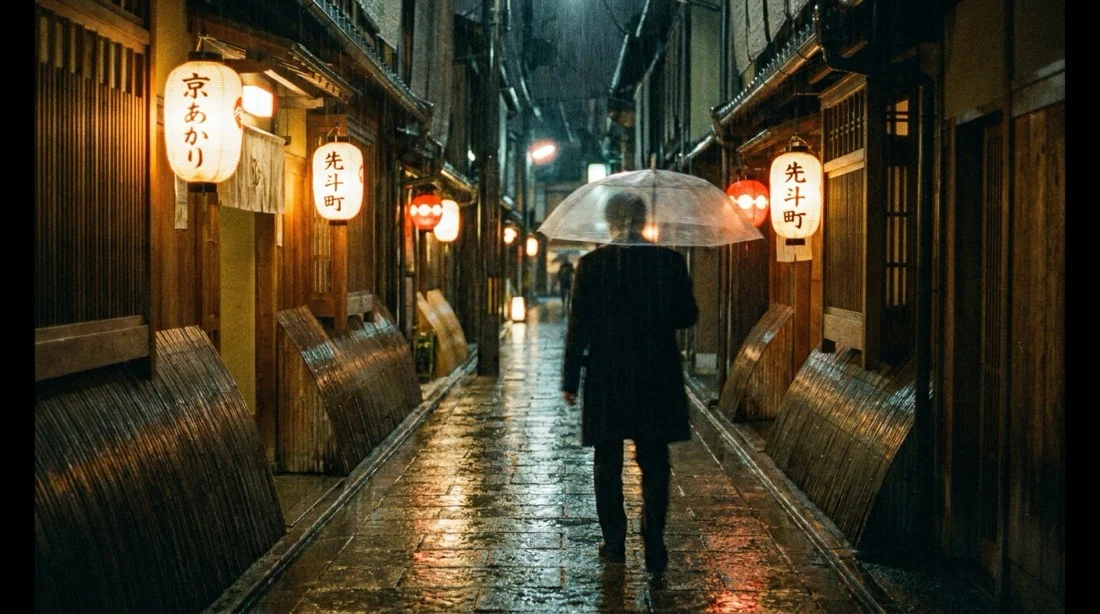
Example generated from “Cinematic Street Rain”
Nano Banana 2.1en

Rain soaked Kyoto alley at night, paper lantern reflections on wet stone, a lone figure with a transparent umbrella walking away, cinematic 35mm still, shallow depth of field, film grain