
원본 문서
GPT Image 2 · en
Scene:
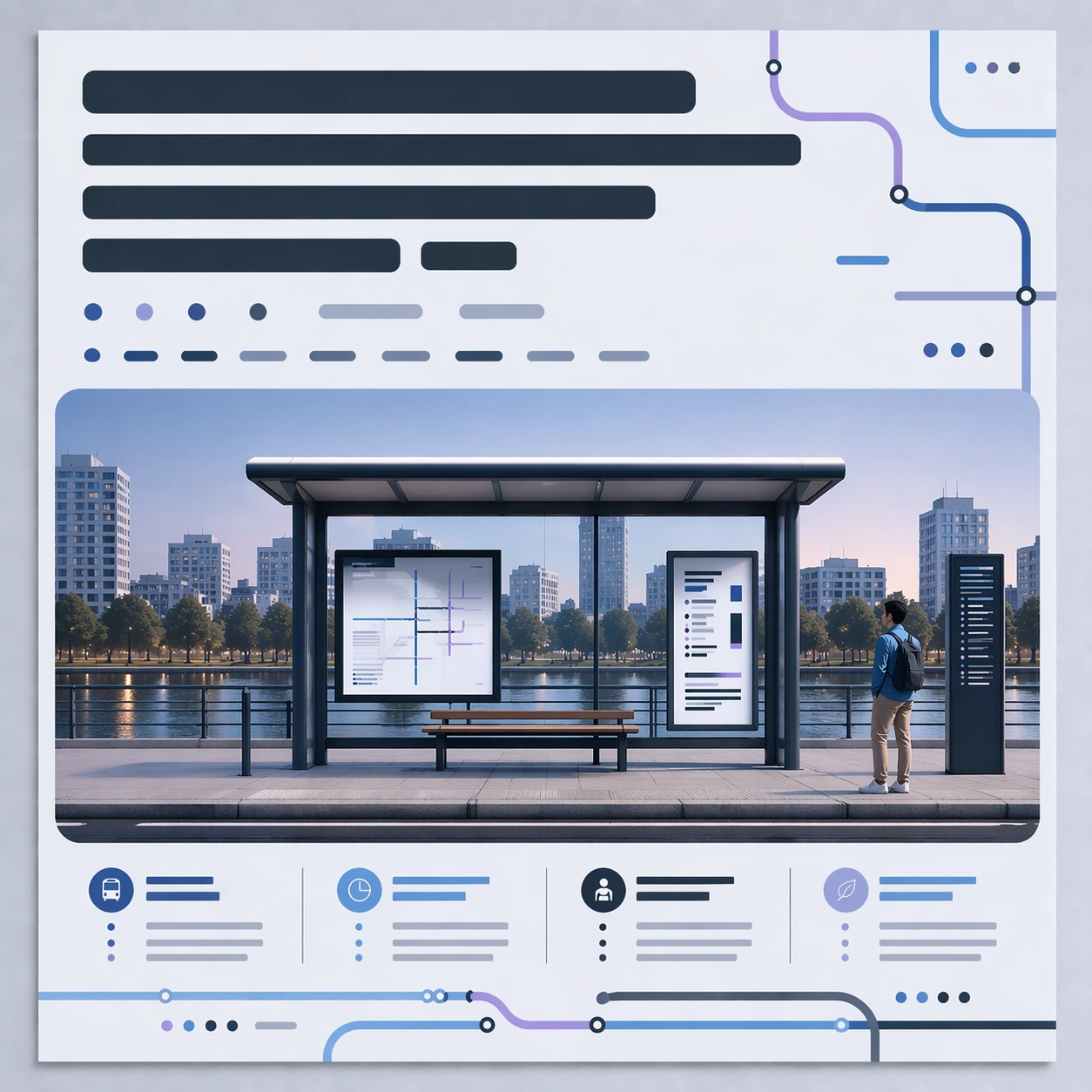
Square crop of the same transit campaign poster on the same neutral review wall, using the reference as the visual source. The image should look like the next conversational edit after the dusk and removal pass: still a flat poster, still straight-on, still carefully designed, but with a more prominent top heading zone and a cooler design temperature.

Subject:
Keep the dusk tram shelter scene, repaired empty left side, right pedestrian, central image panel, bottom abstract information blocks, margins, and poster identity from the reference. Enlarge the top abstract heading block so it occupies more vertical space and has stronger visual priority, while remaining unreadable and graphic. Shift the overall palette cooler: more blue, cyan, pale lavender, and graphite; less coral warmth. Preserve the warm horizon glow only as a subtle trace inside the illustrated scene.

Important details:
This edit tests whether a model can revise layout hierarchy without rebuilding the whole poster. The heading area should become bigger through careful reflow: nearby route shapes and abstract blocks adjust around it, but the composition stays balanced and recognizable. Avoid literal letters. The abstract heading can be thick bars, modular glyph-like marks, and poster-design shapes that imply larger text without being readable.

Use case:
Conversational Editing Workflow series study 3/8, showing a follow-up request that enlarges a nonreadable heading and cools the color system while preserving previous edits.

Constraints:
No readable text, no watermark, no logos, preserve exact 1:1 aspect ratio, no return of the removed left person, no hot orange redesign, no new poster topic, no visible editing handles, no distorted frame, no real transit map.
사용 방법
- 매개변수를 포함한 전체 원본 프롬프트를 복사하세요.
- 주제, 문구, 구도를 자신의 요구에 맞게 바꾸세요.
- 호환되는 외부 도구에서 사용하고 이용 조건과 결과를 확인하세요.
시작 전 확인
- 참조 이미지가 필요한지 확인하세요. 호환 표시는 해당 모델로 이 예시를 생성했다는 뜻이 아닙니다.
- 이름, 수치, 이미지 속 문구를 확인하세요. 모델 버전에 따라 결과가 다를 수 있습니다.