원본 문서
GPT Image 2 · en
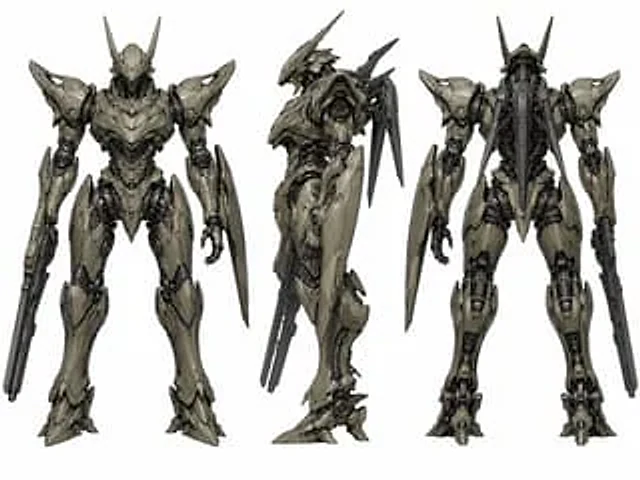
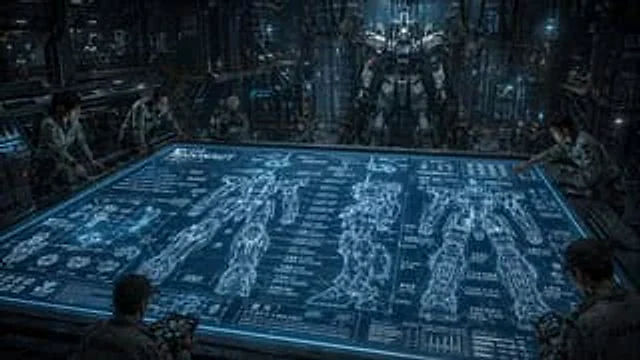
A cinematic, ultra-refined nighttime interior of a sci-fi mecha hangar, presented from a slightly overhead, wide-angle perspective above a massive horizontal holographic planning table. A glowing blue tabletop dominates the foreground and center, showcasing a display labeled {argument name="mech name" default="ARGONAUT"} The complex engineering blueprints for a humanoid combat robot are displayed on a table. The blueprints include three complete large-scale orthographic projections of the mech: front, side, and rear views. There are also numerous smaller component drawings of hands, joints, feet, armor plates, and circular mechanical parts, along with dense engineering annotations, diagrams, measurement lines, and blocks of Japanese annotations interspersed with alphanumeric labels. Around the table, five engineers in light gray industrial jumpsuits are studying the design, leaning over the edge, holding sturdy tablets; their faces are deliberately blurred and partially obscured. In the background, a towering, realistic humanoid mech stands upright on a maintenance gantry, suspended or perched in a vast factory cubicle filled with walkways, scaffolding, pipes, heavy cables hanging from the ceiling, glowing control panels, glass partitions, and a few tiny, distant workers placed to emphasize the scale. The design employs a cool steel and cyan color scheme, dramatic volumetric lighting, reflective metallic surfaces, a slight fog, high-contrast shadows, and a serious military-industrial atmosphere. The environment should appear dense, realistic, and operational, like a secret, advanced robotic facility. Emphasis should be placed on scale, technological complexity, and the contrast between the flat, glowing blueprints and the massive, solid mechs in the background. Rendered in a realistic concept art style, the holographic displays feature sharp lines, cinematic depth of field, and exquisite detail.사용 방법
- 매개변수를 포함한 전체 원본 프롬프트를 복사하세요.
- 주제, 문구, 구도를 자신의 요구에 맞게 바꾸세요.
- 호환되는 외부 도구에서 사용하고 이용 조건과 결과를 확인하세요.
시작 전 확인
- 참조 이미지가 필요한지 확인하세요. 호환 표시는 해당 모델로 이 예시를 생성했다는 뜻이 아닙니다.
- 이름, 수치, 이미지 속 문구를 확인하세요. 모델 버전에 따라 결과가 다를 수 있습니다.