Multi-Platform Content Screenshots

Multi-Platform Content Screenshots

원본 문서

GPT Image 2 · zh

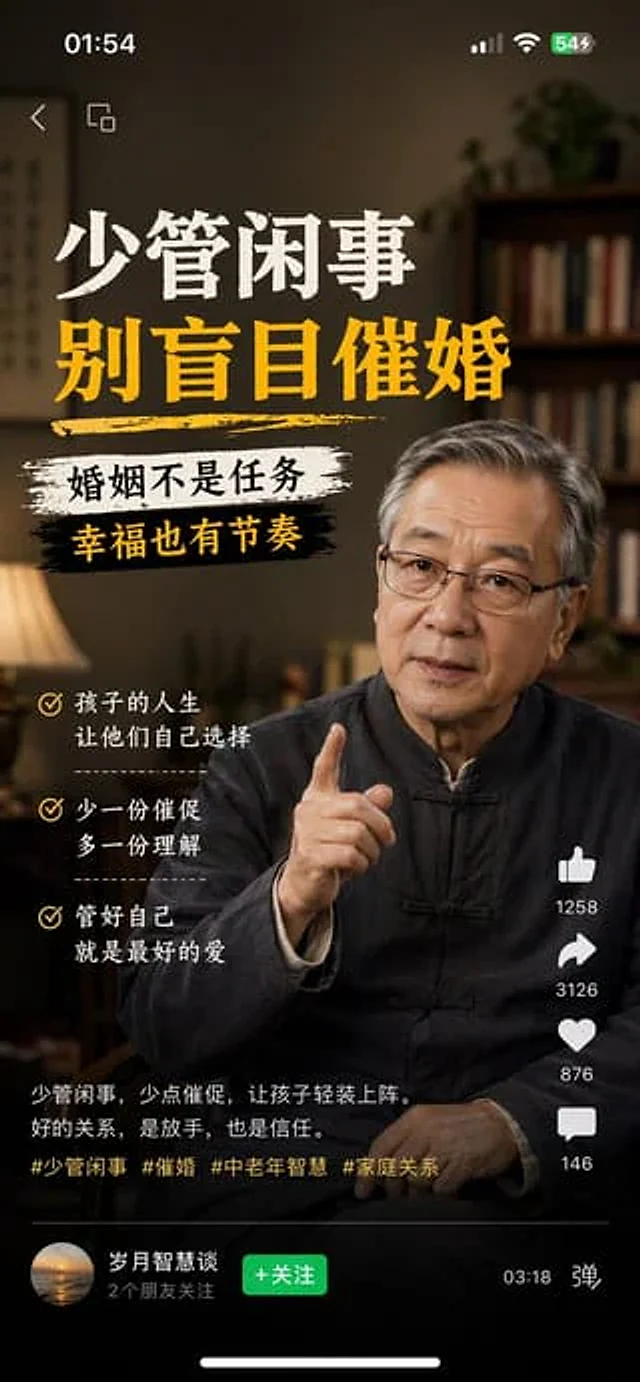
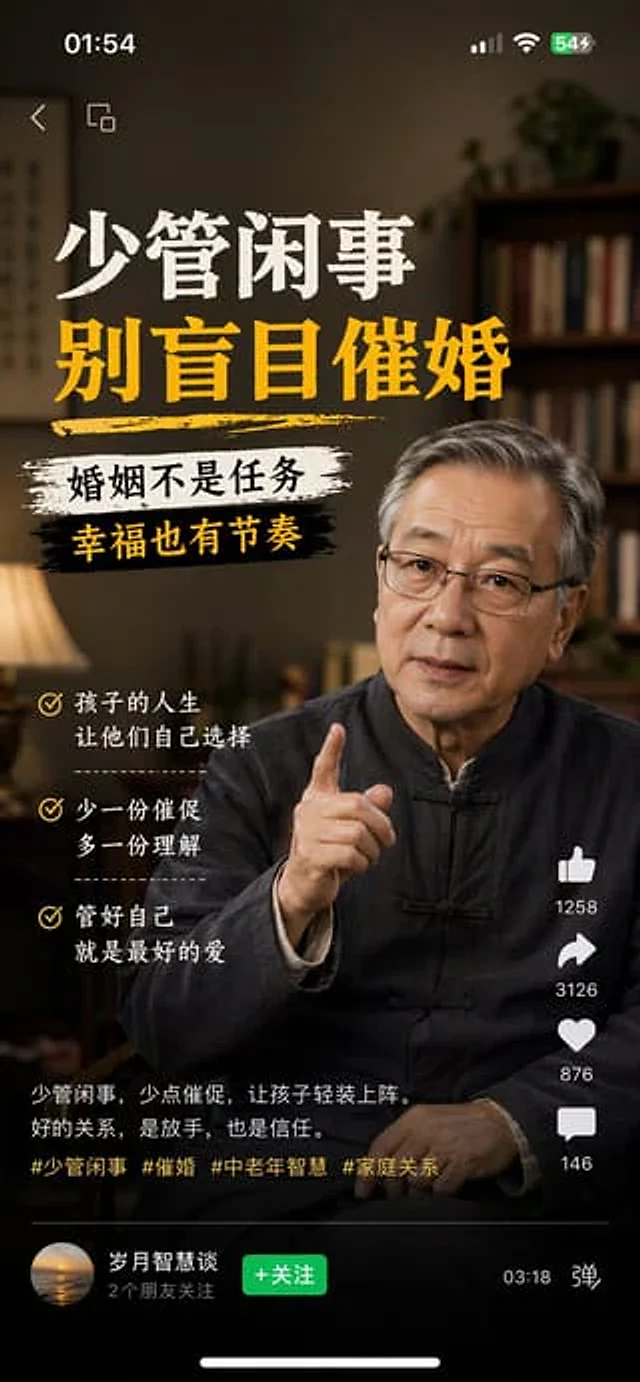
1、生成视频号内容截图,主题:中老年不要盲目催婚,iPhone尺寸
2、生成抖音内容截图,主题:跟上AI浪潮9.9包教会,iPhone尺寸
3、生成小红书内容截图,主题:精致女孩背后都有网贷,iPhone尺寸
4、生成快手内容截图:主题:直播离婚预告,iPhone尺寸

사용 방법

  1. 매개변수를 포함한 전체 원본 프롬프트를 복사하세요.
  2. 주제, 문구, 구도를 자신의 요구에 맞게 바꾸세요.
  3. 호환되는 외부 도구에서 사용하고 이용 조건과 결과를 확인하세요.

시작 전 확인

  • 참조 이미지가 필요한지 확인하세요. 호환 표시는 해당 모델로 이 예시를 생성했다는 뜻이 아닙니다.
  • 이름, 수치, 이미지 속 문구를 확인하세요. 모델 버전에 따라 결과가 다를 수 있습니다.
비슷한 예시

Douyin Live Stream Screenshot
GPT Image 2en

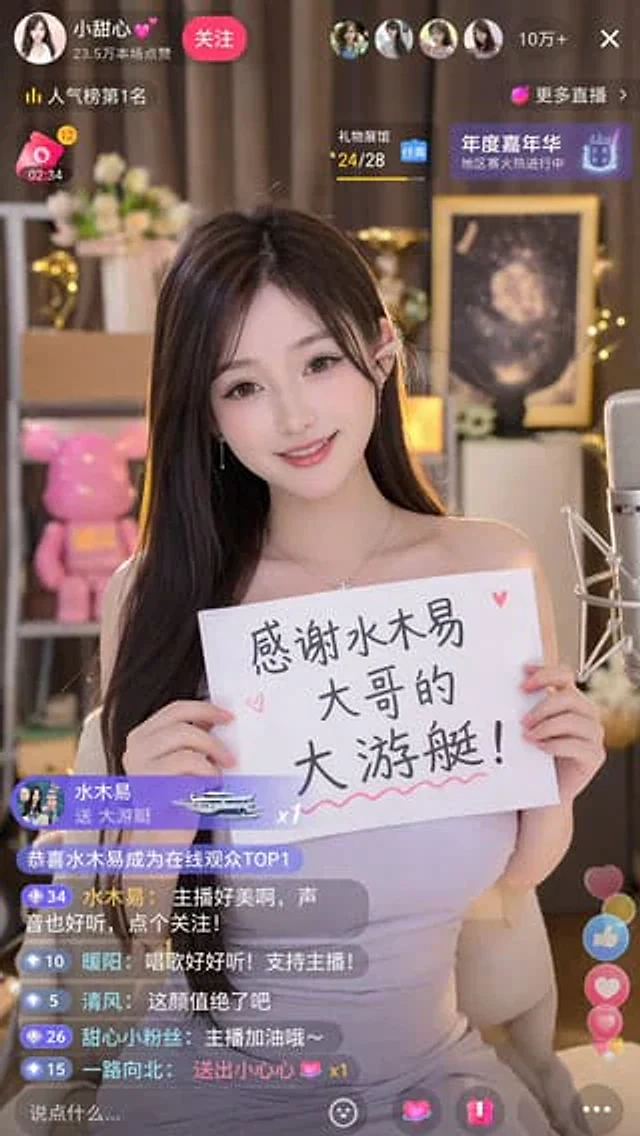
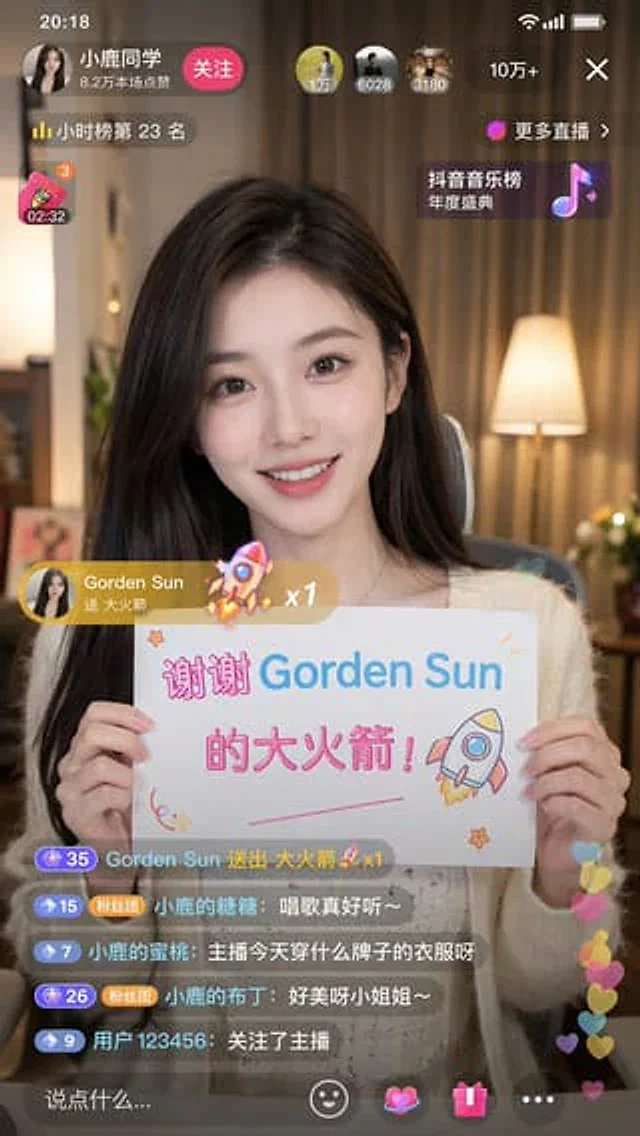
A 9:16 aspect ratio image is used to generate {argument name="platform" default="Tik Tok"} Screenshot from the live stream. There is one person in the picture.{argument name="subject" default="Beautiful anchor"} He was live-streaming and holding a sign that read "{argument name="

Mobile App UI Screenshots
GPT Image 2en

Generate a{argument name="platform" default="Channels"} Screenshot of content, subject:{argument name="theme" default="Middle-aged and elderly people should not be pressured to get married."} ,{argument name="device" default="iPhone"} size

Livestream Screenshot Prompt
GPT Image 2en

Generate a{argument name="platform" default="Tik Tok"} A screenshot from the live stream shows one person in the picture.{argument name="character" default="Beautiful Chinese women"} She was live-streaming. She was holding a sign that read:{argument name="thank you message" defau