Multi-Platform Content Screenshots

Multi-Platform Content Screenshots

Oryginalny dokument

GPT Image 2 · zh

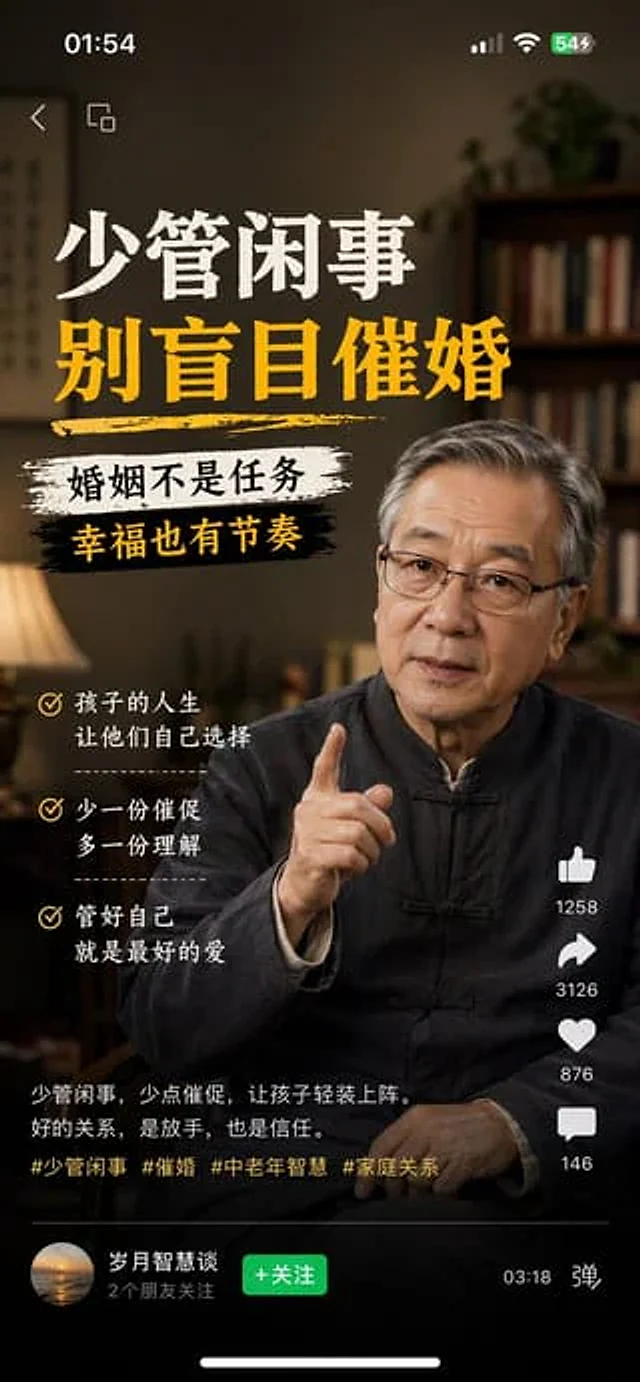
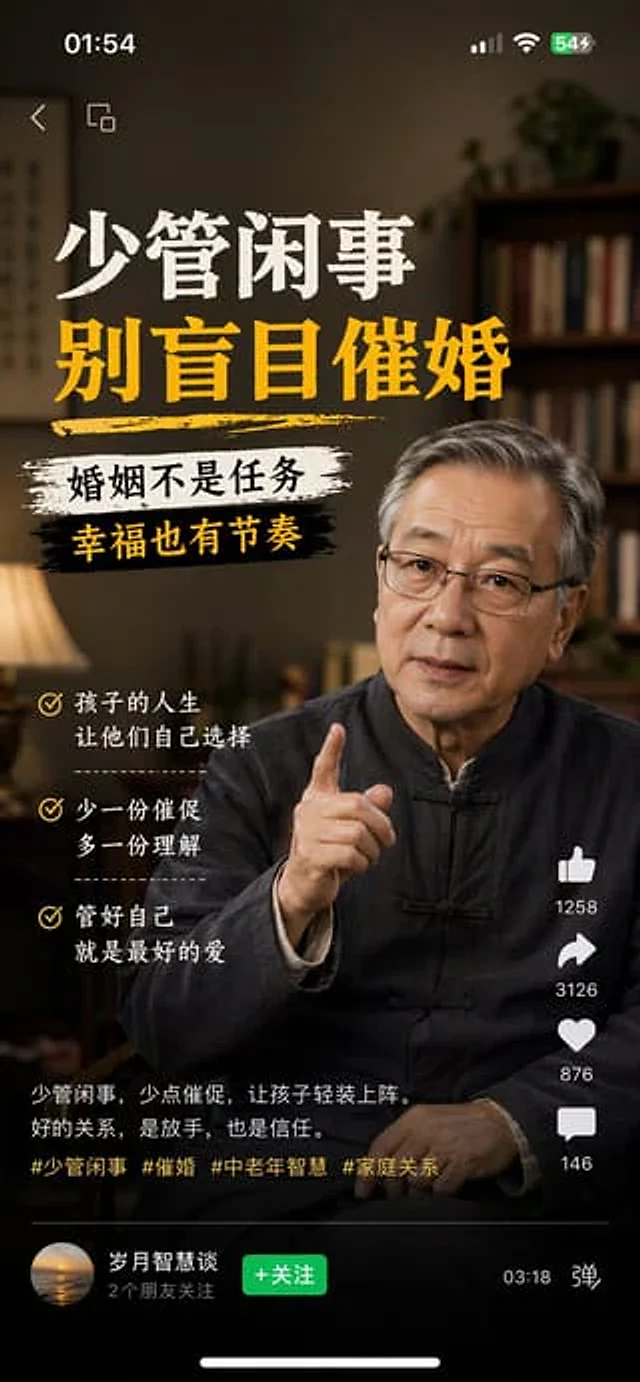
1、生成视频号内容截图,主题:中老年不要盲目催婚,iPhone尺寸
2、生成抖音内容截图,主题:跟上AI浪潮9.9包教会,iPhone尺寸
3、生成小红书内容截图,主题:精致女孩背后都有网贷,iPhone尺寸
4、生成快手内容截图:主题:直播离婚预告,iPhone尺寸

Jak używać

  1. Skopiuj cały oryginalny prompt wraz z parametrami.
  2. Dostosuj temat, tekst i kompozycję do swoich potrzeb.
  3. Użyj zgodnego narzędzia zewnętrznego; sprawdź warunki dostępu i wynik.

Przed rozpoczęciem

  • Sprawdź, czy potrzebny jest obraz referencyjny. Zgodność nie potwierdza modelu użytego do przykładu.
  • Sprawdź nazwy, liczby i napisy; wyniki zależą od wersji modelu.
Podobne przykłady

Douyin Live Stream Screenshot
GPT Image 2en

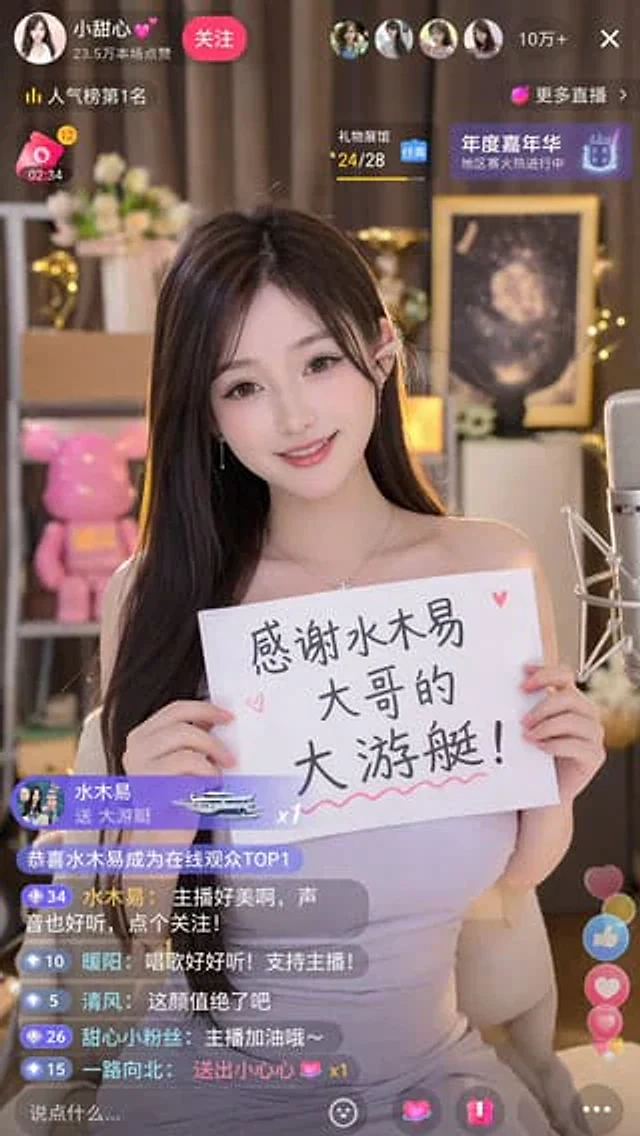
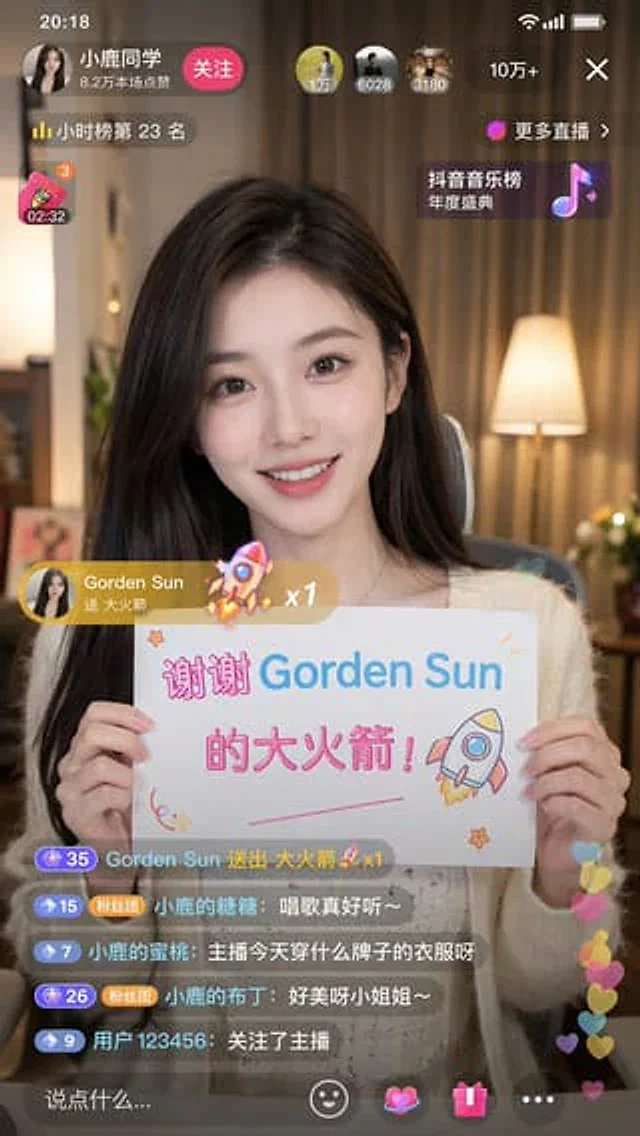
A 9:16 aspect ratio image is used to generate {argument name="platform" default="Tik Tok"} Screenshot from the live stream. There is one person in the picture.{argument name="subject" default="Beautiful anchor"} He was live-streaming and holding a sign that read "{argument name="

Mobile App UI Screenshots
GPT Image 2en

Generate a{argument name="platform" default="Channels"} Screenshot of content, subject:{argument name="theme" default="Middle-aged and elderly people should not be pressured to get married."} ,{argument name="device" default="iPhone"} size

Livestream Screenshot Prompt
GPT Image 2en

Generate a{argument name="platform" default="Tik Tok"} A screenshot from the live stream shows one person in the picture.{argument name="character" default="Beautiful Chinese women"} She was live-streaming. She was holding a sign that read:{argument name="thank you message" defau