원본 문서
GPT Image 2 · en
Scene:
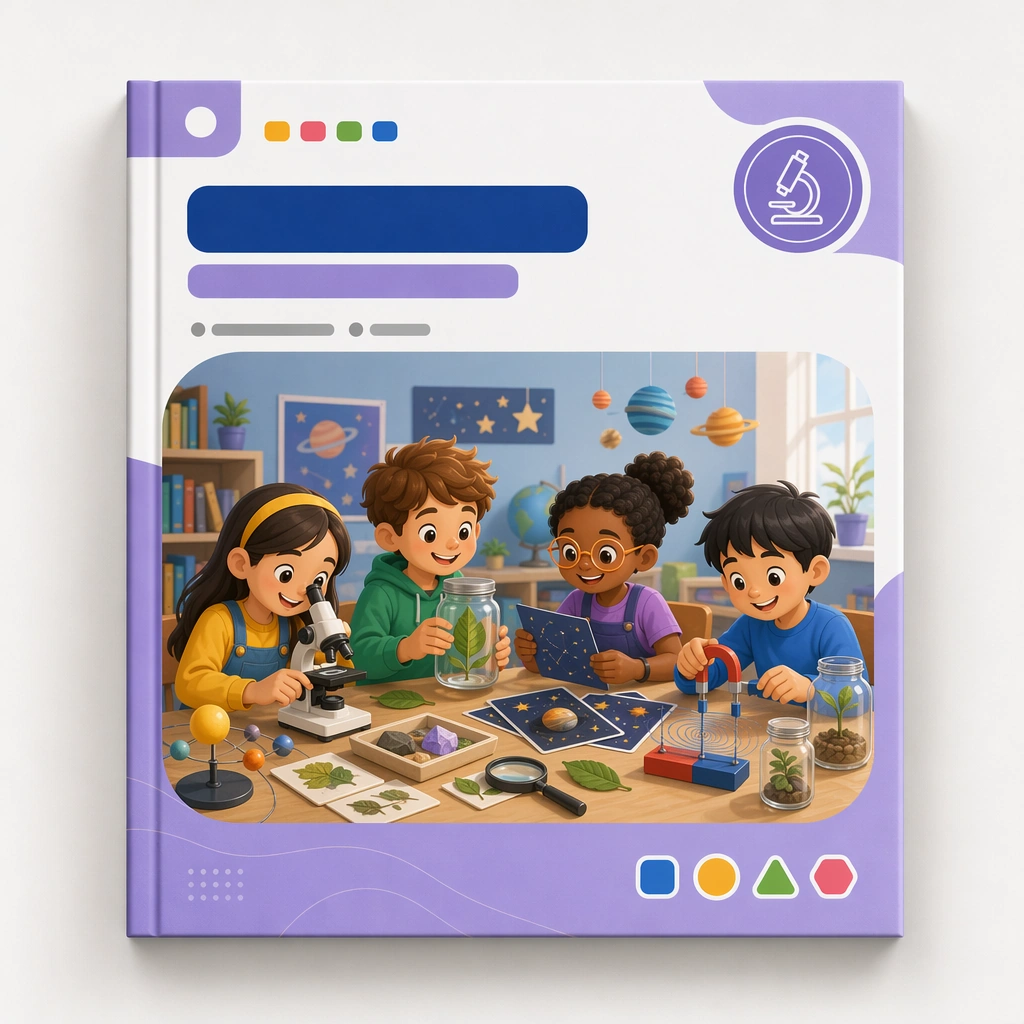
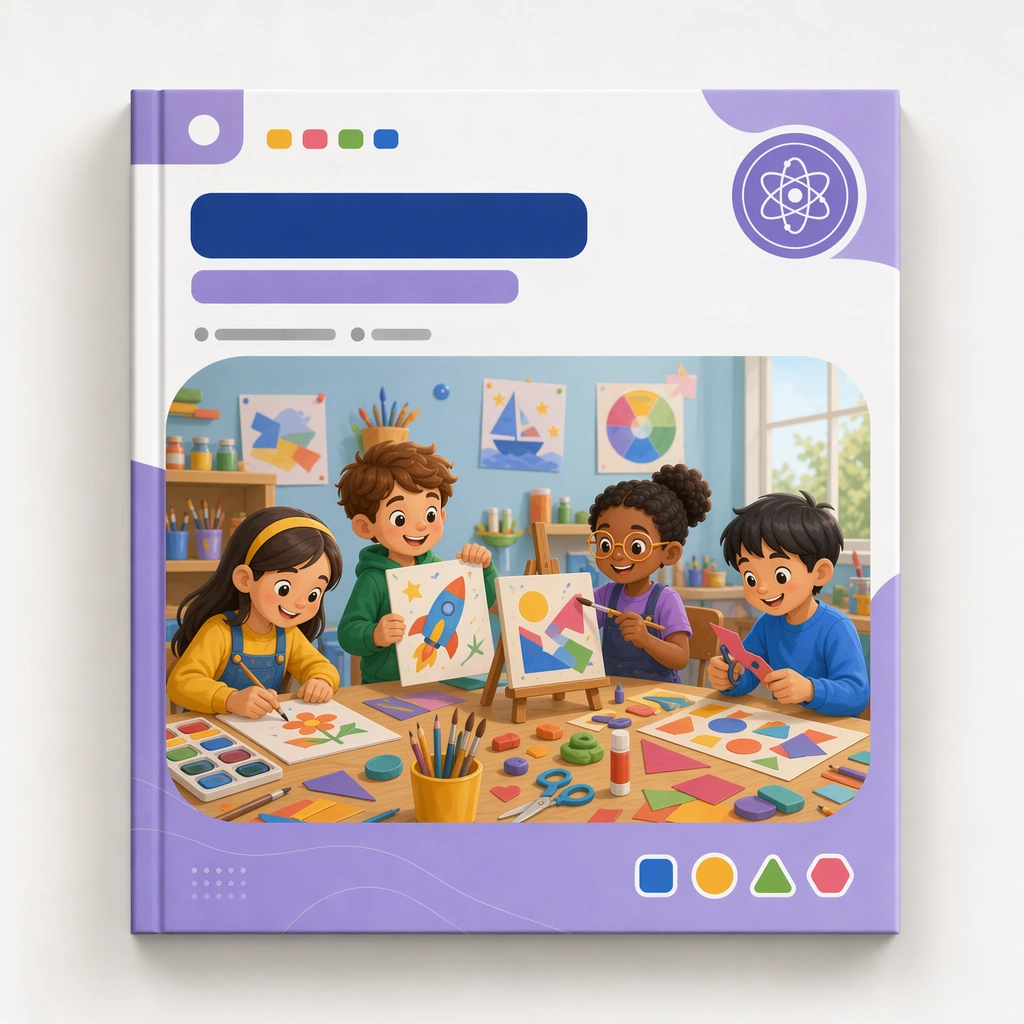
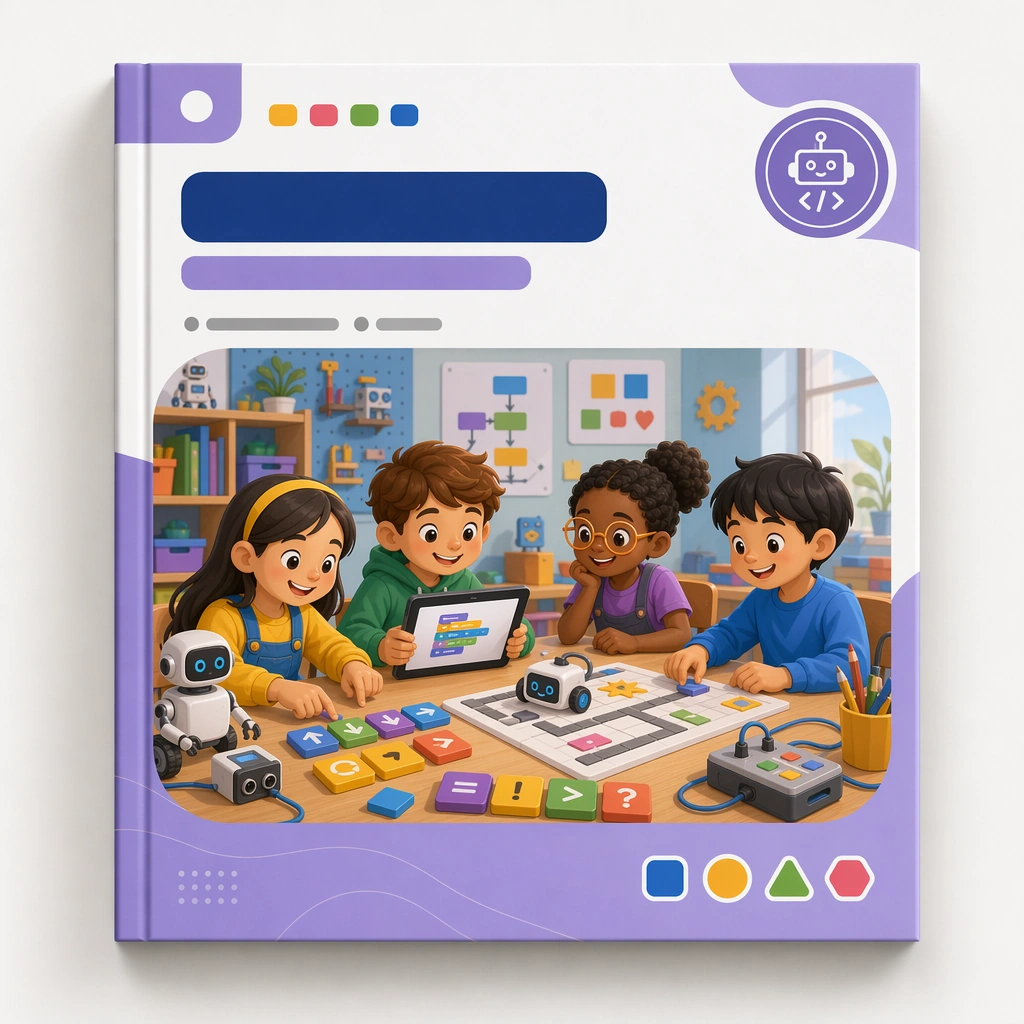
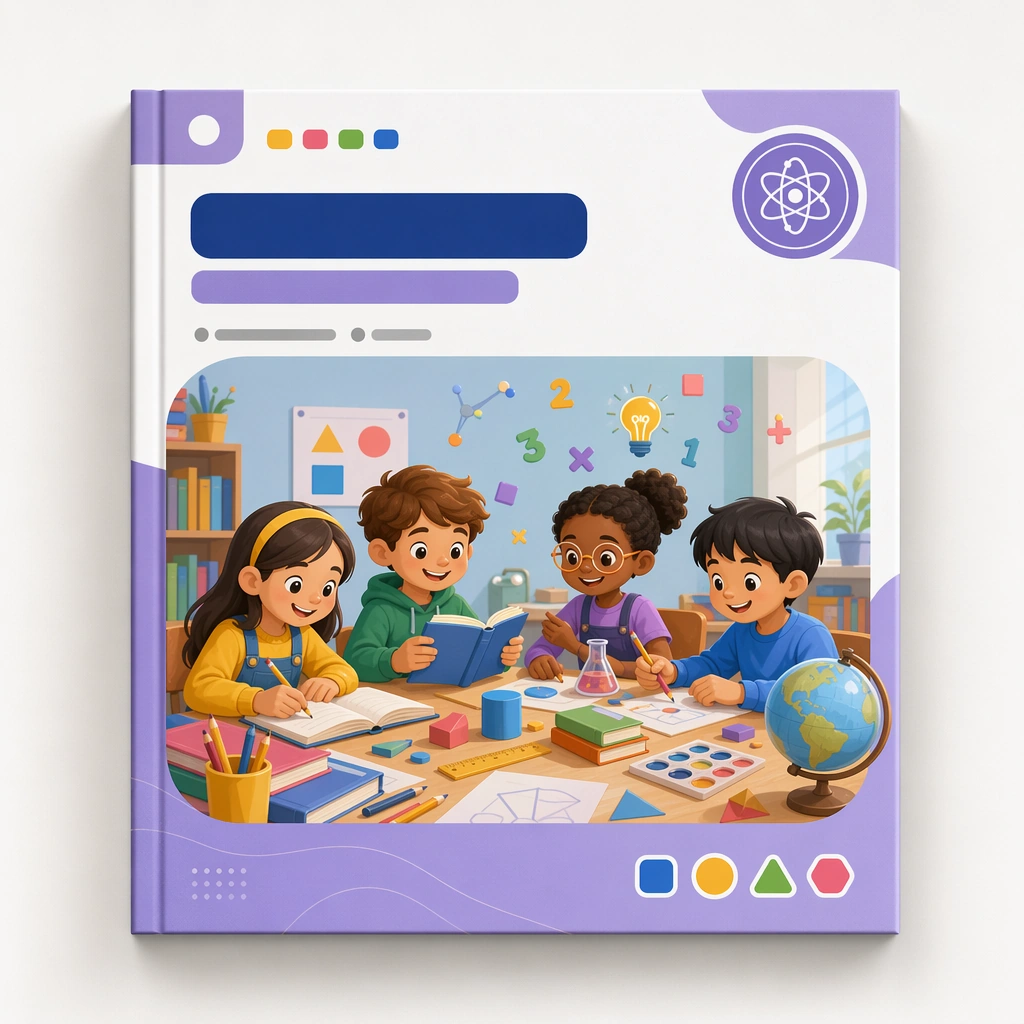
Create a square course-cover mockup centered on one hero cover card or workbook front against a clean studio background with soft shadows and premium print realism. The cover should feel suitable for a real education platform, with blank title zones, category markers, and a clear visual hierarchy that can repeat across a product family. Keep the square frame balanced, calm, and production-ready so the asset can serve gallery review, research comparison, and real educational delivery at the same time.

Subject:
Use a cheerful but structured illustration featuring children, learning tools, and a modular subject world arranged inside a disciplined frame. The visual must feel specific enough for curriculum branding and flexible enough to branch into many subjects and age bands. The subject matter should feel intentionally selected for a coherent curriculum family rather than like a random decorative assortment.

Important details:
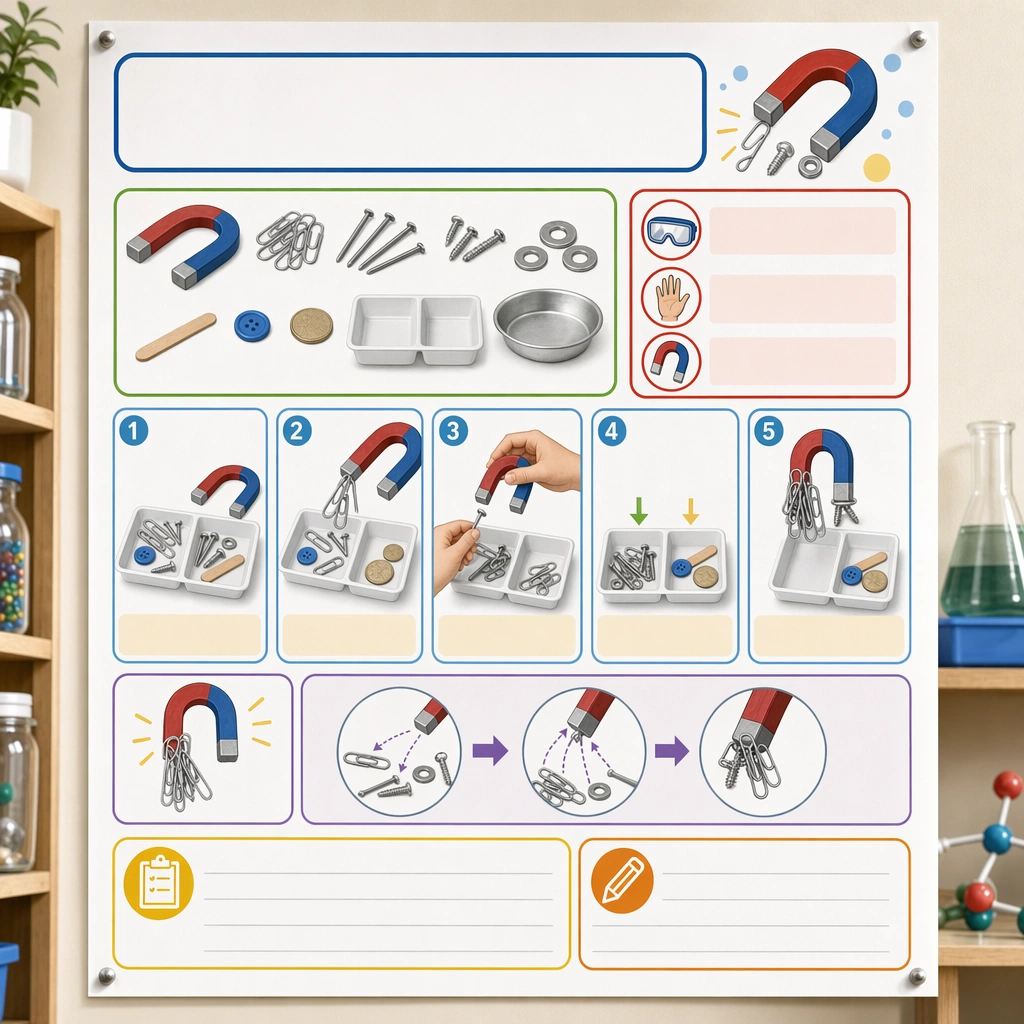
Lock a repeatable system: cover frame, badge placement, illustration window, color accents, and whitespace proportions. The design should communicate quality, consistency, and easy browsing across a curriculum shelf. Preserve the same cover frame, subject badge placement, illustration ratio, color hierarchy, and blank title-zone architecture from the reference cover. Use variation only in the teaching content, supporting props, and scene-specific mood while preserving the core visual system exactly.

Use case:
Kids Course Cover and Module Family series study 1/4, reference master cover.

Constraints:
No readable text, no watermark, no logos, preserve exact 1:1 aspect ratio, no readable course titles, no logos, no brand mascots from existing IP, no cluttered marketplace graphics, no fake awards, no generic stock-book covers.
사용 방법
- 매개변수를 포함한 전체 원본 프롬프트를 복사하세요.
- 주제, 문구, 구도를 자신의 요구에 맞게 바꾸세요.
- 호환되는 외부 도구에서 사용하고 이용 조건과 결과를 확인하세요.
시작 전 확인
- 참조 이미지가 필요한지 확인하세요. 호환 표시는 해당 모델로 이 예시를 생성했다는 뜻이 아닙니다.
- 이름, 수치, 이미지 속 문구를 확인하세요. 모델 버전에 따라 결과가 다를 수 있습니다.