Original document
GPT Image 2 · en
Scene:
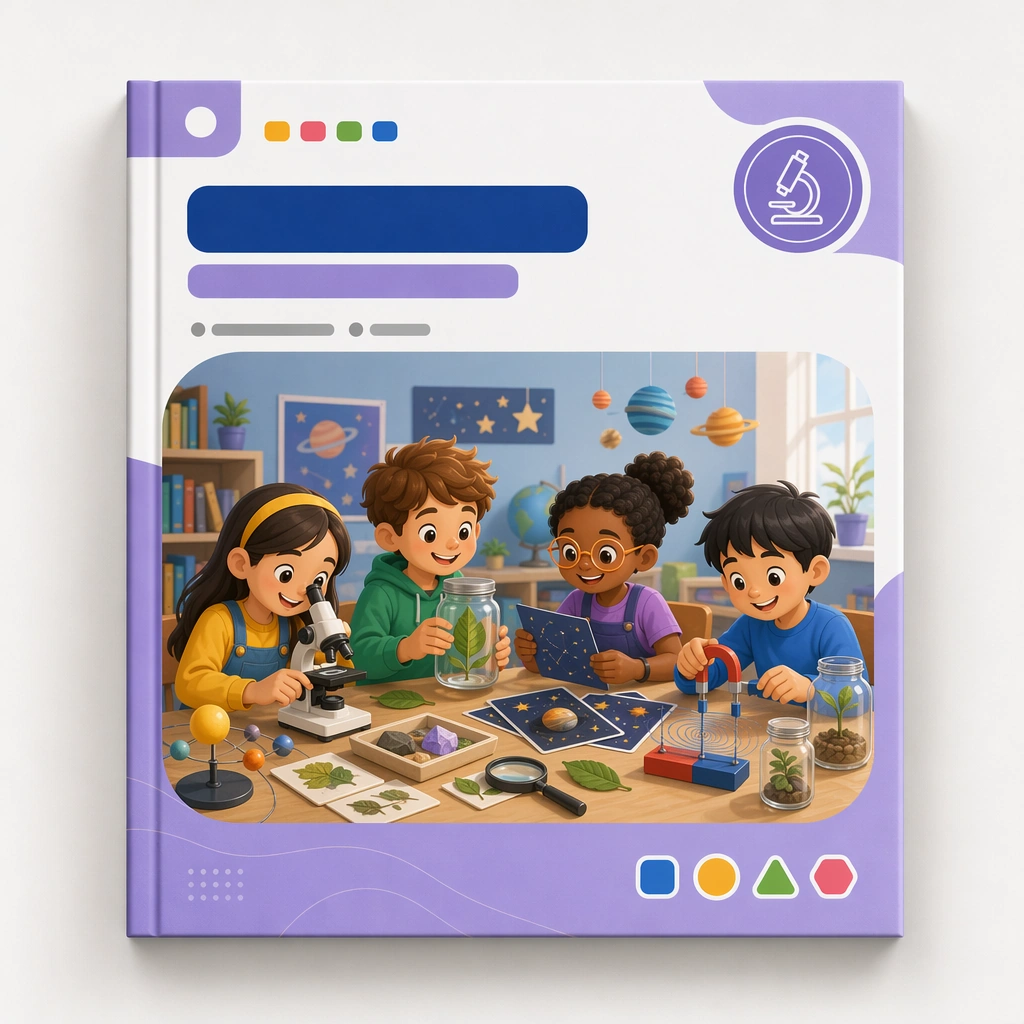
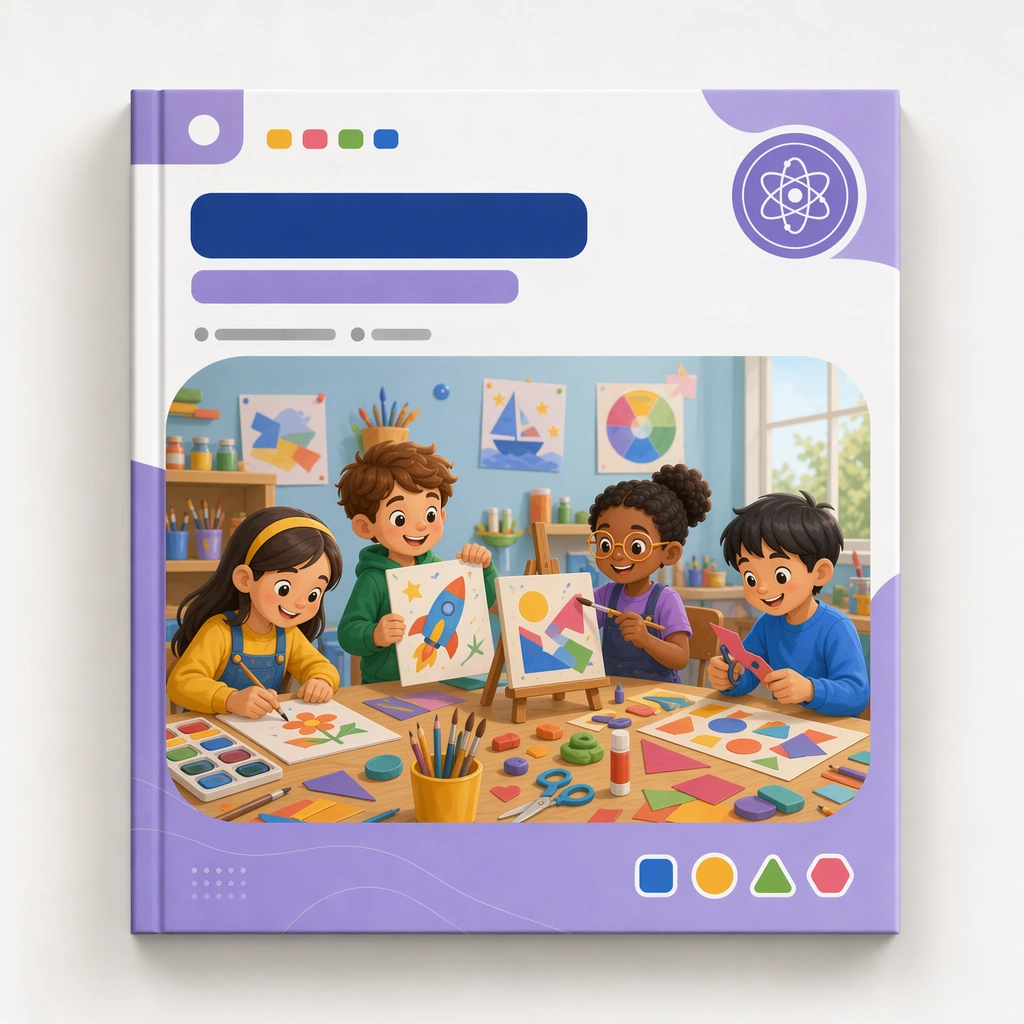
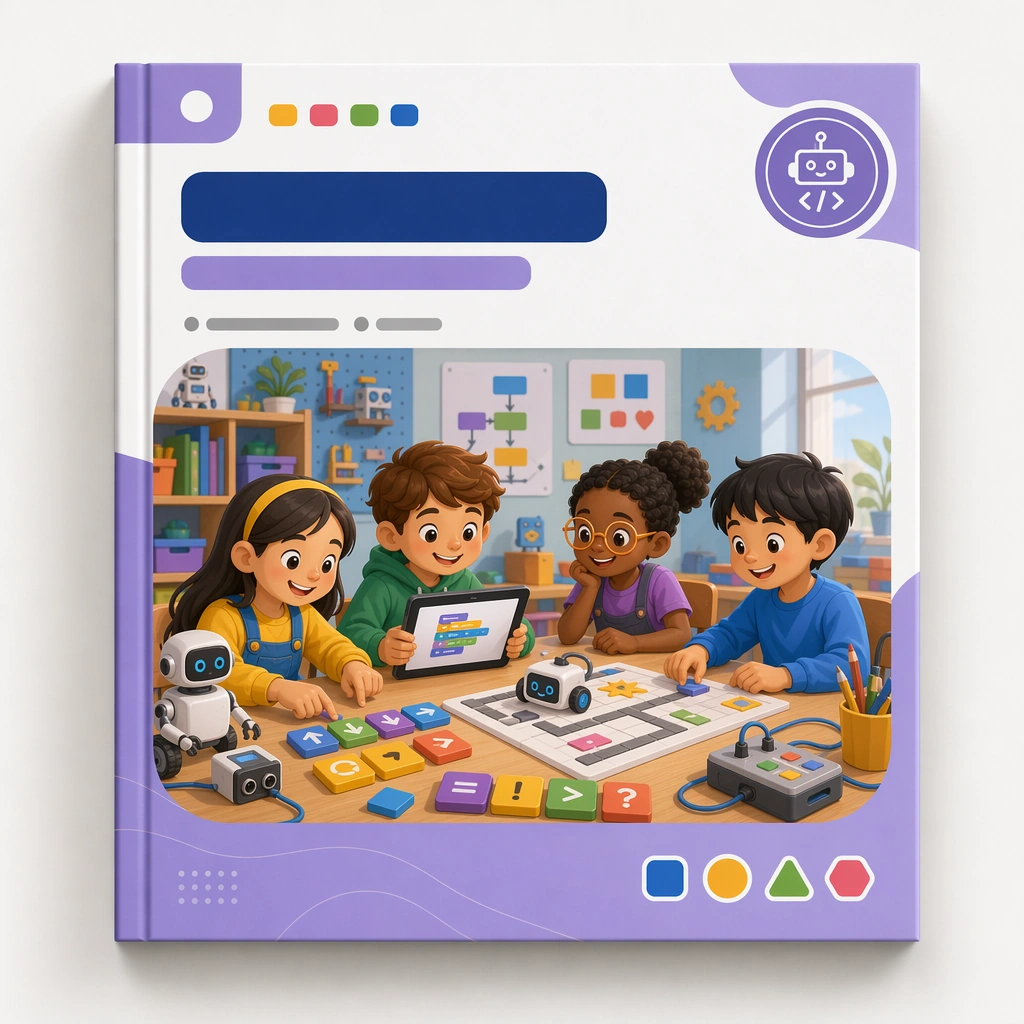
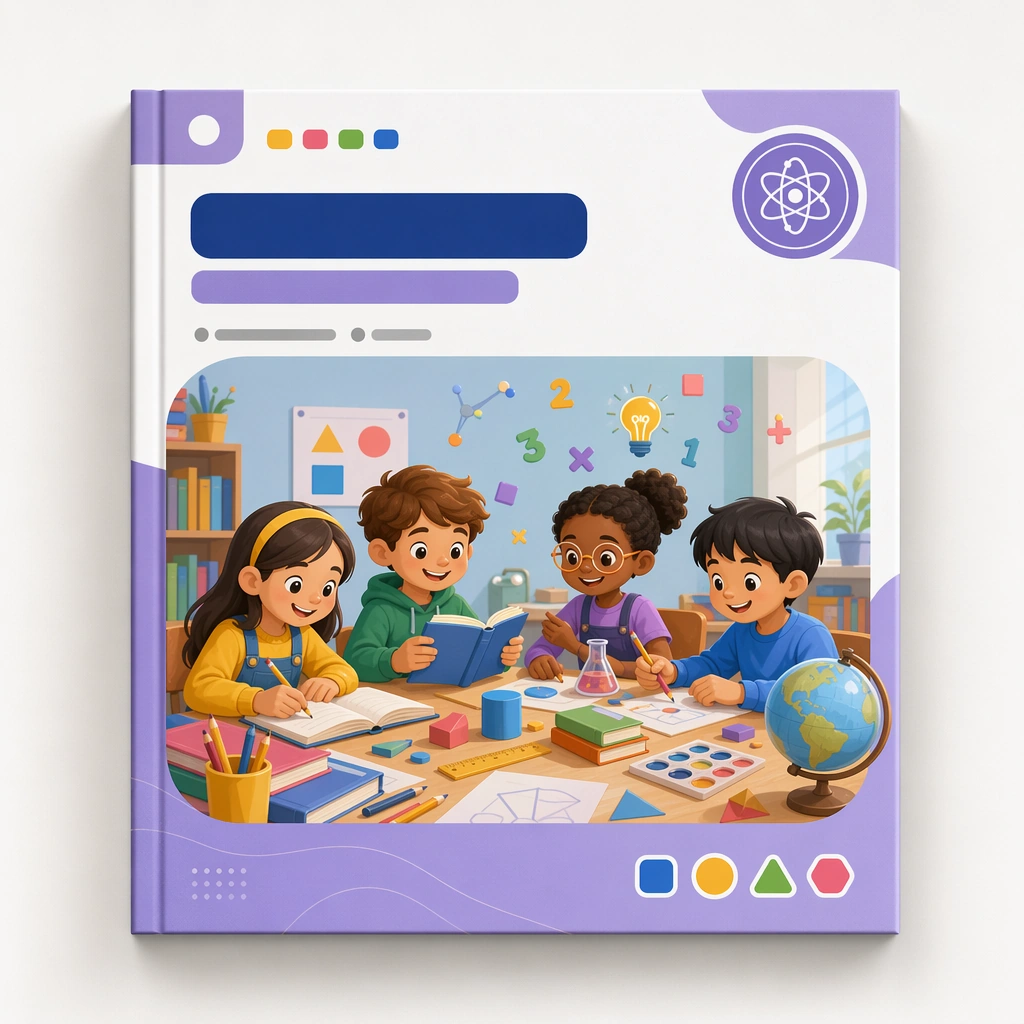
Create a square course-cover mockup centered on one hero cover card or workbook front against a clean studio background with soft shadows and premium print realism. The cover should feel suitable for a real education platform, with blank title zones, category markers, and a clear visual hierarchy that can repeat across a product family. Keep the square frame balanced, calm, and production-ready so the asset can serve gallery review, research comparison, and real educational delivery at the same time.

Subject:
Use a cheerful but structured illustration featuring children, learning tools, and a modular subject world arranged inside a disciplined frame. The visual must feel specific enough for curriculum branding and flexible enough to branch into many subjects and age bands. The subject matter should feel intentionally selected for a coherent curriculum family rather than like a random decorative assortment.

Important details:
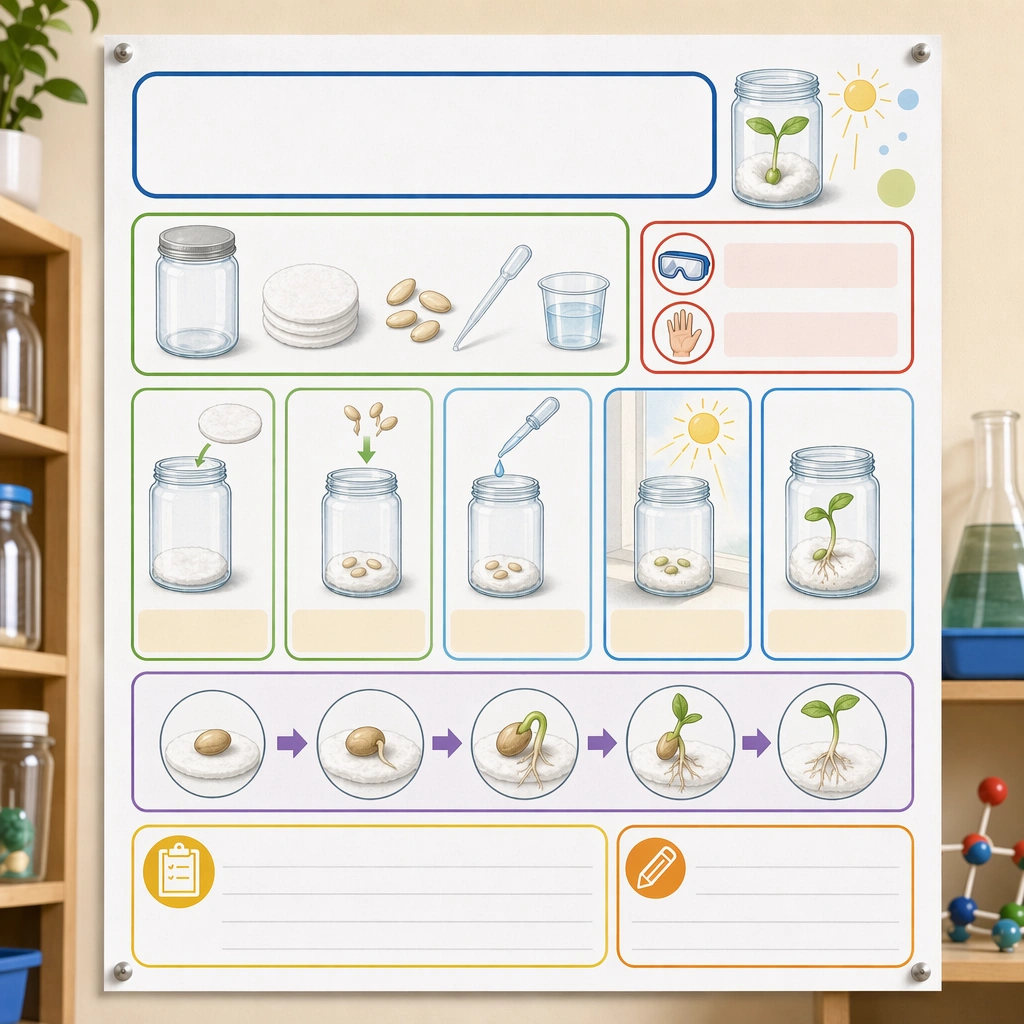
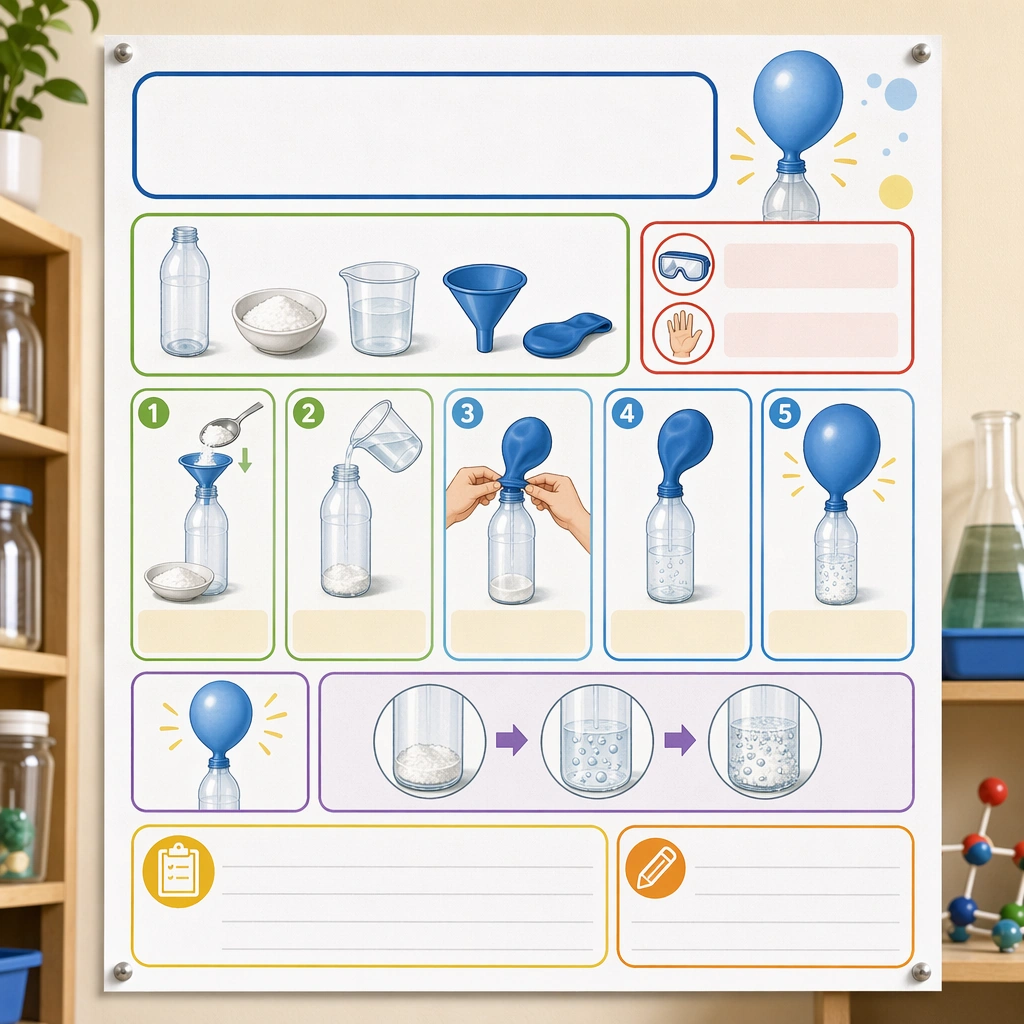
Lock a repeatable system: cover frame, badge placement, illustration window, color accents, and whitespace proportions. The design should communicate quality, consistency, and easy browsing across a curriculum shelf. Preserve the same cover frame, subject badge placement, illustration ratio, color hierarchy, and blank title-zone architecture from the reference cover. Use variation only in the teaching content, supporting props, and scene-specific mood while preserving the core visual system exactly.

Use case:
Kids Course Cover and Module Family series study 1/4, reference master cover.

Constraints:
No readable text, no watermark, no logos, preserve exact 1:1 aspect ratio, no readable course titles, no logos, no brand mascots from existing IP, no cluttered marketplace graphics, no fake awards, no generic stock-book covers.
How to use
- Copy the complete original prompt, including any parameters.
- Replace the subject, text and composition with your own requirements.
- Use a compatible external tool; check its current access conditions and review the result.
Before you start
- Check whether a reference image is required. A compatible model label does not mean this example was generated with that model.
- Keep names, figures and visible text accurate; results can vary between model versions.