
원본 문서
GPT Image 2 · en
Scene:
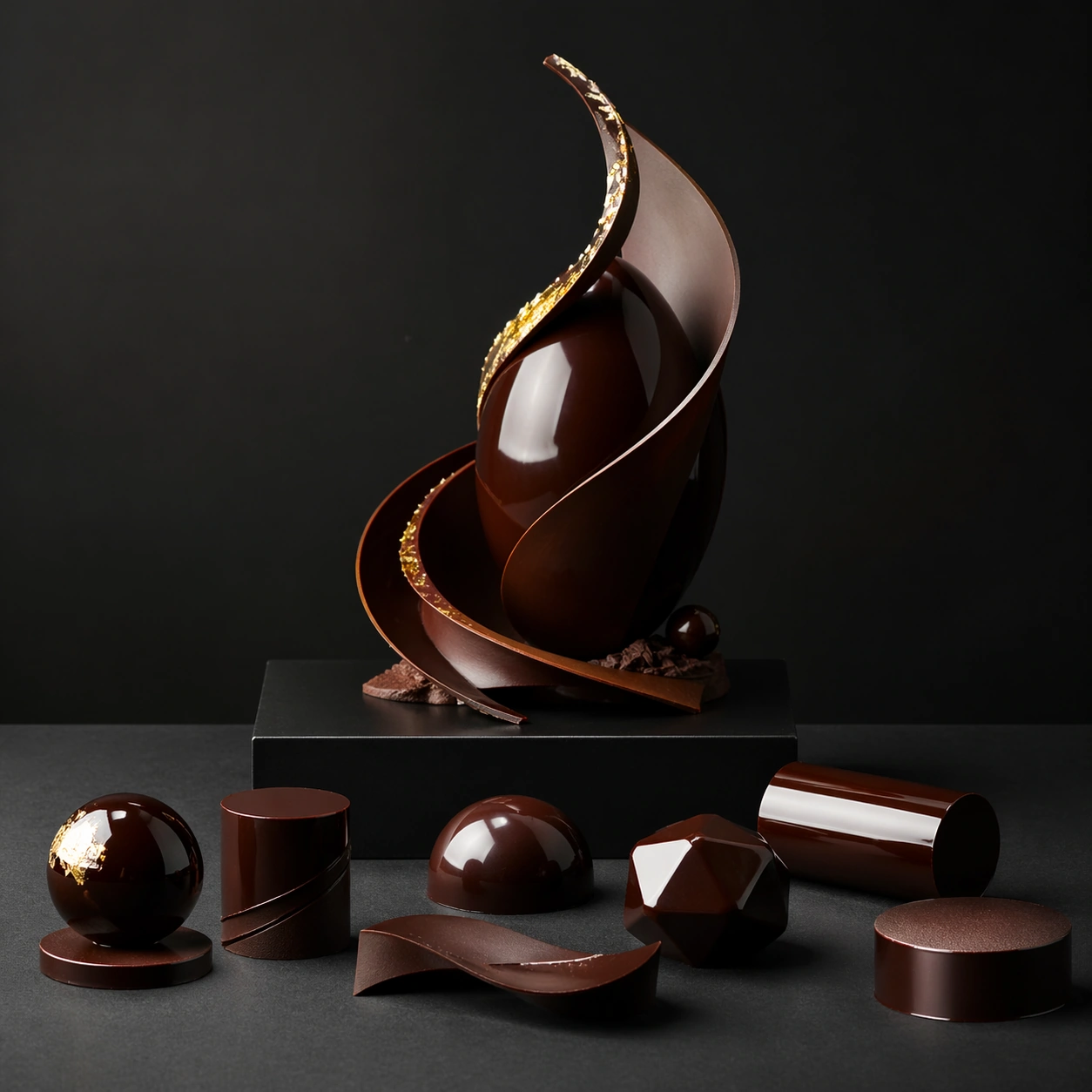
Create a square competition-style pastry studio photograph with one sculptural chocolate showpiece on a dark pedestal against a controlled neutral or black backdrop. Softbox reflections should skim the tempered surfaces with glass-like sharpness, while shadows stay deep and elegant. The object must feel large, balanced, and professionally lit, as if documented after winning a grand pastry prize. Use a square dark-studio tabletop with neutral lighting and enough spacing for several geometric chocolate forms to sit like material samples. Reflection bands should remain the main graphic event across the objects.

Subject:
Arrange a few small tempered shapes such as spheres, cylinders, ribbons, and facets on the table, each showing a different reflection behavior. The setup should look like a pastry studio testing surface perfection before building a larger showpiece. The objects should feel disciplined, expensive, and purpose-built.

Important details:
Tempered chocolate realism is critical: mirror reflections, crisp edges, matte-to-gloss transitions, gold leaf, sugar accents, and structural balance all need to feel plausible. The sculpture can be impossible in composition, but never sloppy in craft. Every support point and reflection line should suggest deliberate pastry engineering. The key is comparative clarity: each form should reveal temper quality through different reflection curvature and edge sharpness. The image should feel like a material benchmark, not a product advertisement.

Use case:
Chocolate lacquer sculpture single study 6/9, turning surface-reflection testing into a refined studio still life.

Constraints:
No readable text, no watermark, no logos, preserve exact 1:1 aspect ratio, no candy-bar packaging cues, no readable competition banners, no cartoon dessert palette, no smudged fingerprints, no cluttered workshop background, no candy wrappers, no printed notes, no playful colorful toppings.
사용 방법
- 매개변수를 포함한 전체 원본 프롬프트를 복사하세요.
- 주제, 문구, 구도를 자신의 요구에 맞게 바꾸세요.
- 호환되는 외부 도구에서 사용하고 이용 조건과 결과를 확인하세요.
시작 전 확인
- 참조 이미지가 필요한지 확인하세요. 호환 표시는 해당 모델로 이 예시를 생성했다는 뜻이 아닙니다.
- 이름, 수치, 이미지 속 문구를 확인하세요. 모델 버전에 따라 결과가 다를 수 있습니다.