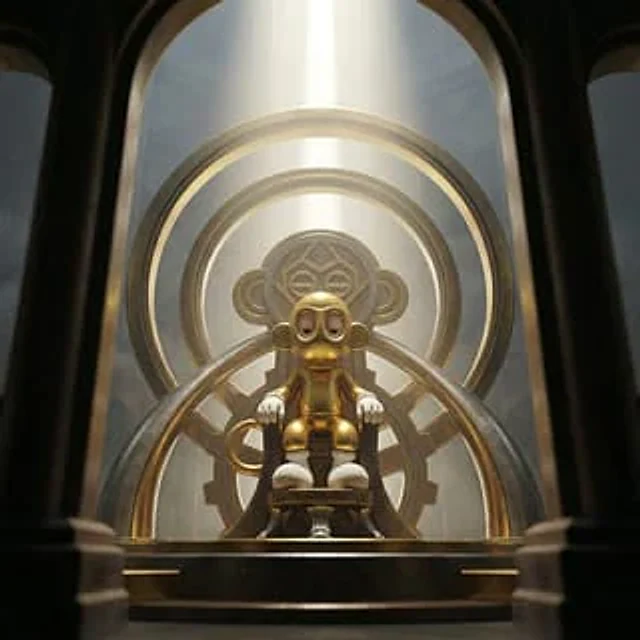
Sequential Continuity Generation

Sequential Continuity Generation

원본 문서

GPT Image 2 · en

Image 1:{argument name="action" default="Making plastic models with a serious expression"} The second image: (following the first image){argument name="failure scene" default="The shot of the pale face after cutting the wrong part."} .

사용 방법

  1. 매개변수를 포함한 전체 원본 프롬프트를 복사하세요.
  2. 주제, 문구, 구도를 자신의 요구에 맞게 바꾸세요.
  3. 호환되는 외부 도구에서 사용하고 이용 조건과 결과를 확인하세요.

시작 전 확인

  • 참조 이미지가 필요한지 확인하세요. 호환 표시는 해당 모델로 이 예시를 생성했다는 뜻이 아닙니다.
  • 이름, 수치, 이미지 속 문구를 확인하세요. 모델 버전에 따라 결과가 다를 수 있습니다.
비슷한 예시

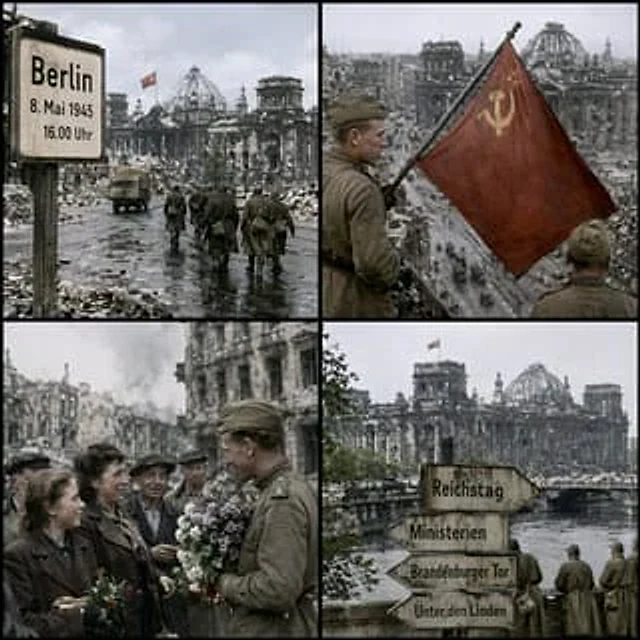
Historical Coordinate Grid Generation
GPT Image 2en

Generate an image to simulate in{argument name="location" default="52.5186° N, 13.3762° E"} ,{argument name="date" default="16:00 on May 8, 1945"} The effect of the shot. Generate a single image.{argument name="aspect ratio" default="1:1"} The aspect ratio images are arranged in

Educational Storyboard Generation
GPT Image 2en

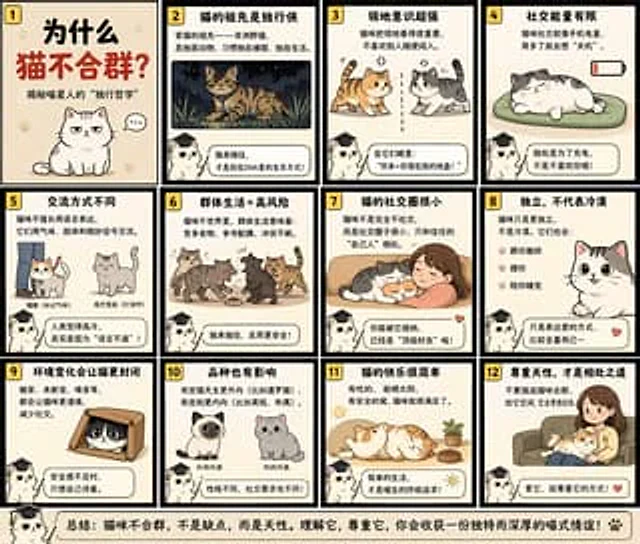
Generate a{argument name="frame count" default="12"} Frame's storyboard explains in a fun and educational style{argument name="educational topic" default="Why are cats solitary animals?"} .

AI Image Generation Manga Page
GPT Image 2en

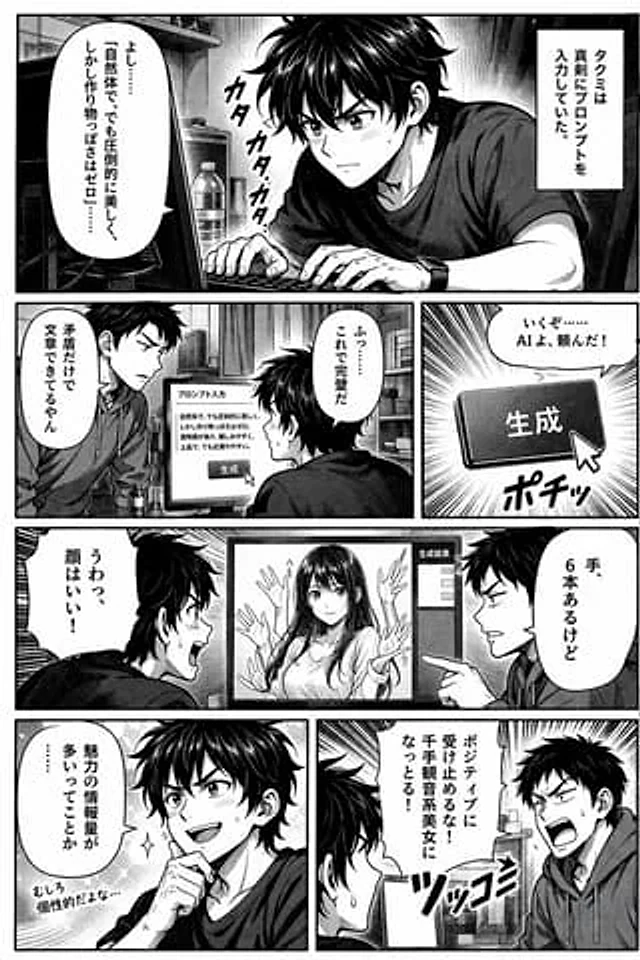
{ "type": "Comic page", "style": "Black and white, halftone paper, read from left to right", "characters": [ { "name": "Takumi", "appearance": "Messy dark hair, T-shirt" }, { "name": "friend", "appearance": "Short hair, hoodie" } ],