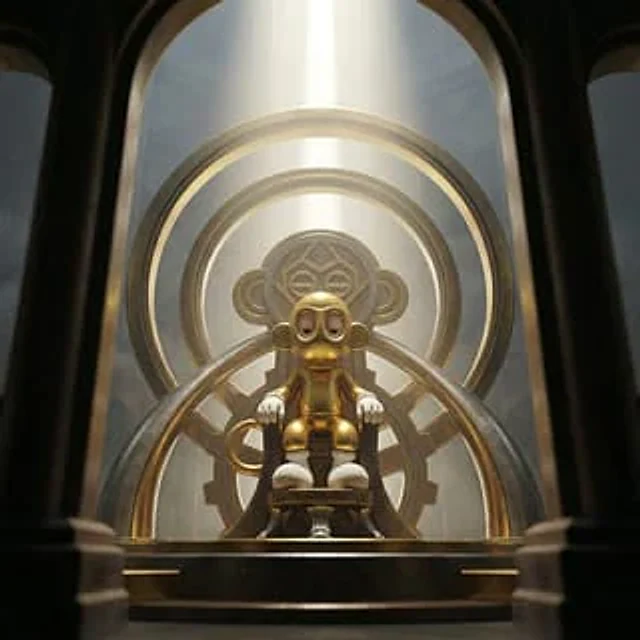
Sequential Continuity Generation

Sequential Continuity Generation

Oryginalny dokument

GPT Image 2 · en

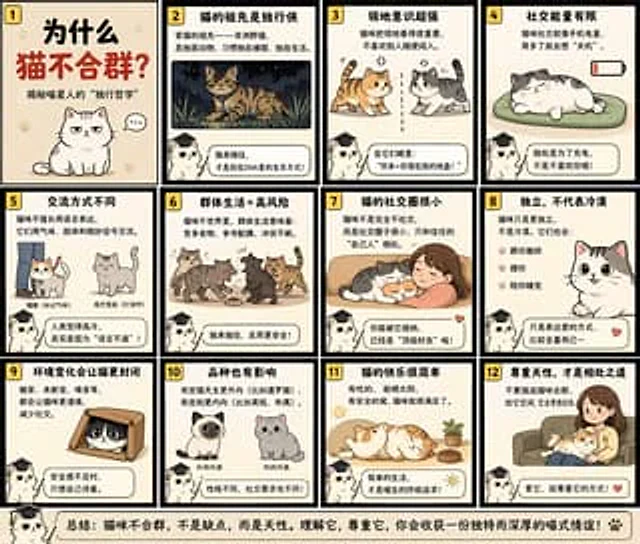
Image 1:{argument name="action" default="Making plastic models with a serious expression"} The second image: (following the first image){argument name="failure scene" default="The shot of the pale face after cutting the wrong part."} .

Jak używać

  1. Skopiuj cały oryginalny prompt wraz z parametrami.
  2. Dostosuj temat, tekst i kompozycję do swoich potrzeb.
  3. Użyj zgodnego narzędzia zewnętrznego; sprawdź warunki dostępu i wynik.

Przed rozpoczęciem

  • Sprawdź, czy potrzebny jest obraz referencyjny. Zgodność nie potwierdza modelu użytego do przykładu.
  • Sprawdź nazwy, liczby i napisy; wyniki zależą od wersji modelu.
Podobne przykłady

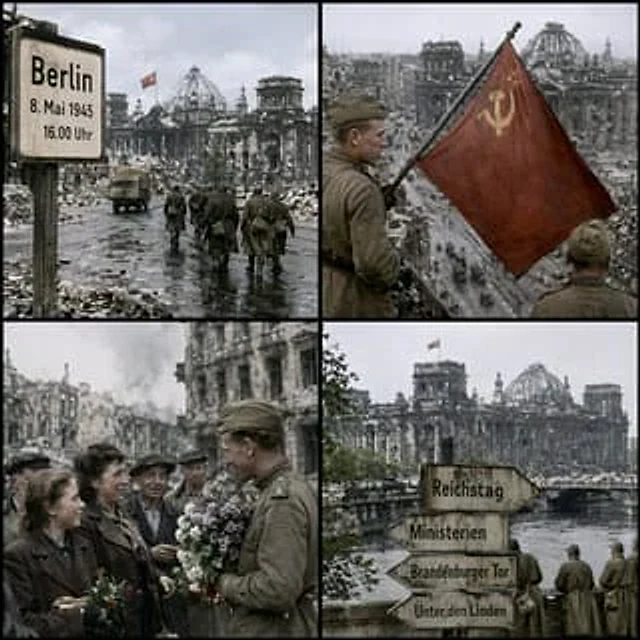
Historical Coordinate Grid Generation
GPT Image 2en

Generate an image to simulate in{argument name="location" default="52.5186° N, 13.3762° E"} ,{argument name="date" default="16:00 on May 8, 1945"} The effect of the shot. Generate a single image.{argument name="aspect ratio" default="1:1"} The aspect ratio images are arranged in

AI Image Generation Manga Page
GPT Image 2en

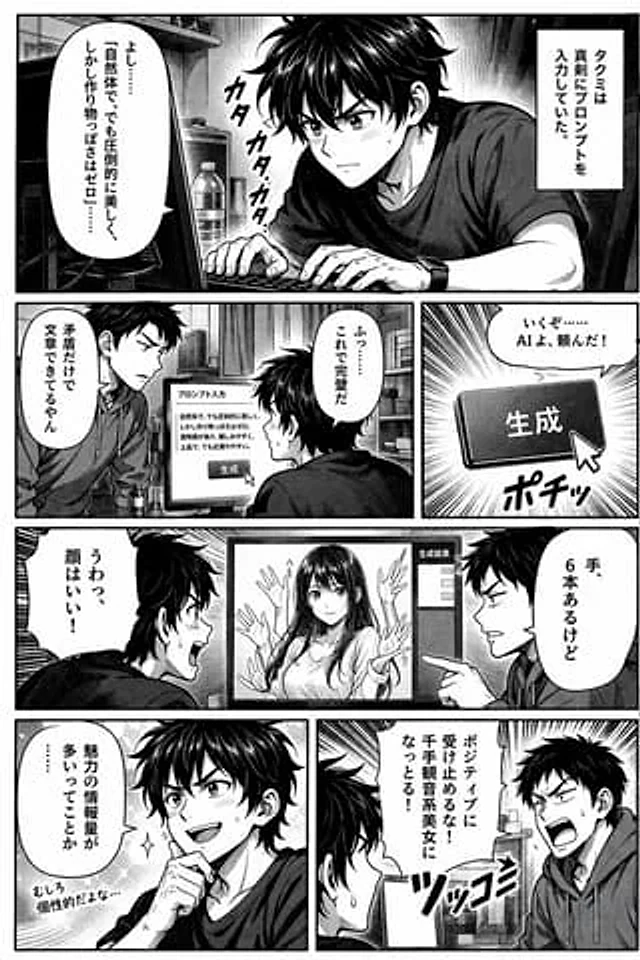
{ "type": "Comic page", "style": "Black and white, halftone paper, read from left to right", "characters": [ { "name": "Takumi", "appearance": "Messy dark hair, T-shirt" }, { "name": "friend", "appearance": "Short hair, hoodie" } ],