원본 문서
GPT Image 2 · en
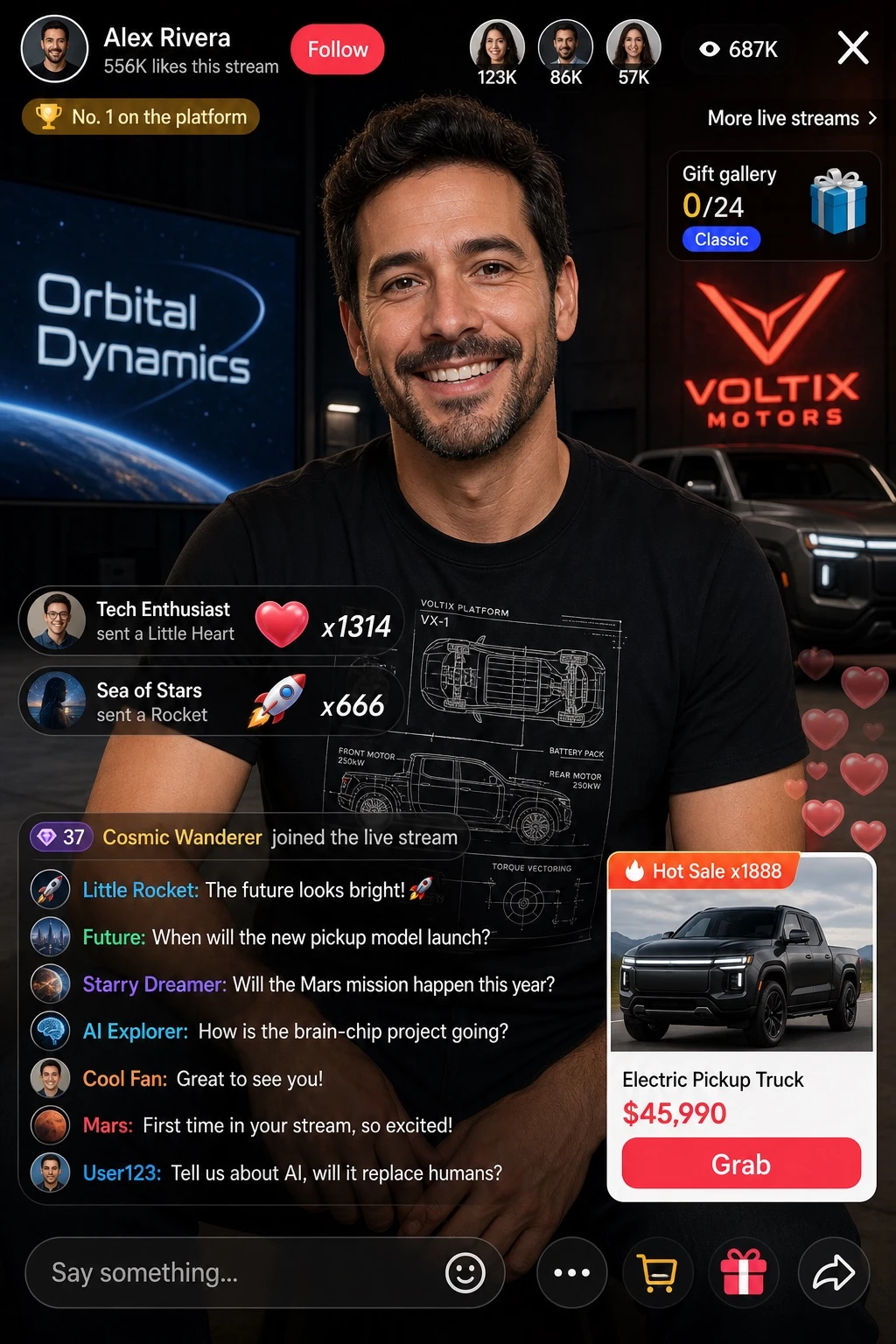
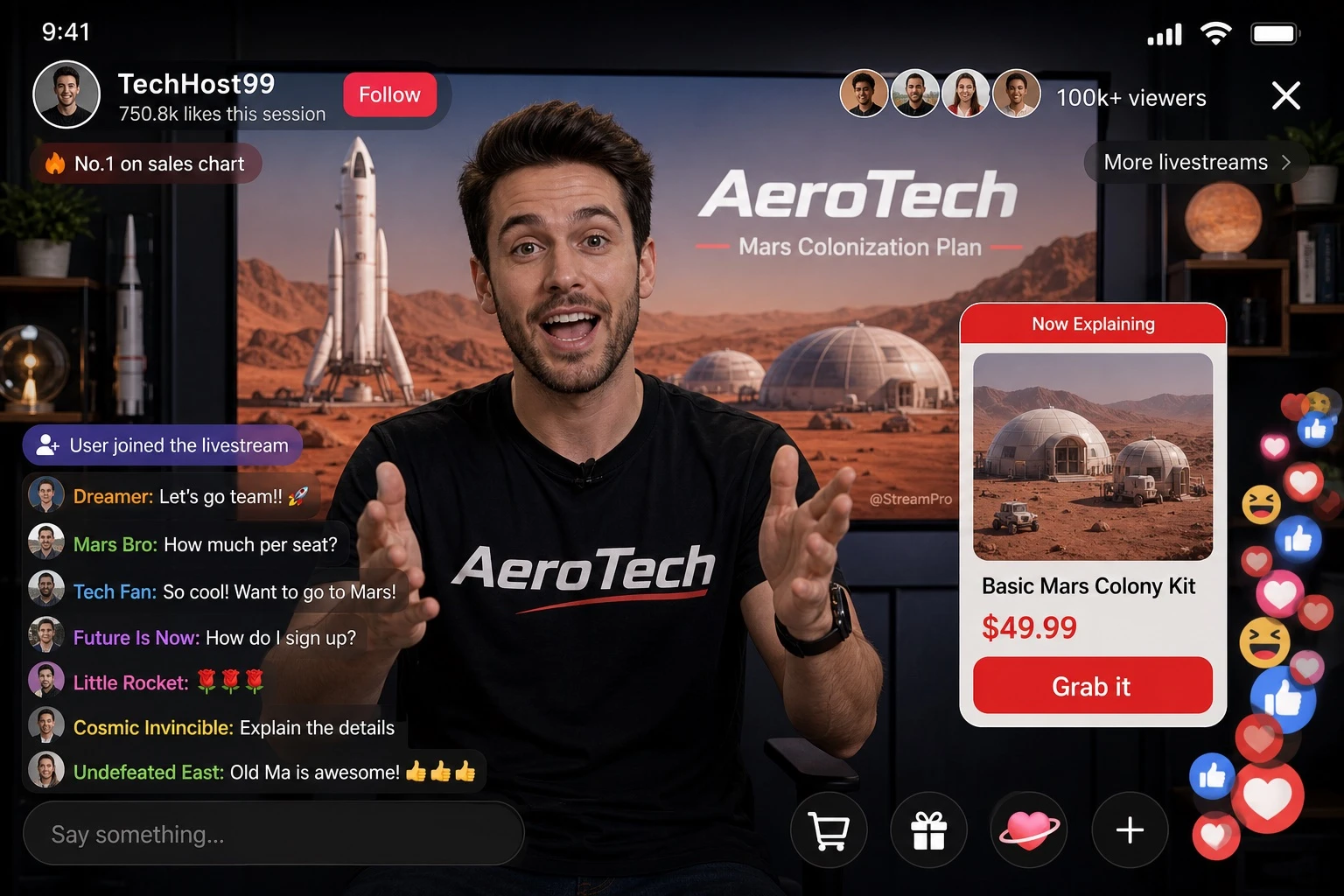
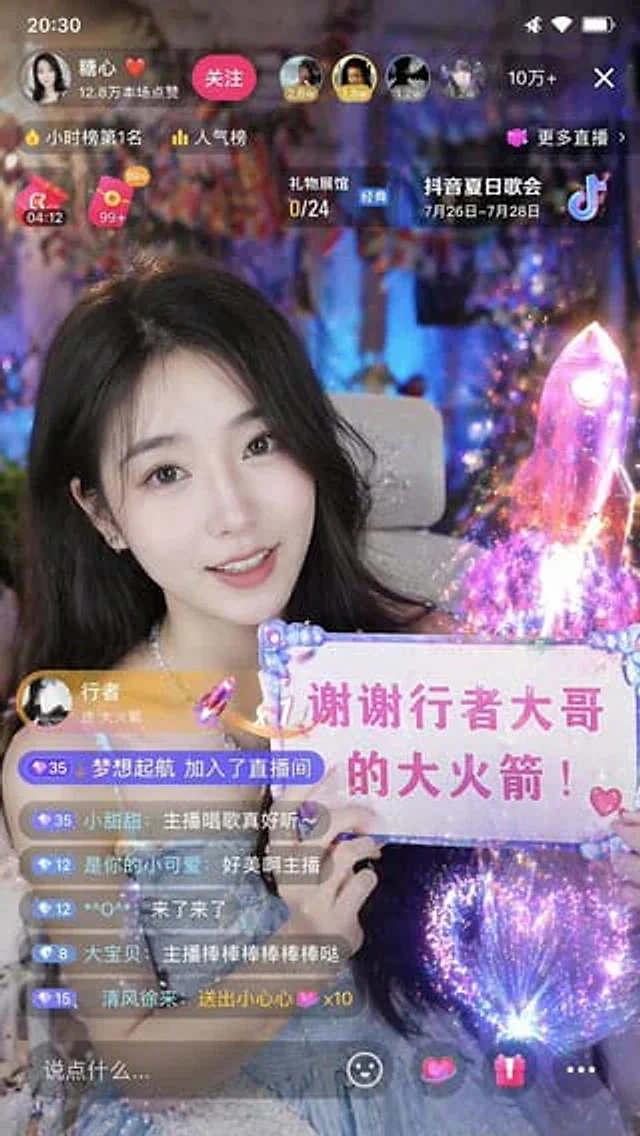
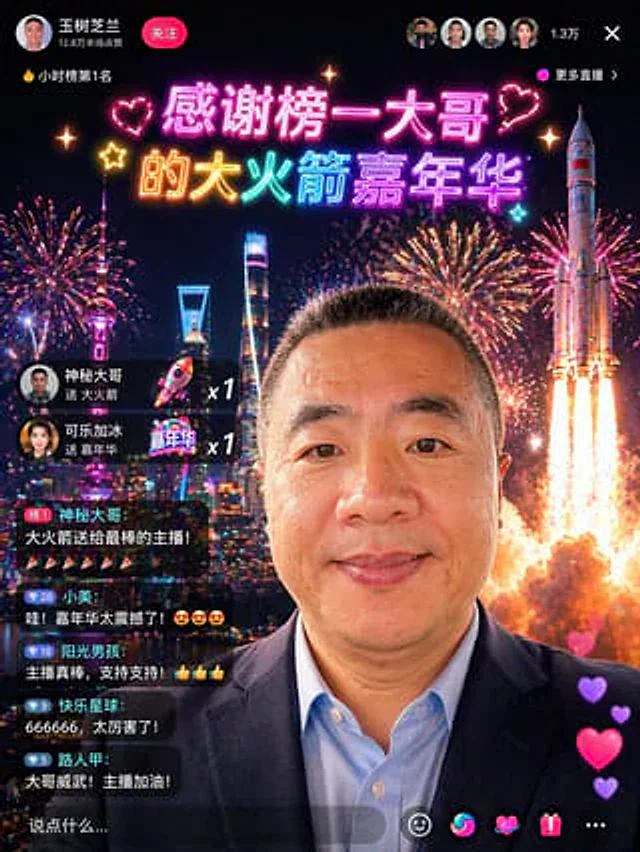
Using the provided reference photo, transform the character into a cool screenshot of a Chinese live stream, while maintaining the head position, cropping proportions, hairstyle, and overall features. Replace the outdoor parasol and street background with a nighttime city skyline filled with fireworks, and add a large rocket launch effect on the right. Change the clothing to a dark business suit jacket paired with a light blue shirt, making the subject look like a high-value VIP guest in the live stream. Overlay a sophisticated Chinese live stream app interface: the top left profile area displays the name "Wang Shuzhilan," a red "Follow" button, and the words "128,000 wasted this time"; the top left displays the ranking tag "🔥 Hourly Ranking No. 1"; the top center displays two lines of neon-style celebratory titles, "Thank you to the top donor" and "Big Rocket Carnival," accompanied by hearts and glitter decorations; the top right displays four small circular viewer avatars, the number of viewers "13,000," a close "×" icon, and a "More Live Streams" label. Add two gift notification cards on the left: "Mysterious donor sent a Big Rocket x1" and "Cola with Ice sent a Carnival x1." Five stacked chat bubbles are added below, displaying specific usernames and messages: 1) "Top 1 Mysterious Brother: A giant rocket for the best streamer!" followed by six confetti emojis; 2) "Xiao Mei: Wow! The carnival was amazing! 😍😍😍"; 3) "Sunny Boy: The streamer is awesome, support! 👍👍👍"; 4) "Happy Planet: 666666, so amazing!"; 5) "Passerby A: Brother is awesome! Keep it up, streamer!". A semi-transparent comment bar is added at the bottom, displaying "Say something...". Five bottom action icons are added: a smiley face, a colorful swirl, a heart, a gift box, and three dots. A string of four vertically floating heart-shaped likes is added to the bottom right corner. This makes the composite image look like a realistic screenshot of a high-end social app live stream, with smooth Chinese typography, vibrant neon colors, realistic UI integration, and a festive, viral visual effect.사용 방법
- 매개변수를 포함한 전체 원본 프롬프트를 복사하세요.
- 주제, 문구, 구도를 자신의 요구에 맞게 바꾸세요.
- 호환되는 외부 도구에서 사용하고 이용 조건과 결과를 확인하세요.
시작 전 확인
- 참조 이미지가 필요한지 확인하세요. 호환 표시는 해당 모델로 이 예시를 생성했다는 뜻이 아닙니다.
- 이름, 수치, 이미지 속 문구를 확인하세요. 모델 버전에 따라 결과가 다를 수 있습니다.