원본 문서
GPT Image 2 · en
Scene:
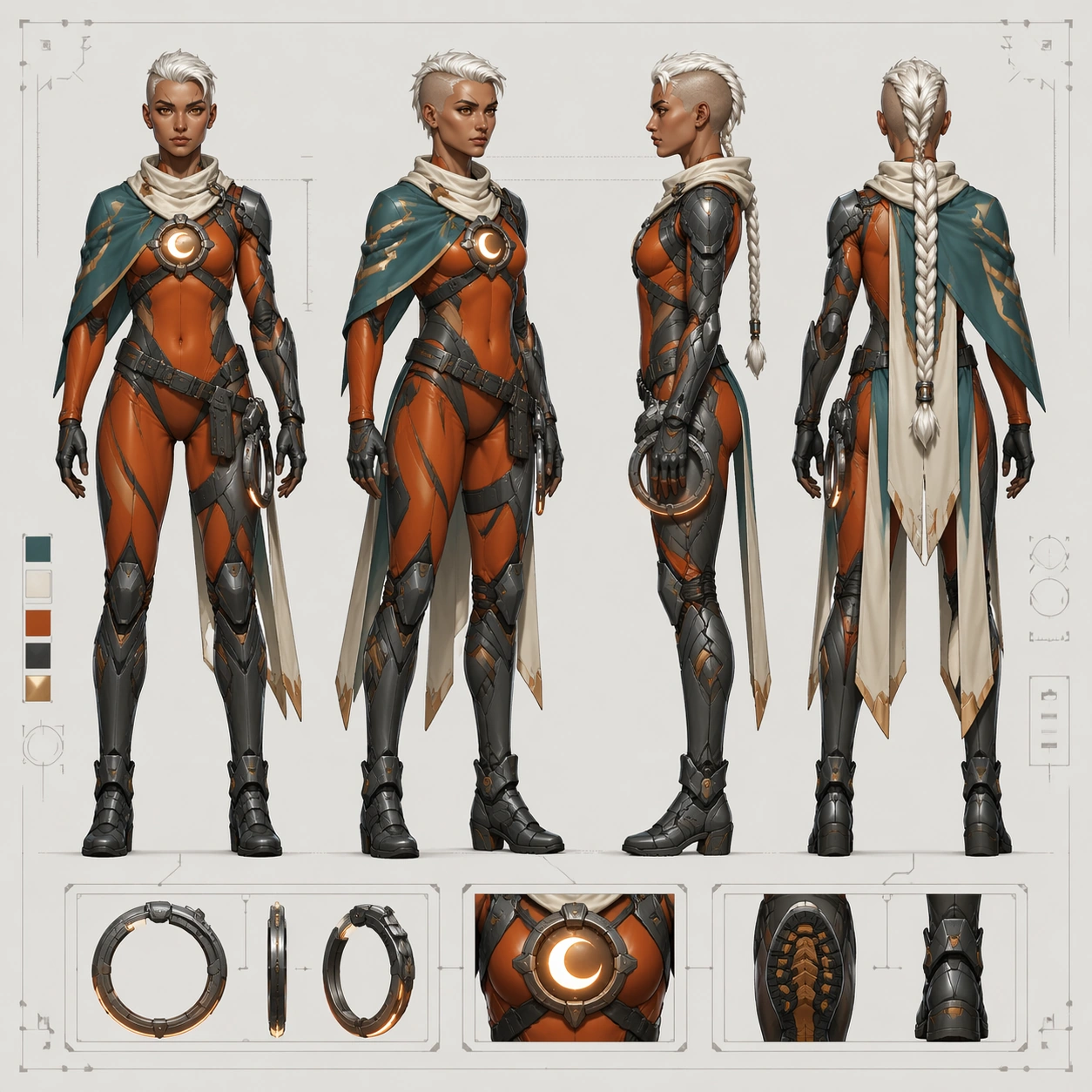
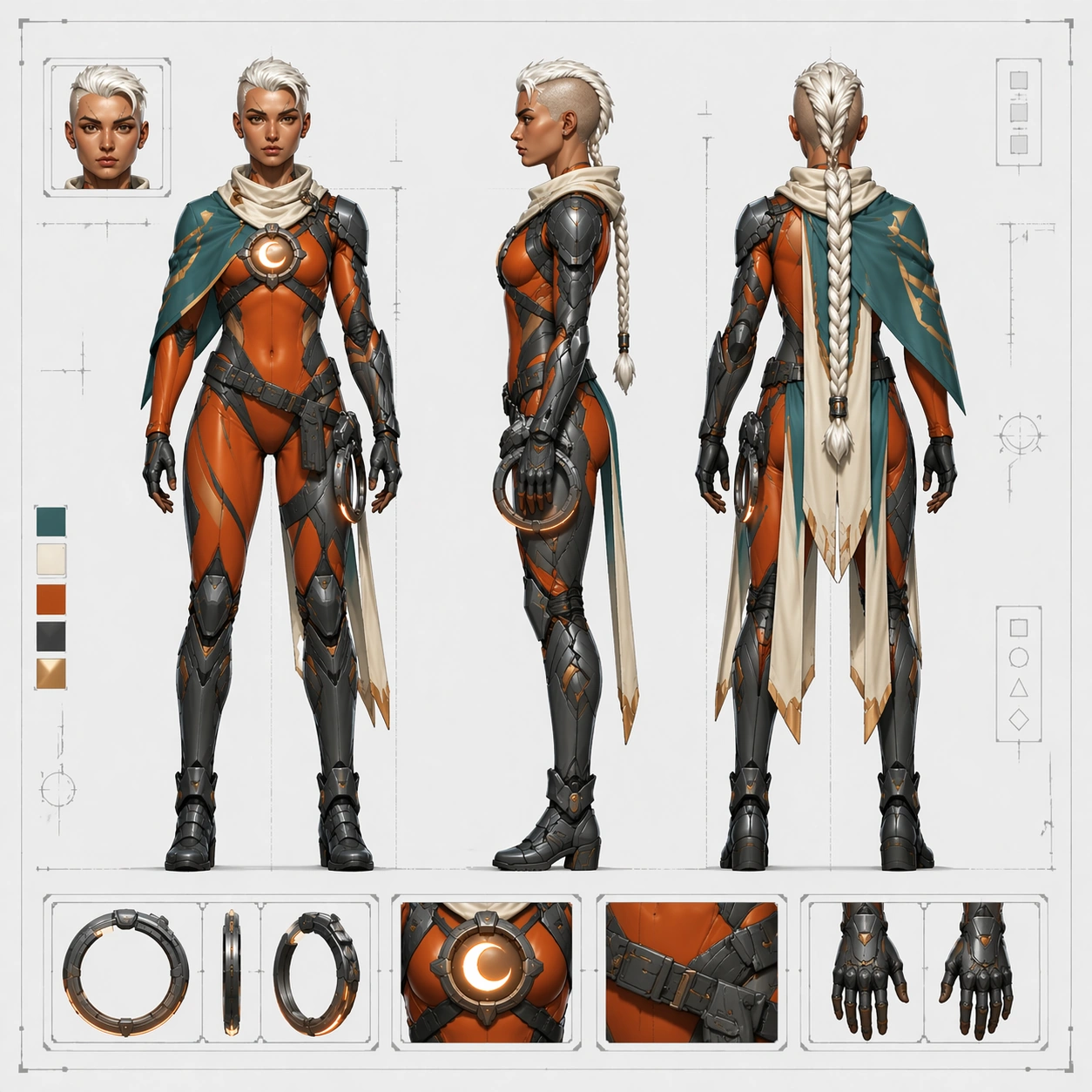
Produce a square orthographic character-sheet image with a bright neutral board, strict spacing, and an even more diagrammatic tone than the reference sheet. The page should emphasize clarity over spectacle, using front, side, and back placements with clean vertical alignment, a faint floor baseline, restrained crop marks, and discreet shape blocks that imply production annotations without readable text. Keep the overall lighting flat enough for technical evaluation while preserving enough material separation to distinguish cloth, armor, and emissive parts.

Subject:
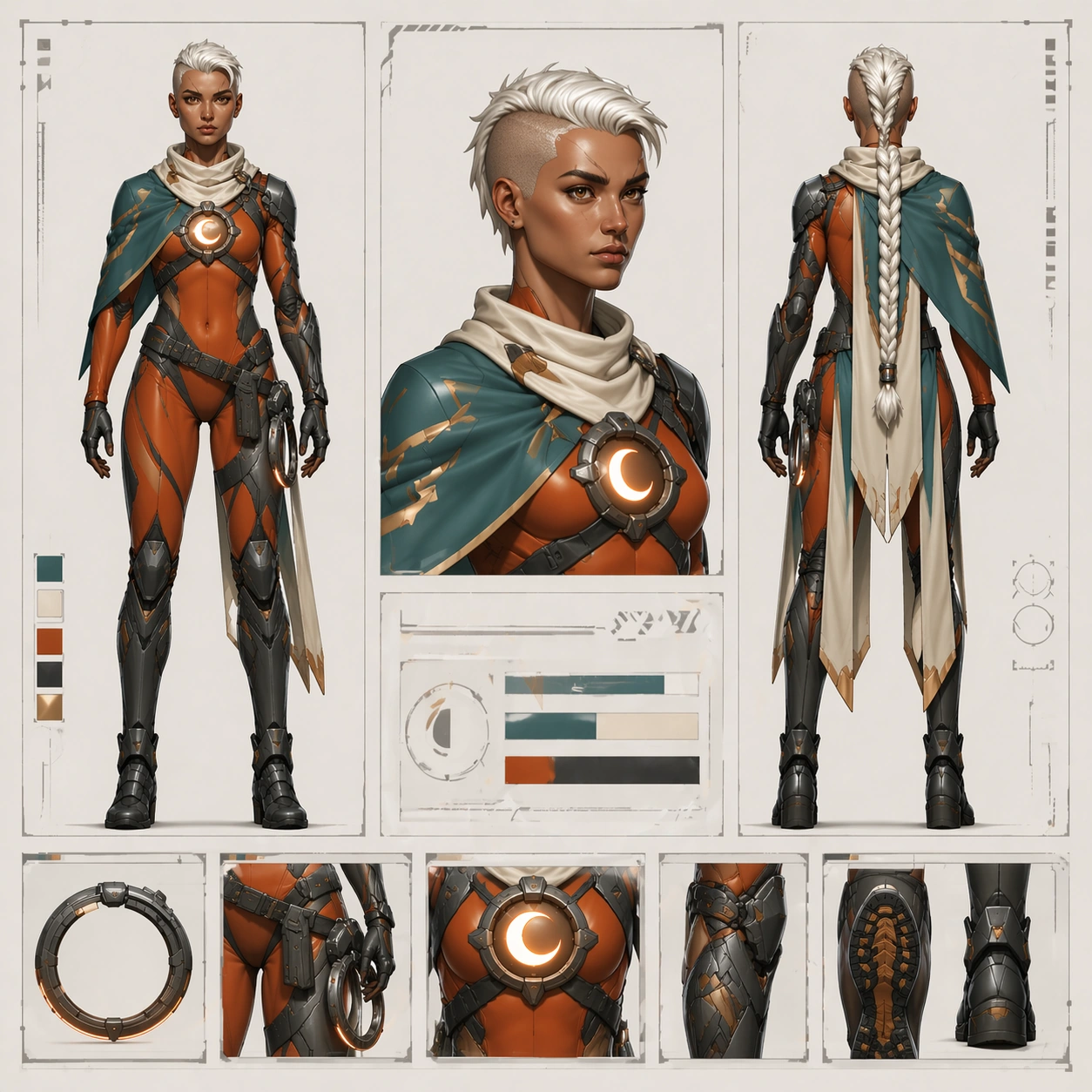
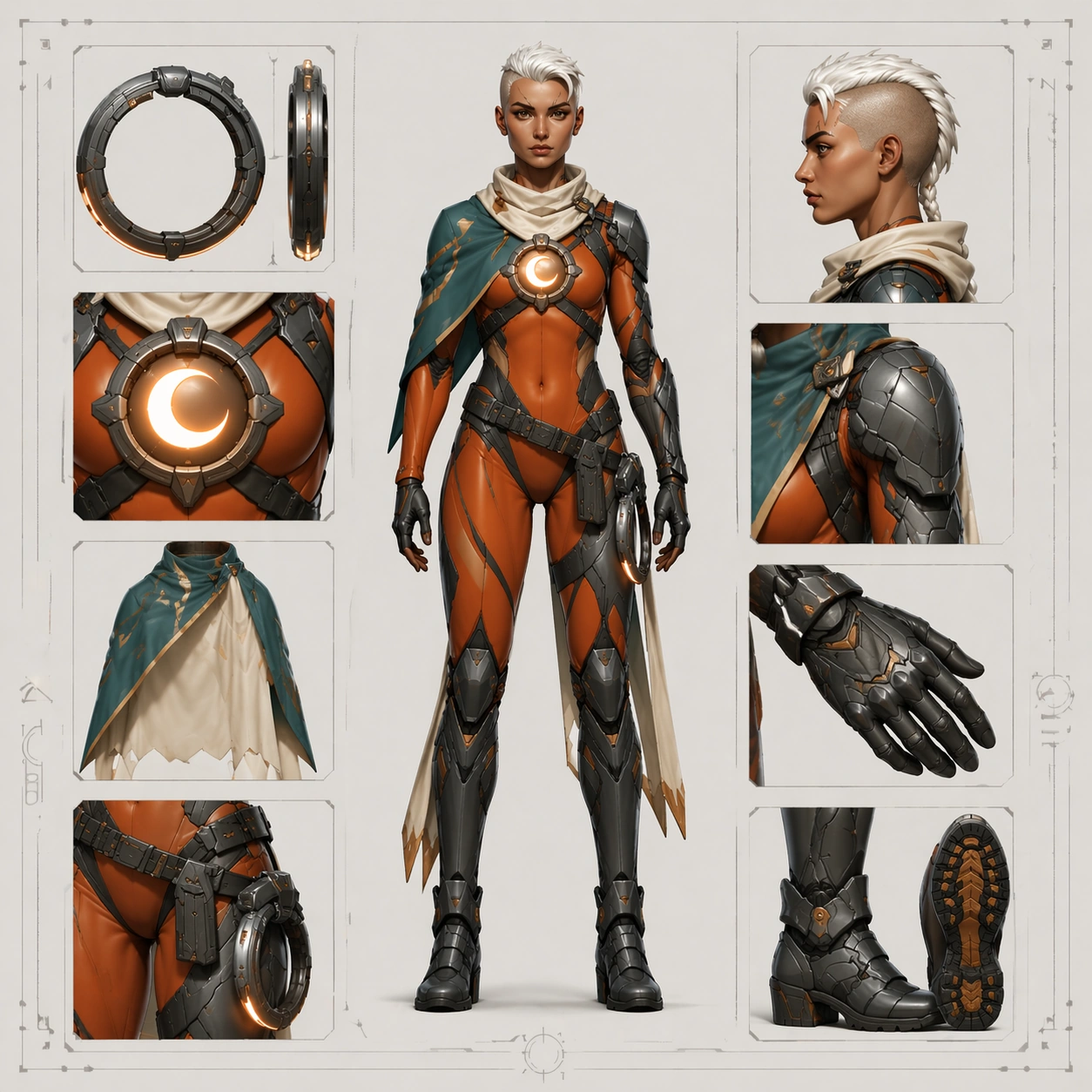
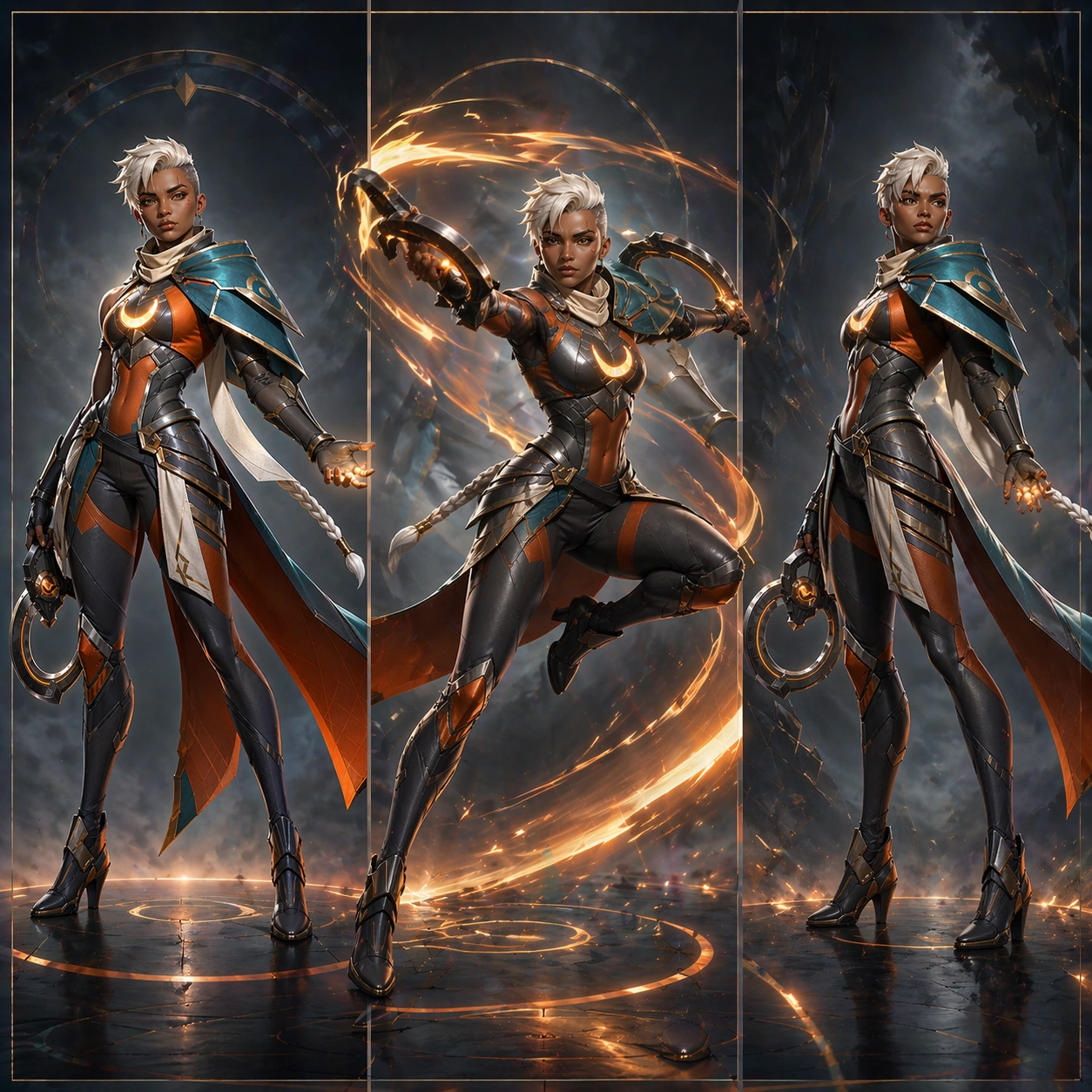
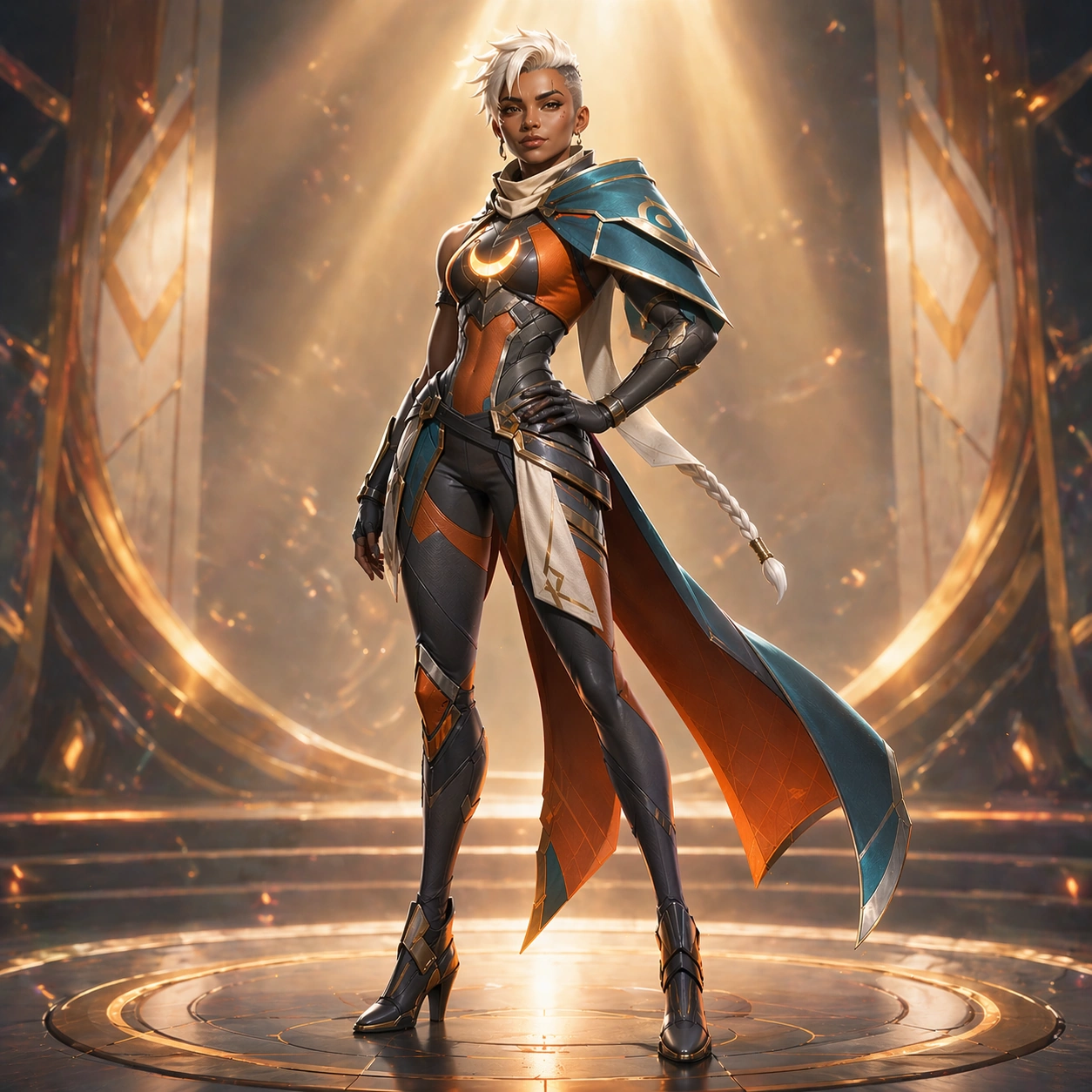
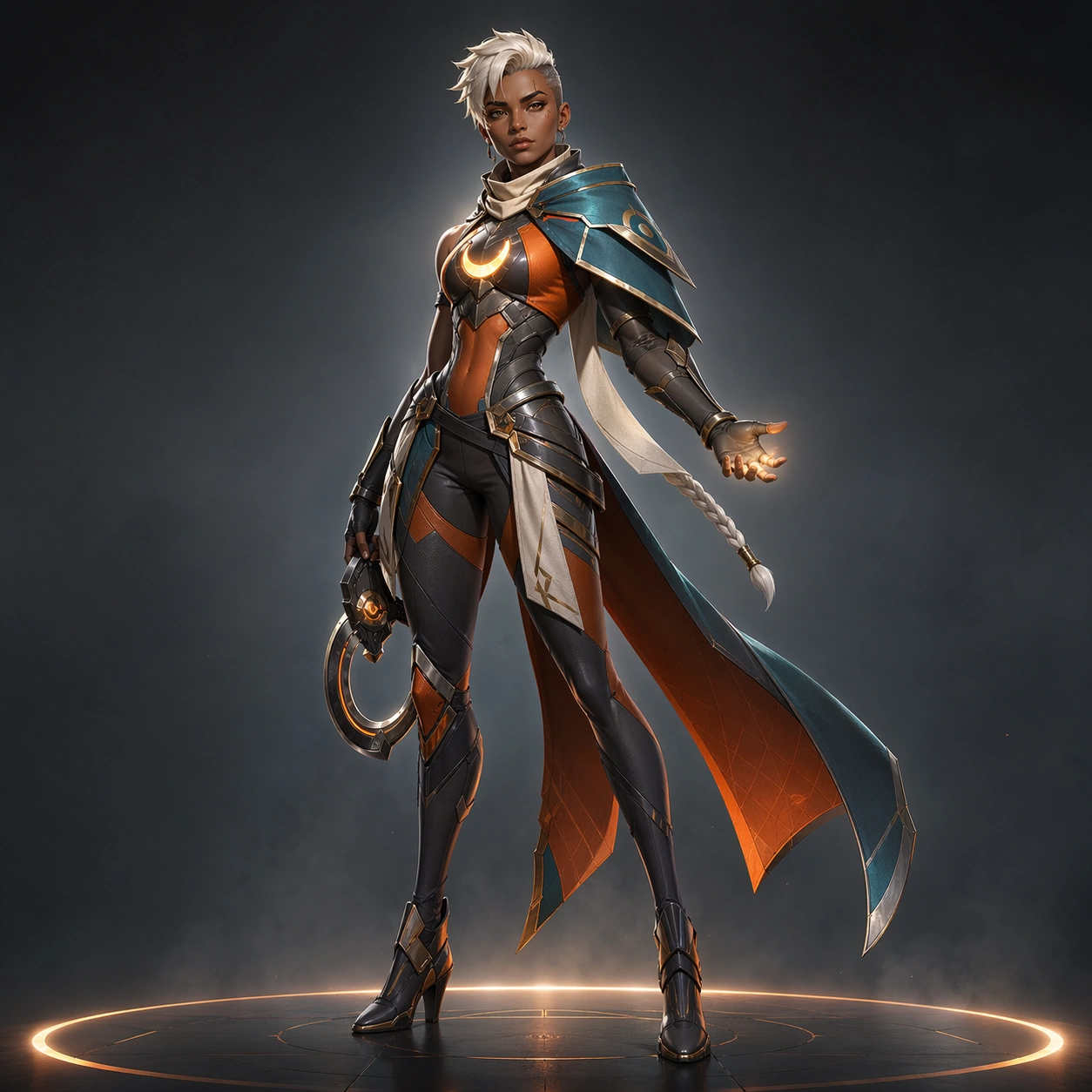
Use the exact same heroine from the turnaround reference model. Preserve exact face, hair base, body proportions, eyebrow scar, braid length, chest reactor, asymmetrical shoulder mantle, bodysuit seam map, belt and holster logic, cape split, glove shapes, and boot construction. Show front, side, and back views as the dominant content, with one tiny head close-up inset if needed for face clarity. The image should read like a reliable orthographic handoff for modeling or wiki documentation, not like a new concept.

Important details:
Consistency is the whole point. Do not beautify away the production logic. Keep silhouette breakpoints measurable and aligned, especially shoulder width, knee height, cape length, and reactor placement. Use a restrained palette of teal, ember orange, gunmetal, and ivory exactly as established in the reference model. Small inset blocks may show belt buckle or gauntlet details, but the main layout must remain clean and orthographic.

Use case:
Hero Reveal Turnaround Pack series study 7/9, translating the same heroine into a stricter front-side-back production sheet.

Constraints:
No readable text, no watermark, no logos, preserve exact 1:1 aspect ratio, preserve exact face and body proportions from the reference model, no dramatic perspective, no extra prop clutter, no colorway change, no anatomy drift, no floating UI panels.
사용 방법
- 매개변수를 포함한 전체 원본 프롬프트를 복사하세요.
- 주제, 문구, 구도를 자신의 요구에 맞게 바꾸세요.
- 호환되는 외부 도구에서 사용하고 이용 조건과 결과를 확인하세요.
시작 전 확인
- 참조 이미지가 필요한지 확인하세요. 호환 표시는 해당 모델로 이 예시를 생성했다는 뜻이 아닙니다.
- 이름, 수치, 이미지 속 문구를 확인하세요. 모델 버전에 따라 결과가 다를 수 있습니다.