원본 문서
GPT Image 2 · en
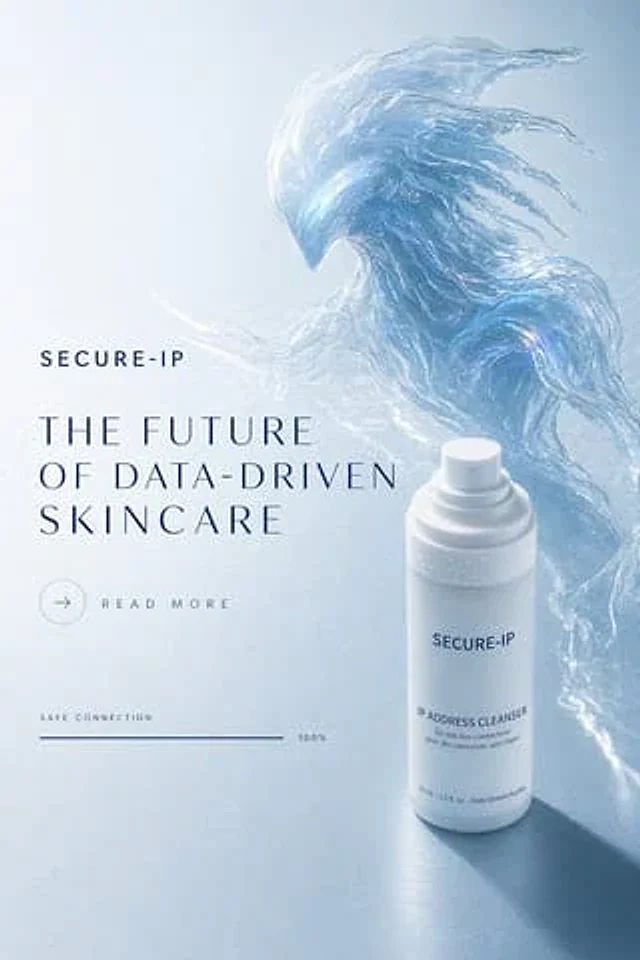
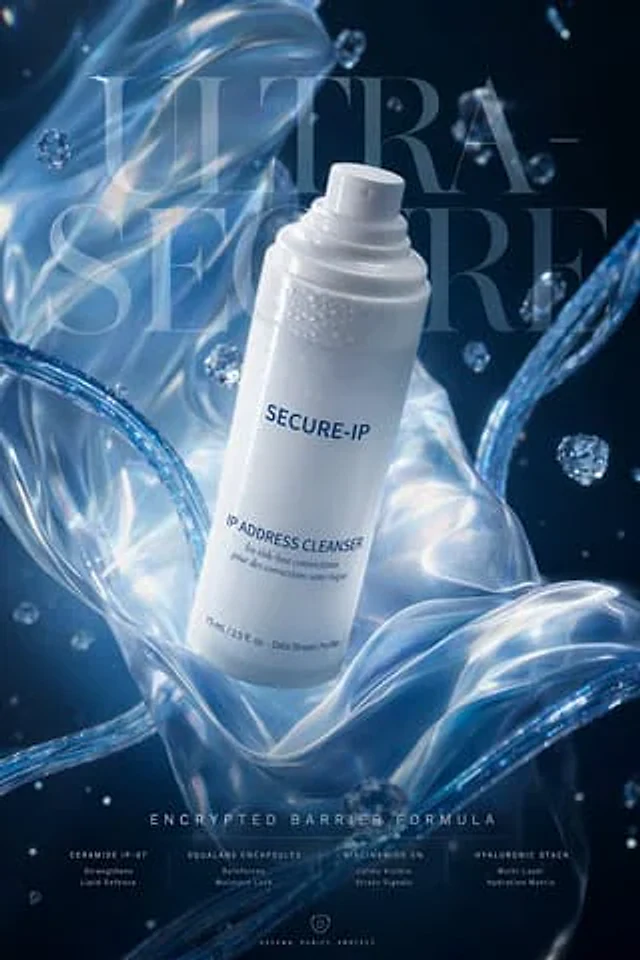
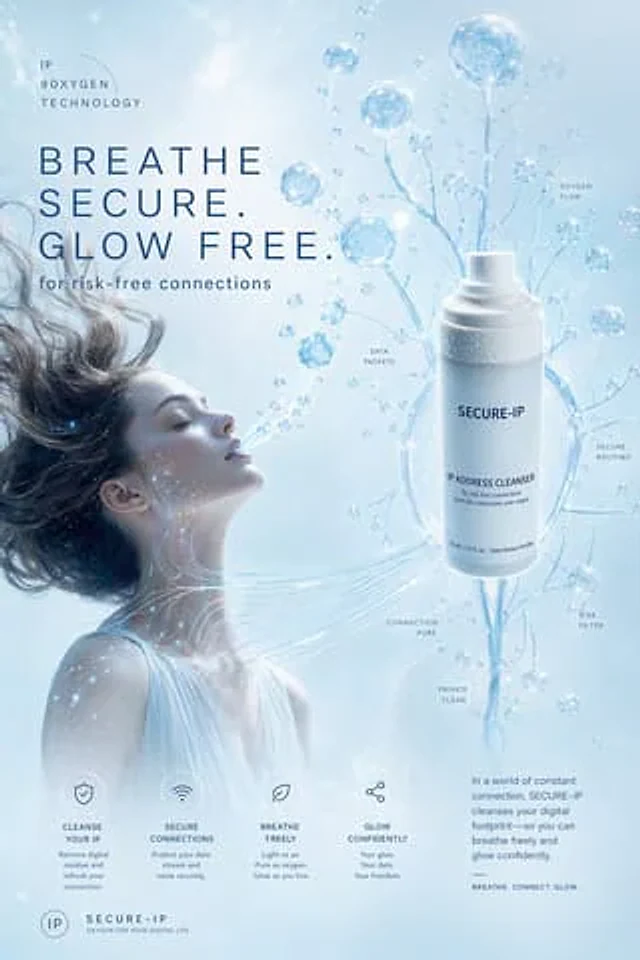
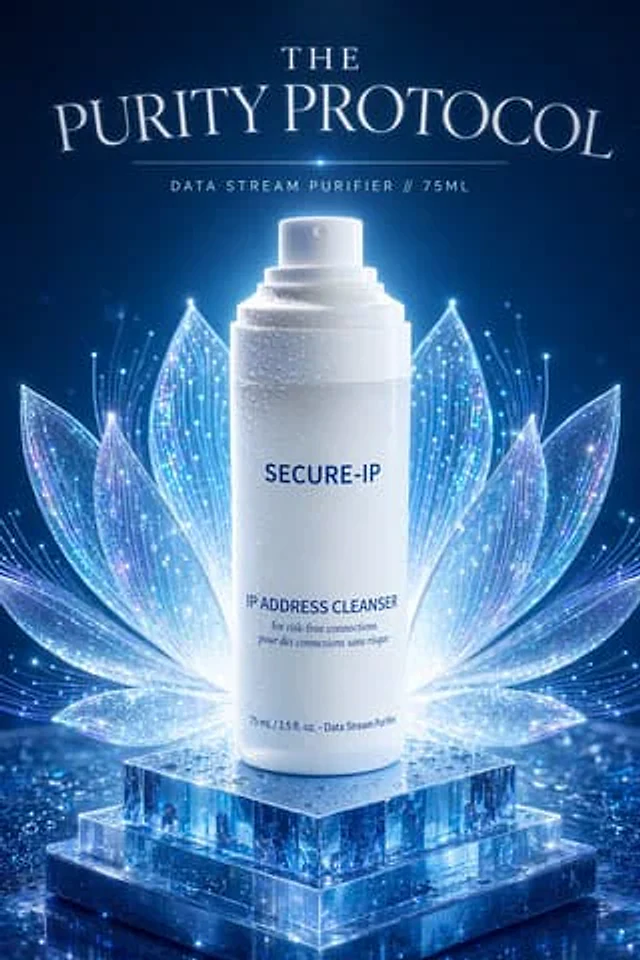
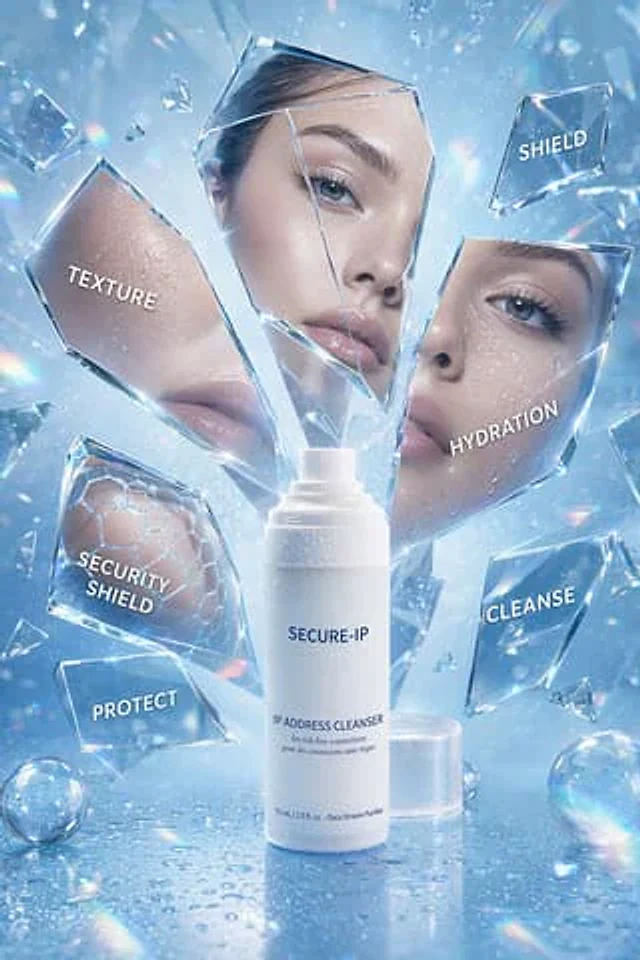
An advertisement for a futuristic, luxury skincare product, featuring a cool, icy blue color scheme, is presented in the style of a high-end beauty studio photoshoot. A frosted white pump bottle is placed in the center of the image, labeled {argument name="brand name" default="SECURE-IP"} It is printed with minimalist navy blue lettering.{argument name="product name" default="IP ADDRESS CLEANSER"} Near the bottom are smaller lines of text: “for risk-free connections,” “pour des connexions sans risque,” and “75 ml / 2.5 fl. oz. - Data Stream Purifier.” The bottle is placed vertically on a glossy, reflective surface with realistic water droplets, the translucent circular cap positioned at the rear right. Surrounding the product are sharp, shattered pieces of clear glass and crystal, seemingly suspended in mid-air. Several larger fragments serve as label panels: six text fragments on the left read “TEXTURE” (overlaying a close-up of hydrated skin), “SHIELD” in the upper right, “HYDRATION” on the right (overlaying a close-up of blue eyes and hydrated skin), “SECURITY SHIELD” in the lower left (overlaying a subtle hexagonal honeycomb pattern), “PROTECT” in the lower left, and “CLEANSE” in the lower right. Some fragments incorporate beauty imagery: one shows luminous cheeks and lips, another depicts a woman's eyes with long eyelashes and water droplets on her skin, and yet another showcases a scientific honeycomb barrier pattern. Add a tall, frosted rectangular floating panel at the center above and behind the pump head to create depth. Place two iridescent glass spheres on the wet surface, one in the lower left and one in the lower right corner. Use bright, shimmering highlights, prism-like rainbow refraction, luminous contour lighting, floating mist, microparticles, and a crisp, 4K cosmetic advertising texture. The overall composition should reflect a high-end, clean, protective, and digital skincare theme, perfectly blending hydration science with digital security metaphors.사용 방법
- 매개변수를 포함한 전체 원본 프롬프트를 복사하세요.
- 주제, 문구, 구도를 자신의 요구에 맞게 바꾸세요.
- 호환되는 외부 도구에서 사용하고 이용 조건과 결과를 확인하세요.
시작 전 확인
- 참조 이미지가 필요한지 확인하세요. 호환 표시는 해당 모델로 이 예시를 생성했다는 뜻이 아닙니다.
- 이름, 수치, 이미지 속 문구를 확인하세요. 모델 버전에 따라 결과가 다를 수 있습니다.