原始文档
GPT Image 2 · en
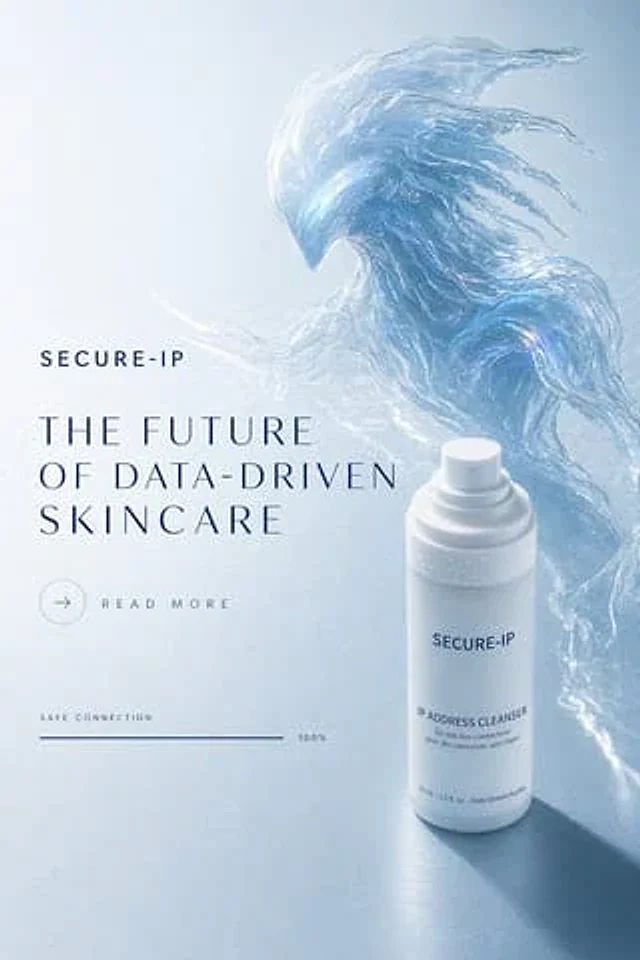
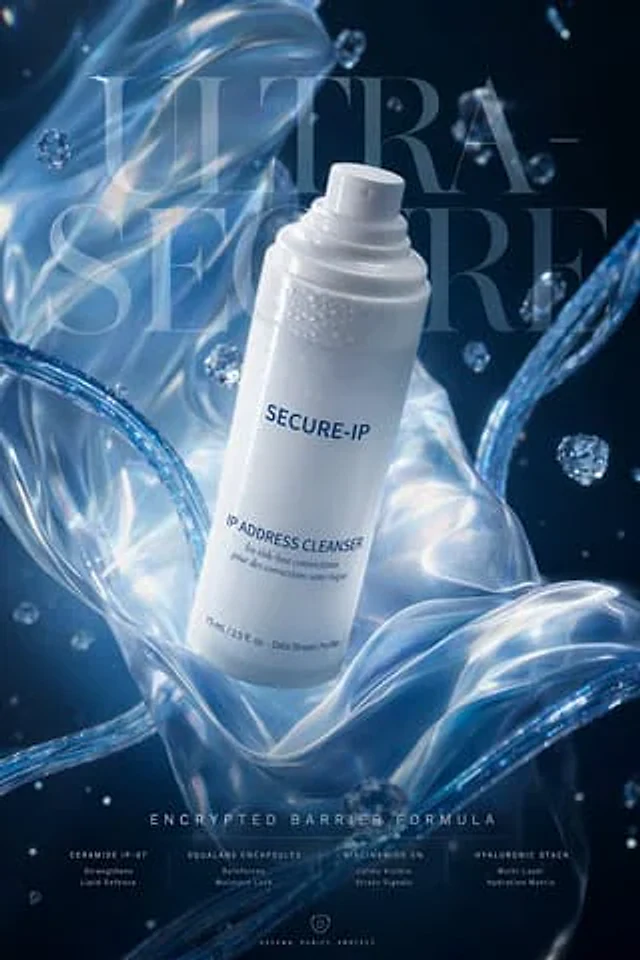
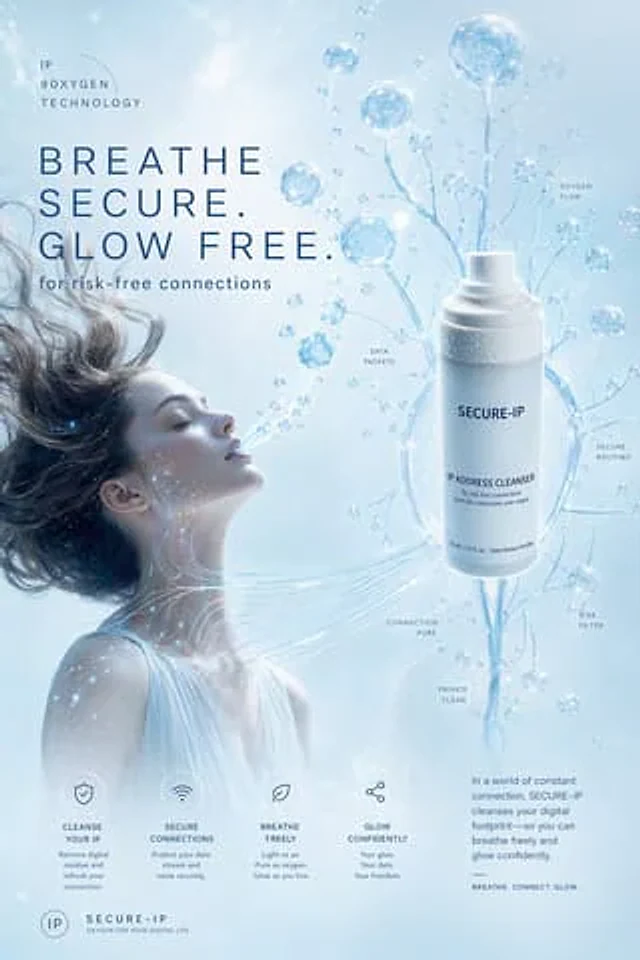
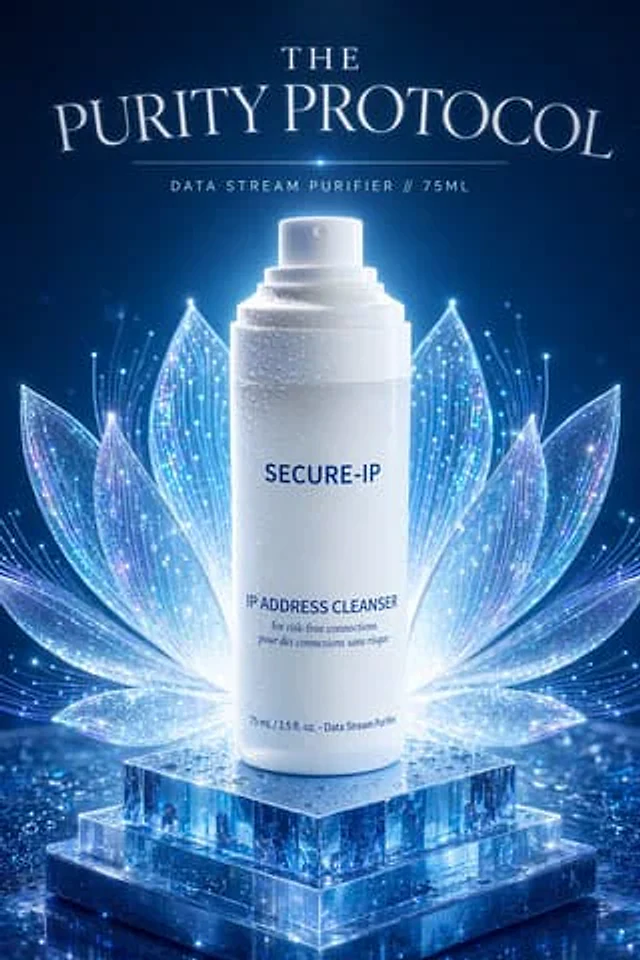
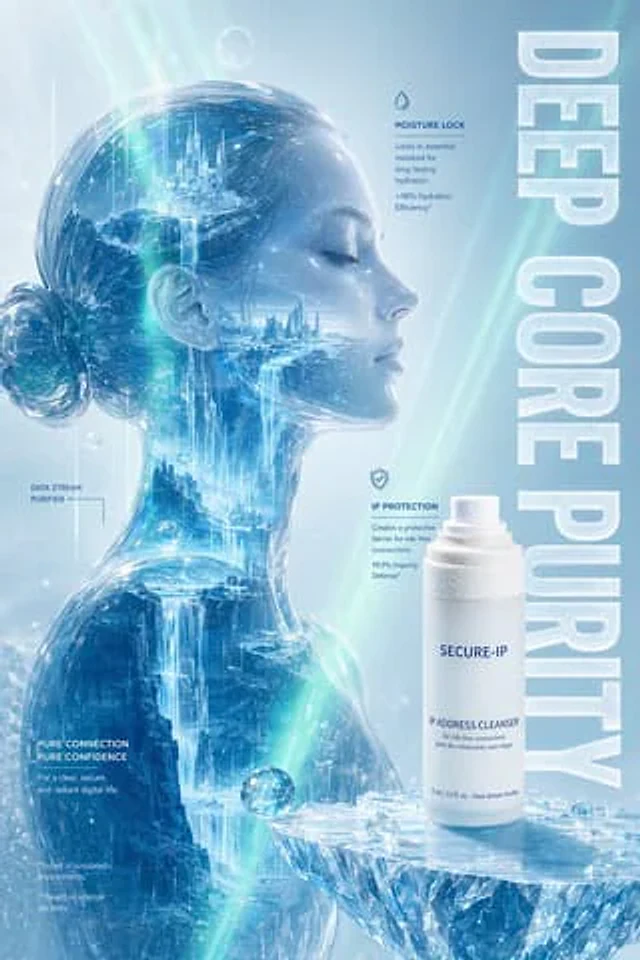
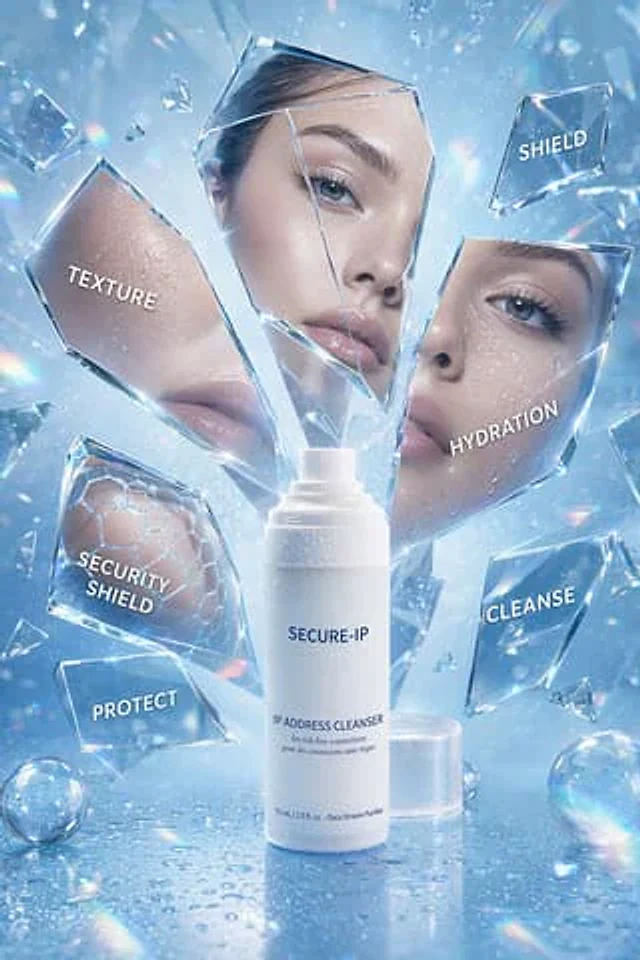
An advertisement for a futuristic, luxury skincare product, featuring a cool, icy blue color scheme, is presented in the style of a high-end beauty studio photoshoot. A frosted white pump bottle is placed in the center of the image, labeled {argument name="brand name" default="SECURE-IP"} It is printed with minimalist navy blue lettering.{argument name="product name" default="IP ADDRESS CLEANSER"} Near the bottom are smaller lines of text: “for risk-free connections,” “pour des connexions sans risque,” and “75 ml / 2.5 fl. oz. - Data Stream Purifier.” The bottle is placed vertically on a glossy, reflective surface with realistic water droplets, the translucent circular cap positioned at the rear right. Surrounding the product are sharp, shattered pieces of clear glass and crystal, seemingly suspended in mid-air. Several larger fragments serve as label panels: six text fragments on the left read “TEXTURE” (overlaying a close-up of hydrated skin), “SHIELD” in the upper right, “HYDRATION” on the right (overlaying a close-up of blue eyes and hydrated skin), “SECURITY SHIELD” in the lower left (overlaying a subtle hexagonal honeycomb pattern), “PROTECT” in the lower left, and “CLEANSE” in the lower right. Some fragments incorporate beauty imagery: one shows luminous cheeks and lips, another depicts a woman's eyes with long eyelashes and water droplets on her skin, and yet another showcases a scientific honeycomb barrier pattern. Add a tall, frosted rectangular floating panel at the center above and behind the pump head to create depth. Place two iridescent glass spheres on the wet surface, one in the lower left and one in the lower right corner. Use bright, shimmering highlights, prism-like rainbow refraction, luminous contour lighting, floating mist, microparticles, and a crisp, 4K cosmetic advertising texture. The overall composition should reflect a high-end, clean, protective, and digital skincare theme, perfectly blending hydration science with digital security metaphors.使用方法
- 复制完整原始提示词,并保留其中的参数。
- 按需求替换主体、文字和构图要求。
- 在兼容的外部工具中使用,核对当前使用条件并检查结果。
开始前需了解
- 先确认是否需要参考图。标注兼容模型,不代表该示例由这个模型生成。
- 核对名称、数字与画面文字;不同模型版本的结果可能不同。