원본 문서
GPT Image 2 · en
Scene:
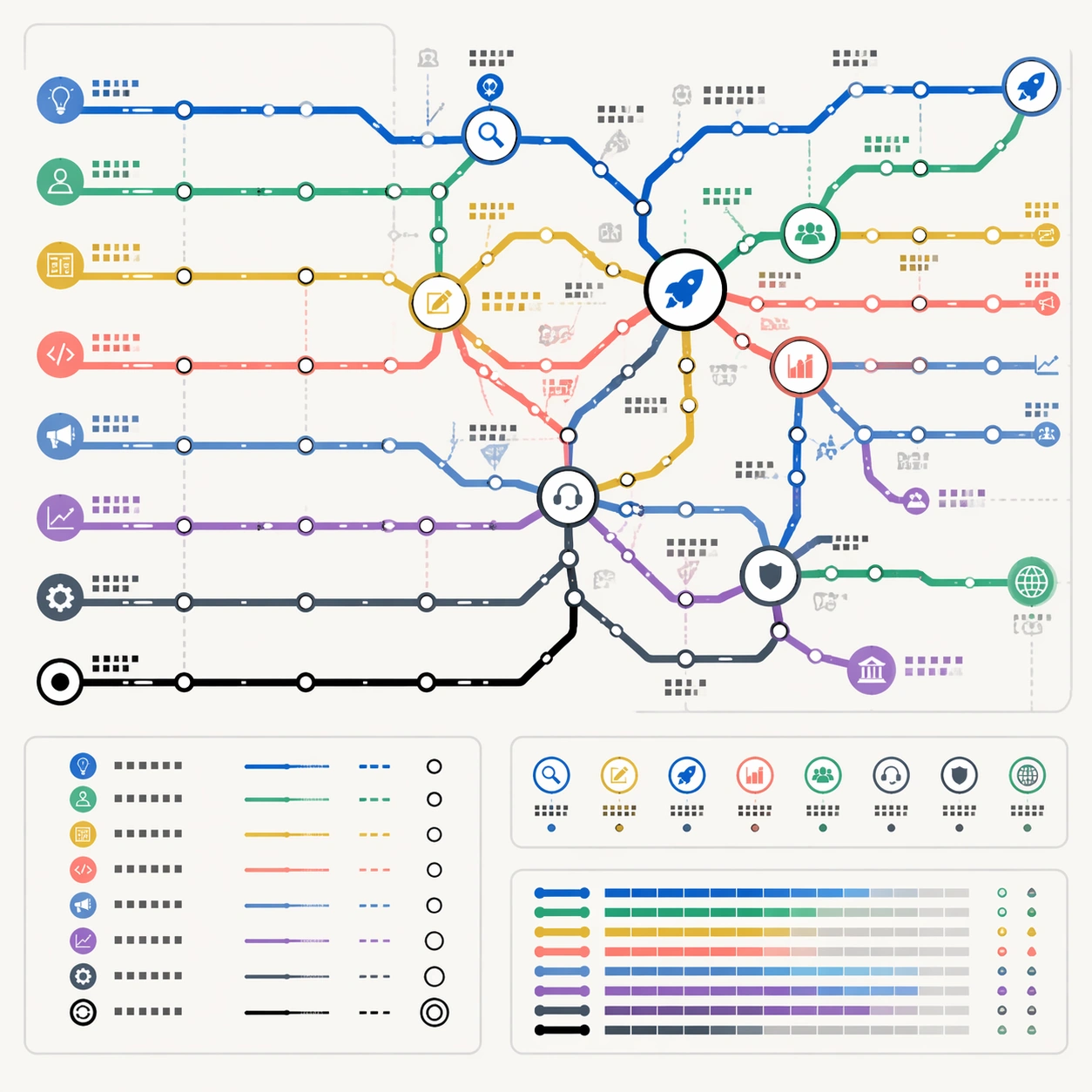
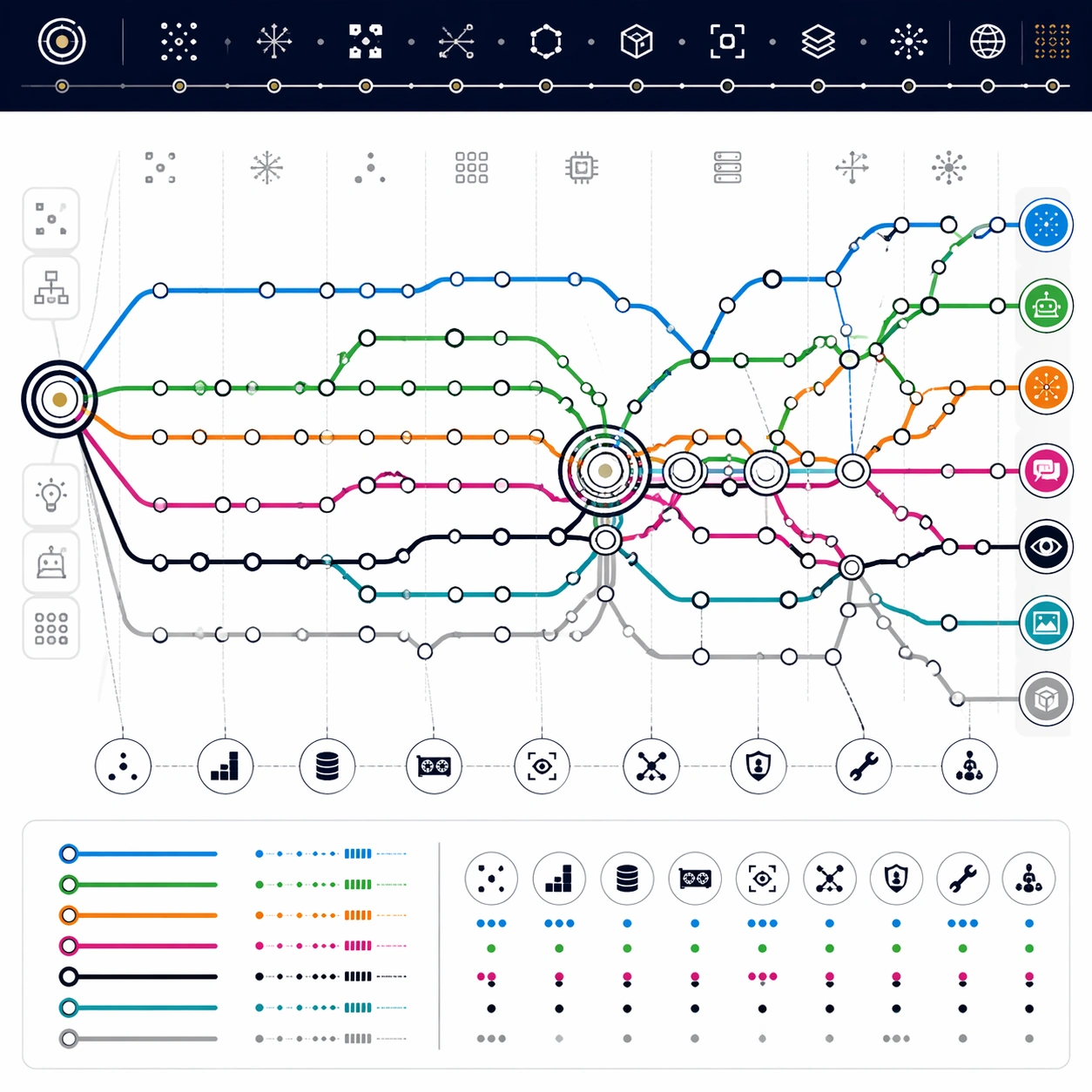
A square technology exhibition poster designed as a clean subway map on white synthetic paper. The map is straight-on, flat, and highly structured, using crisp digital linework, small station nodes, and a dark navy header band made only of abstract glyph marks. Use a modern palette of electric blue, neural green, orange, magenta, black, and silver gray, but keep the overall design disciplined and not cyberpunk.

Subject:
A thematic transit diagram of AI development from early symbolic ideas to contemporary multimodal systems. Route lines represent symbolic AI, expert systems, machine learning, neural networks, reinforcement learning, computer vision, language models, and image generation. The network begins at a left-side origin hub, moves through several winter-like sparse sections, thickens around a deep-learning interchange, and expands into a dense modern terminal cluster. Transfer stations mark moments where methods converge: data scale, GPUs, attention, self-supervision, alignment, tools, and multimodal interfaces.

Important details:
The map should show historical reasoning through topology, not readable dates. Use station density to imply periods of rapid progress, long straight segments for slow eras, and large multi-ring interchanges for breakthroughs. Small icon glyphs may suggest chips, eyes, speech bubbles, robots, and image tiles, but all labels must be non-readable. Keep line crossings clean, route colors consistent, and legend blocks tidy. The poster should feel like a museum-grade technical diagram and commercial educational product.

Use case:
Thematic Subway Map single study 3/8, testing AI-history abstraction, dense route logic, and clean technical-diagram hierarchy.

Constraints:
No readable text, no watermark, no logos, preserve exact 1:1 aspect ratio, no real company marks, no actual model names, no readable years, no fake UI screenshots, no chaotic circuit-board background, no messy station labels.
사용 방법
- 매개변수를 포함한 전체 원본 프롬프트를 복사하세요.
- 주제, 문구, 구도를 자신의 요구에 맞게 바꾸세요.
- 호환되는 외부 도구에서 사용하고 이용 조건과 결과를 확인하세요.
시작 전 확인
- 참조 이미지가 필요한지 확인하세요. 호환 표시는 해당 모델로 이 예시를 생성했다는 뜻이 아닙니다.
- 이름, 수치, 이미지 속 문구를 확인하세요. 모델 버전에 따라 결과가 다를 수 있습니다.