원본 문서
GPT Image 2 · en
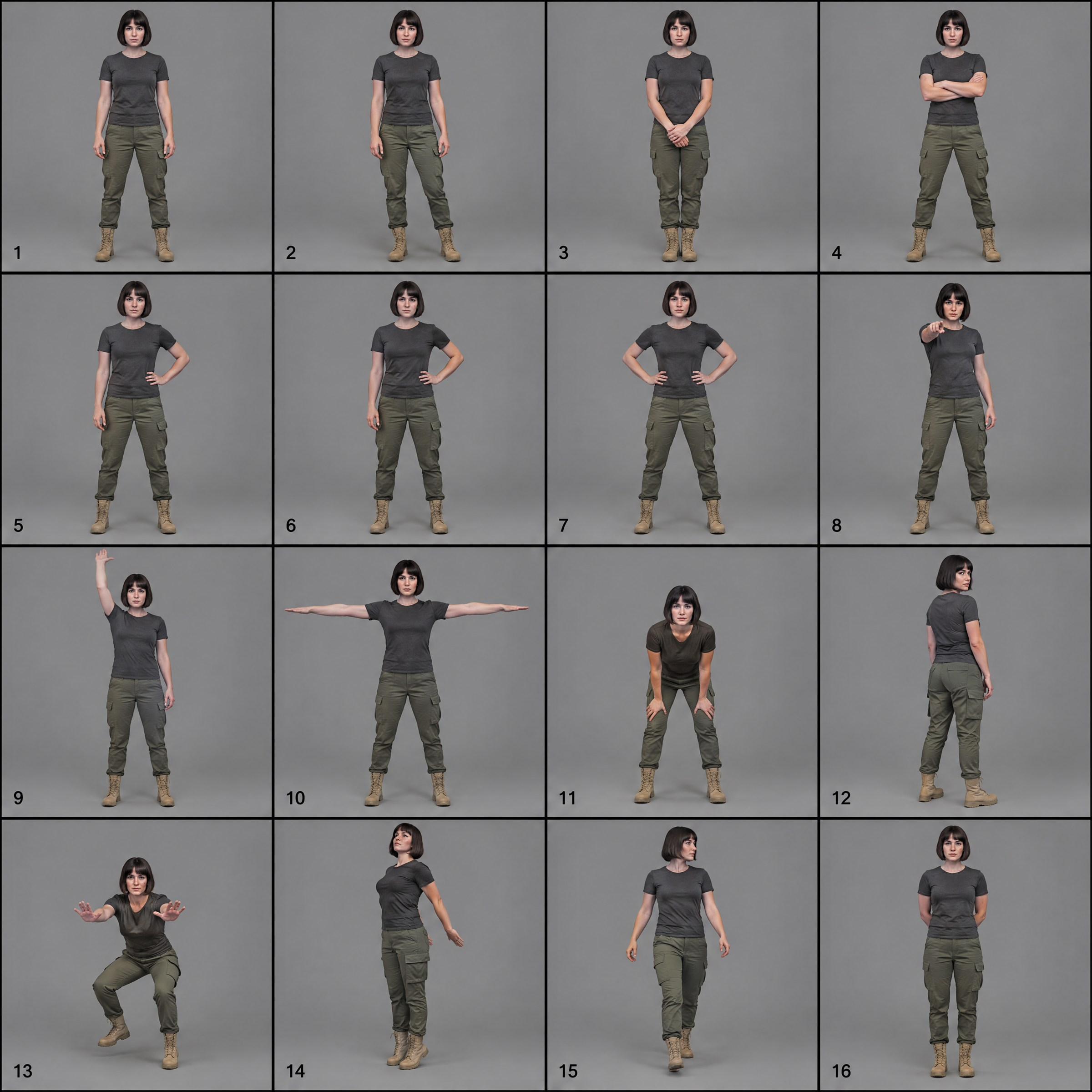
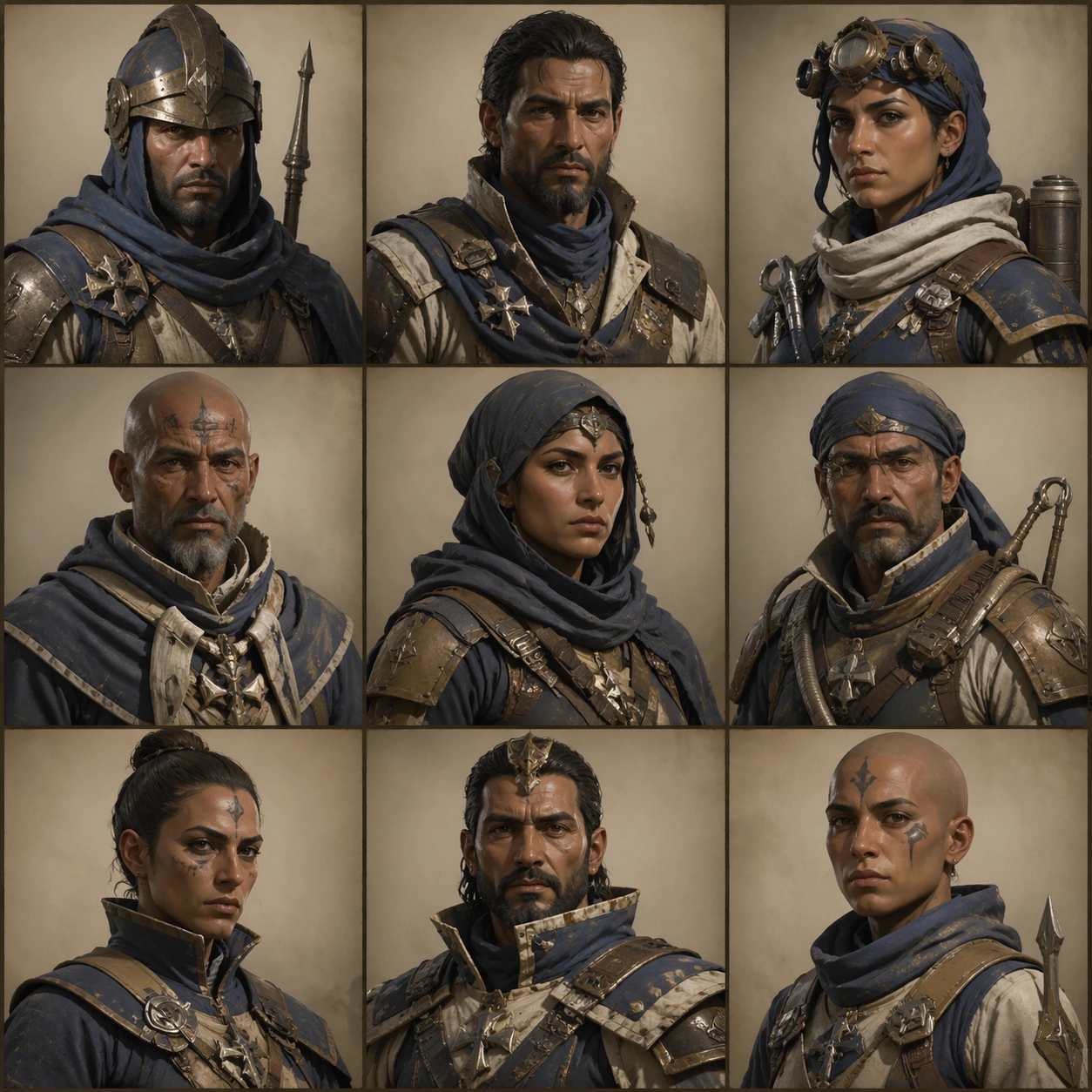
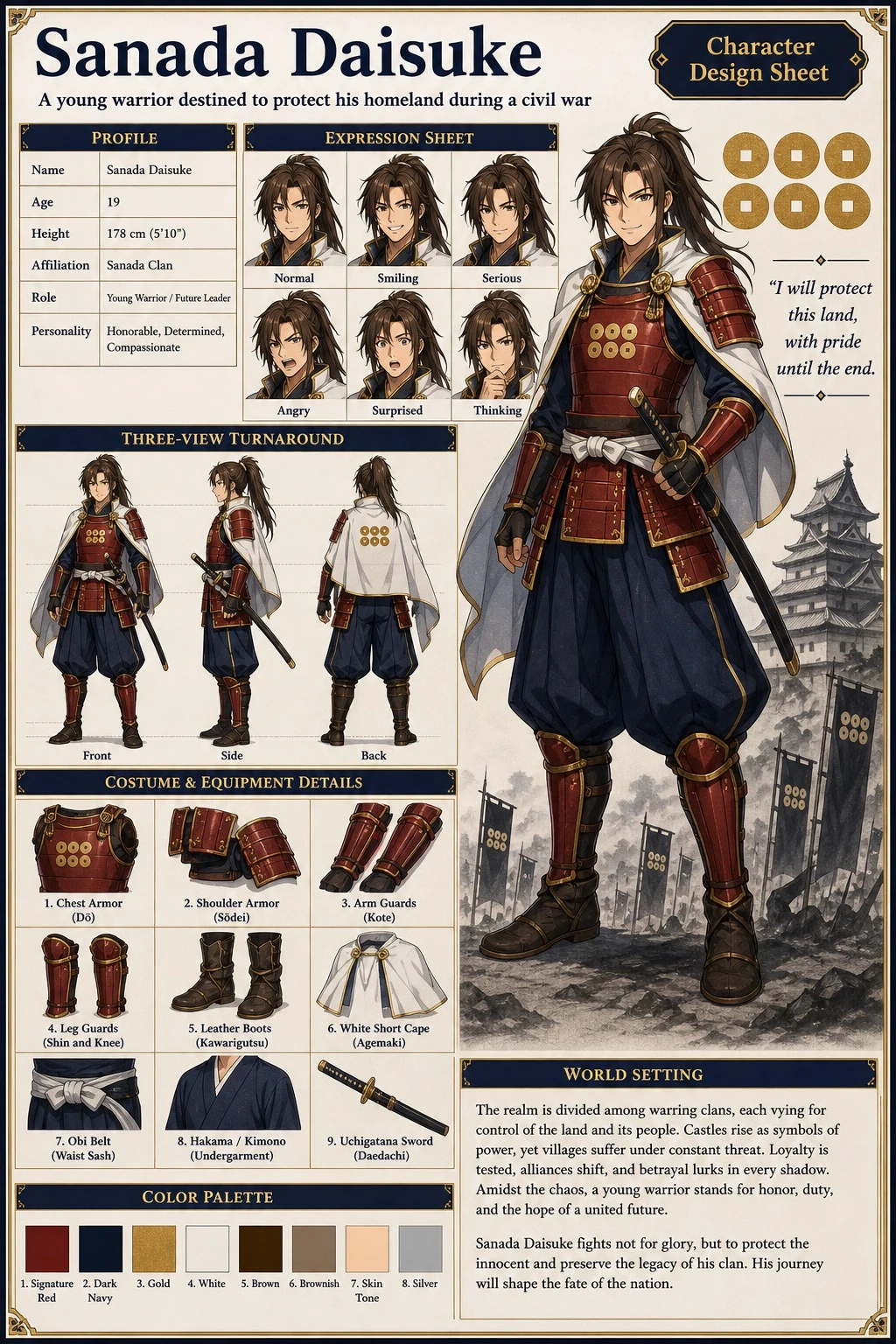
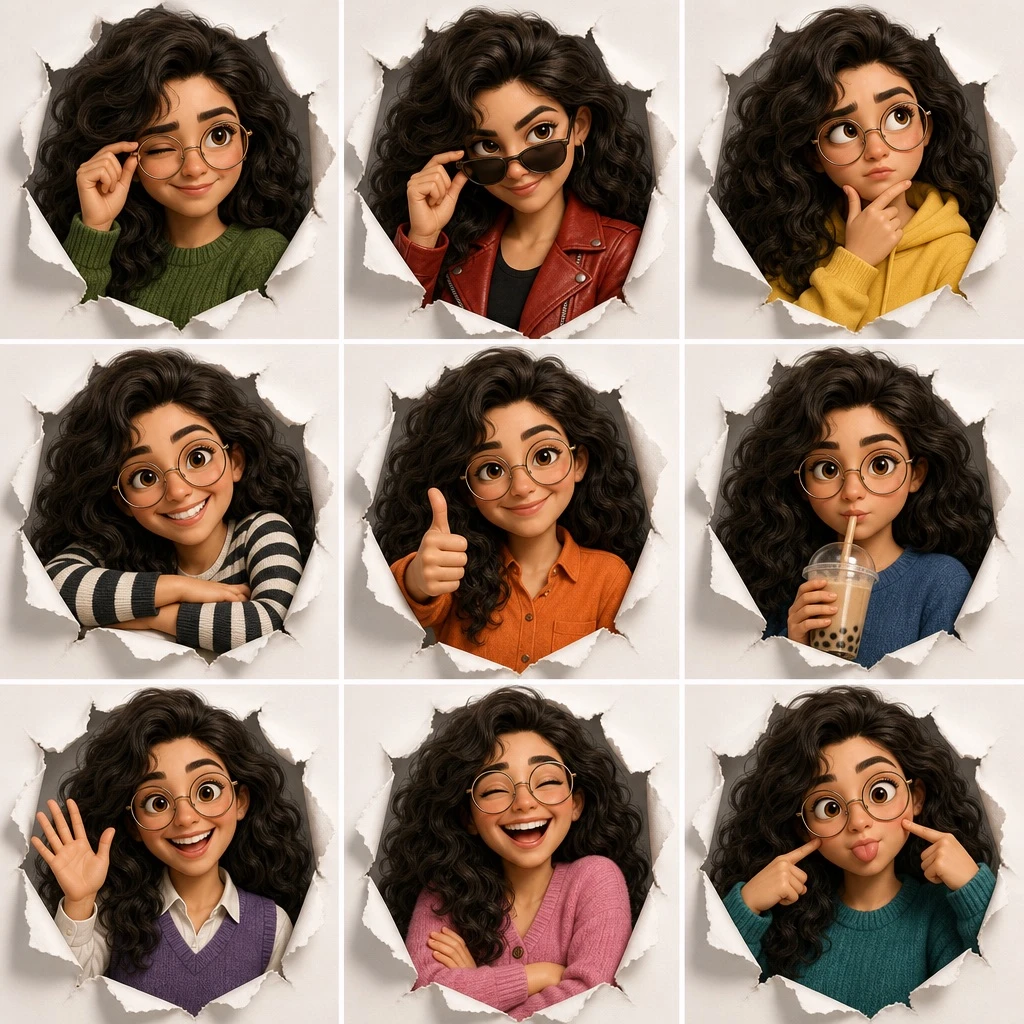
Create a 3x3 character expression grid illustration, a single composite image divided into nine equal panels arranged in 3 rows and 3 columns, showing the same character in different expressions, poses, and outfits. Render the artwork in [ART_STYLE]. The character is described as: [CHARACTER_DESCRIPTION]. Every panel shares a common visual theme: [FRAMING_CONCEPT]. Layout details for each of the 9 panels: (1) top-left: winking expression, adjusting glasses, wearing a green sweater; (2) top-center: smirking expression, lowering dark sunglasses, wearing a red leather jacket; (3) top-right: thinking expression, finger on chin, wearing a yellow hoodie; (4) middle-left: big smile, arms resting on the edge of the frame, wearing a black and white striped shirt; (5) middle-center: smiling expression, giving a thumbs up, wearing an orange button-up shirt; (6) middle-right: neutral expression, drinking boba tea, wearing a blue sweater; (7) bottom-left: happy expression, waving, wearing a purple sweater vest over a white shirt; (8) bottom-center: laughing with eyes closed, arms crossed, wearing a pink cardigan; (9) bottom-right: silly expression, poking own cheeks, wearing a teal sweater. Keep consistent character design, proportions, and lighting style across all nine panels, with each panel cleanly separated by even borders.사용 방법
- 매개변수를 포함한 전체 원본 프롬프트를 복사하세요.
- 주제, 문구, 구도를 자신의 요구에 맞게 바꾸세요.
- 호환되는 외부 도구에서 사용하고 이용 조건과 결과를 확인하세요.
시작 전 확인
- 참조 이미지가 필요한지 확인하세요. 호환 표시는 해당 모델로 이 예시를 생성했다는 뜻이 아닙니다.
- 이름, 수치, 이미지 속 문구를 확인하세요. 모델 버전에 따라 결과가 다를 수 있습니다.