
사용 방법
- 설치 명령을 복사하고 자신의 에이전트 환경에 설치하기 전에 소스 패키지를 확인하세요.
- 필요한 도구, 인증 정보, 지원 환경은 원본 문서에서 확인하세요.
- 입력과 원하는 산출물을 설명하고 출처와 결과를 대조하세요.
npx skills add https://github.com/freestylefly/awesome-gpt-image-2 --skill gpt-image-2-style-library시작 전 확인
- 설치에는 모델 구독, API 한도, 파일 접근 권한이 포함되지 않습니다.
- 별점 수와 설치 수는 활동 지표이며 독립적인 품질·보안 검증이 아닙니다.
원본 Skill 문서
원본 저장소의 제목, 예시, 코드, 표, 링크, 이미지를 유지해 표시합니다.
GPT-Image2 Style Library
Use this skill to turn a user's image-generation intent into a production-ready GPT-Image2 prompt using the awesome-gpt-image-2 style library.
Example Output
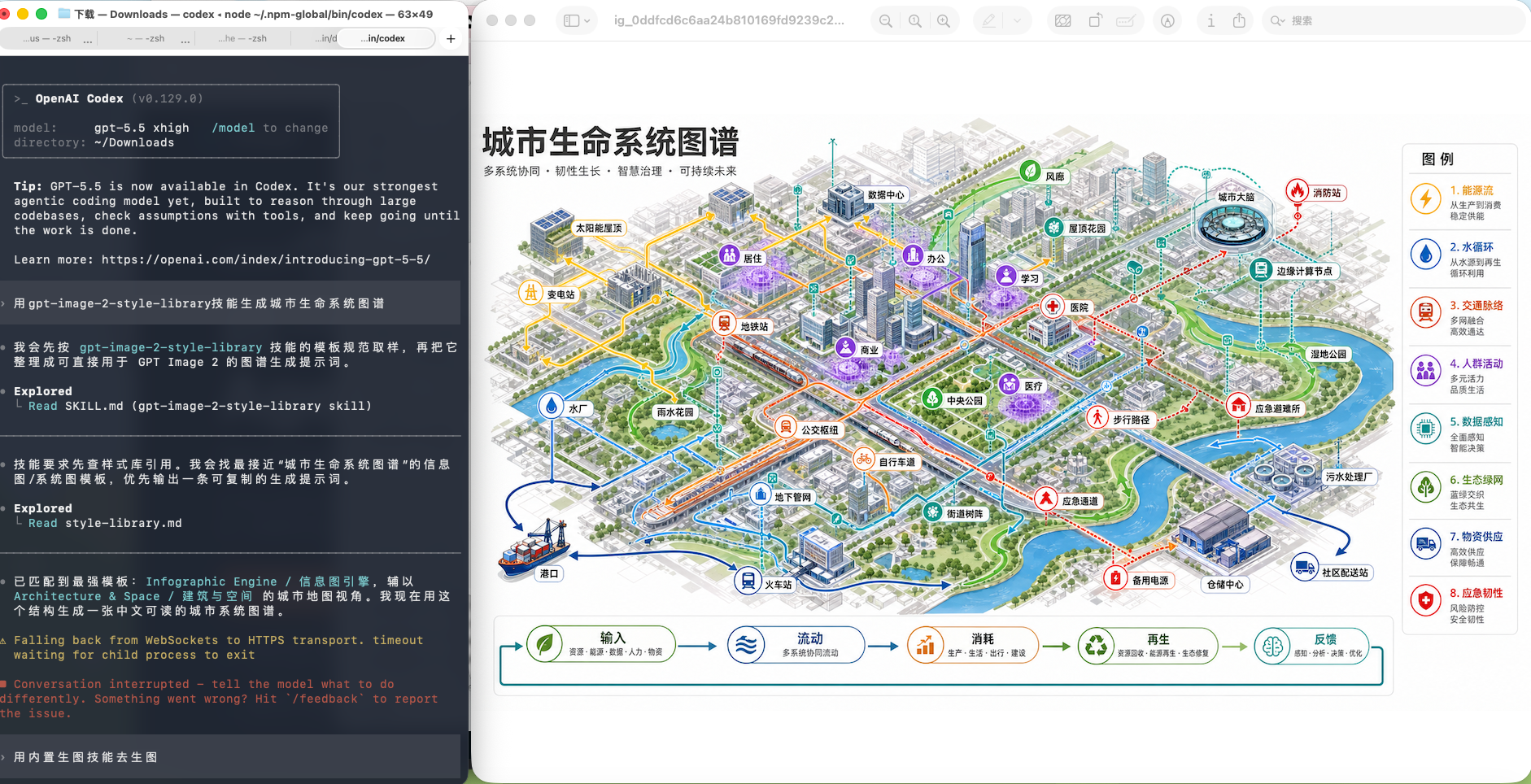
Example request: 用 gpt-image-2-style-library 技能生成城市生命系统图谱
Reference
- Read
references/style-library.mdbefore choosing a template or style. - The reference is generated from
data/style-library.jsonin the repository. - Prefer the reference over memory when template names, categories, covers, or style tags matter.
Workflow
- Detect the user's language and answer in that language.
- Identify the user's target output: product, poster, UI, infographic, brand, photo, illustration, character, scene, history, document, or special task.
- Match the request in this order: template category, visual style tag, scene tag, then nearest example cases.
- If one template is clearly strongest, use it directly. If several are plausible, present 2-3 options with short reasons and ask the user to choose.
- Build the final prompt with these blocks:
- subject and task
- composition and layout
- visual style and materials
- text and label requirements
- aspect ratio and output format
- constraints and negative details
- Include the selected template name and any useful example case IDs.
Output Defaults
- Provide a copyable prompt first.
- Keep constraints concrete: exact text, aspect ratio, readable labels, layout hierarchy, and avoided artifacts.
- For Chinese requests, write the final prompt in Chinese unless the user asks for English.
- For English requests, write the final prompt in English unless the user asks for Chinese.
- When the user asks for multiple concepts, reuse one template and vary subject, composition, palette, and scene.
Maintenance
When the source repository changes, run:
bash
npm run generate:style-skillTo install the skill into the local Codex skill folder, run:
bash
npm run install:skill


