Oryginalny dokument
GPT Image 2 · en
Scene:
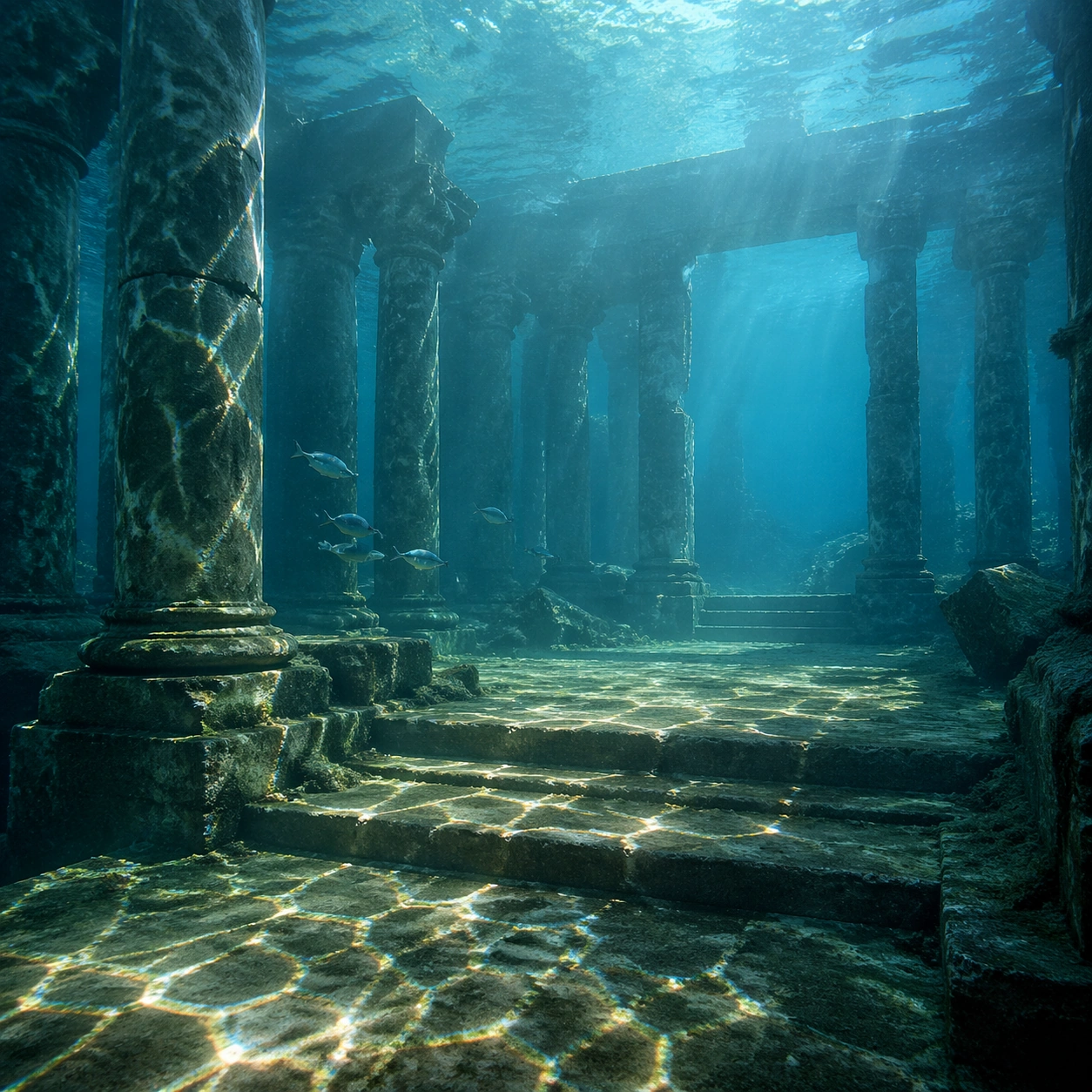
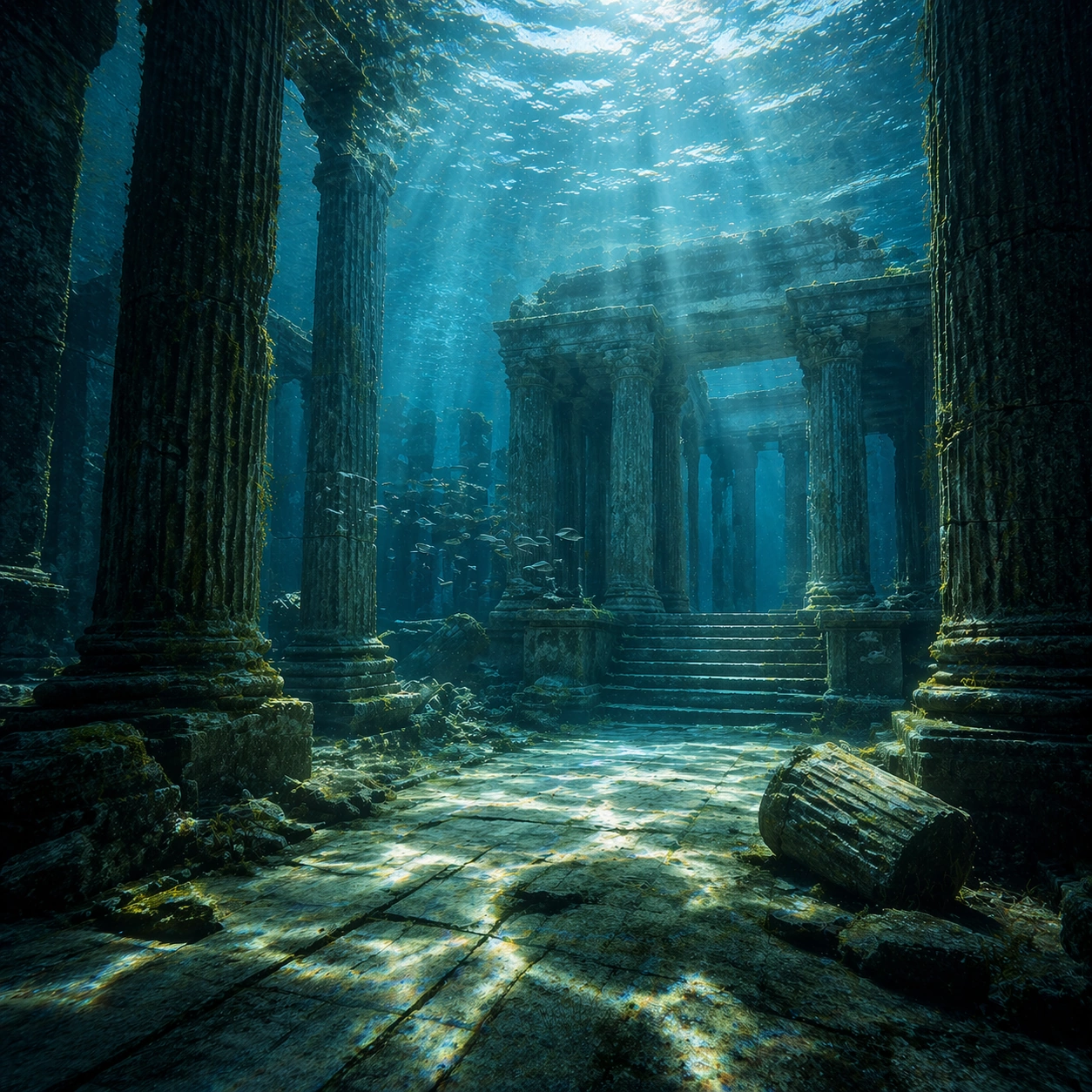
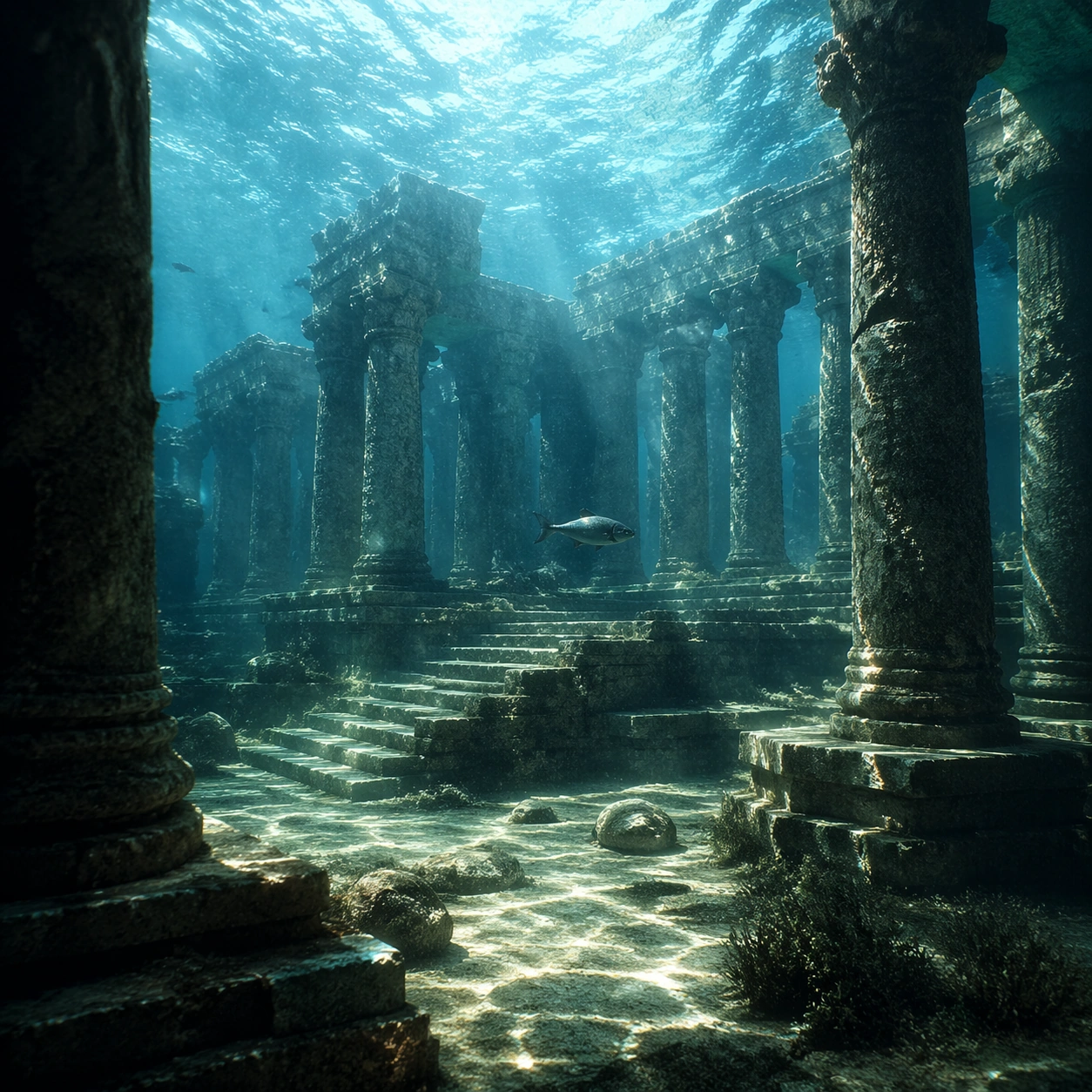
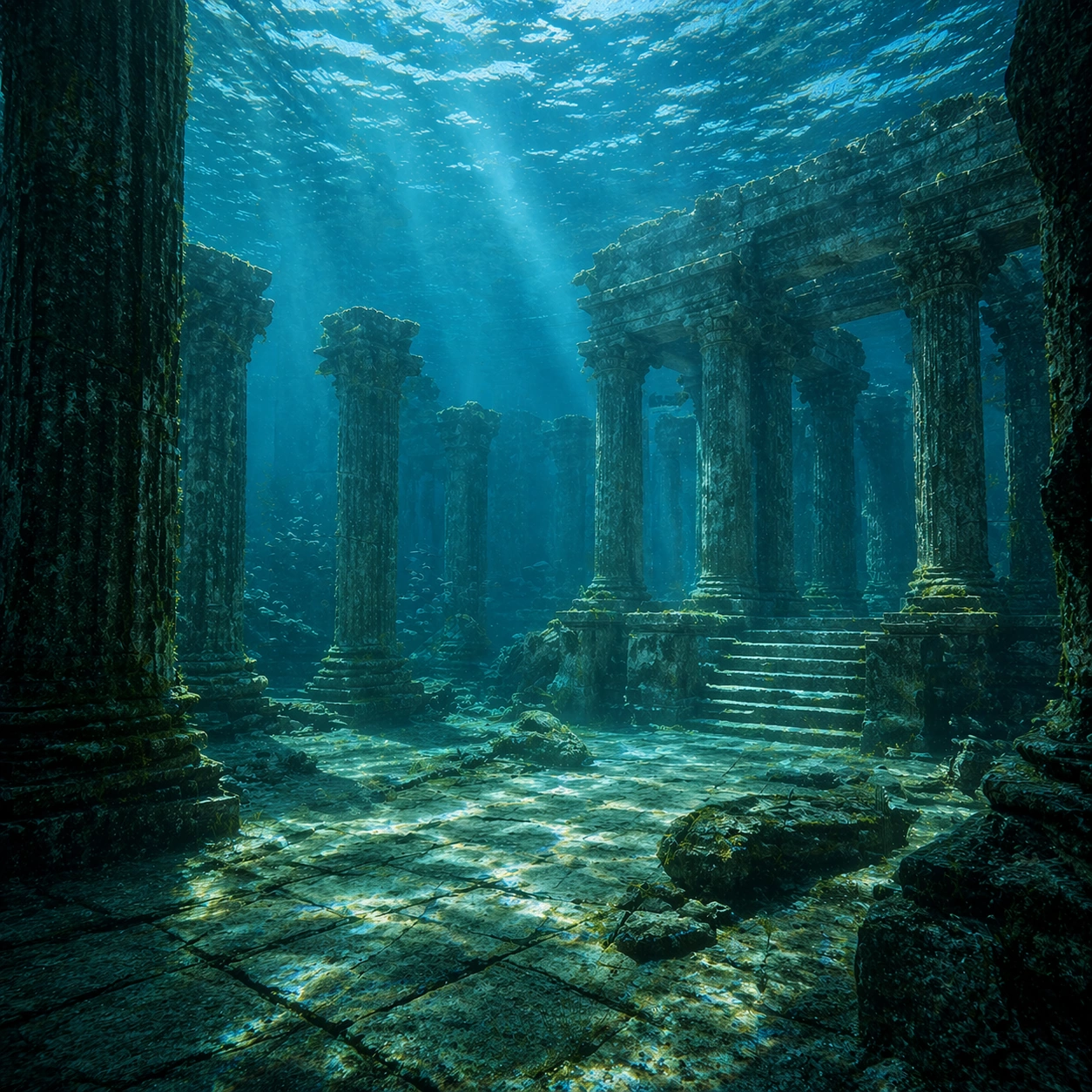
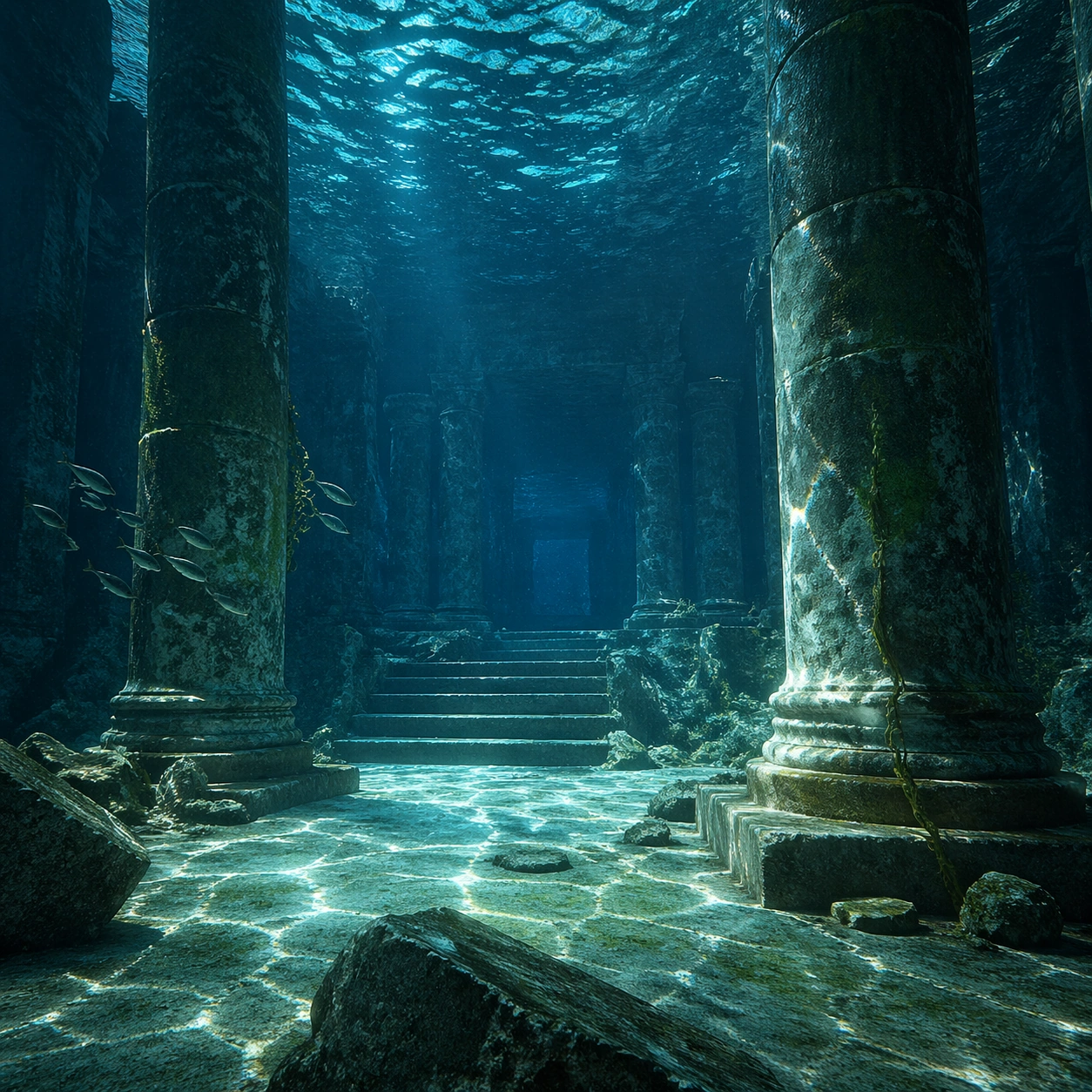
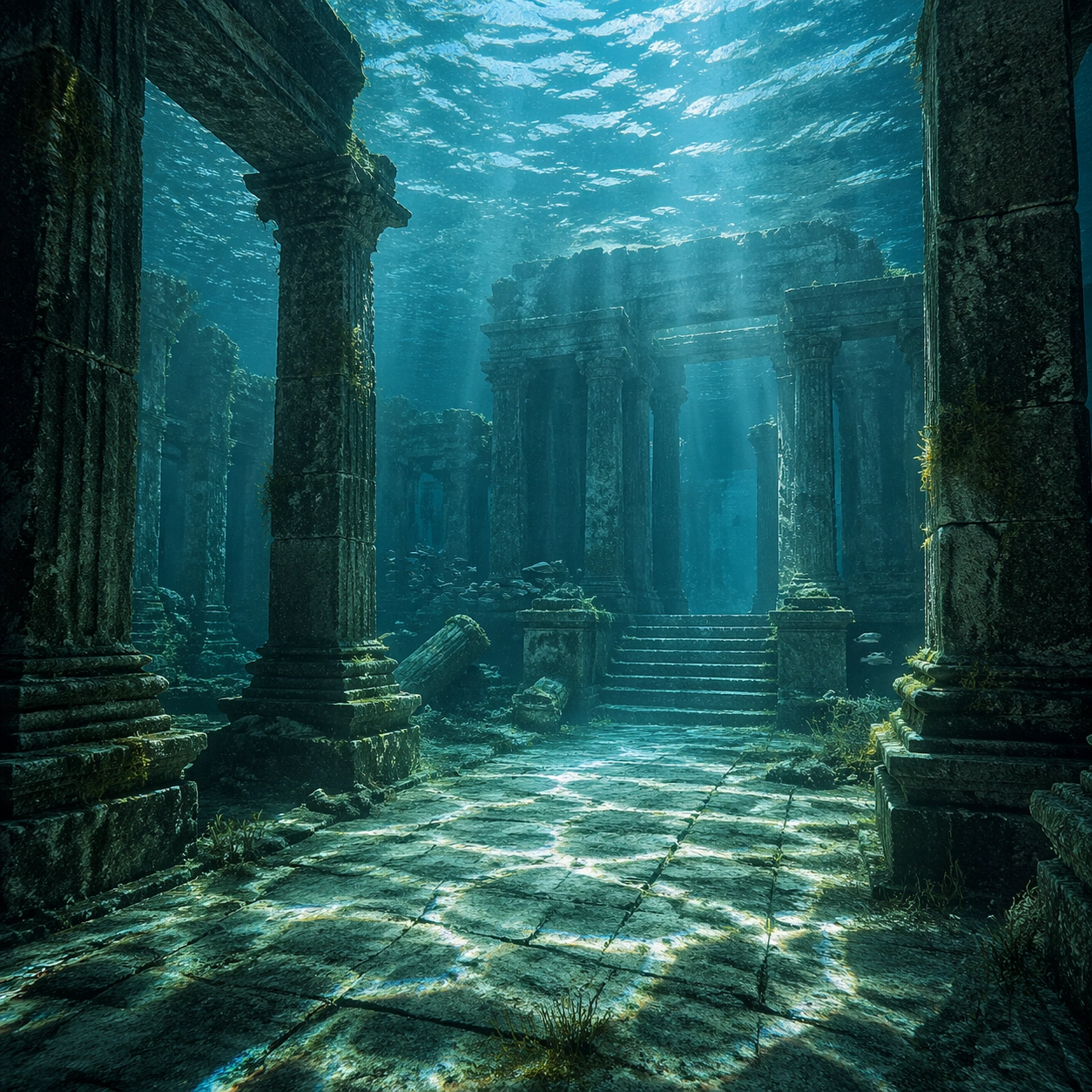
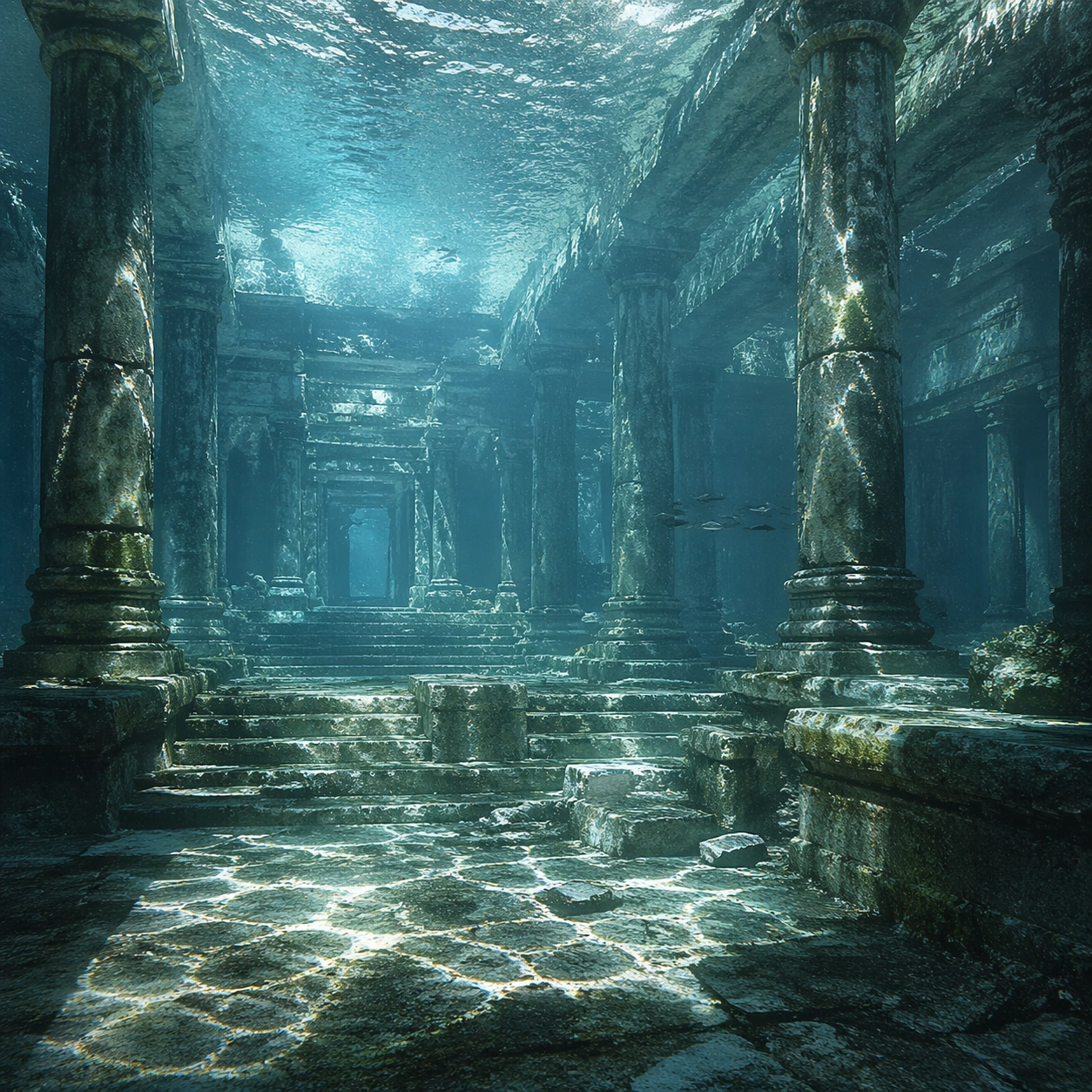
Create a square cinematic still for Underwater Caustics Temple. Use production-grade photoreal lighting, disciplined lens behavior, and a composition that feels like a finished key frame from an original film rather than a casual snapshot. A flooded ancient temple hall sits under clear seawater, where refracted sunlight ripples across columns, steps, and the stone floor in moving caustic bands, while the water body above remains bright and softly turbulent. Pull back enough to explain the broader geography or architectural envelope while keeping the square crop intentional and balanced.

Subject:
Build a coherent original scene whose emotional center comes from atmosphere, light physics, and spatial clarity. Avoid relying on celebrity likeness, franchise iconography, or stylized illustration shortcuts. Weathered pillars, broken carvings, drifting silt, threadlike algae, and a single calm fish or small school gliding through the chamber should provide scale and life without turning the frame into an aquarium fantasy. The wider frame should reveal how the main light or weather phenomenon organizes the surrounding world and not just the immediate subject.

Important details:
Preserve a believable physical world with strong depth layering, careful color separation, and premium image discipline. Make the caustics physically convincing on hard stone surfaces, with believable attenuation, soft blue-green depth, particulate haze, and refraction logic that sells the image as a real submerged space rather than a digital backdrop. Make scale legible through spacing, horizon control, and foreground-to-background separation rather than through extra props.

Use case:
Caustics Temple single study 8/9.

Constraints:
No readable text, no watermark, no logos, preserve exact 1:1 aspect ratio, no divers, no submarines, no treasure-chest cliches, no readable inscriptions, no cartoon coral overload.
Jak używać
- Skopiuj cały oryginalny prompt wraz z parametrami.
- Dostosuj temat, tekst i kompozycję do swoich potrzeb.
- Użyj zgodnego narzędzia zewnętrznego; sprawdź warunki dostępu i wynik.
Przed rozpoczęciem
- Sprawdź, czy potrzebny jest obraz referencyjny. Zgodność nie potwierdza modelu użytego do przykładu.
- Sprawdź nazwy, liczby i napisy; wyniki zależą od wersji modelu.