
Oryginalny dokument
GPT Image 2 · en
Scene:
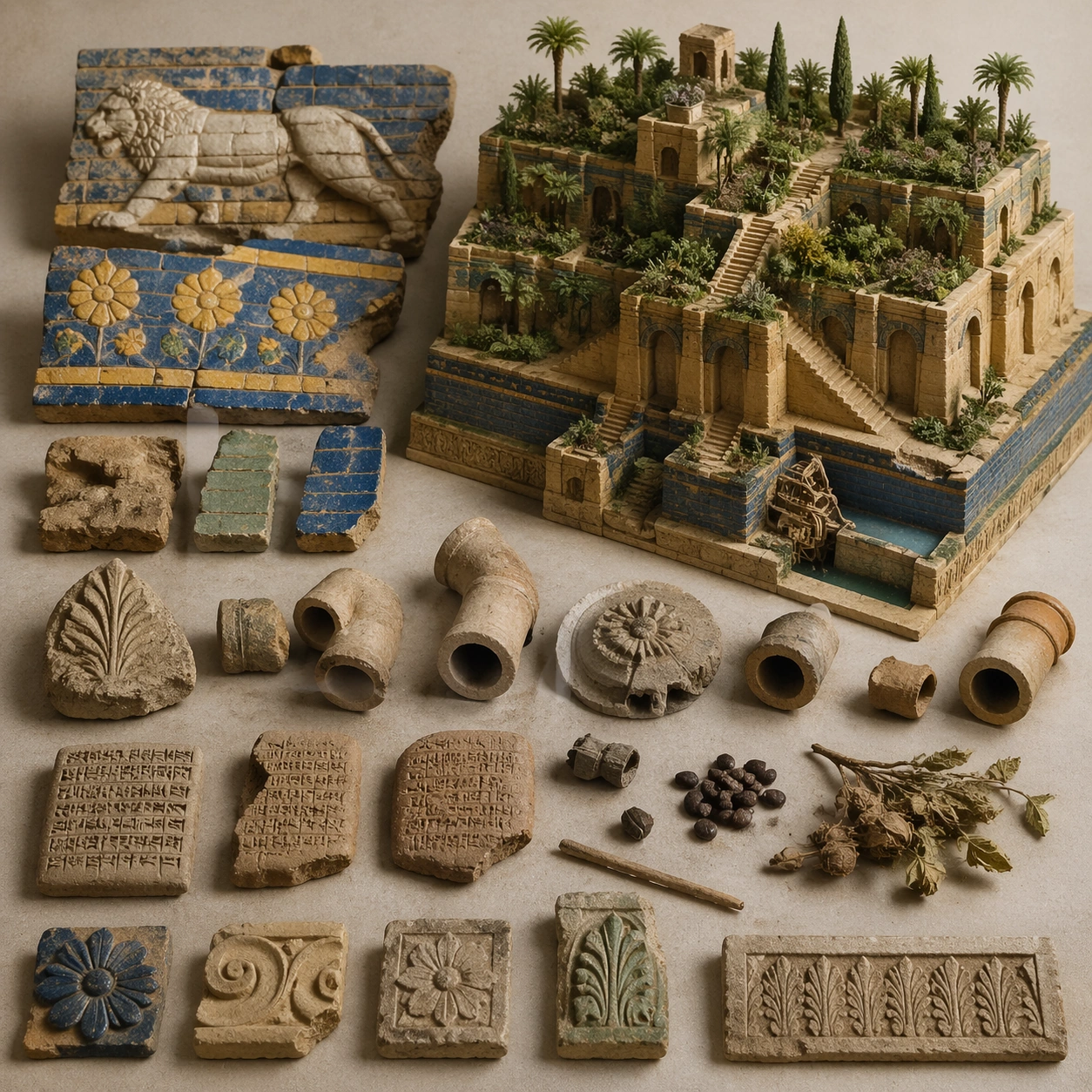
A square artifact and material study arranged like a high-end conservation photograph. Use soft directional light, controlled shadow falloff, and a neutral work surface so every fragment reads clearly. The image should feel intimate and scientific, but still rich enough to communicate the broader civilization through craft, wear, and material vocabulary alone.

Subject:
Present glazed brick fragments, cuneiform tablet pieces, irrigation fittings, botanical remains, and carved decorative elements on a study surface. Arrange the pieces with disciplined spacing and believable conservation handling. Include enough variation in scale, finish, and damage state to suggest excavation reality rather than a perfectly staged luxury still life. Nothing should look modern or decorative for its own sake; every object must feel like evidence tied to the same cultural world as the main topic.

Important details:
Emphasize tactile surfaces, honest aging, and historically grounded material behavior. Keep the reconstruction architecturally disciplined, with Near Eastern massing, stepped terrace engineering, visible hydraulic logic, and planted abundance that feels maintained by ancient infrastructure rather than magical floating greenery. Show abrasion, dust, corrosion, cracks, mineral bloom, pigment retention, or edge polish where appropriate. Keep the arrangement orderly but not sterile, as if prepared for a serious cataloging session. No readable labels, no museum placards, and no visual shortcuts that turn the study into product photography detached from archaeology.

Use case:
Babylon Hanging Gardens single study 6/9.

Constraints:
No readable text, no watermark, no logos, preserve exact 1:1 aspect ratio, no fantasy dragons, no neon glow, no steel frameworks, no modern city skyline, no luxury advertising gloss, no floating objects, no velvet jewelry styling, no unrelated tools.
Jak używać
- Skopiuj cały oryginalny prompt wraz z parametrami.
- Dostosuj temat, tekst i kompozycję do swoich potrzeb.
- Użyj zgodnego narzędzia zewnętrznego; sprawdź warunki dostępu i wynik.
Przed rozpoczęciem
- Sprawdź, czy potrzebny jest obraz referencyjny. Zgodność nie potwierdza modelu użytego do przykładu.
- Sprawdź nazwy, liczby i napisy; wyniki zależą od wersji modelu.