Oryginalny dokument
GPT Image 2 · en
Scene:
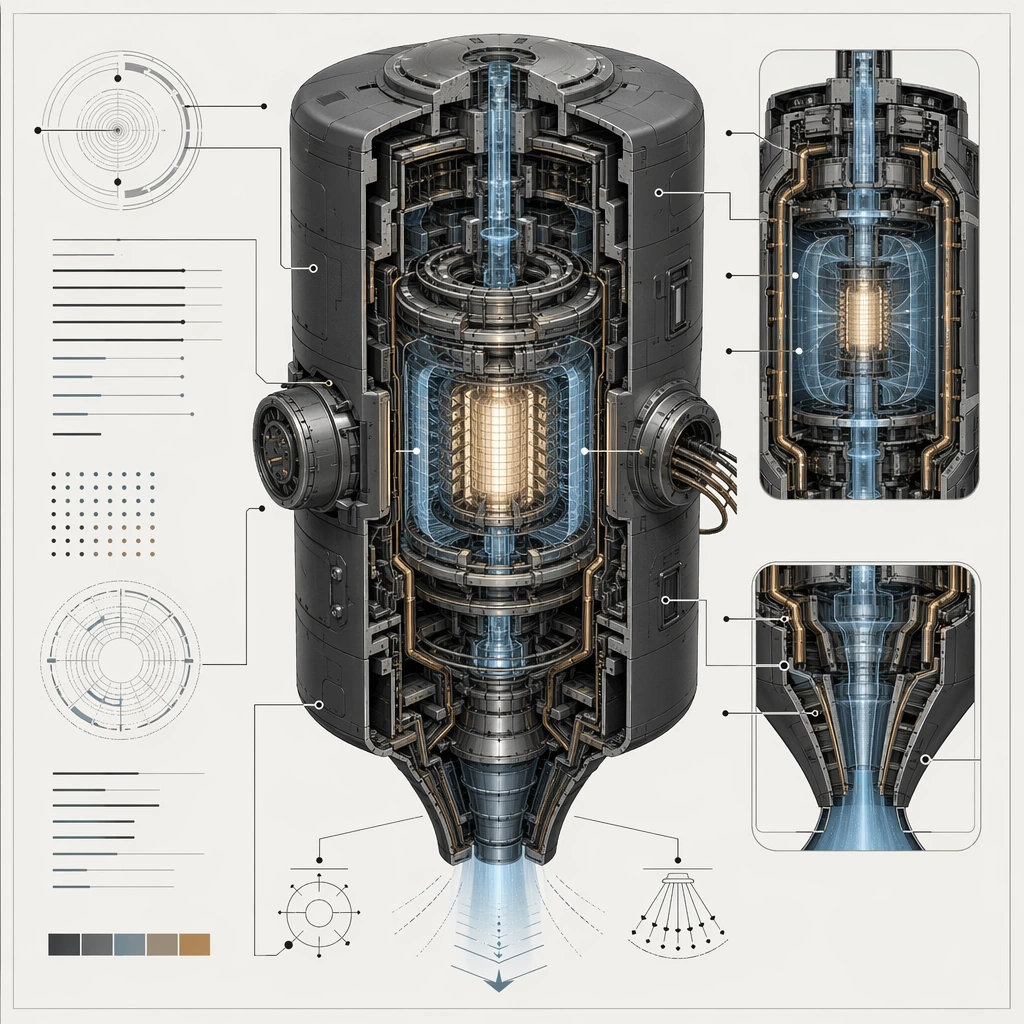
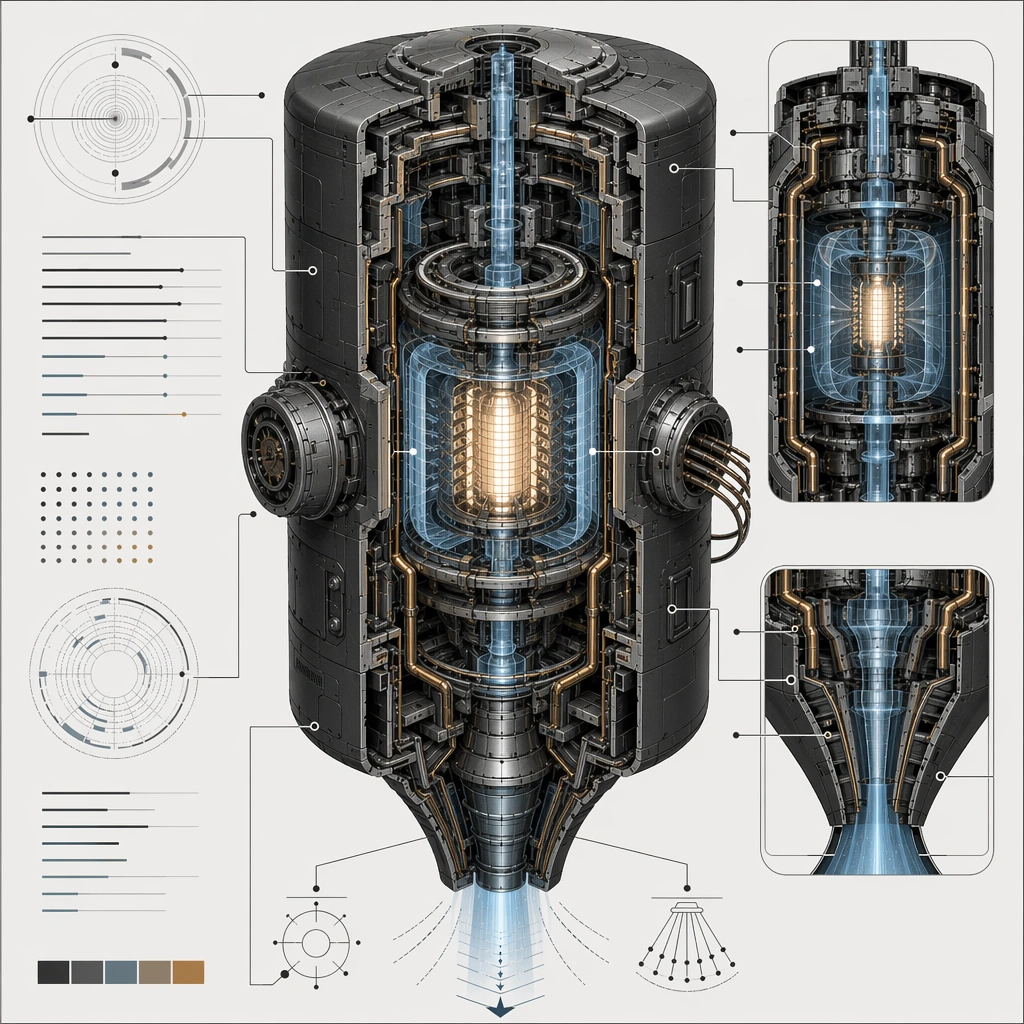
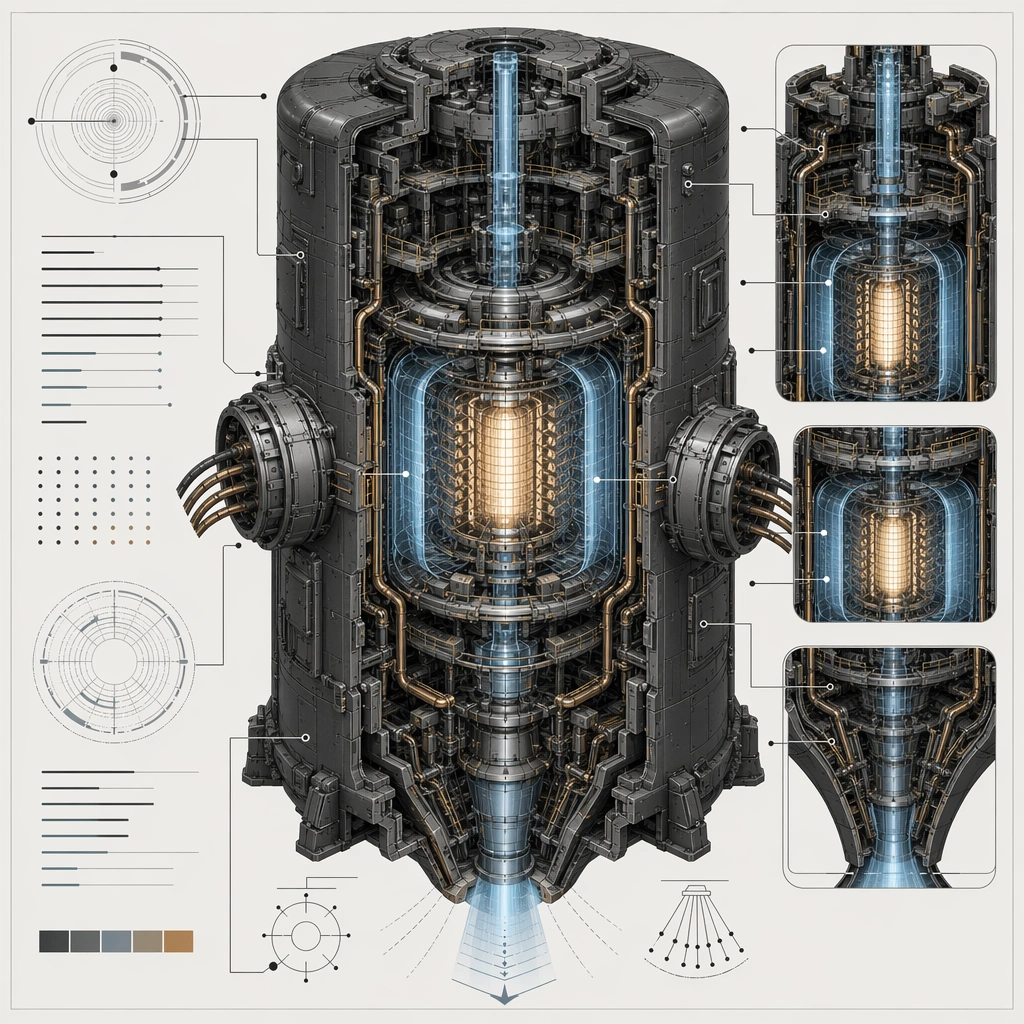
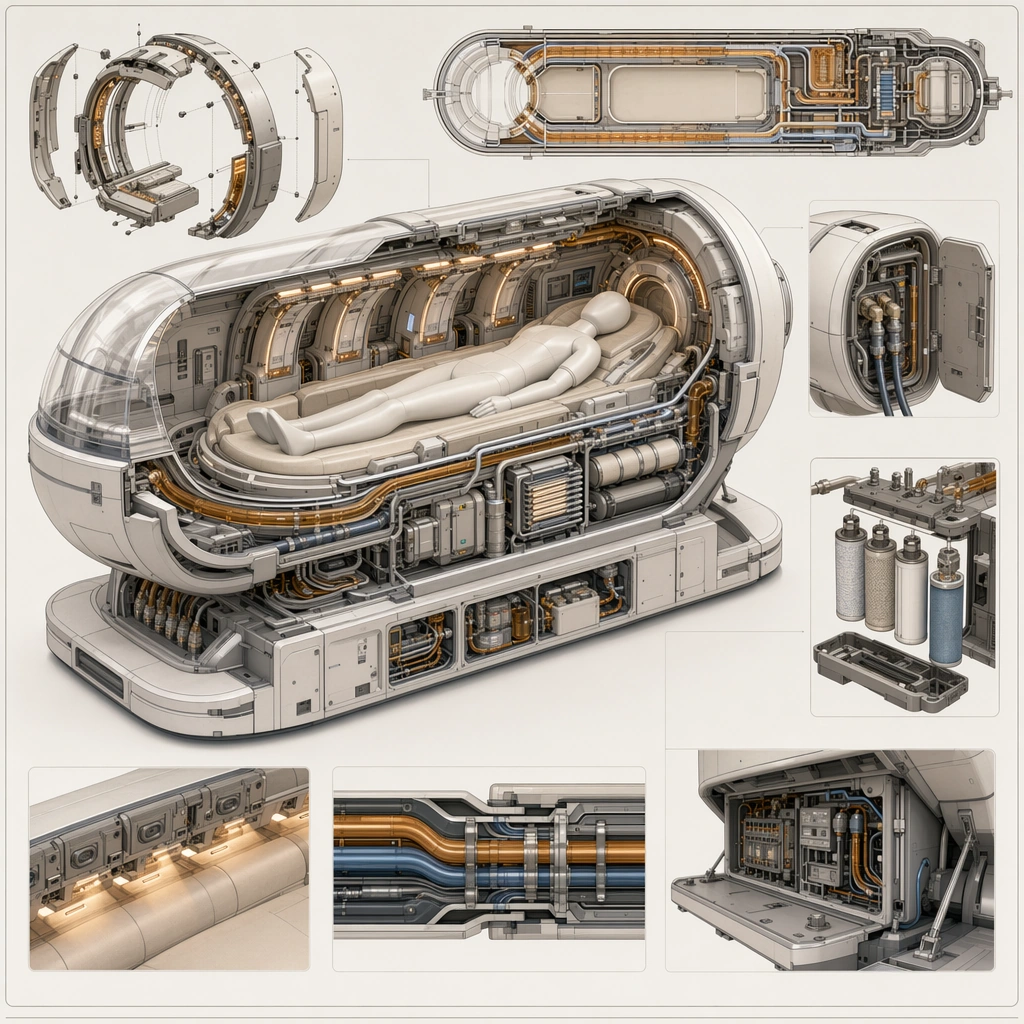
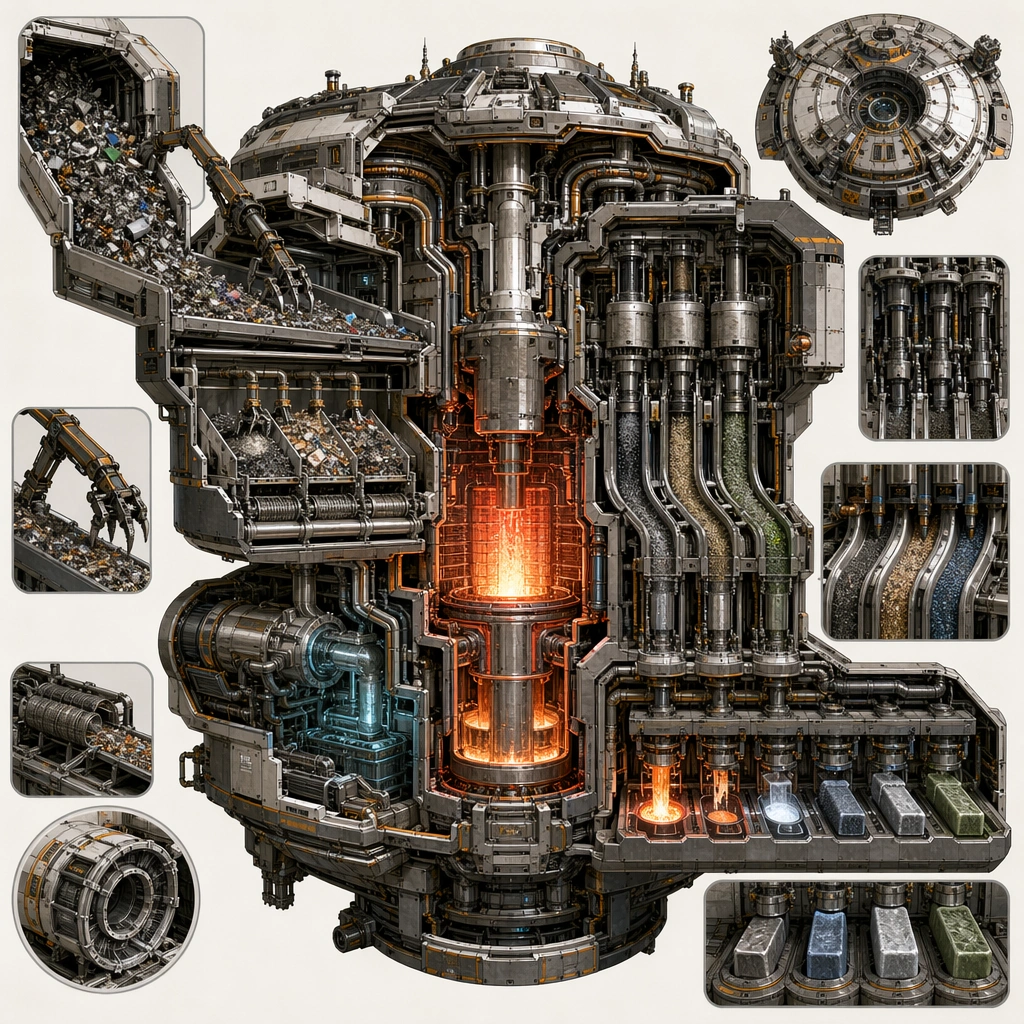
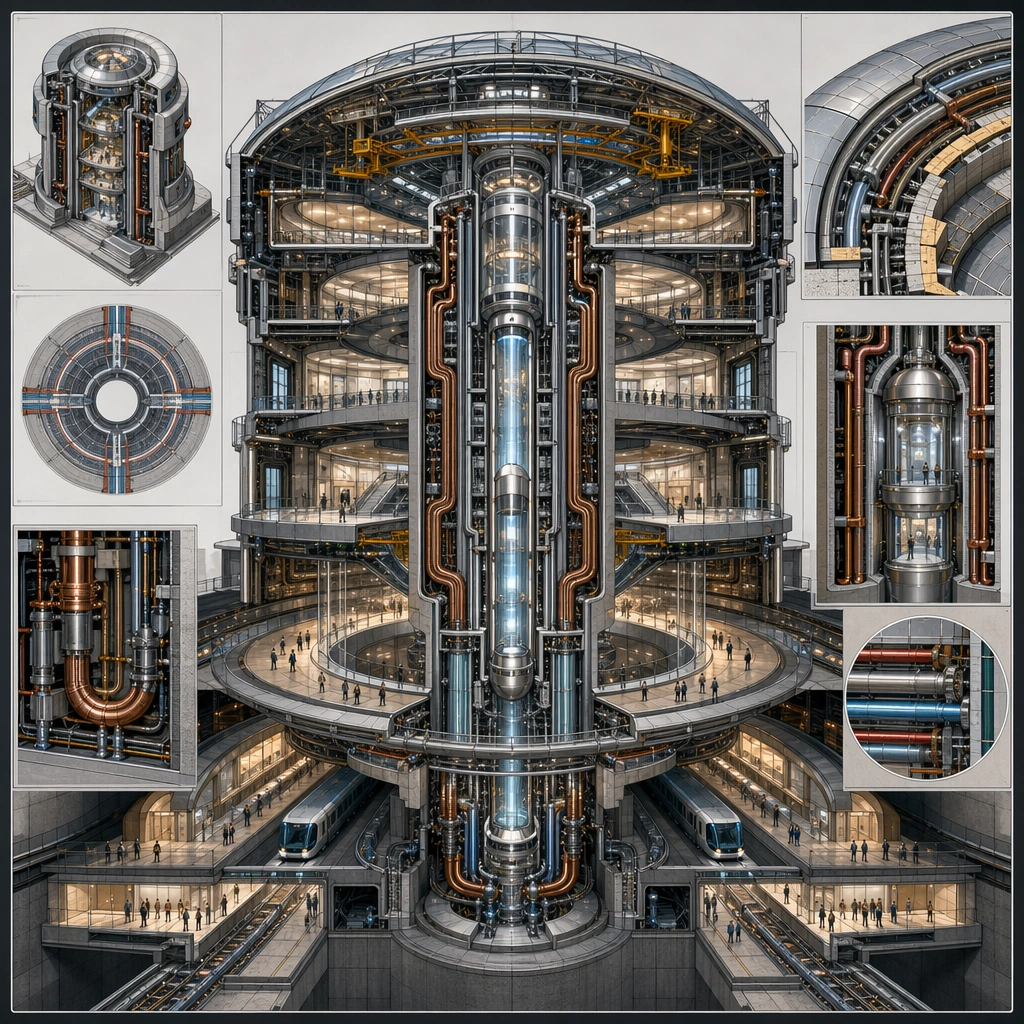
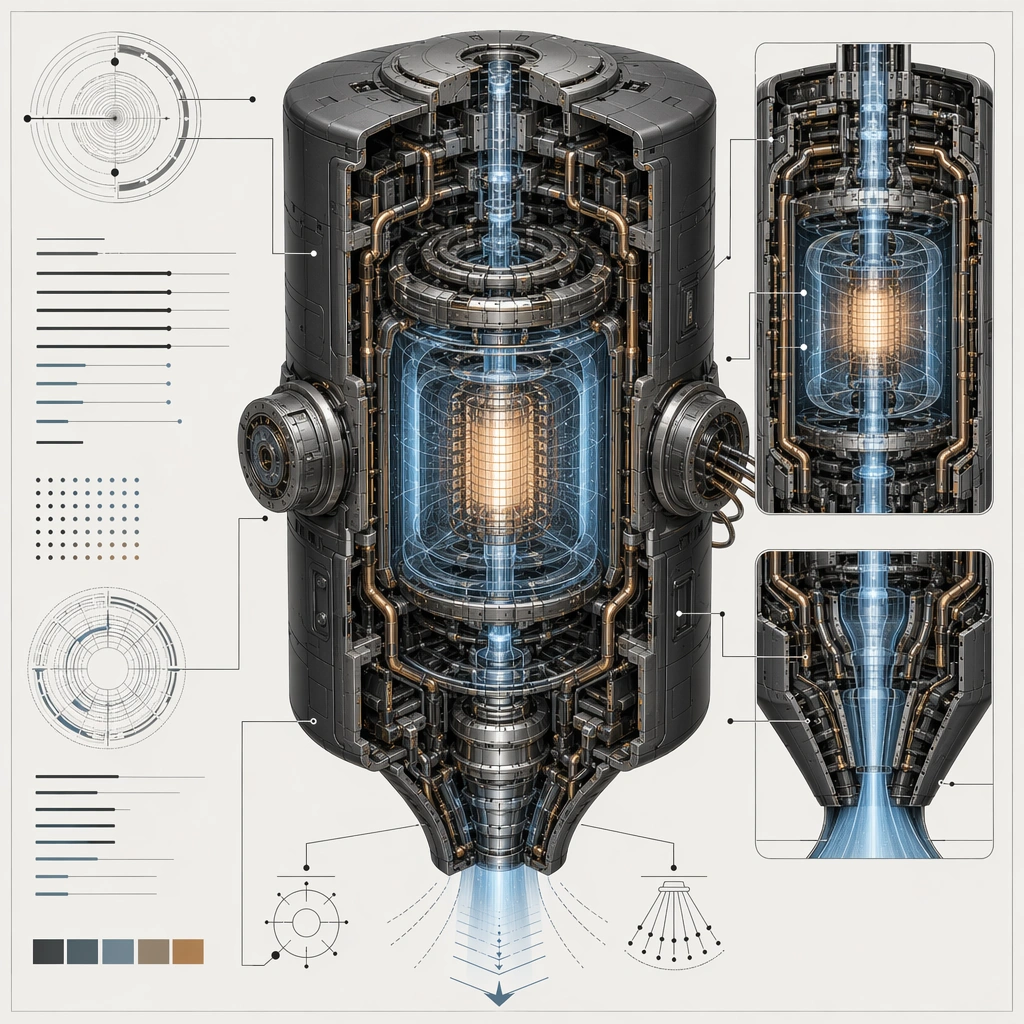
Create a square technical-poster composition for an impossible but convincing device, using cutaway views, section windows, and disciplined layout. The background should stay clean and poster-ready so internal chambers, conduits, shells, and field zones remain readable at a glance. Use lighting and color sparingly to clarify hierarchy rather than to decorate the page. Keep the same main shell silhouette but open several outer panels and show the field chamber in an expanded operational state on the same poster grid.

Subject:
Center the image on one speculative machine whose internal logic feels thought through: shell, core, coolant path, field chamber, maintenance access, and energy routing should all relate coherently. The device can be fantastical, but it must read like it could be explained by an engineering team. Preserve the anchor shell and chamber order while foregrounding stabilization rings, service ducts, and protected expansion joints.

Important details:
Treat the poster as a visual explanation system without readable text. Use arrows, callout lines, index dots, section blocks, and sectional contrast only as abstract diagram grammar. The result should feel credible for a concept deck, patent-style board, or advanced product explanation poster. Operational complexity should increase, but the device must still read as the same machine family at first glance. Preserve the exact structural language established by the reference image, especially the outer shell silhouette, internal chamber sequencing, conduit routing, and diagram hierarchy.

Use case:
Spec Tech Cutaway series study 2/4, designed as a reusable core-system image for this topic.

Constraints:
No readable text, no watermark, no logos, preserve exact 1:1 aspect ratio, no readable labels, no exploded parts floating without logic, no cartoon simplification, no generic spaceship dashboard noise, no magical portal vortex.
Jak używać
- Skopiuj cały oryginalny prompt wraz z parametrami.
- Dostosuj temat, tekst i kompozycję do swoich potrzeb.
- Użyj zgodnego narzędzia zewnętrznego; sprawdź warunki dostępu i wynik.
Przed rozpoczęciem
- Sprawdź, czy potrzebny jest obraz referencyjny. Zgodność nie potwierdza modelu użytego do przykładu.
- Sprawdź nazwy, liczby i napisy; wyniki zależą od wersji modelu.