Oryginalny dokument
GPT Image 2 · en
Scene:
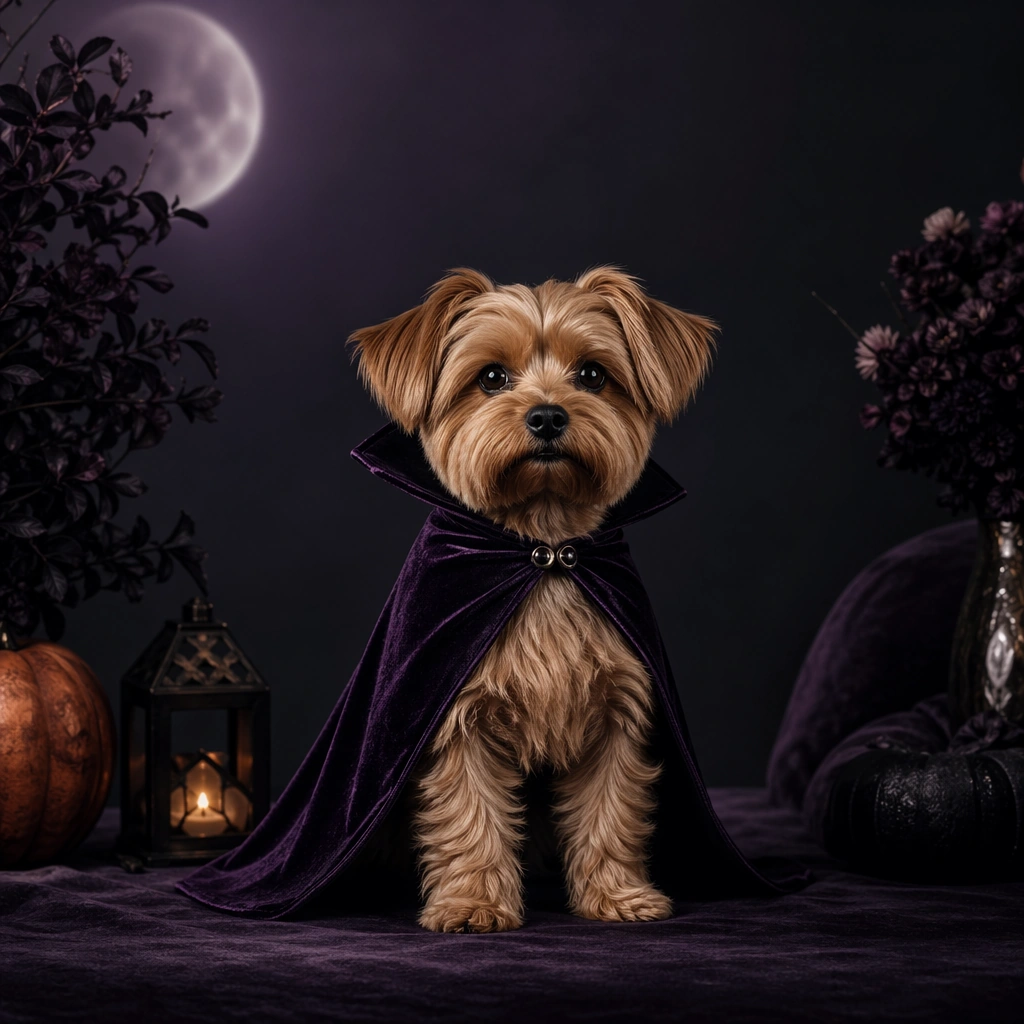
A square pet holiday promo tile designed for brand campaigns, combining believable costume styling with feed friendly layout control and polished product marketing energy. The framing should feel commercial and celebratory rather than amateur party photography. Use clean seasonal props, soft placeholder graphic zones, and strong central subject clarity so the image can function across ads, organic social, and shop features. Stage a dark plum and charcoal set with a faint moonlit edge light, one pumpkin tone accent, and a minimal promo layout frame.

Subject:
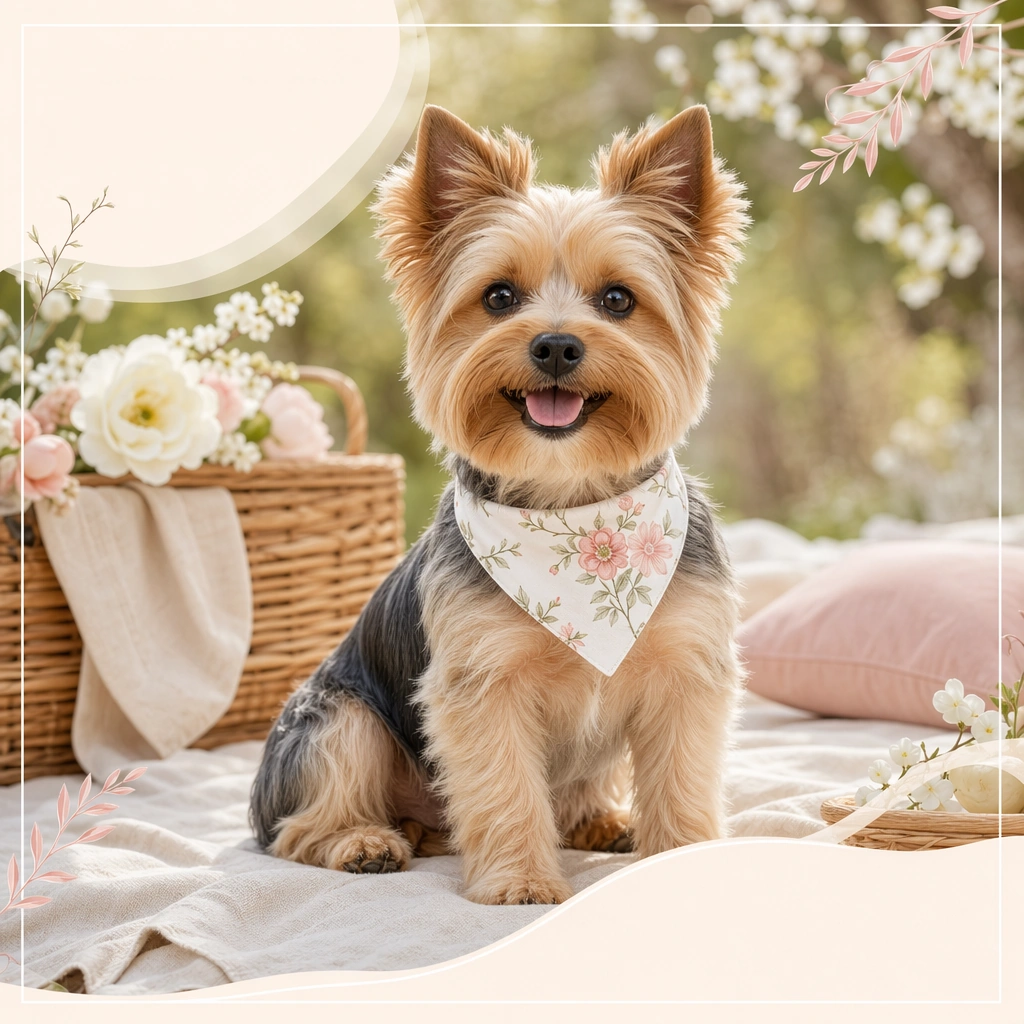
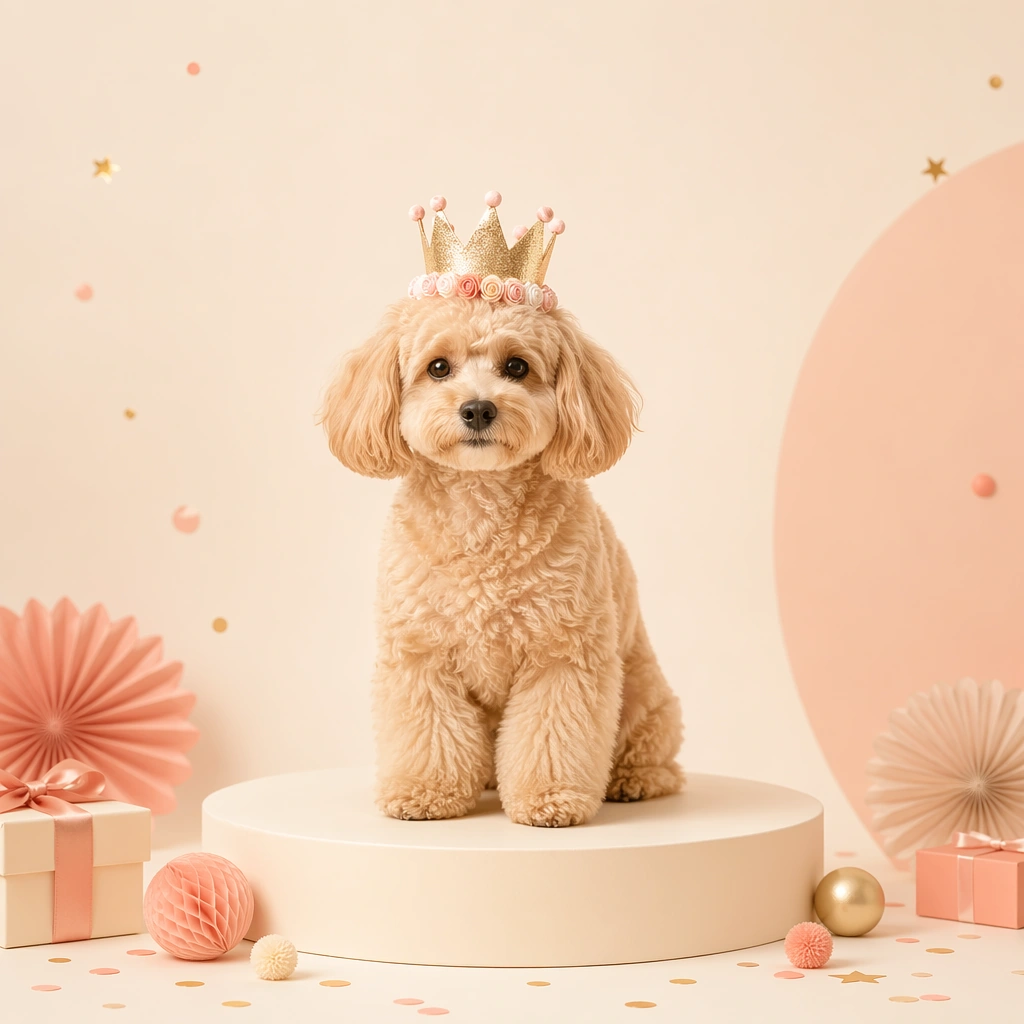
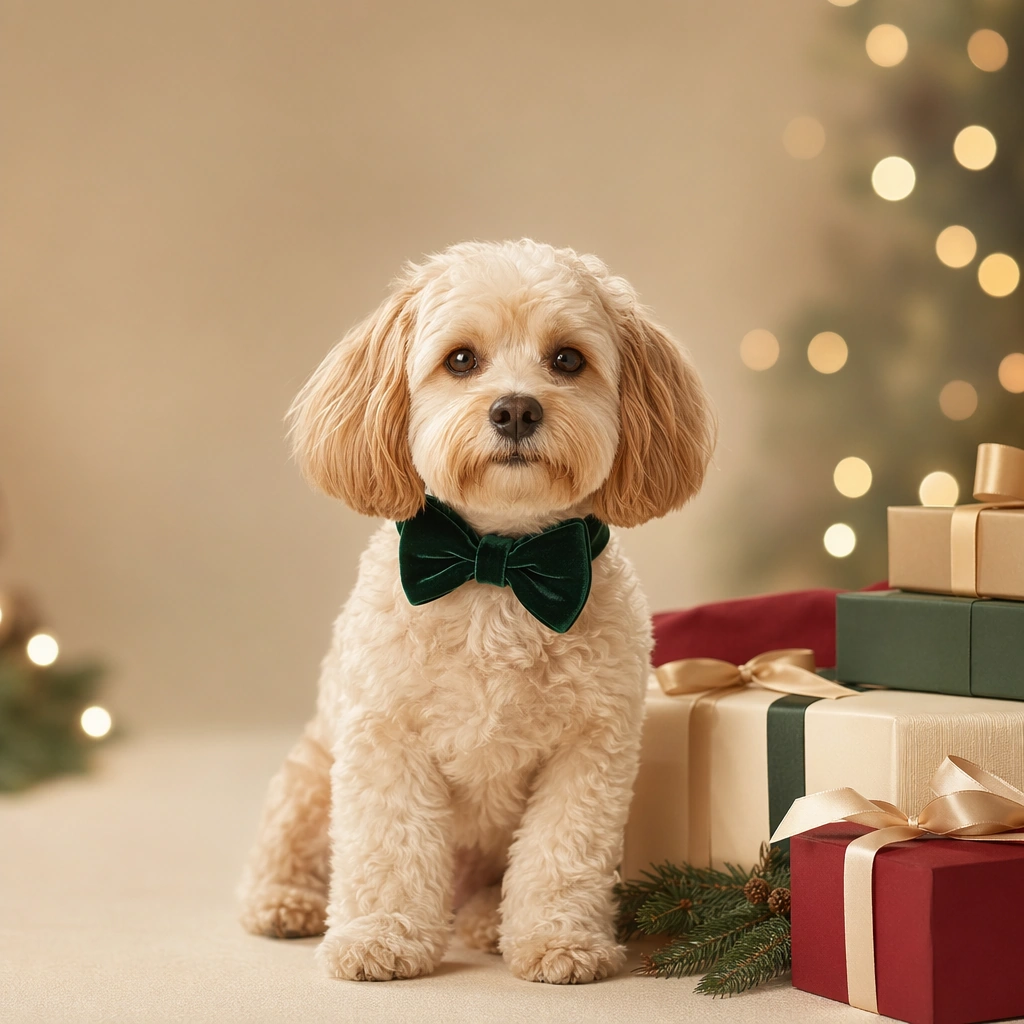
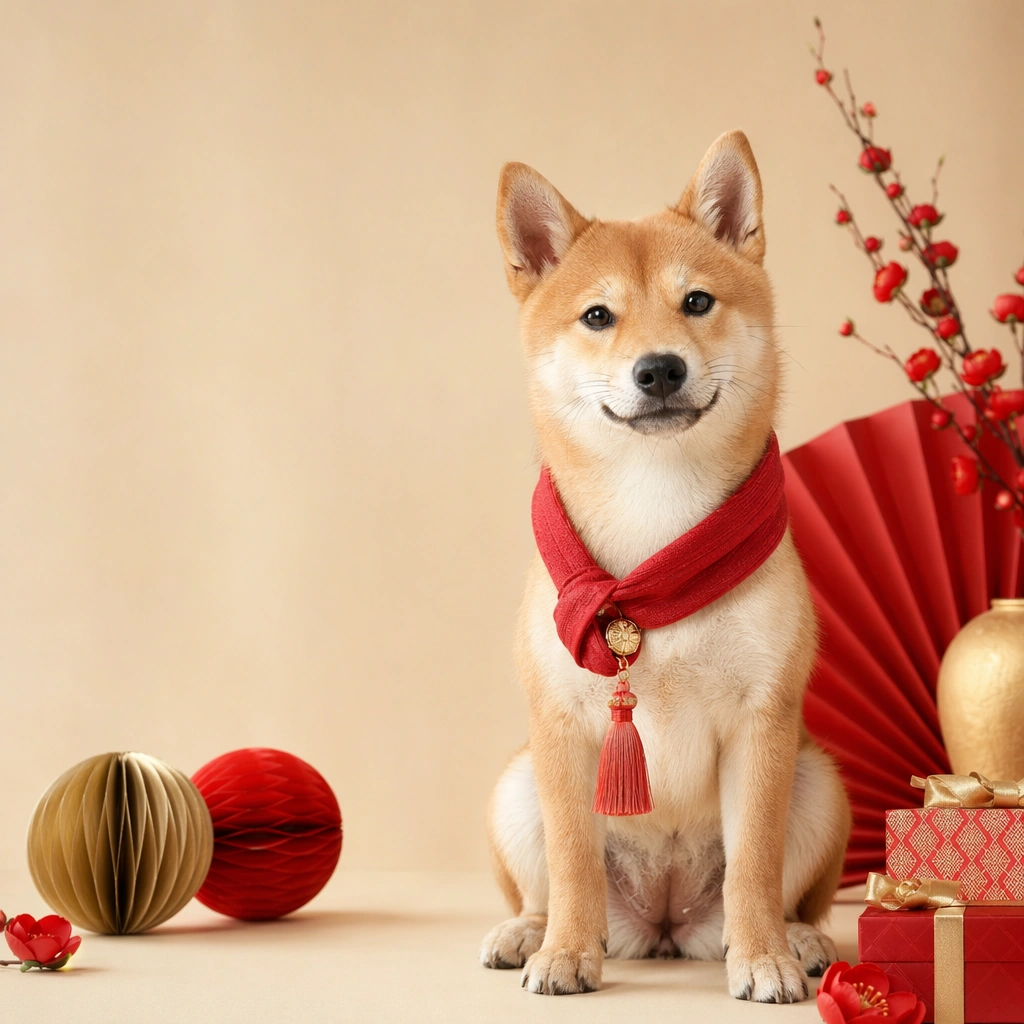
Center one pet in a holiday outfit or themed accessory that looks comfortable, well fitted, and genuinely photographable. The animal must remain the hero, not the prop pile. Expression, posture, and styling should communicate the seasonal mood while preserving real anatomy, fur detail, and a sense of animal comfort. Avoid parody or heavy anthropomorphic comedy. Feature a cat or small dog in a simple velvet cape, posed upright with watchful eyes and a strong silhouette.

Important details:
Treat each image like a campaign key tile with a disciplined palette, controlled set dressing, and enough compositional breathing room for future text overlays outside the image generation. Holiday atmosphere can come from color, lighting, and a few strong props. Keep the tone premium, charming, and retailer ready. The result should feel useful for product pages, promo banners, and carousel campaigns. Keep the mood playful and elegant, suited for seasonal costume merchandising rather than haunted house theatrics.

Use case:
Pet Holiday Costume Promo Set single study 2/9, spooky cape night promo for a commercially reusable prompt atlas example.

Constraints:
No readable text, no watermark, no logos, preserve exact 1:1 aspect ratio, no readable sale text, no oversized mascots, no heavy human costume parody, no chaotic party clutter, no unsafe accessories, no generic stock holiday card vibe, no gore, no fake fangs close up, no children party chaos.
Jak używać
- Skopiuj cały oryginalny prompt wraz z parametrami.
- Dostosuj temat, tekst i kompozycję do swoich potrzeb.
- Użyj zgodnego narzędzia zewnętrznego; sprawdź warunki dostępu i wynik.
Przed rozpoczęciem
- Sprawdź, czy potrzebny jest obraz referencyjny. Zgodność nie potwierdza modelu użytego do przykładu.
- Sprawdź nazwy, liczby i napisy; wyniki zależą od wersji modelu.