Oryginalny dokument
GPT Image 2 · en
{
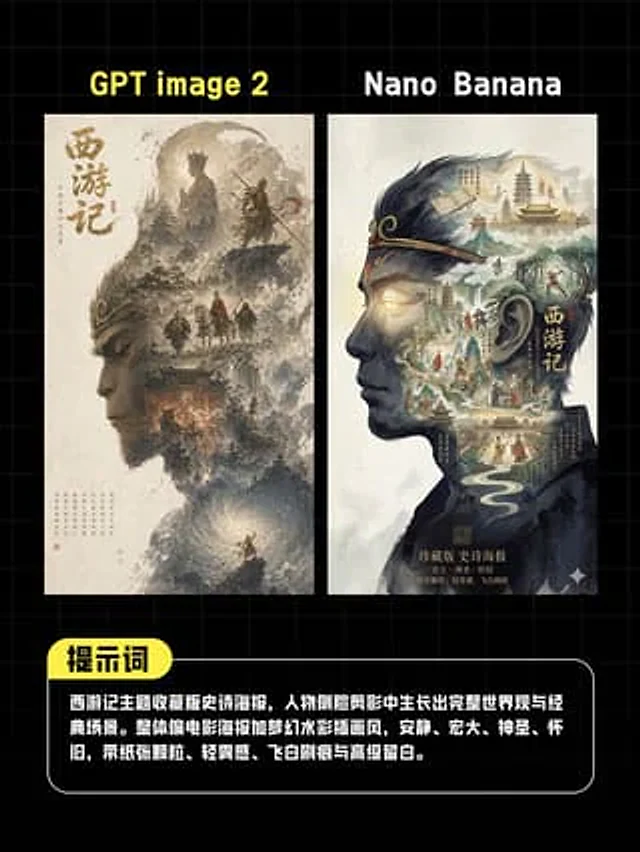
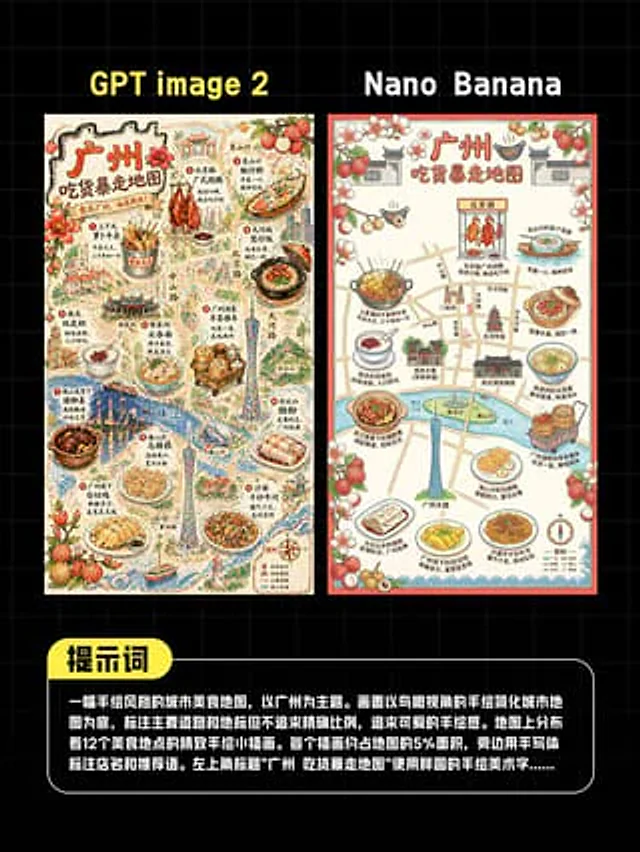
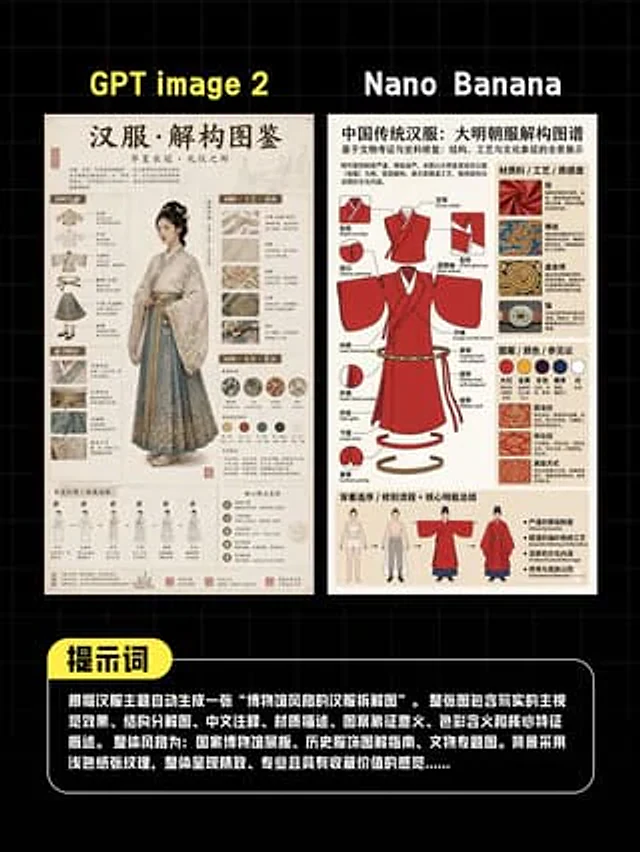
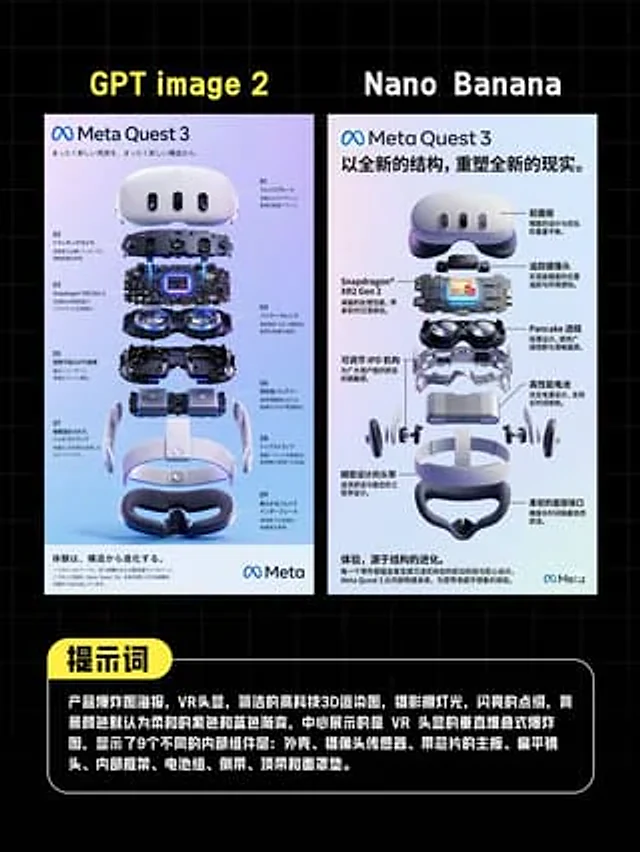
  "type": "comparison poster",
  "style": "Infographic showdown of tech products, featuring a clean and concise layout, a dark background with light blue grid lines, and high-contrast social media graphics.",
  "canvas": {
    "aspect_ratio": "4:5",
    "background": "Black, with a fine square grid."
  },
  "layout": {
    "sections": [
      {
        "title": "GPT image 2",
        "position": "The top left corner of the poster on the left",
        "count": 1,
        "labels": [
          "GPT image 2"
        ]
      },
      {
        "title": "Nano Banana",
        "position": "The top right corner of the poster on the right",
        "count": 1,
        "labels": [
          "Nano Banana"
        ]
      },
      {
        "title": "Prompt words",
        "position": "Bottom label title",
        "count": 1,
        "labels": [
          "Prompt words"
        ]
      }
    ],
    "panels": 2,
    "panel_arrangement": "Two tall, vertical posters are placed side by side with even spacing and centered horizontally.",
    "bottom_callout": "Large, rounded black text box with a white border that spans most of the width"
  },
  "left_panel": {
    "type": "VR headset explosion poster",
    "branding": "Meta Quest 3",
    "headline": "A completely new reality, from a completely new structure.",
    "language": "Japanese",
    "poster_background": "A soft white to pale purple gradient",
    "main_object": "Renderings of the Meta Quest 3 headset in a vertically exploded assembly.",
    "component_count": 9,
    "number_labels": [
      "01",
      "02",
      "03",
      "04",
      "05",
      "06",
      "07",
      "08",
      "09"
    ],
    "components": [
      "Front shell and panel",
      "Sensor/Camera Components",
      "Motherboard and chipset layer with luminous blue core",
      "Double Pancake Lens Module",
      "Internal lower shell",
      "Battery Module",
      "Side arm",
      "Top strap and headband frame",
      "Face pad"
    ],
    "annotations": "Japanese technical labeling with thin guide lines around the component",
    "footer": "A light gray information bar at the bottom with densely packed small text and the Meta logo."
  },
  "right_panel": {
    "type": "VR headset explosion poster",
    "branding": "Meta Quest 3",
    "headline": "A completely new structure, reshaping a completely new reality.",
    "language": "Chinese",
    "poster_background": "A soft gradient from white to pale gray-blue.",
    "main_object": "Renderings of the Meta Quest 3 headset in a vertically exploded assembly.",
    "component_count": 9,
    "callout_count": 8,
    "components": [
      "Front panel",
      "Sensor strip",
      "Motherboard with Snapdragon XR2 Gen 2 chip",
      "Double Pancake Lens",
      "Adjustable IPD mechanism",
      "High-performance batteries",
      "Headband Arm",
      "Face Interface",
      "Lower facial pad"
    ],
    "callout_labels": [
      "Front panel",
      "Tracking camera",
      "Pancake Lens",
      "High-performance batteries",
      "Soft face interface",
      "Precision-designed headband",
      "Adjustable IPD mechanism",
      "Snapdragon XR2 Gen 2"
    ],
    "annotations": "The exploded render image features bold Chinese annotations with black guide lines on both sides.",
    "footer": "A light gray information bar at the bottom with densely packed small text and the Meta logo."
  },
  "bottom_text_box": {
    "shape": "Rounded rectangle",
    "header_badge": "Yellow capsule-shaped label on the upper left edge",
    "body_text": "{argument name=\"prompt text\" default=\"Product exploded view poster, VR headset, simple high-tech 3D rendering, studio lighting, sparkling embellishments, background color default is a soft purple and blue gradient, the center shows the vertically stacked exploded view of the VR headset, showing 9 different internal components: shell, camera sensor, motherboard with chip, flat lens, internal frame, battery pack, side arms, top strap and face mask pad.\"}",
    "text_color": "White",
    "font": "Bold sans-serif Chinese font"
  },
  "visual_details": {
    "rendering": "Ultra-simple 3D product visualization: glossy white plastic, dark glass sensors, internal metal structure, and subtle purple-blue reflections.",
    "lighting": "Studio lighting with polished highlights and soft shadows",
    "mood": "Comparison chart of professional, competitive, and modern AI tools"
  }
}
Jak używać
- Skopiuj cały oryginalny prompt wraz z parametrami.
- Dostosuj temat, tekst i kompozycję do swoich potrzeb.
- Użyj zgodnego narzędzia zewnętrznego; sprawdź warunki dostępu i wynik.
Przed rozpoczęciem
- Sprawdź, czy potrzebny jest obraz referencyjny. Zgodność nie potwierdza modelu użytego do przykładu.
- Sprawdź nazwy, liczby i napisy; wyniki zależą od wersji modelu.