Oryginalny dokument
GPT Image 2 · en
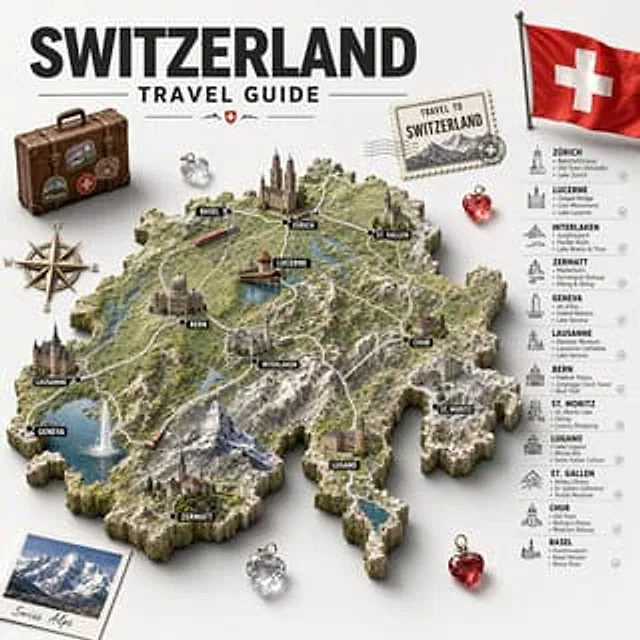
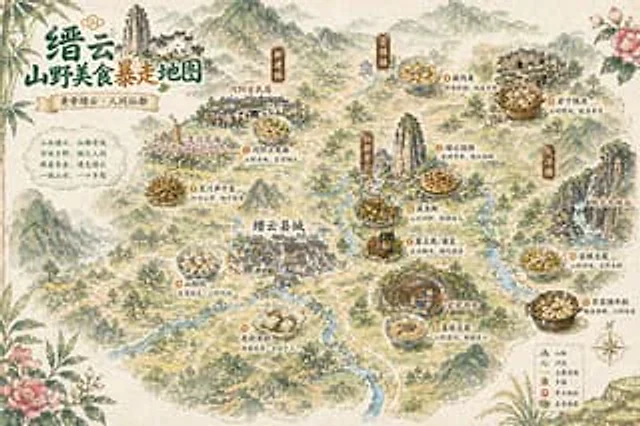
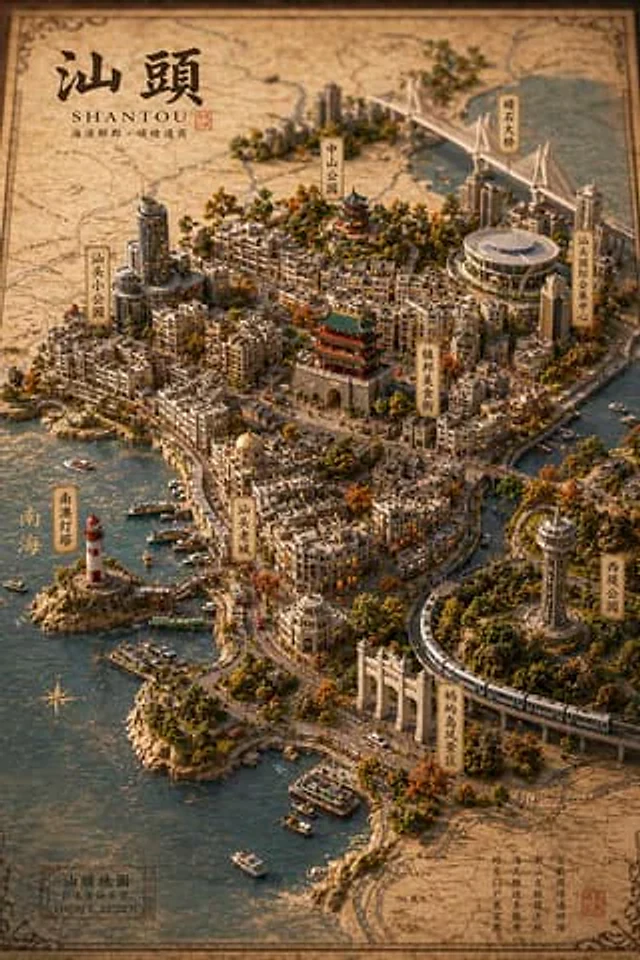
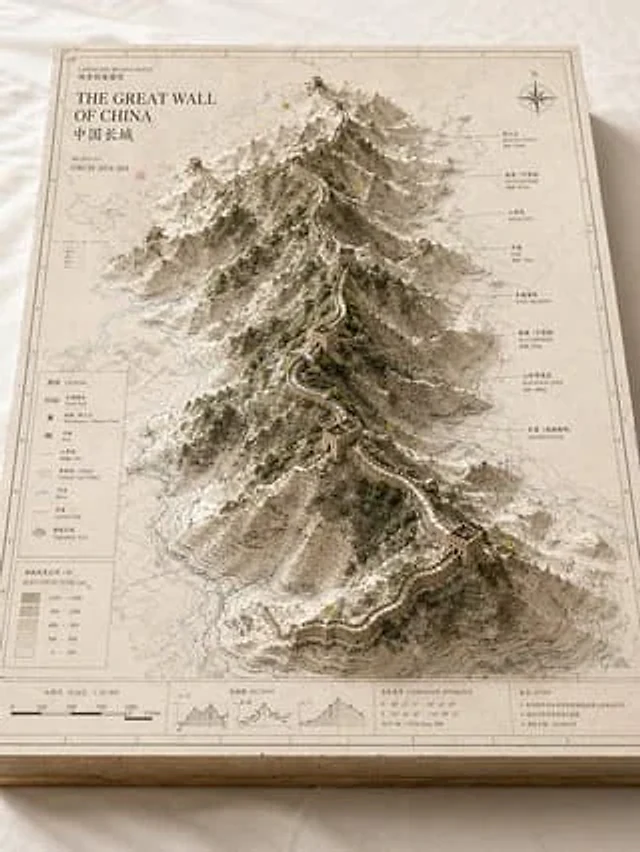
Please base on{argument name="subject" default="Great Wall / Mount Everest / The Bund / Pearl River"} Create a high-quality, professional "landscape archive model" visual suitable for a series of presentations. This is more than just a regular map or simple landscape illustration; it's a high-end archival visual presentation combining "2D cartography + 3D regional model + professional annotation system + museum exhibition feel." The image should resemble a realistic geographical research model, urban planning sand table, architectural scheme model, or world-building exhibit, possessing a professional, restrained, precise, and tactilely high-quality texture. [Basic Settings] Theme:{argument name="subject content" default="Crater Lake / Guangzhou / Chongqing"} Theme Type: [Natural Terrain / Urban Space / Mixed Landscape] Core Theme: [Core theme, e.g., crater, canyon, mountain range, lake, CBD, old town, landmark cluster, island city, historical site, main urban area] Content Focus: [Content focus, e.g., terrain elevation / city landmarks / road network / water system / relationship between nature and city / scene collection display] Style:{argument name="style" default="Geographical surveying style, paper art model style, architectural design style, museum archive style, urban planning style"} Primary Color: [Primary color, e.g., off-white, light gray, parchment white, sand, snow white] Secondary Color: [Secondary color, e.g., earth brown, rock gray, cool gray, light blue, moss green] Accent Color: [Accent color, e.g., thin black lines, red routes, blue water lines, yellow numbered markers] Aspect Ratio: [Aspect Ratio, e.g., 16:9 landscape / 3:4 portrait / 4:5 portrait / 1:1 square] [Composition] The main subject is a rectangular map project placed on a clean table or white cloth. The base has realistic thickness, with visible cross-sectional structures at the edges, like a delicate map slice or model base. The map surface is covered with a clear but restrained layer of information, including contour lines, road networks, water systems, regional boundaries, geographic textures, coordinates, subtle annotations, and drawing borders. In the center or off-center area, a 3D model "grows" from the 2D map, becoming the visual core of the entire image. If the [Theme Type] is Natural Terrain: The main body consists of mountains, canyons, craters, lakes, basins, islands, glaciers, faults, or coastlines, emphasizing elevation, layered contour lines, rock textures, and natural terrain undulations. If the [Theme Type] is Urban Space: The main body consists of core urban areas, CBDs, old town districts, landmark clusters, waterfront areas, road nodes, bridges, water systems, or parks, emphasizing building volume, urban characteristics, spatial hierarchy, and planning structure. If the [Theme Type] is Mixed Landscape: Blending natural terrain with man-made environments, such as mountain cities, island cities, ancient ruins, post-apocalyptic wastelands, fantasy capitals, or science fiction bases. [Detail Requirements] - The surface should retain the texture of a map paper and a professional information feel. - Terrain areas should have contour lines, slope layers, and a sense of depression. - Building areas should have a sense of volume, street relationships, and clear hierarchy. - Water bodies should use a low-saturation light blue. - Green spaces/forests should use moss green or low-saturation green. - Road networks should use thin lines to avoid being overwhelming. - Landmarks should be clearly identifiable. - Sci-fi/fantasy elements should maintain an archival model feel, rather than being pure scene illustrations. [Annotation System] Map items require complete and restrained annotation modules, including border lines, scale bars, legend areas, title areas, file numbers, index markers, annotation labels, and simple symbol explanations. The text does not need to be fully readable, but must present a realistic, clear, accurate, and orderly archival layout. [Camera and Lighting] Use an isometric or sandbox composition with a downward-sloping view, with a camera angle of approximately 30 to 45 degrees, to show the map plane, model height, edge thickness, and annotation areas. Lighting should be soft and natural, casting delicate and realistic shadows on a clean background, avoiding a cartoonish or cheap game UI feel.Jak używać
- Skopiuj cały oryginalny prompt wraz z parametrami.
- Dostosuj temat, tekst i kompozycję do swoich potrzeb.
- Użyj zgodnego narzędzia zewnętrznego; sprawdź warunki dostępu i wynik.
Przed rozpoczęciem
- Sprawdź, czy potrzebny jest obraz referencyjny. Zgodność nie potwierdza modelu użytego do przykładu.
- Sprawdź nazwy, liczby i napisy; wyniki zależą od wersji modelu.