Oryginalny dokument
GPT Image 2 · en
Scene:
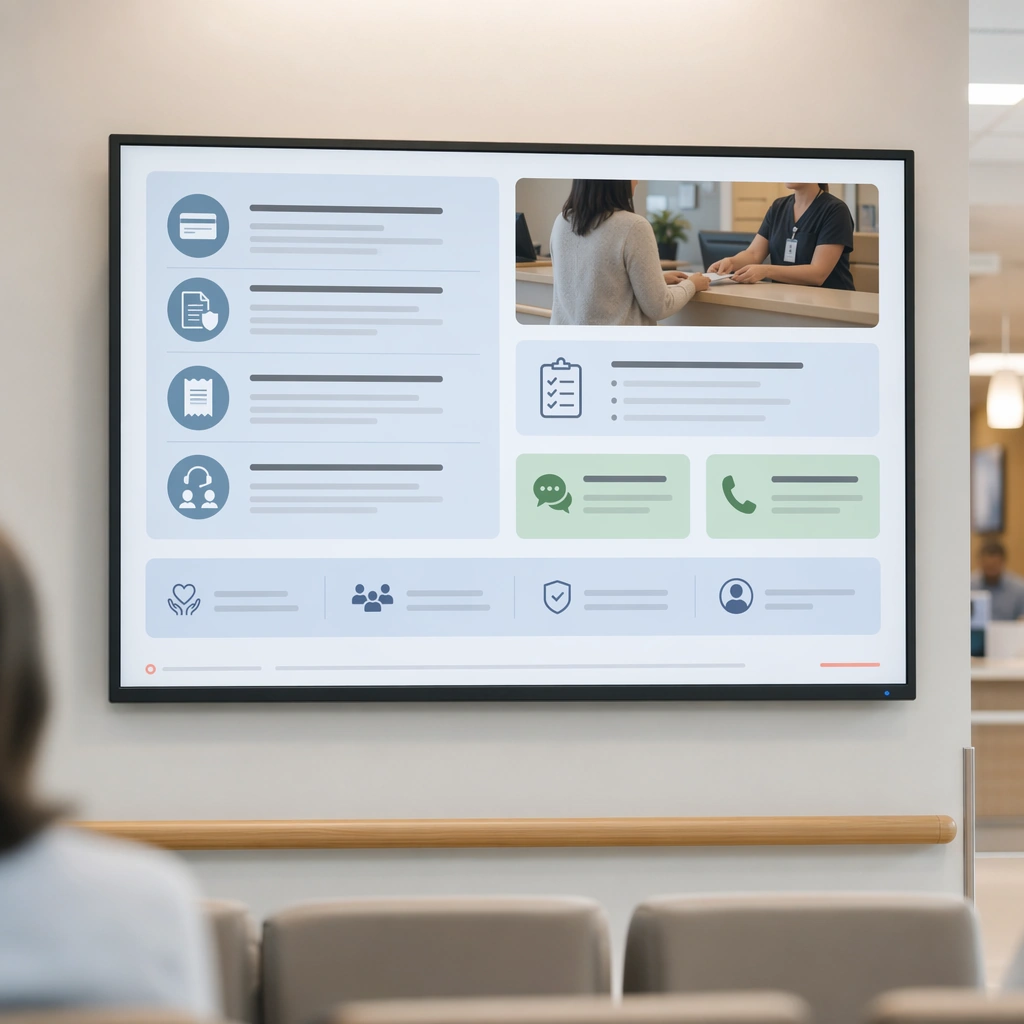
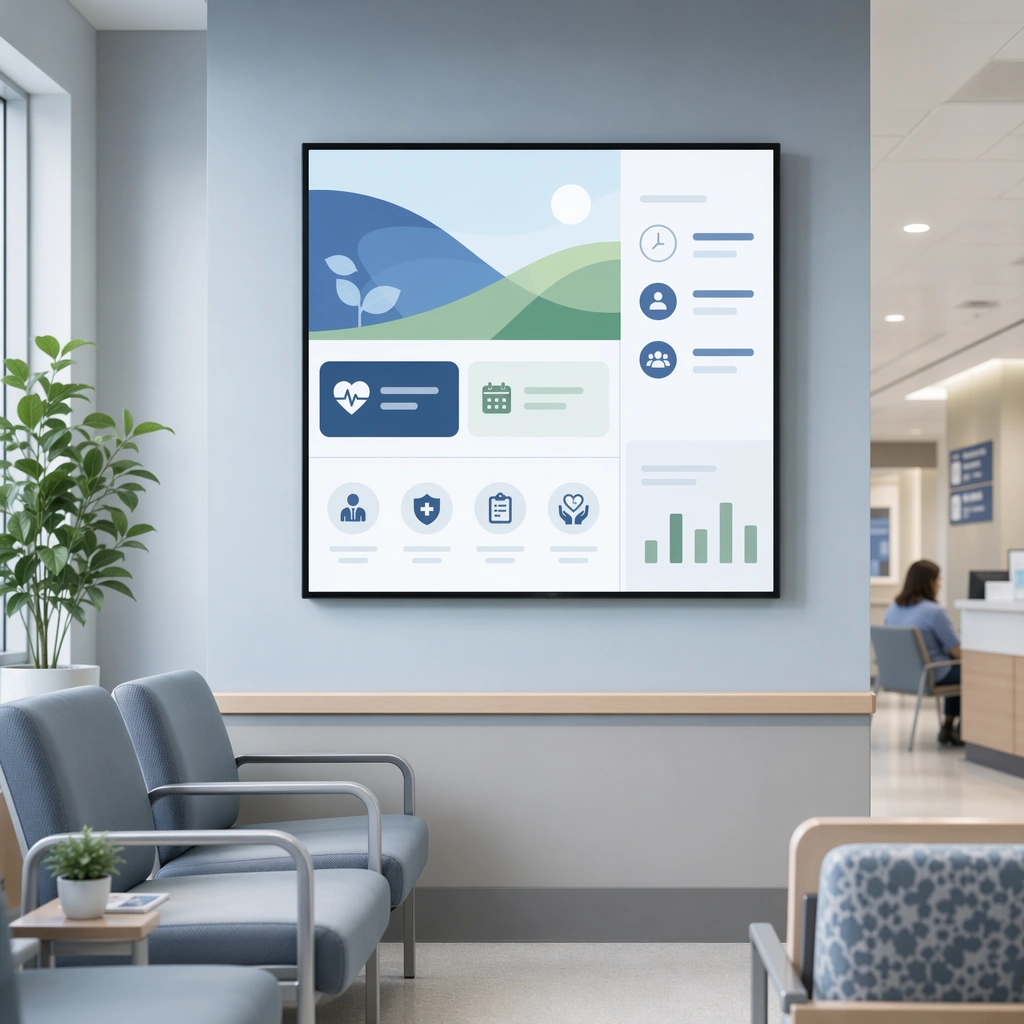
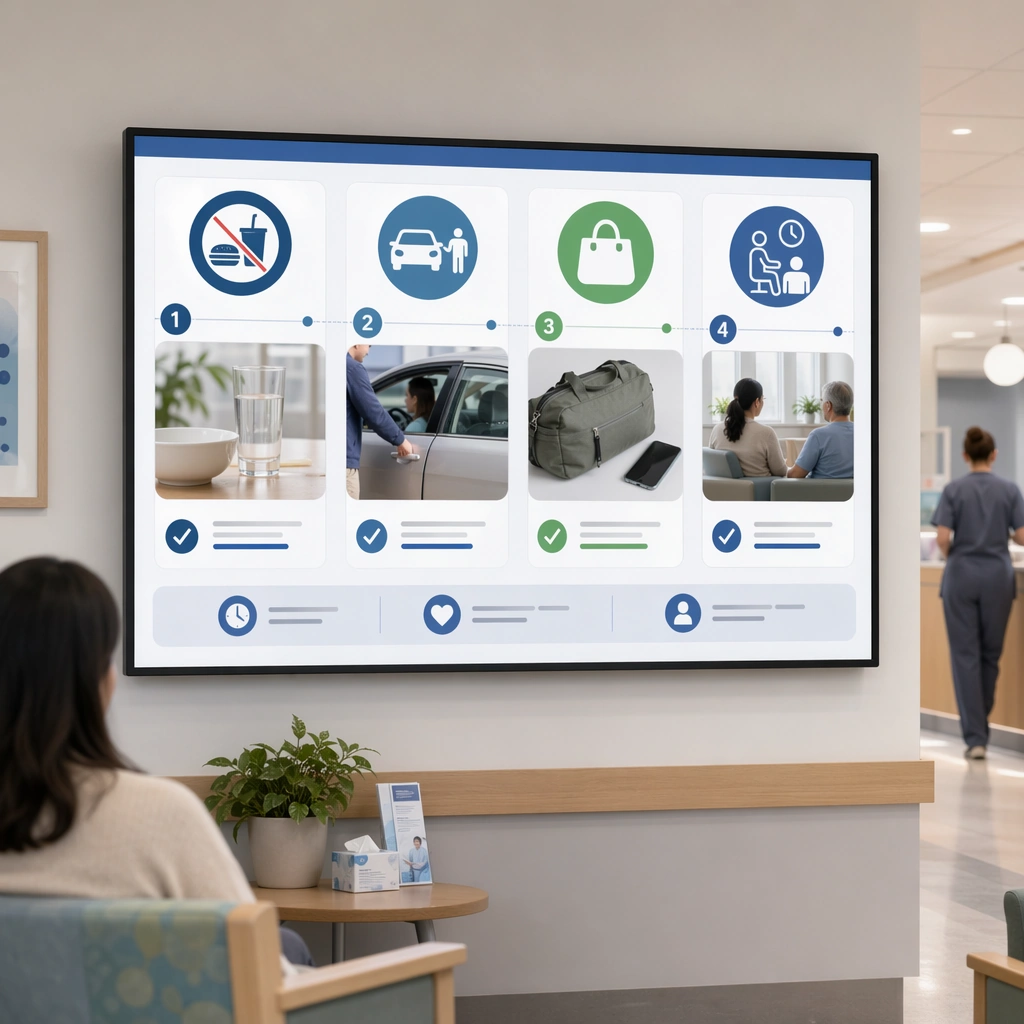
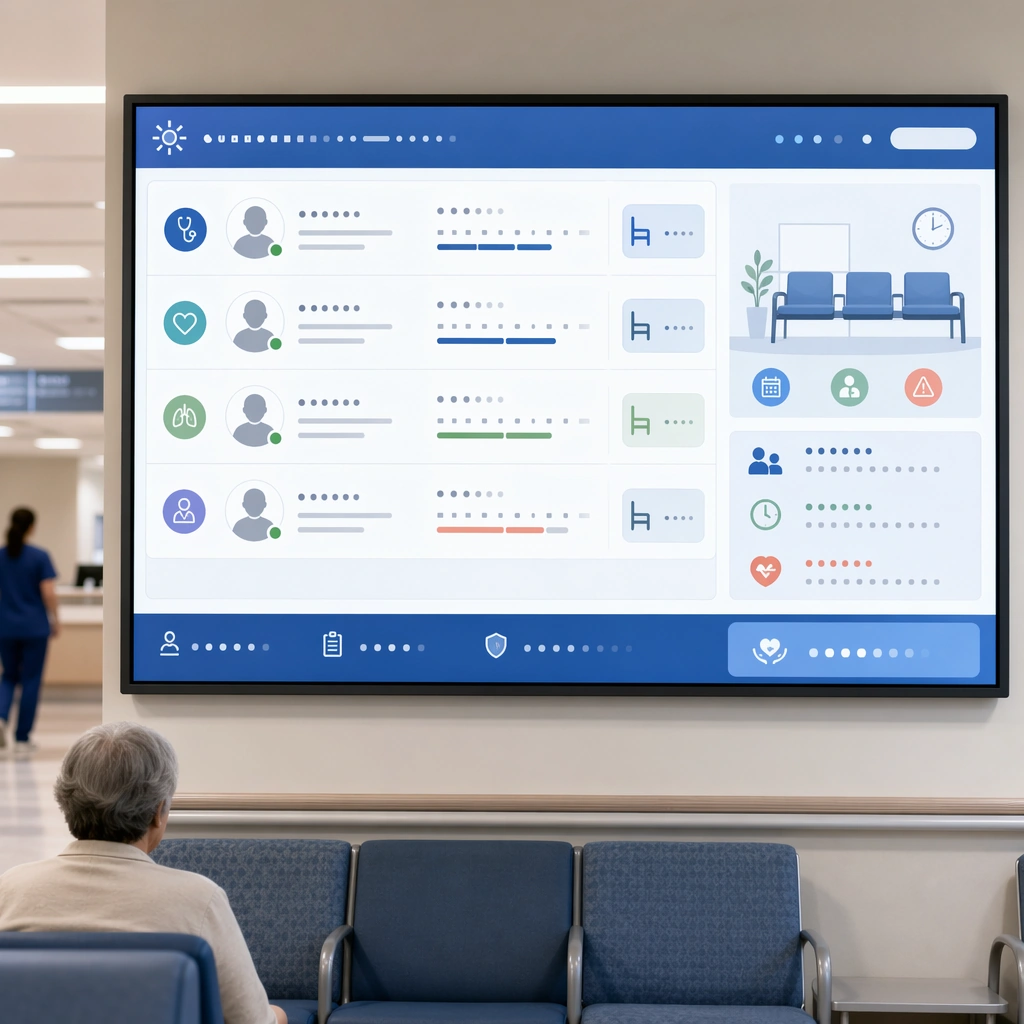
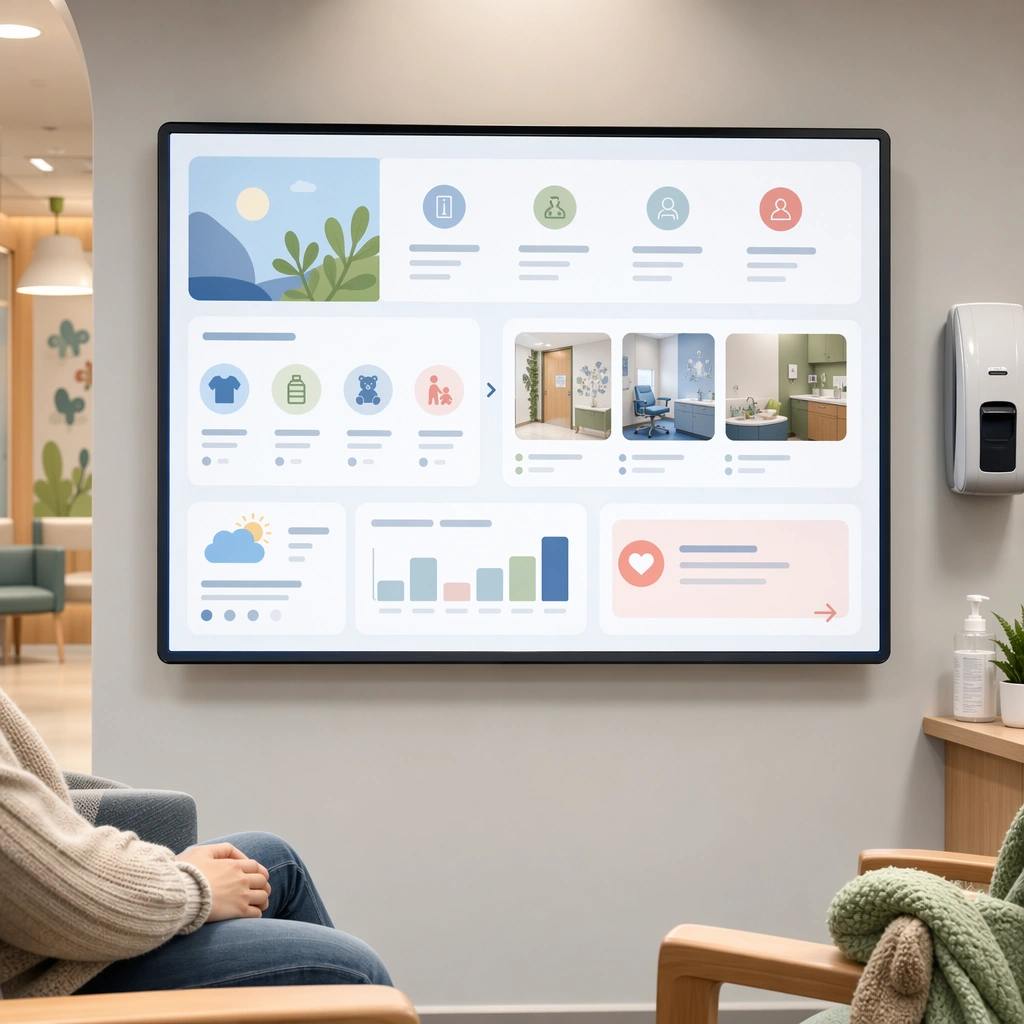
A square pediatric waiting-room display for Waiting Room Screen and Patient Info Loop. Compose it with rounded geometry, family-friendly imagery, and quiet reassurance modules arranged in a soft rhythm. Use a palette of cool white, muted blue, soft green, warm gray, and occasional coral guidance accents, bright public-space lighting with clean screen glow, and a mood of useful, calm, and brand-consistent. The frame should feel like a real healthcare communication asset art-directed for professional delivery, not a stock photo, speculative concept render, or generic corporate template. Keep the camera distance, negative space, and depth cues disciplined so the image reads immediately even at thumbnail size.

Subject:
Center on a child-oriented waiting-room screen with preparation cues, comfort objects, room visuals, and low-anxiety directional information. Show enough surrounding context that the viewer understands the intended service surface, user situation, and institutional setting. Every object, person, diagram, device crop, or spatial cue should support clarity, trust, and practical use. If people appear, keep them anonymous, natural, privacy-safe, and grounded in believable body language rather than promotional posing.

Important details:
Maintain waiting-room communication built from screen-safe hierarchy, ambient public display design, and reassuring information architecture that works from a distance. Keep the screen warm and child-friendly without becoming cartoonish or entertainment-first. Use abstract icon shapes, color blocks, chart bars, interface modules, or non-legible placeholder microcopy whenever information structure is needed, but never readable text. Materials, spacing, lighting, and hierarchy should feel production-ready and healthcare-specific. Avoid generic lifestyle filler, decorative noise, or design gestures that do not reinforce the communication goal.

Use case:
Waiting Room Loop single study 4/9 for a pediatric waiting-room loop screen.

Constraints:
No readable text, no watermark, no logos, preserve exact 1:1 aspect ratio, no TV-news chaos, no overbright advertising palette, no crowded ticker aesthetics, no unreadable micro-detail, no mascots, no amusement-screen energy.
Jak używać
- Skopiuj cały oryginalny prompt wraz z parametrami.
- Dostosuj temat, tekst i kompozycję do swoich potrzeb.
- Użyj zgodnego narzędzia zewnętrznego; sprawdź warunki dostępu i wynik.
Przed rozpoczęciem
- Sprawdź, czy potrzebny jest obraz referencyjny. Zgodność nie potwierdza modelu użytego do przykładu.
- Sprawdź nazwy, liczby i napisy; wyniki zależą od wersji modelu.