Oryginalny dokument
GPT Image 2 · en
Scene:
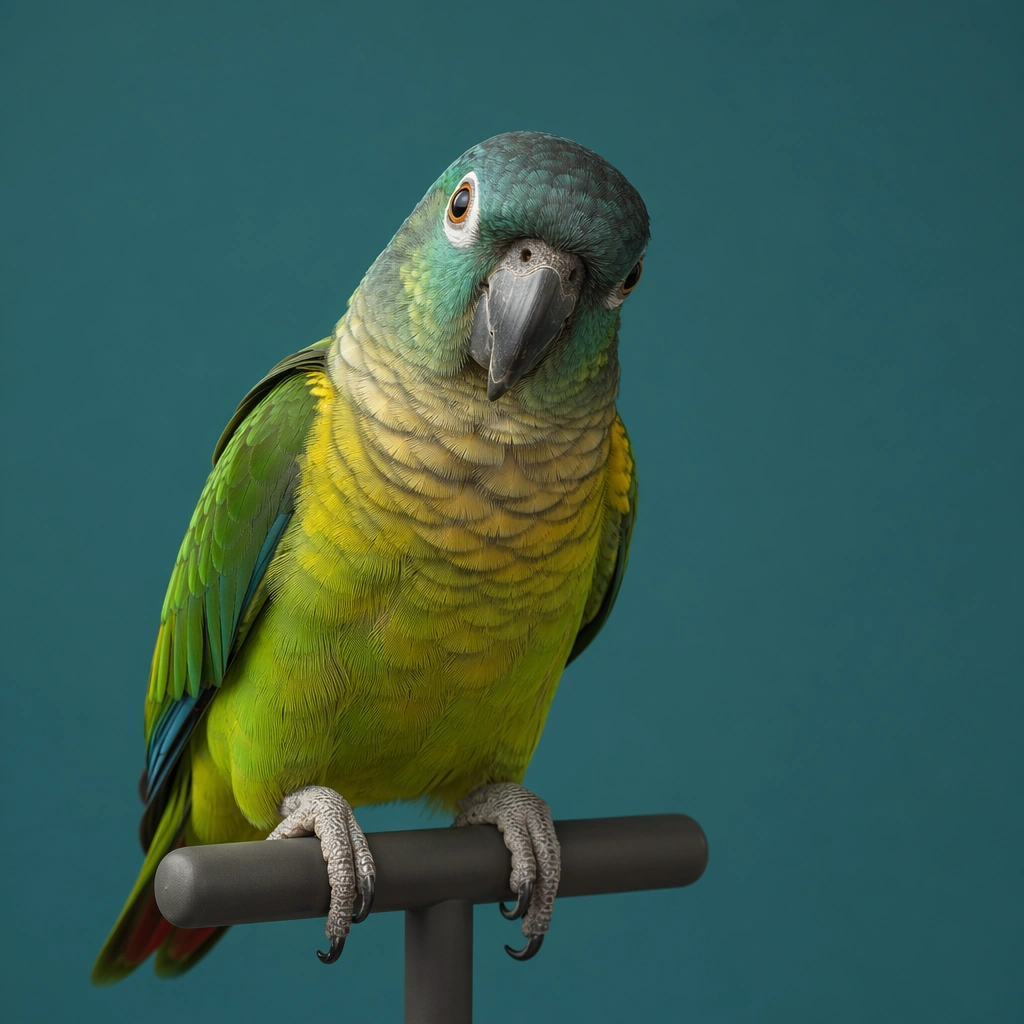
A square commercial pet portrait built like a premium asset from a modern animal lifestyle brand. Use controlled studio or window light, accurate fur rendering, and a clean background with enough breathing room for avatar, packaging, and merch crops. The frame should feel intentionally art directed, with believable lens depth and restrained color grading rather than sentimental snapshot energy. Use a muted teal background with crisp yet soft directional light so the feathers glow without becoming neon or theatrical.

Subject:
Photograph one pet as the clear hero and let its personality read through posture, eye expression, ear position, and grooming detail. The animal must feel real, well cared for, and emotionally specific, with anatomy, coat pattern, and whisker detail treated seriously. Avoid clownish costume logic; the character comes from attitude, styling restraint, and portrait craft. Show a medium parrot perched on a minimal matte stand, head slightly tilted, with attentive eye contact and clearly separated feather planes.

Important details:
Keep the image commercially reusable: crisp edges, clean separation from the background, subtle brand polish, and enough negative space for later design systems. Props may appear only when they reinforce the personality cue. Maintain trustworthy realism, elegant light falloff, and a finish that could sit on a profile card, tote bag, clinic brochure, or premium social post without redesigning the core image. Let the bird provide the color story, but keep the grading controlled and commercial, avoiding zoo poster spectacle or cartoon exaggeration.

Use case:
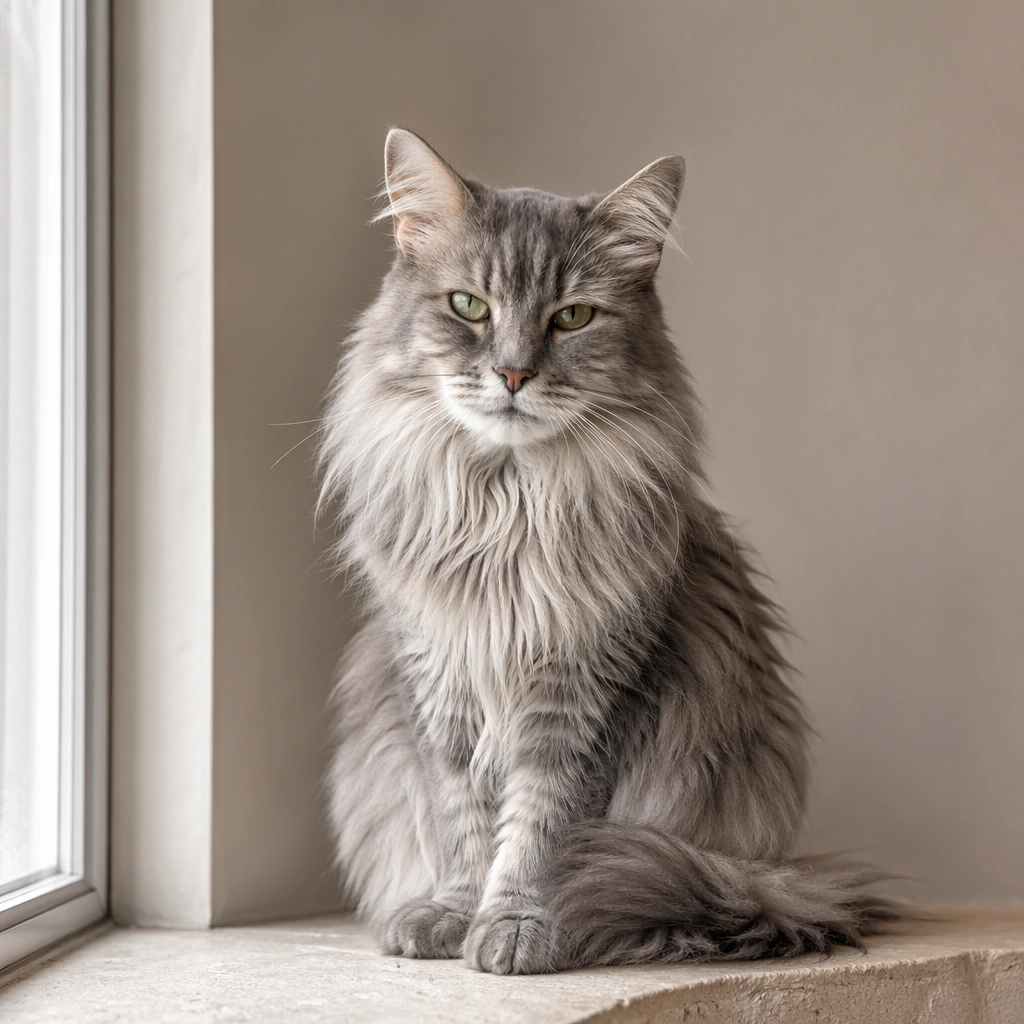
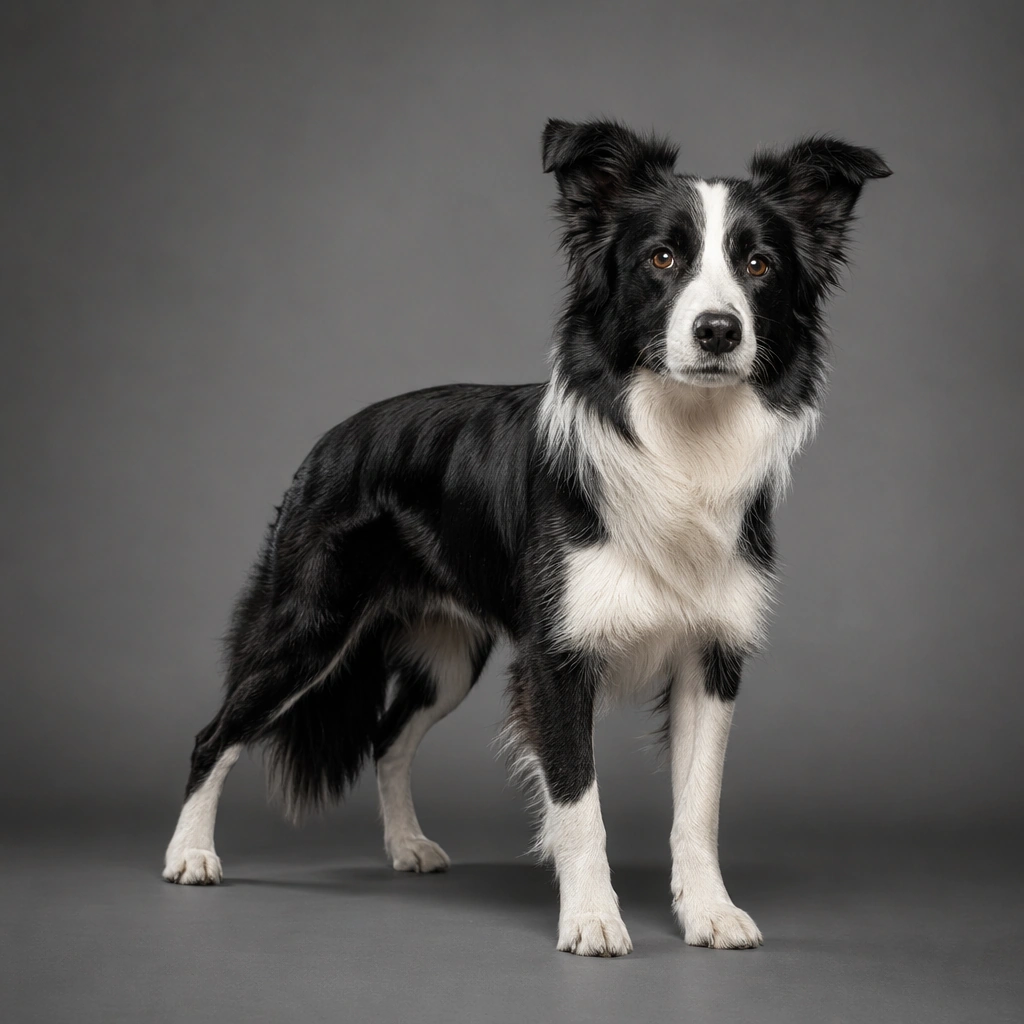
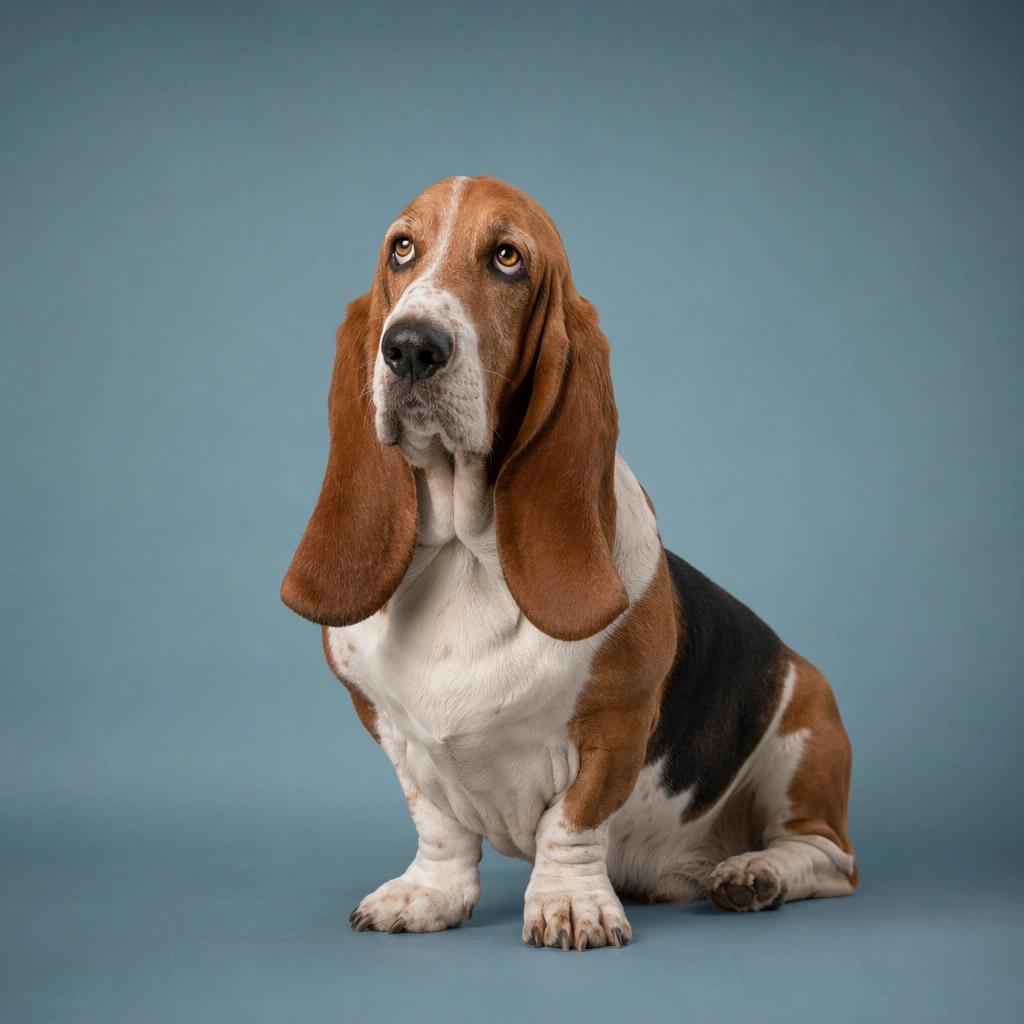
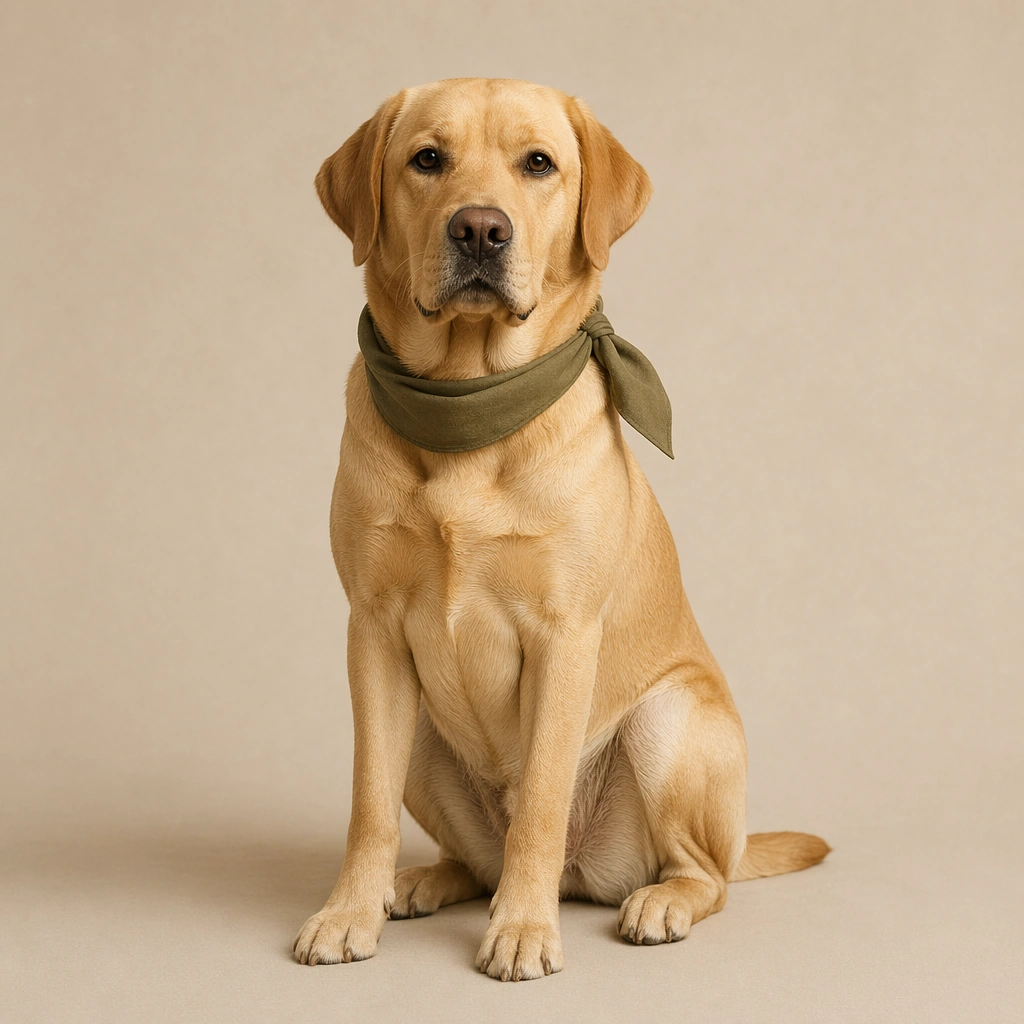
Pet Portrait Personality System single study 4/9, parrot color persona portrait for a commercially reusable prompt atlas example.

Constraints:
No readable text, no watermark, no logos, preserve exact 1:1 aspect ratio, no chaotic home interiors, no novelty meme expressions, no distorted anatomy, no extra animals, no cluttered props, no cropped off ears unless intentionally close, no jungle overload, no screaming motion blur, no rainbow saturation spikes.
Jak używać
- Skopiuj cały oryginalny prompt wraz z parametrami.
- Dostosuj temat, tekst i kompozycję do swoich potrzeb.
- Użyj zgodnego narzędzia zewnętrznego; sprawdź warunki dostępu i wynik.
Przed rozpoczęciem
- Sprawdź, czy potrzebny jest obraz referencyjny. Zgodność nie potwierdza modelu użytego do przykładu.
- Sprawdź nazwy, liczby i napisy; wyniki zależą od wersji modelu.