
Oryginalny dokument
GPT Image 2 · en
Scene:
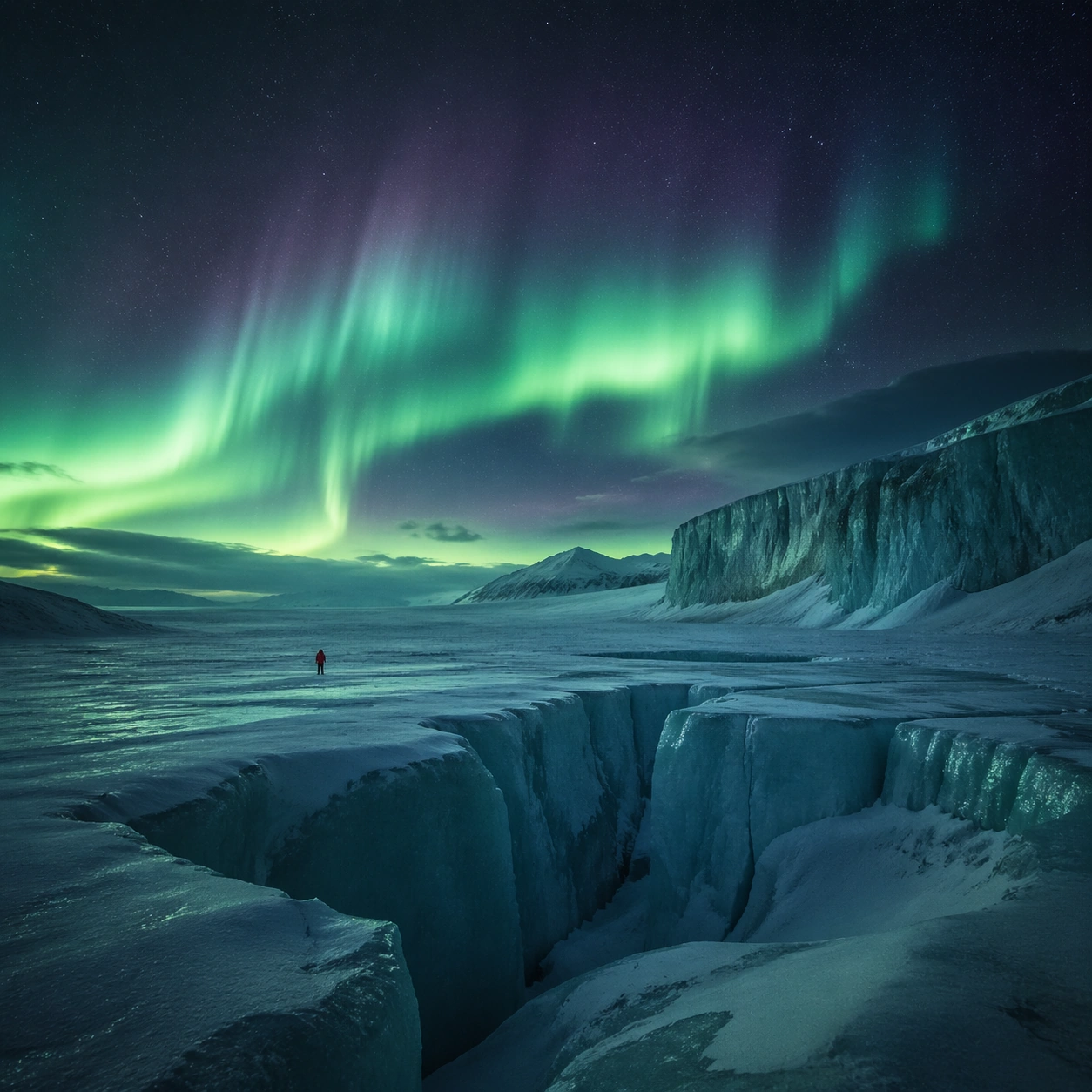
Create a square cinematic still for Aurora Glacier Silent Theatre. Use production-grade photoreal lighting, disciplined lens behavior, and a composition that feels like a finished key frame from an original film rather than a casual snapshot. An Arctic glacier plain opens under a sweeping aurora curtain, with deep night sky, luminous green and faint violet ribbons overhead, fractured ice catching reflected color, and a breath-frozen atmosphere that feels almost soundless. End on a quieter independent image that holds the residue of the topic atmosphere after its loudest moment has passed, while still feeling complete and exhibition-ready.

Subject:
Build a coherent original scene whose emotional center comes from atmosphere, light physics, and spatial clarity. Avoid relying on celebrity likeness, franchise iconography, or stylized illustration shortcuts. A solitary human figure in a red parka should appear tiny against the glacier geometry, while crevasses, wind-scoured snow, and ice walls provide a strong sense of scale without cluttering the frame. The frame should suggest memory, aftermath, or lingering presence through environment first and only secondarily through any figure or object.

Important details:
Preserve a believable physical world with strong depth layering, careful color separation, and premium image discipline. Keep the aurora soft and physically plausible rather than graphic, with believable ice reflectance, low-angle moonless ambient light, and careful contrast so the red parka remains a scale marker rather than a fashion focal point. Favor restraint, believable light decay, and subtle narrative closure over spectacle or decorative excess.

Use case:
Aurora Glacier single study 9/9.

Constraints:
No readable text, no watermark, no logos, preserve exact 1:1 aspect ratio, no tents, no readable expedition logos, no fantasy animals, no saturated nightclub colors, no fireworks effect.
Jak używać
- Skopiuj cały oryginalny prompt wraz z parametrami.
- Dostosuj temat, tekst i kompozycję do swoich potrzeb.
- Użyj zgodnego narzędzia zewnętrznego; sprawdź warunki dostępu i wynik.
Przed rozpoczęciem
- Sprawdź, czy potrzebny jest obraz referencyjny. Zgodność nie potwierdza modelu użytego do przykładu.
- Sprawdź nazwy, liczby i napisy; wyniki zależą od wersji modelu.