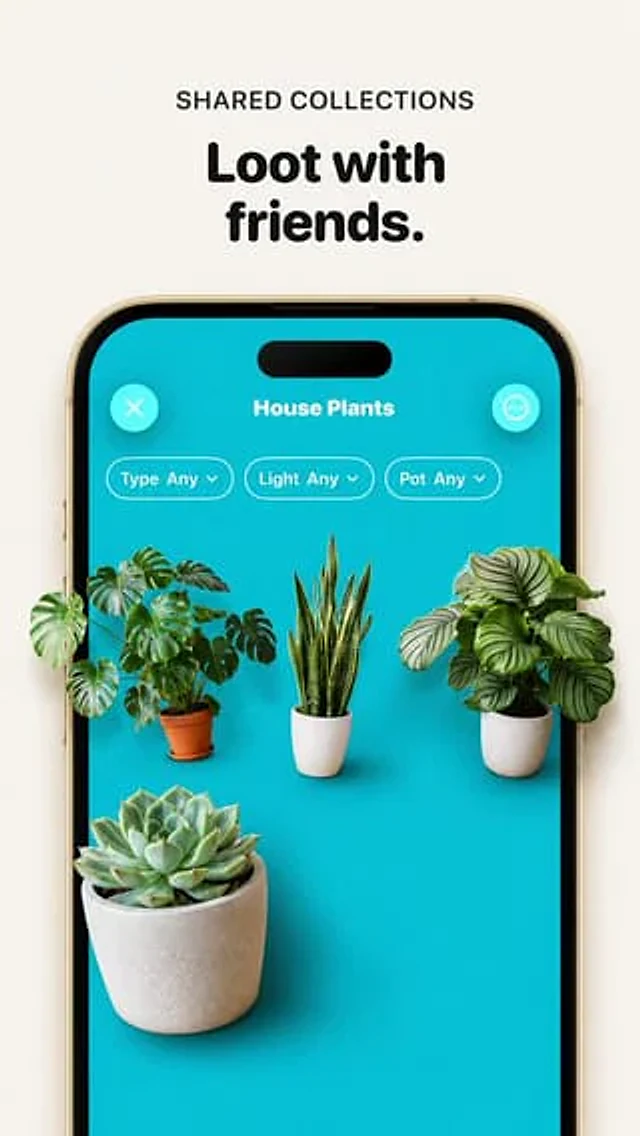
Premium Loot App Screenshot Upgrade

Premium Loot App Screenshot Upgrade

Documento original

GPT Image 2 · en

Using the provided reference image, improve the app promo screenshot into a polished, high-end product mockup while preserving the same overall layout, text, phone frame, turquoise app screen, and plant-collection UI. Enlarge and sharpen the phone crop so it fills more of the vertical canvas, keep the headline above it reading {argument name="headline text" default="Loot with friends."} with the small label {argument name="section label" default="SHARED COLLECTIONS"}. Replace the tiny flat plant thumbnails with realistic, larger, photoreal 3D/product-render plants that appear to sit inside the phone screen with soft shadows and depth. Use exactly 4 plants: a monstera in a terracotta pot on the left, a snake plant in a white ribbed pot in the center, a round-leaf striped calathea/peperomia-style plant in a white pot on the right, and a large echeveria succulent in a concrete pot in the lower-left foreground. Keep the UI title {argument name="collection title" default="House Plants"}, the close button, menu button, and exactly 3 pill filters labeled “Type Any”, “Light Any”, and “Pot Any”. Make the overall image cleaner, brighter, more premium, with crisp typography, realistic shadows, and a beige/off-white background; avoid adding extra UI elements, extra plants, watermarks, or unrelated text.

Como usar

  1. Copie o prompt original completo, incluindo os parâmetros.
  2. Adapte o tema, o texto e a composição aos seus requisitos.
  3. Use uma ferramenta externa compatível; confira o acesso e o resultado.

Antes de começar

  • Verifique se é necessária uma imagem de referência. Compatibilidade não comprova qual modelo gerou o exemplo.
  • Confira nomes, números e textos; os resultados variam entre versões do modelo.
Exemplos semelhantes

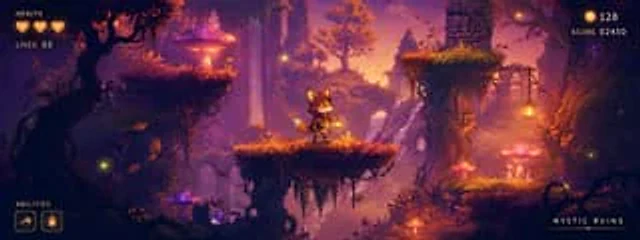
Mystic Ruins Platformer Screenshot
GPT Image 2en

Goal: Create a polished 2D side-scrolling platformer concept screenshot for a fantasy game level called {argument name="level title" default="MYSTIC RUINS"}, showing a playable prototype scene with HUD elements overlaid. Canvas: Wide cinematic 24:9 game screenshot, approximately

GTA-Style Beach Club Gameplay Screenshot
GPT Image 2en

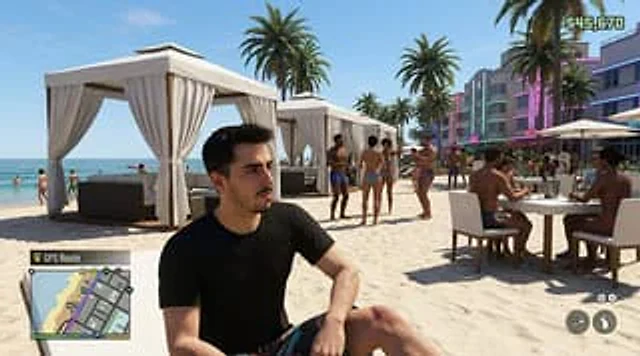
Create a hyper-realistic screenshot of an open-world crime video game, inspired by a modern Miami beach club scene, set in a bright afternoon sun with a clear blue sky. Use a third-person perspective composition, with a seated figure in the foreground.{argument name="character de

Merl iOS Personalization Screenshot
GPT Image 2en

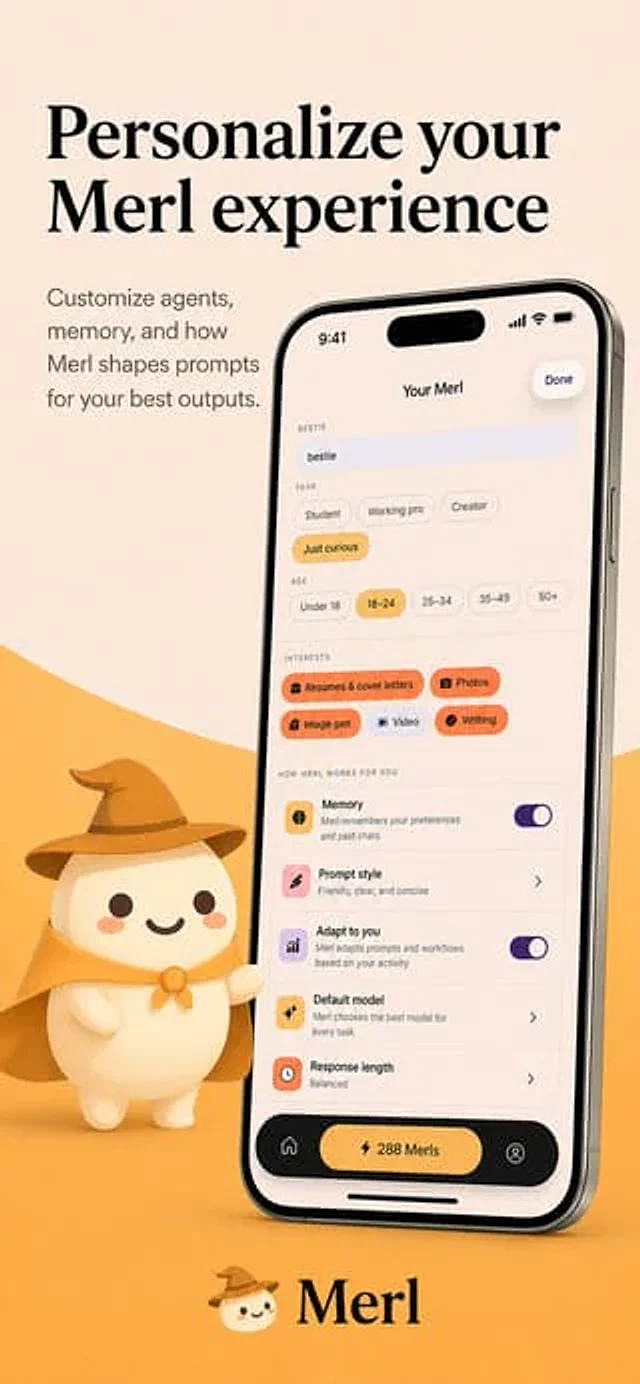
{"type":"app store promotional screenshot","platform":"iOS","style":"clean premium branding, soft 3D mascot illustration, warm minimalist product marketing","brand":{"name":"{argument name=\"app name\" default=\"Merl\"}","primary colors":["warm cream","golden yellow","black","sof

Minecraft Speedrun Screenshot
GPT Image 2zh

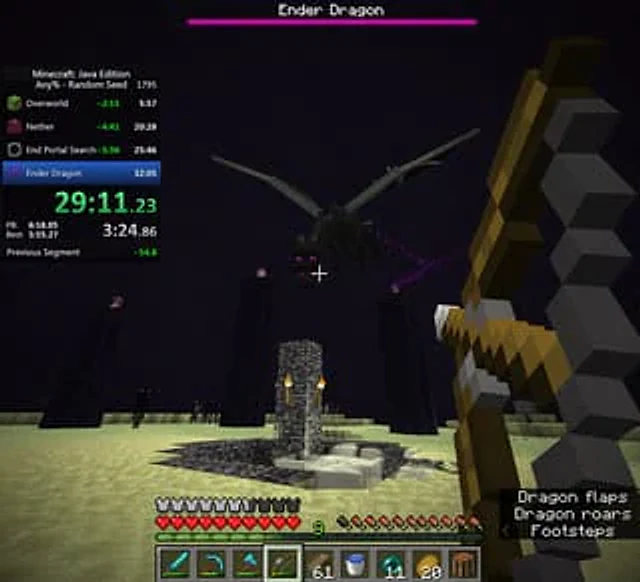
{ "type": "Screenshots from first-person video games", "style": "block voxel graphics", "scene": { "environment": "The End dimension, with its dark sky and pale yellow End stone ground, features a bedrock fountain structure with a torch in the center. Towering black obs

Fake Douyin Lao Gan Ma Livestream Screenshot
GPT Image 2en

A realistic mobile screenshot model of a Chinese short video live-streaming e-commerce interface in dark mode, with a charcoal black background. In the upper right corner of the canvas, a rounded dark chat bubble containing Chinese text is placed.{argument name="request text" def

AI Image Generator Collage Failure Screenshot
GPT Image 2en

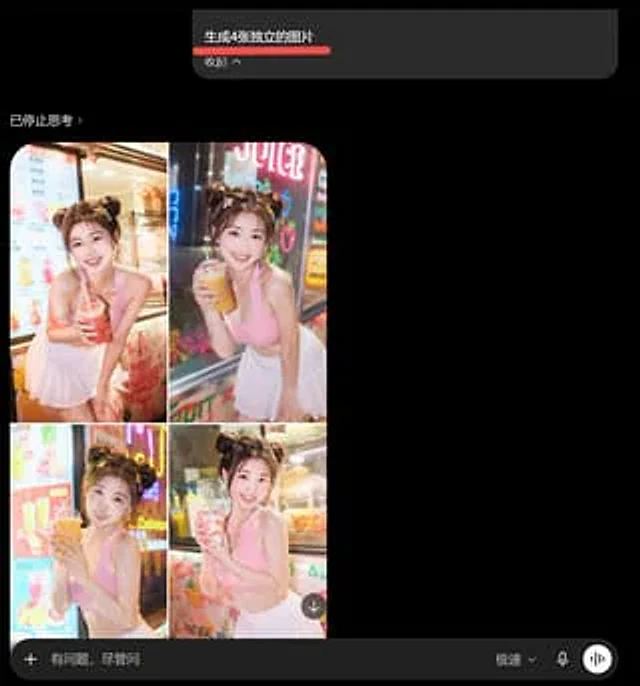
Goal: Create a dark-mode mobile chat screenshot showing an AI image generator response that incorrectly combines four requested images into one 2x2 collage. Canvas: Square screenshot, approximately 768×768 px, black background, cropped like a smartphone app interface in dark mod