App Launch Marketing Page Kit — Travel Planner Launch Board

App Launch Marketing Page Kit — Travel Planner Launch Board

Documento original

GPT Image 2 · en

Scene:
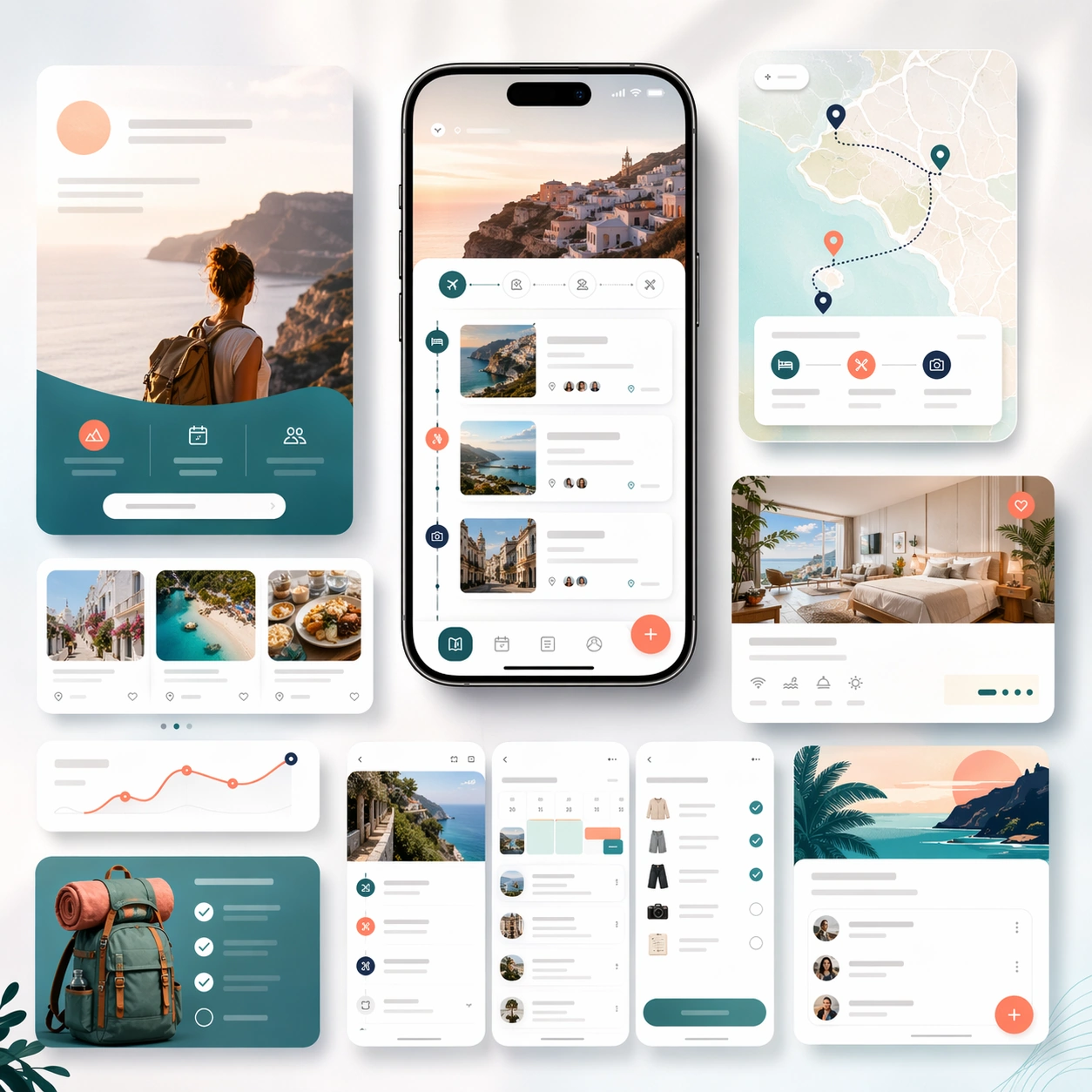
A square launch campaign board for a travel-planning app, balancing premium editorial atmosphere with clear commerce structure. Use a bright but refined palette of cloud white, ocean teal, sunset coral, and soft navy. Present one elegant hero phone, a few itinerary screen crops, map-like cards, and layered landing-page modules arranged on a softly lit backdrop with subtle motion in the composition.

Subject:
Design a believable app marketing page kit for trip planning, itinerary building, and travel organization. The device interface should show route cards, lodging summaries, day-by-day schedule blocks, map-inspired markers, and packing or booking checklist elements. Around it, build supporting marketing modules that imply discovery, trip coordination, and store-promo extensions. The result should feel aspirational without becoming generic vacation advertising. It must still read first as a polished app launch system, with realistic screen design and deliberate conversion hierarchy. Any copy areas should remain abstract and unreadable.

Important details:
Keep the visual mood airy and inviting while preserving structured layout discipline. Device realism, spacing, and module hierarchy should remain credible. Avoid postcard clichés and keep the marketing story centered on how the app organizes travel planning. The board should feel suitable for a formal landing page, an app-store screenshot campaign, and a paid acquisition creative family.

Use case:
App Launch Marketing Page Kit single study 4/5, testing an aspirational travel-planning launch direction.

Constraints:
No readable text, no watermark, no logos, preserve exact 1:1 aspect ratio, no airplane-stock-photo montage, no brand badges, no cluttered maps, no fake passport props, no distorted phones, no noisy tropical clichés.

Como usar

  1. Copie o prompt original completo, incluindo os parâmetros.
  2. Adapte o tema, o texto e a composição aos seus requisitos.
  3. Use uma ferramenta externa compatível; confira o acesso e o resultado.

Antes de começar

  • Verifique se é necessária uma imagem de referência. Compatibilidade não comprova qual modelo gerou o exemplo.
  • Confira nomes, números e textos; os resultados variam entre versões do modelo.
Exemplos semelhantes

App Launch Marketing Page Kit — Social Launch Adaptations
GPT Image 2en

Scene: A square campaign board composed of several social-ready launch crops arranged within one master presentation. Instead of a single landing-page layout, show a family of polished ad-like frames, vertical teaser cards, square promo panels, and one compact hero device crop, a

App Launch Marketing Page Kit — Creator Tool Launch Board
GPT Image 2en

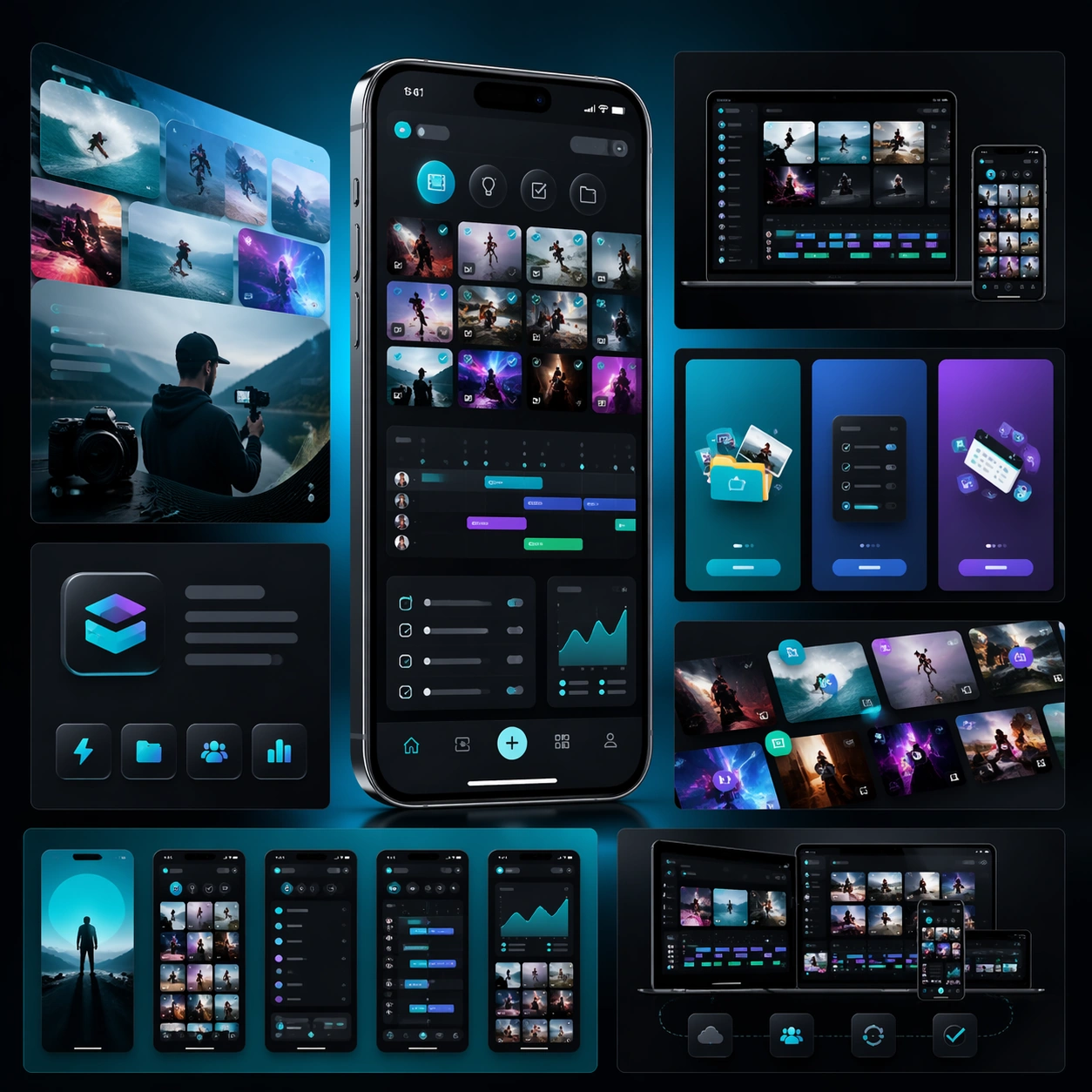
Scene: A square campaign board for a mobile creator workflow app, with a more energetic but still disciplined launch aesthetic. Present one hero phone, several cropped interface panels, and layered media-like shapes on a dark charcoal-to-electric-teal gradient field. The lighting

App Launch Marketing Page Kit — Budget Planner Launch Board
GPT Image 2en

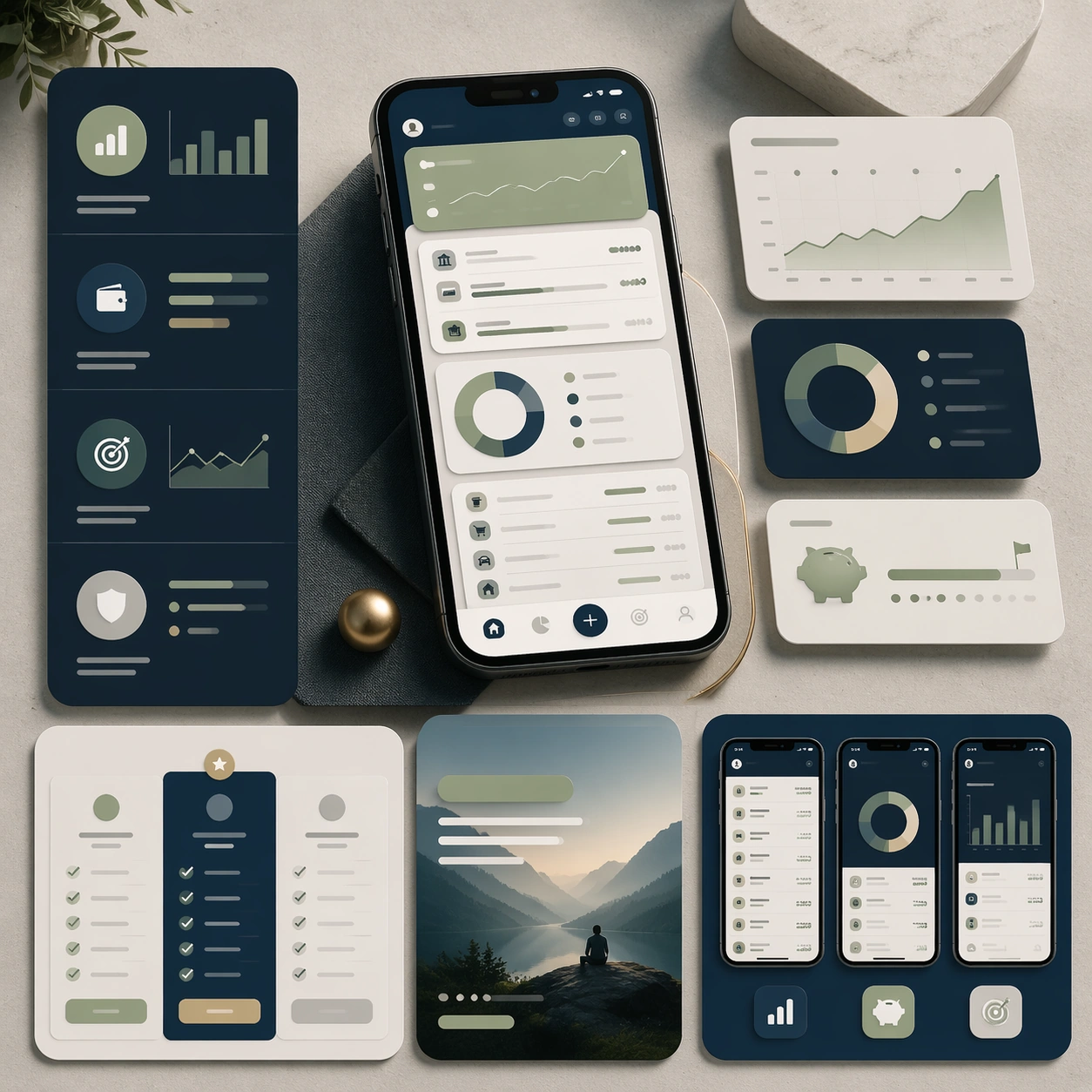
Scene: A square marketing presentation for a personal budgeting and planning app, set on a clean stone-like surface with restrained studio lighting. Use a palette of midnight blue, pale sage, warm gray, and subtle brass highlights. Compose one central device render, a few floatin

App Launch Marketing Page Kit — Wellness Habit Launch Board
GPT Image 2en

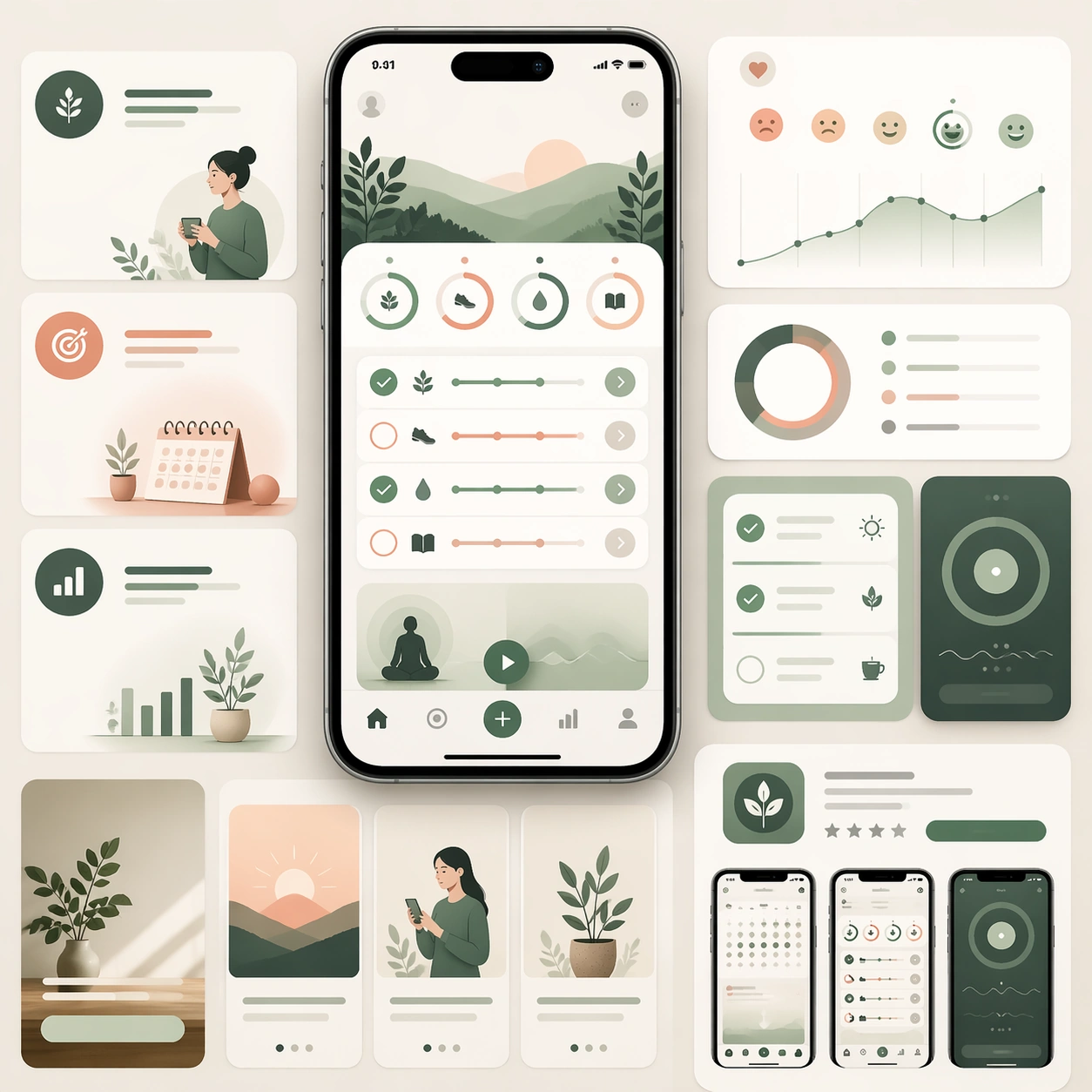
Scene: A square product-launch board for a wellness and habit-building app, with a serene but still commercial visual language. Use a palette of warm cream, eucalyptus green, dusty peach, and muted graphite. Compose one central smartphone render, a few softly layered dashboard cr

App Launch Marketing Page Kit — Reference Launch Hero
GPT Image 2en

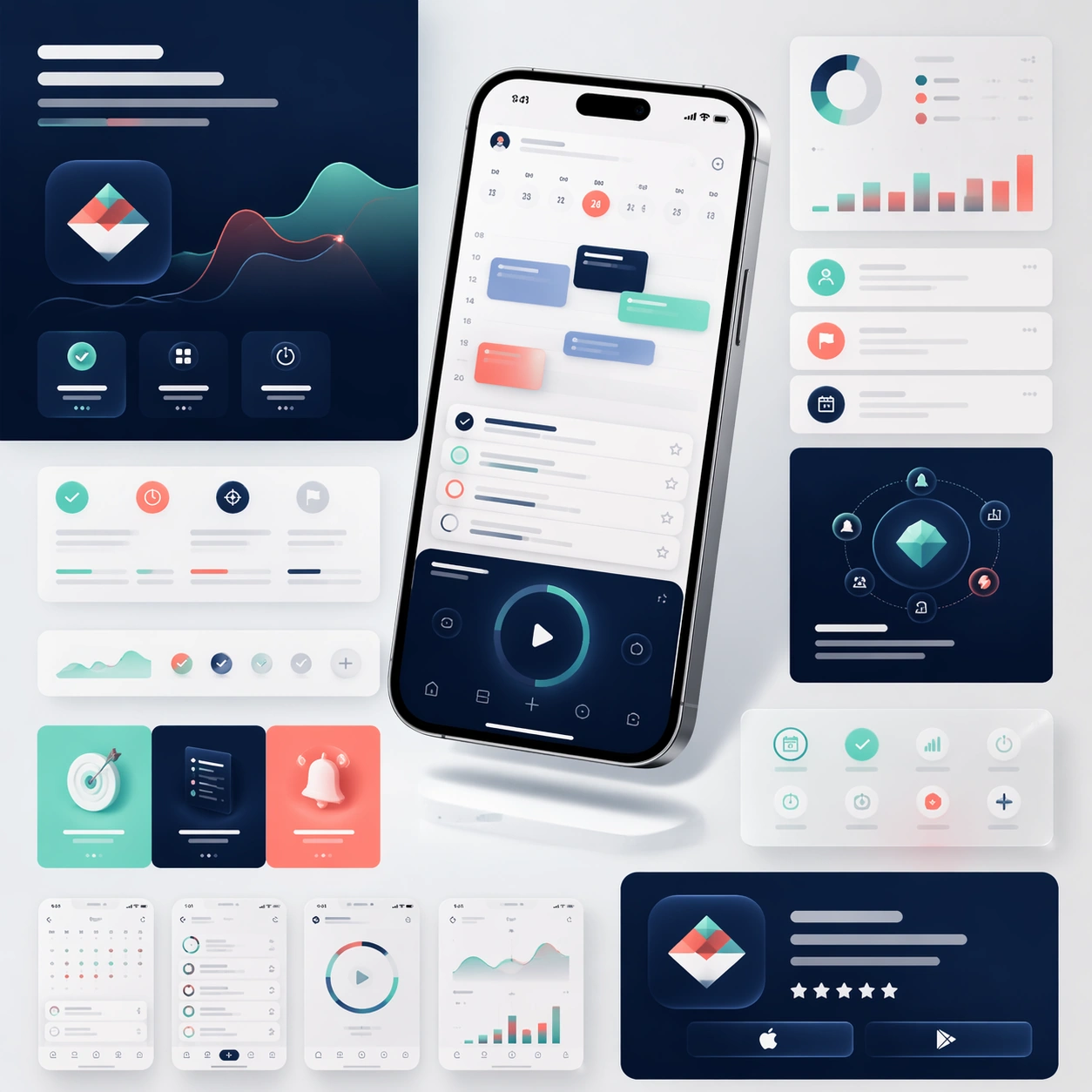
Scene: A square product-marketing board for a newly launched mobile productivity app, composed like a polished campaign key visual rather than a simple mockup sheet. Show one hero smartphone floating slightly above a bright studio surface, surrounded by cropped landing-page modul

App Launch Marketing Page Kit — Feature Story Sections
GPT Image 2en

Scene: A square editorial board showing the middle sections of a sophisticated app launch page, laid out as a modular story flow with multiple device crops, feature cards, and atmospheric color fields. The camera remains mostly straight-on, as if viewing a refined design presenta