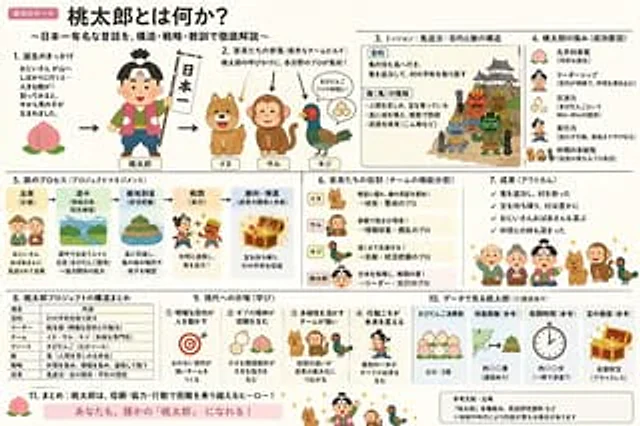
Momotaro Explainer Slide in Hybrid Style

Momotaro Explainer Slide in Hybrid Style

原始文档

GPT Image 2 · en

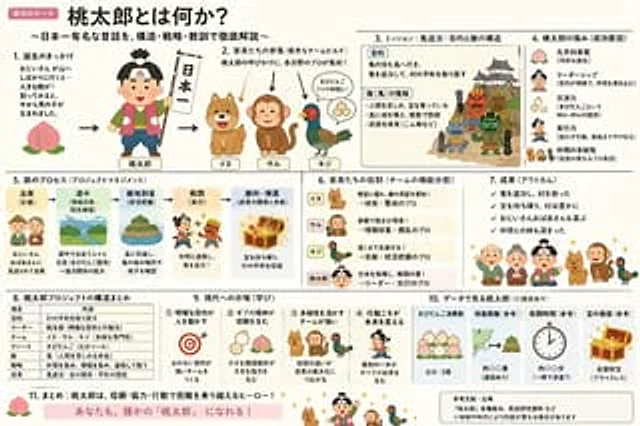
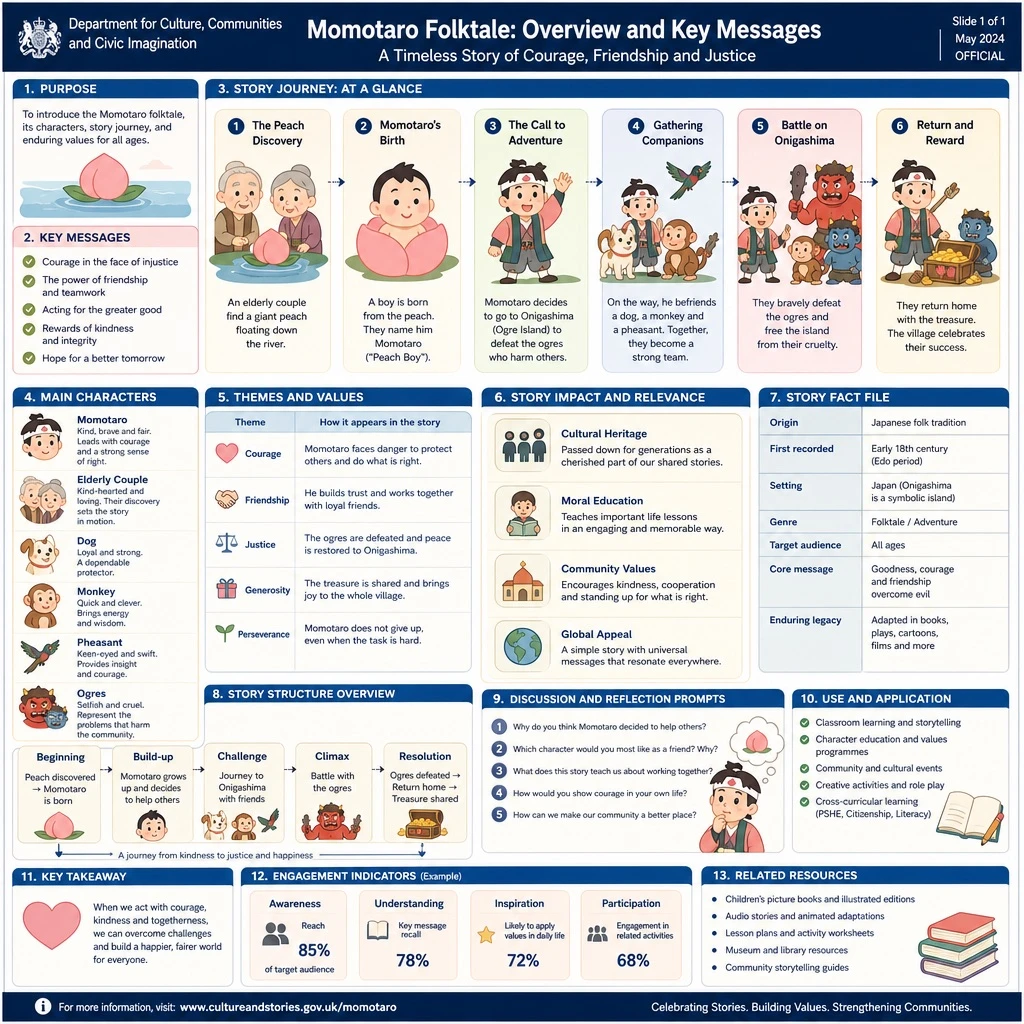
Create an explanatory slide ({argument name="format" default="ponchi-e diagram"} ), with the theme{argument name="theme" default="Momotaro"} It perfectly blends the gentle atmosphere of "Irasutoya" with the extremely high information density of "Kasumigaseki-style Slides".

使用方法

  1. 复制完整原始提示词,并保留其中的参数。
  2. 按需求替换主体、文字和构图要求。
  3. 在兼容的外部工具中使用,核对当前使用条件并检查结果。

开始前需了解

  • 先确认是否需要参考图。标注兼容模型,不代表该示例由这个模型生成。
  • 核对名称、数字与画面文字;不同模型版本的结果可能不同。

相似案例

Momotaro Explainer Slide in Hybrid Style
GPT Image 2ja

「いらすとや」のほのぼのとした雰囲気と、「霞ヶ関スライド」の圧倒的な情報密度を融合させた、{argument name="テーマ" default="桃太郎"}の解説スライド({argument name="形式" default="ポンチ絵"})を作成して

Japanese Corporate Scope Slide
GPT Image 2zh

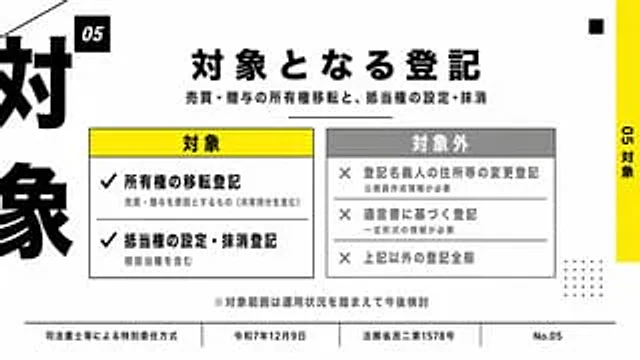
{ "type": "Japanese presentation slides", "style": "Concise corporate infographics, minimalist modern layout, high contrast, light gray background with black, white, yellow and medium gray tones, bold Japanese Gothic sans-serif font, precise grid alignment, and print-quality

8-Panel AI Feature Explainer Manga
GPT Image 2en

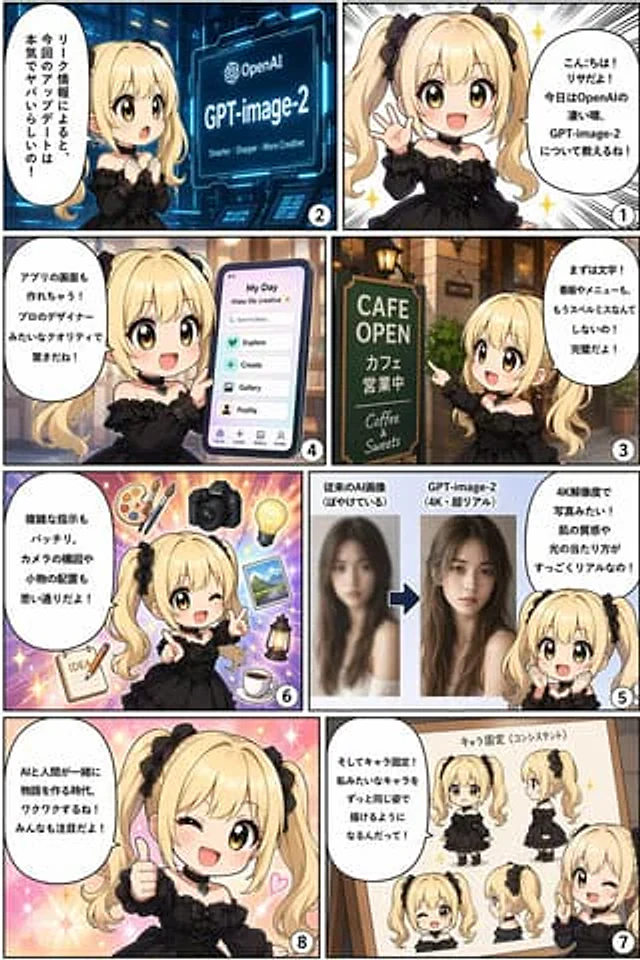
{ "type": "8-panel comic infographic", "reading_order": "From right to left", "character": { "name": "{argument name=\"character name\" default=\"Lisa\"}", "appearance": "{argument name=\"character appearance\" default=\"Golden twin ponytails, black gothic dress, bl

Reasoning Context and Prompt Cache Slide
GPT Image 2en

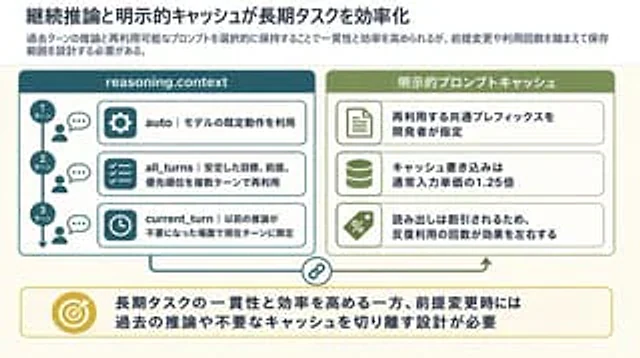
Goal: Create a clean 16:9 Japanese business/technical infographic slide about how continuous reasoning context and explicit prompt caching improve long-running task efficiency. Use a polished PowerPoint-native infographic look with dense but readable explanatory text. Canvas: 16

High-Tech Corporate KPI Presentation Slide
GPT Image 2en

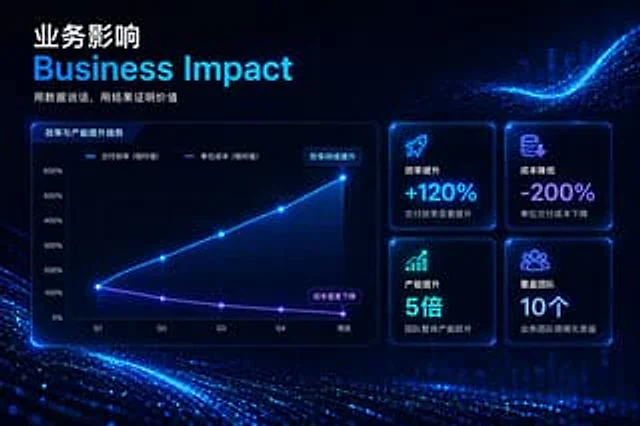
{ "type": "Enterprise Presentation Slides", "theme": "High-tech, futuristic, dark mode, glowing neon blue and purple accents, abstract digital particle wave background", "header": { "title_primary": "{argument name=\"main chinese title\" default=\"Business impact\"}",