Social Media Product Announcement Mockup

Social Media Product Announcement Mockup

原始文档

GPT Image 2 · en

{
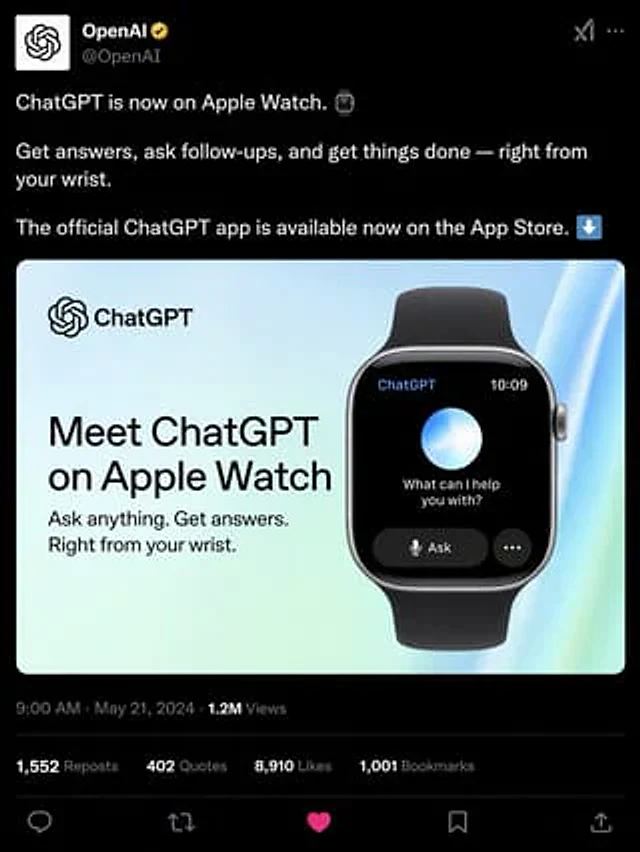
  "type": "Social media post simulation",
  "theme": "Dark mode",
  "header": {
    "avatar": "OpenAI logo",
    "account_name": "{argument name=\"account name\" default=\"OpenAI\"}",
    "badge": "Gold Certification Badge",
    "handle": "@OpenAI"
  },
  "post_text": [
    "{argument name=\"post text\" default=\"ChatGPT is now available on Apple Watch.\"}",
    "Ask questions, follow up, and handle matters anytime, anywhere—all at your fingertips.",
    "The official ChatGPT app is now available on the App Store."
  ],
  "embedded_card": {
    "background": "Light blue and green gradient",
    "left_column": {
      "logo": "ChatGPT",
      "headline": "{argument name=\"card headline\" default=\"Experience ChatGPT for Apple Watch\"}",
      "subheadline": "Ask questions anytime. Get answers. Everything at your fingertips."
    },
    "right_column": {
      "device": "Smartwatch with black strap",
      "screen_elements": {
        "top_bar": 2,
        "top_bar_labels": [
          "ChatGPT",
          "10:09"
        ],
        "center": "Glowing blue and white spheres",
        "text": "{argument name=\"watch screen text\" default=\"Is there anything I can help you with?\"}",
        "buttons": 2,
        "button_labels": [
          "Question",
          "..."
        ]
      }
    }
  },
  "footer": {
    "metadata": "9:00 AM · May 21, 2024 · 1.2 million views",
    "engagement_stats": {
      "count": 4,
      "labels": [
        "1,552 retweets",
        "402 citations",
        "{argument name=\"likes count\" default=\"8,910\"} Runner-up",
        "1,001 bookmarks"
      ]
    },
    "action_icons": {
      "count": 5,
      "types": [
        "reply",
        "Forward",
        "Like",
        "Bookmark",
        "share"
      ]
    }
  }
}

使用方法

  1. 复制完整原始提示词,并保留其中的参数。
  2. 按需求替换主体、文字和构图要求。
  3. 在兼容的外部工具中使用,核对当前使用条件并检查结果。

开始前需了解

  • 先确认是否需要参考图。标注兼容模型,不代表该示例由这个模型生成。
  • 核对名称、数字与画面文字;不同模型版本的结果可能不同。

相似案例

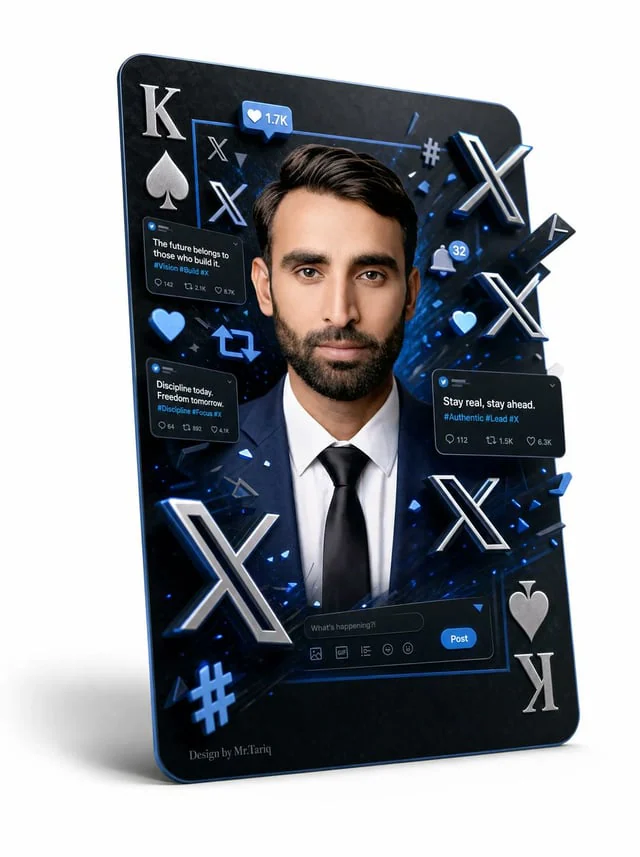
3D X Social Media Playing Card Poster
GPT Image 2en

{"type":"3D social media themed playing-card poster","format":"vertical premium graphic design on a clean white studio background","main_subject":{"description":"a sharply dressed adult man centered inside the card, shown from chest up, wearing a navy suit jacket, crisp white shi

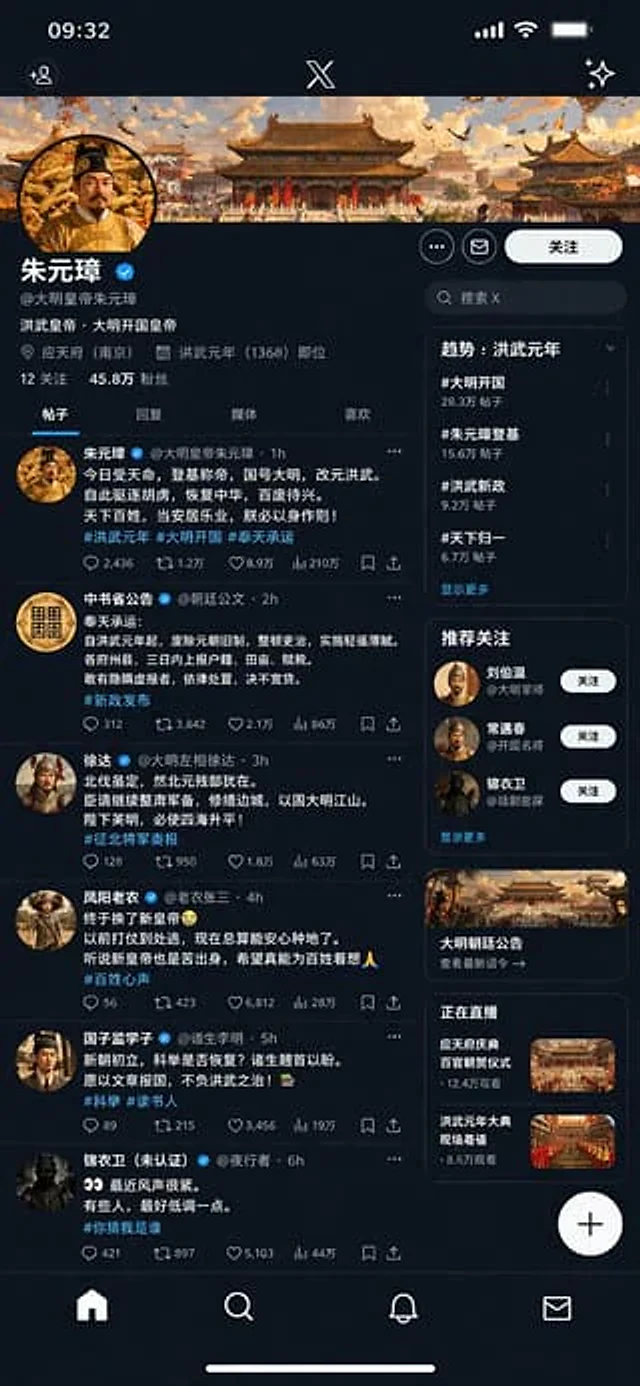
Historical Figure Social Media UI Mockup
GPT Image 2en

{ "type": "Mobile social media app interface model", "theme": "Dark mode, Chinese Ming Dynasty historical theme", "header": { "banner_image": "Traditional Chinese palace complex at sunset", "avatar": "Portrait of a Chinese emperor wearing a yellow robe", "profil

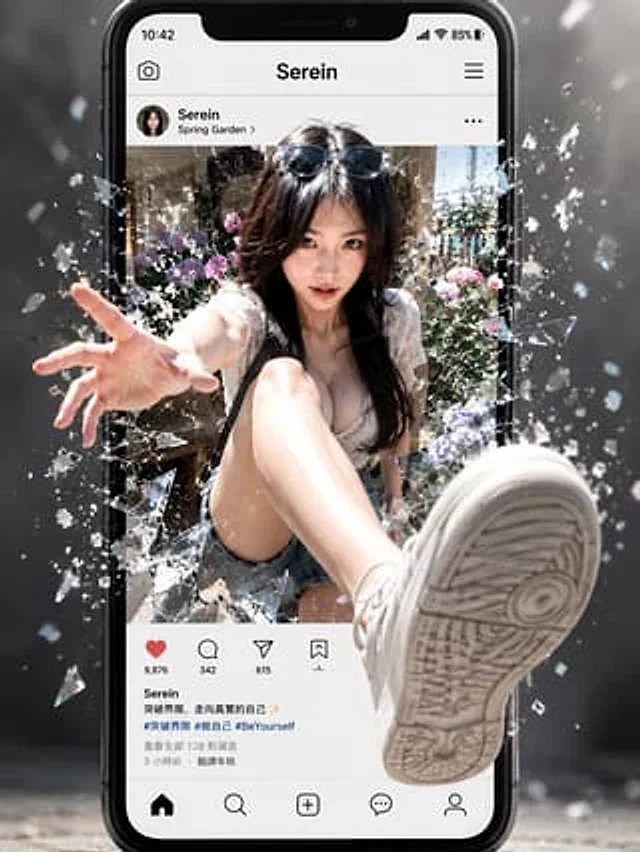
Social Media Screen Breakout
GPT Image 2en

{"type":"cinematic 3D social-media breakthrough poster","concept":"A hyper-realistic young woman bursts out of a smartphone social media post, shattering the screen glass with dramatic depth and motion.","main subject":{"description":"fashionable young woman seated inside a photo

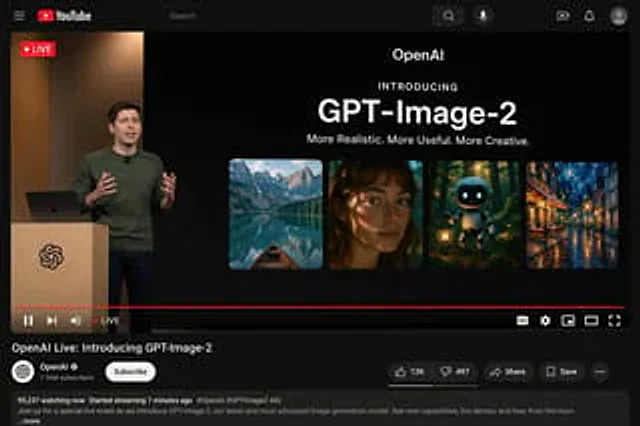
YouTube Live Stream Announcement Mockup
GPT Image 2en

{"type": "YouTube Live Stream UI mockup", "theme": "dark mode", "layout": {"top_bar": {"components": ["hamburger menu", "YouTube logo", "search bar", "microphone icon", "create icon", "notifications icon", "profile avatar"]}, "video_player": {"status": "LIVE badge in top left", "

Mars Selfie Social Media Mockup
GPT Image 2en

{ "type": "Social media application interface simulation diagram", "platform_style": "Xiaohongshu", "layout": { "header": { "logo": "A red pill icon with the words \"Xiaohongshu\" on it", "tabs": [ "Follow v", "Discover", "nearby"

Historical Figure Social Media Mockup
GPT Image 2en

{ "type": "Mobile social media application UI simulation diagram", "platform": "Twitter/X Dark Mode", "header": { "status_bar": "Time 19:28, bird icon, signal, WiFi, battery", "navigation": "Back arrow, 'Tweet' title" }, "post": { "author": { "avatar":