
原始文档
GPT Image 2 · en
Scene:
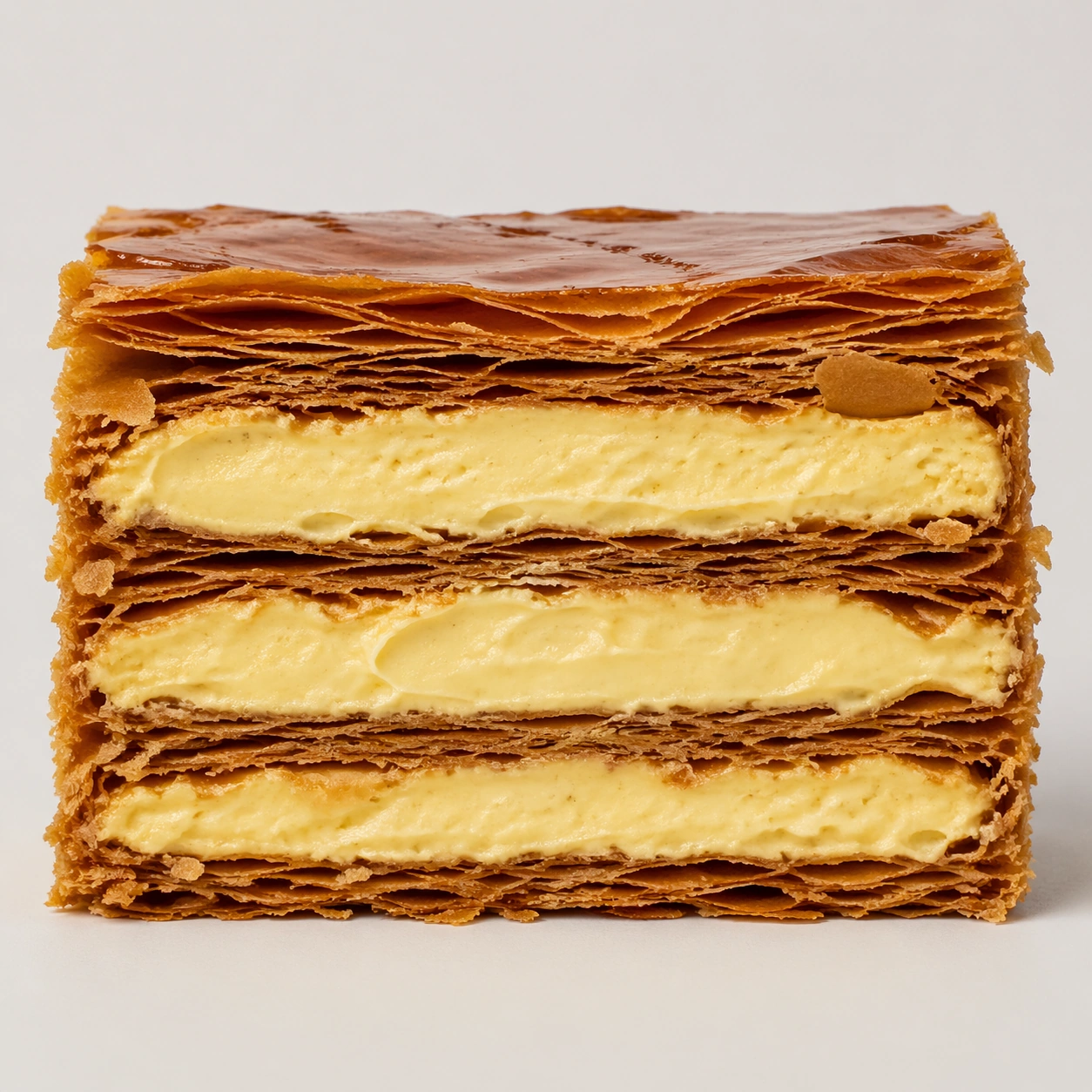
Create a square pastry documentation image on a seamless pale gray or warm ivory studio background with soft catalog lighting and almost no cast-shadow drama. The camera should feel orthographic or gently frontal so cross-sections remain easy to compare. Everything must read like a pastry atlas: clean, measured, and highly legible, with crumbs controlled and edges crisp. Create a square close documentary shot on a pale neutral field with enough side light to reveal the crisp edges of the pastry sheets. The shadows should remain restrained so the cream layers stay bright and readable.

Subject:
Show one mille-feuille slice cut or broken cleanly enough to expose dozens of pastry leaves stacked above and below thick pastry cream. The upper layers may show a few slight fractures and flakes, but the overall geometry should remain disciplined and premium. The specimen should feel delicate, brittle, and precise.

Important details:
Treat every cut face as the hero: laminated layers, cream density, air pockets, fruit cavities, glaze thickness, and crumb structure all need to be countable and believable. The studio language should stay consistent and understated so structural detail does the work. No element should feel collapsed, smeared, or over-stylized. Make the contrast between crisp laminated sheets and smooth compressed cream unmistakable. Flake loss should feel natural but controlled, and no part of the dessert should look soggy or collapsed.

Use case:
Pastry cross-section atlas single study 7/9, studying fracture and compression inside mille-feuille.

Constraints:
No readable text, no watermark, no logos, preserve exact 1:1 aspect ratio, no bakery counter background, no casual napkins, no readable labels, no powdered sugar mess, no rustic knife marks, no cafe sugar dust blizzard, no berries on top, no crushed collapse.
使用方法
- 复制完整原始提示词,并保留其中的参数。
- 按需求替换主体、文字和构图要求。
- 在兼容的外部工具中使用,核对当前使用条件并检查结果。
开始前需了解
- 先确认是否需要参考图。标注兼容模型,不代表该示例由这个模型生成。
- 核对名称、数字与画面文字;不同模型版本的结果可能不同。