
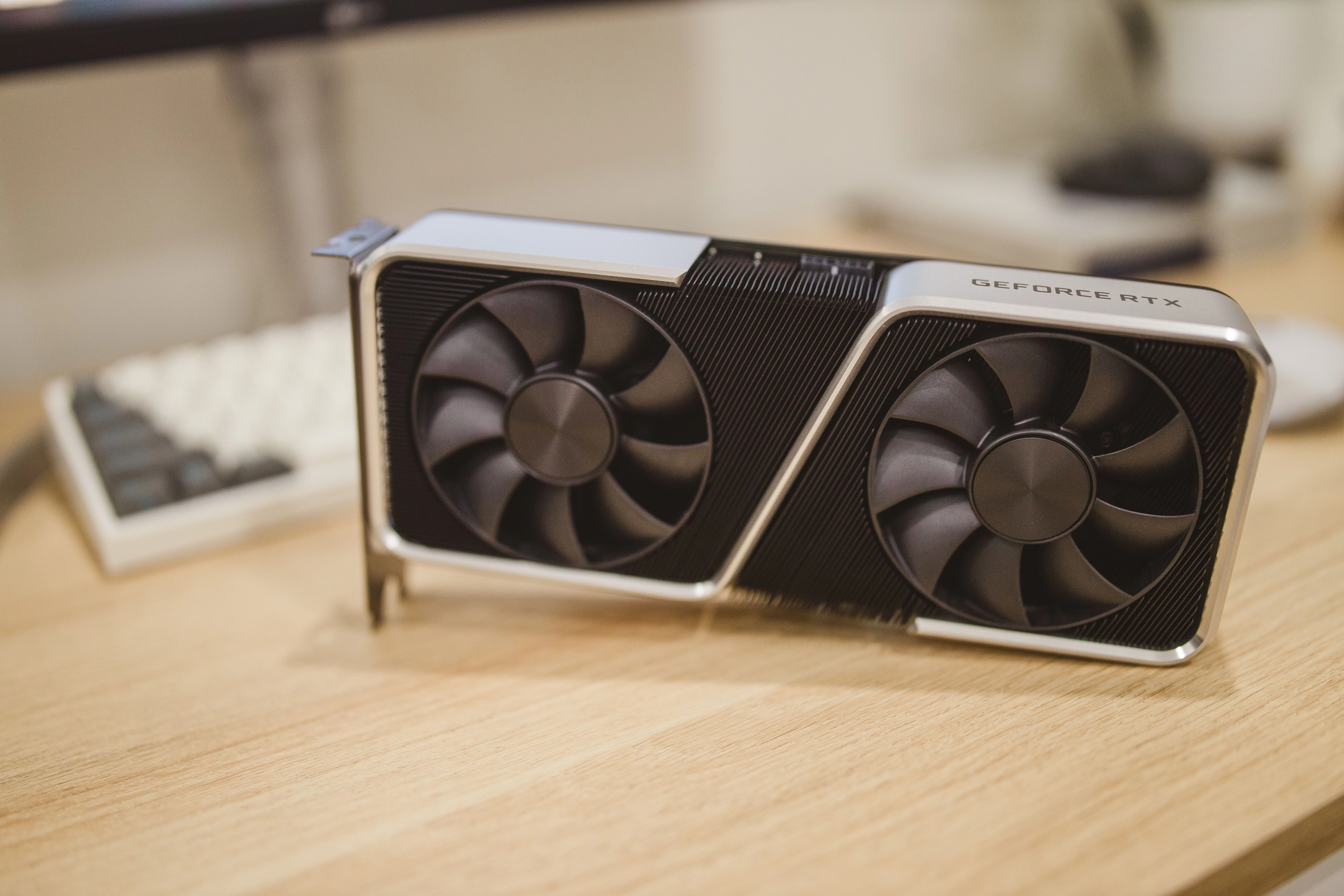
A report of a damaged RTX 5090 power connector during a neural-rendering workload is alarming, but it does not yet answer the question people most want answered: did the software cause the failure? The available record combines two different kinds of evidence. It includes photographs of heat damage after the event, and it includes a claim that the card's reported board power climbed above 600 watts while DLSS 5 was active. Those facts warrant careful scrutiny. They do not, on their own, establish the state of every connector contact before the damage occurred.
That distinction is more than legalistic caution. A useful hardware-safety assessment separates a workload's measurable electrical demand from the condition of the cable, socket, card firmware and power supply that carried it. Neural rendering can raise GPU demand substantially on some configurations. A connector failure can also begin with resistance, seating, wear or current distribution that ordinary software telemetry cannot see. Readers evaluating claims like this should ask what was measured, what was observed only afterward, and what experiment could connect the two.

Start by separating the confirmed facts
The reported incident is supported by an owner account and post-failure photographs. The reporting also describes an MSI RTX 5090 that allegedly sustained board-power readings above 600 watts during an NBA 2K27 session with DLSS 5 enabled. That is meaningful evidence of a component failure paired with a demanding workload. It is not a controlled reconstruction.
A GPU monitoring tool measures values exposed by the card, such as board power, clocks or temperatures. It generally does not measure the resistance or temperature of every individual terminal in a 12V-2x6 connection. A board-power reading above a nominal threshold therefore cannot prove that a single contact carried unsafe current. Conversely, a high total reading is not irrelevant: sustained load reduces the margin available when a contact, cable or socket is already imperfect.
Nvidia's public RTX 5090 specifications describe a 575 W total graphics power figure for the Founders Edition, while partner cards can use different firmware, cooling and power limits. Total graphics power is also not identical to power delivered through one external connector, because the PCIe slot and power-delivery design matter. Any serious account needs the exact card, power supply, cable, adapter history, seating condition and power-limit configuration before generalizing from it.
Treat neural-rendering power as a testable workload property
DLSS 5 is described by Nvidia research as a neural-rendering system that uses scene information and model computation to reconstruct visual properties. Unlike a lightweight post-processing effect, that computation competes for GPU resources. Early independent coverage cited in the incident report found that enabling it could raise power draw on high-end RTX 5090 configurations. The size of that increase varied by game, card and power limit.
This makes a precise claim possible: neural rendering may be a workload that pushes a GPU closer to its configured electrical and thermal limits. It does not make the broader claim automatic: neural rendering melted a healthy connector. The first statement can be tested with repeated power, performance and temperature measurements. The second requires evidence of contact condition and current distribution before failure.
The distinction matters for buyers as well as manufacturers. A feature can be supported by a game and still place a different sustained load on a system than conventional rendering. That is not necessarily a defect. It does mean reviews should publish the settings, duration, frame-generation state, power limit and the model of card used, rather than presenting one headline wattage as a universal result.
Understand why connectors fail locally
A high-power GPU connector distributes energy across multiple terminals. Heat at a terminal rises with electrical resistance and with the square of current. If a connection is poorly seated, damaged, contaminated or unevenly loaded, one contact can become much hotter than the system-wide average suggests. That heating can soften nearby plastic and further degrade contact quality.
This is why post-failure photos are valuable but incomplete. They can show where plastic deformed and which region became discolored. They cannot reveal whether the failure began with a manufacturing defect, a cable insertion issue, a bent lead, a card-side terminal, an adapter, a power-supply-side connection or a sudden change in workload. Each pathway calls for a different remedy.
The 12V-2x6 revision added mechanisms intended to reduce the risk of operation with an incompletely inserted connector. Those improvements do not turn a visual insertion marker into a historical sensor. A photo of a cable after a failure cannot reconstruct contact pressure, insertion depth during prior use, temperature cycles or current balance between terminals.
Ask for the measurements that could settle the claim
A credible follow-up should reproduce the workload on ordinary single-connector cards and compare it with a baseline rendering path. Testers should log board power, connector voltage, sustained clock behavior, ambient conditions and performance over enough time to catch heat soak. Where safety permits, they should also measure per-wire current and connector-contact temperature.
The test needs multiple configurations: a new, correctly seated cable; at least one compliant power supply; reference and partner cards; and a record of firmware and power-limit settings. It should make clear whether Multi Frame Generation is enabled, because displayed frame rate and underlying render cost are not the same thing. Publishing both the raw data and the test duration is more useful than a single peak number.
A manufacturer inspection of the reported card and cable would add another necessary layer. It could identify the origin of the thermal damage and look for terminal deformation or contamination. Without that inspection, assigning a root cause to the game feature, the GPU, the cable or the power supply remains speculation.
Use a practical safety response
For owners, a cautious response is not to diagnose a melted connector from social posts. It is to follow the card and power-supply maker's installation guidance, avoid sharp cable strain near the socket, and inspect a system only while it is powered down and cool. A burning smell, discoloration, repeated unexplained crashes under load or unusual heat at a connector are reasons to stop using the system and seek manufacturer or qualified service guidance.
For reviewers and product teams, the more useful response is transparency. Publish workload-specific power and latency data, state the hardware configuration, and avoid treating a single incident as either proof of a widespread defect or proof that nothing needs investigation. Neural rendering is making the performance, image-quality and power trade-off more visible. The evidence should be held to the same standard: distinguish what was observed, what was measured and what has not yet been shown.
The reported RTX 5090 incident is therefore best treated as a prompt for controlled testing, not a final verdict. The visible damage deserves attention. The reported workload deserves measurement. The causal link between them still needs an independent examination that accounts for the entire electrical path.