
A browser agent is easy to evaluate badly. A team opens a page, sees a successful navigation, and concludes that the browser is ready for a workflow involving an account, a payment screen or a long-running research task. That conclusion skips the difficult parts: state separation, recovery, operator control and whether the automation is permitted at all.
Camofox Browser is a useful case for a more demanding review. The open-source server wraps Camoufox, a modified Firefox distribution, and presents browser actions through an agent-oriented interface. Its project material describes sessions, accessibility snapshots, tabs, downloads and browser-state handling; version 1.14.0 also added an opt-in local desktop mode for observing a session. Those features make it relevant to AI-agent systems. They do not turn a stealth claim into a reliability or authorization guarantee.
This is not an endorsement or a test of Camofox against any target. It is a checklist for deciding whether any agent-browser layer deserves a constrained pilot.

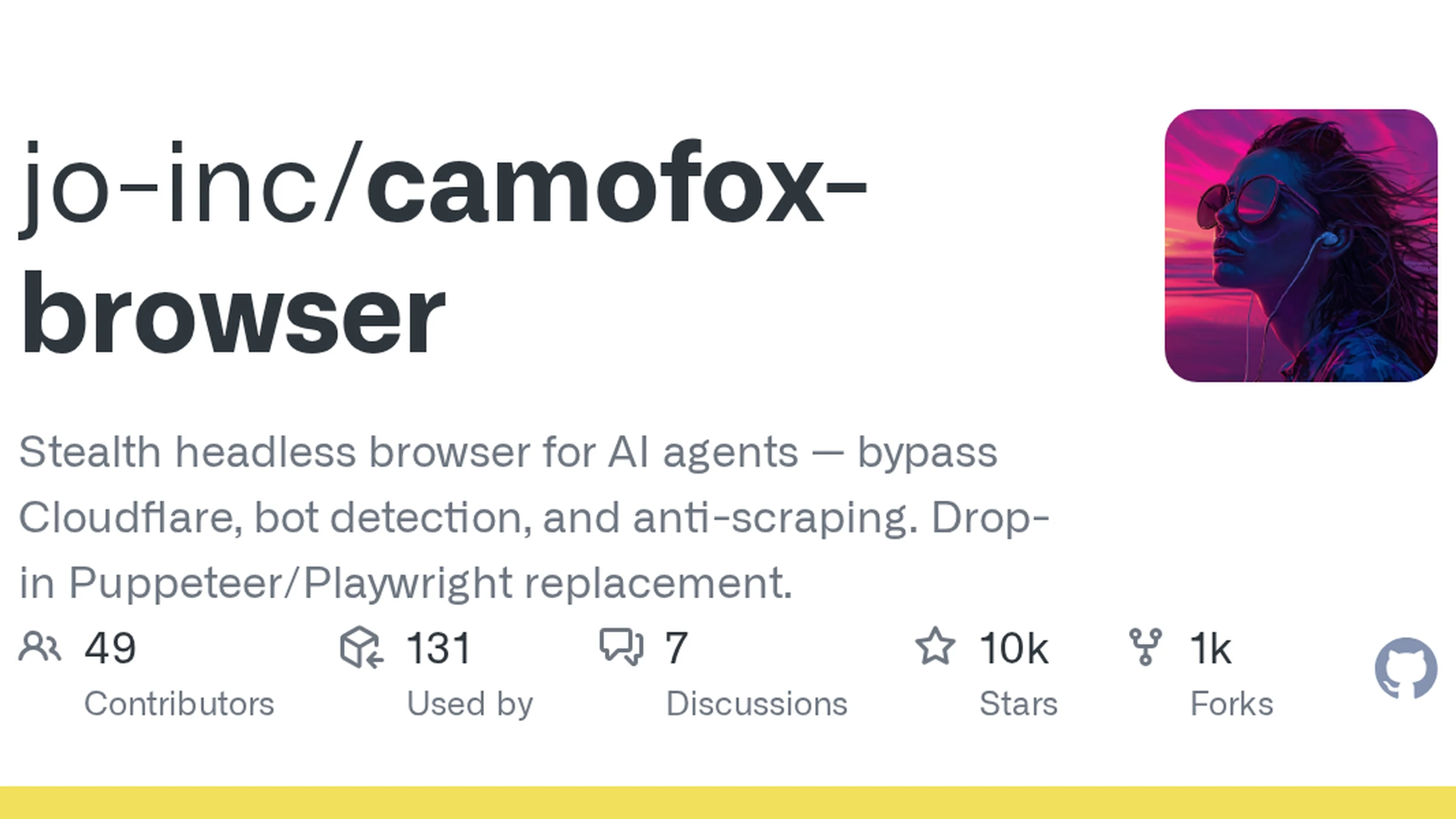
Project-reference image from the Camofox Browser GitHub Open Graph preview. It identifies the repository and is not evidence of a completed workflow, a security review, or a detection benchmark.
Start with the task boundary
Write down the exact task before choosing a browser. Internal regression testing, a user-directed research assistant, customer-support triage and autonomous account activity have very different risk profiles. Define which origins the agent may visit, which identity it may use, what data it may read, and which actions must stop for human approval.
This boundary matters more than the browser's launch command. A page can contain misleading instructions, unexpected downloads or form fields that look familiar. The browser can surface those elements; the surrounding application must decide whether an action is safe. Restrict credentials, payment actions, data exports and navigation to sensitive destinations before a trial begins.
Also check authorization separately. A browser that presents fewer obvious automation signals does not override a website's terms, account restrictions, robots guidance or applicable law. Treat anti-detection features as engineering characteristics to assess, never as permission to bypass a control.
Test session isolation as a security property
Agent systems often need continuity: cookies, storage and a sequence of tabs can let a task survive several turns. Continuity is useful, but it creates a data boundary. If one session leaks into another task, an agent can act with the wrong account or expose browsing data to the wrong user.
Camofox Browser documents users, sessions and tab groups around its browser contexts. That is a design to examine, not a security result to assume. A pilot should create two deliberately different test identities and prove that cookies, local storage, downloads, screenshots and tab references never cross between them. Repeat the test after a timeout, restart and failed action.
Ask operational questions too: where are profiles stored, who can read them, how are they encrypted or removed, and what happens when an employee leaves or a token is compromised? A persistent profile should have a retention rule and a revocation path. If the answers rely on an operator remembering a manual cleanup step, the system is not ready for sensitive work.
Measure observation and recovery, not only navigation
Agent-browser tools commonly reduce a page to an accessibility snapshot. That can be valuable because it gives a model controls, labels and headings without sending every script and layout node. Camofox Browser documents stable element references for this style of interaction.
The right test is not whether a snapshot exists. Use a representative flow with a changed button label, an intervening consent dialog, a redirected login and a stalled download. Record what the agent sees, whether it can identify uncertainty, and whether a human can take over without losing the task state. Compare the result with screenshots or direct inspection, especially on canvases, charts and custom widgets that accessibility trees can represent poorly.
The v1.14.0 desktop mode is relevant here because observability can improve recovery. A visible local window may let an operator diagnose a login interruption or a changed page more quickly than post-hoc logs. It should remain an explicit local operator tool, with access controls and a clear audit trail, rather than becoming an unguarded remote-control surface.
Treat fingerprinting as one uncertain layer
Camoufox describes browser-engine changes intended to make observable properties more internally consistent than superficial JavaScript patches. That can reduce some contradictions. It cannot establish that a browser is undetectable, or that a particular service will accept a particular workflow. The project's own fingerprint material notes that consistency and detection remain moving targets.
A responsible evaluation separates claims. First, test whether the browser behaves correctly on an authorized target. Second, check whether the environment is coherent: operating-system signals, locale, fonts, time zone, proxy region and browser version should not obviously contradict one another. Third, measure normal operational failures such as rate limits, expired sessions and changed pages. Do not collapse all failures into a vague claim that the browser is or is not stealthy.
Behavior matters as much as technical signals. Repetitive navigation, improbable timing, broad extraction and account actions outside a user's instruction can still be unsafe or rejected even when a browser configuration looks plausible. Rate limits and account reputation are independent controls, not bugs for a browser wrapper to defeat.
Plan maintenance and rollback before production
A modified browser engine is a supply-chain commitment. Firefox changes, automation libraries change, operating systems change, and site behavior changes. Camofox Browser's release history includes compatibility and reliability work; that activity is useful evidence that maintenance exists, but it also shows why a team needs a controlled upgrade process.
Pin a tested browser and wrapper version for a pilot. Capture the configuration, test origins and expected observations. Before upgrading, rerun the same authorized flows and compare session isolation, downloads, screenshots, accessibility output and recovery behavior. Keep a rollback version until the new one passes.
Define capacity using the workload rather than a documentation default. A browser process can consume significant memory, and the practical limit will depend on page complexity, active tabs, downloads, profile size and the number of concurrent tasks. Set quotas and explicit error states before an agent silently creates more sessions than a host can support.
Decide with evidence from a constrained pilot
The best next step is small and measurable: one allowed workflow, non-production identities, a narrow origin allowlist and an operator able to stop the run. Collect success rate, recovery rate, unexpected cross-session state, profile cleanup results and the time required to diagnose a failure.
A tool such as Camofox Browser may be a strong fit when a team needs local control, structured browser observations and durable session handling. It is a poor fit when the organization cannot secure profiles, maintain a modified engine or define permission boundaries. The decisive question is not whether an agent can open a page today. It is whether the team can keep the browser safe, explainable and recoverable when tomorrow's page is different.