
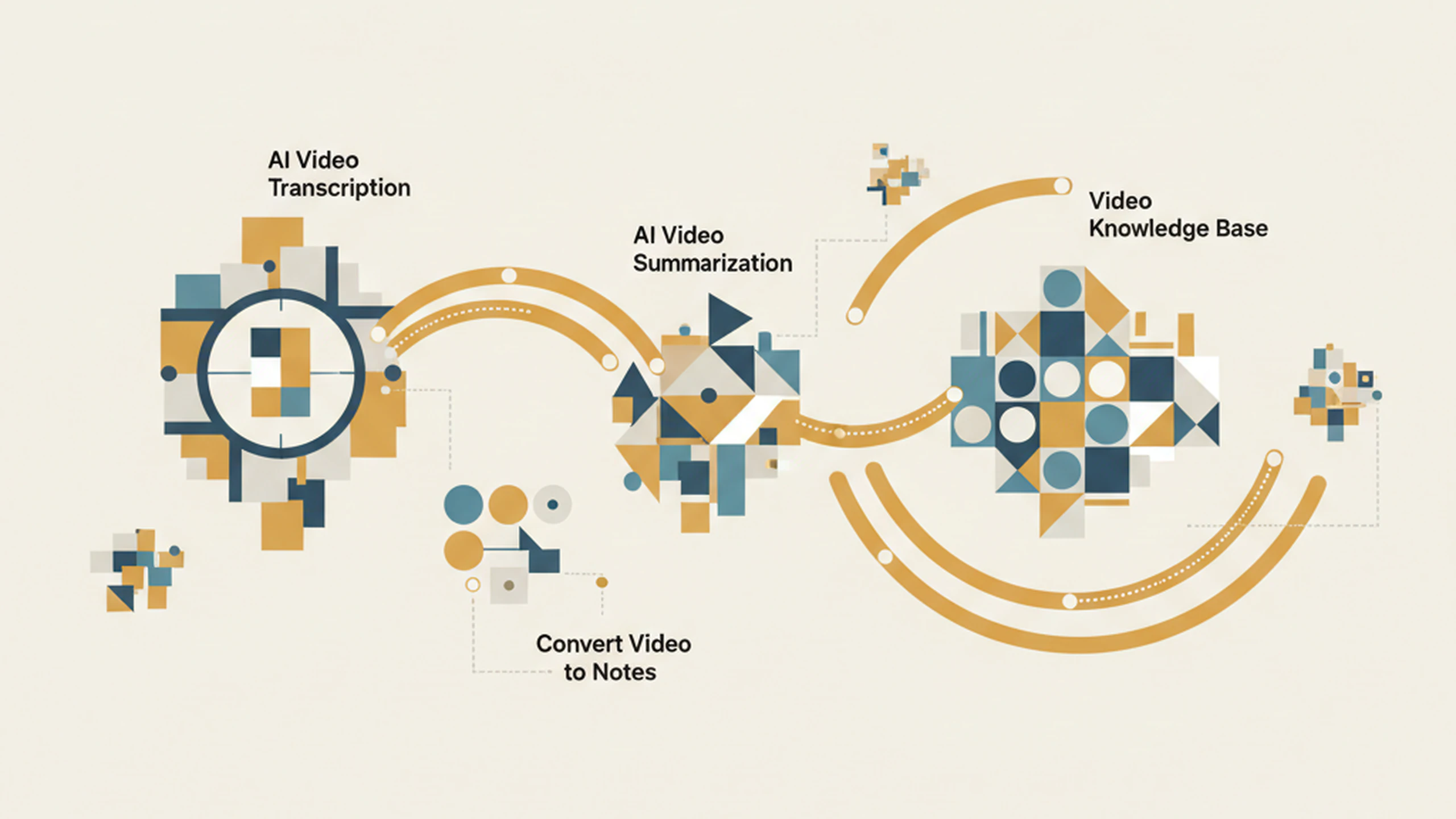
Video to text is the process of converting spoken audio, from a video or audio recording, into a written transcript. Modern AI transcription tools use automatic speech recognition (ASR) to produce text with timestamps, speaker labels, and accuracy levels that depend on audio quality and accent coverage. What is video transcription at its core? It's a one-way conversion: speech goes in, linear text comes out.
The output is a linear document. Depending on the tool, you get a verbatim transcript, a cleaned version that removes filler words, or a time-stamped document you can scrub through. Some tools add chapter markers or short summaries.
A video knowledge base is a system that extracts structured knowledge from video or audio content and stores it in a form you can search semantically, query conversationally, and connect to other sources. Instead of producing a raw transcript, it produces a layer of indexed meaning on top of the recorded content.
Video to Text vs. Knowledge Base: Key Differences.
The clearest way to understand the gap is through five practical dimensions.
Output format
- Transcription: a linear document, structured like a conversation transcript
- Knowledge base: a set of indexed concepts, linked summaries, and queryable content
The transcript is the raw material. The knowledge base is the processed result.
Searchability
- Transcription: keyword search within a single document
- Knowledge base: semantic search across your entire recording library
With a transcript, you can find the word "budget" if someone said it. With a knowledge base, you can ask "What concerns came up about cost?" and get a useful answer even if "budget" never appeared verbatim.
Scalability
- Transcription: works well at low volume (one meeting, one lecture, one interview)
- Knowledge base: designed for accumulation across months or years
Both approaches apply equally to video files and audio recordings, including meeting recordings from platforms like Zoom, Teams, or Google Meet. The distinction is not about file type; it's about what you do with the content after it's captured.
Neither approach is universally better. The right choice depends on how often you record, what you do with the content, and how far into the future you might need to reference it.
Video or audio to text is the right call when:
You need a one-time record of a meeting that won't have follow-up sessions. A project kickoff, a single onboarding call, or a quick client briefing: if the content is self-contained and you'll use it once, transcription is fast and sufficient.
You need captions or accessibility output. If the goal is to add subtitles to a video for a course platform, social media, or accessibility compliance, a transcript or .srt file is exactly what you need. A knowledge base adds no value in this use case.
You're capturing a single video for notes you'll write manually. Some people prefer to transcribe a video, extract a few key points by hand, and move on. If that workflow already fits how you operate, transcription is the right tool and there's no reason to add complexity.
You're building a training or course library. Learners return to content over time. A knowledge base lets them ask questions across all modules rather than scrubbing through video by video.
Client context for new team members. When a new consultant joins a project midstream, the knowledge base of past recordings becomes onboarding material, not a reading burden. They can ask questions about the project history directly.