Original document
GPT Image 2 · en
Scene:
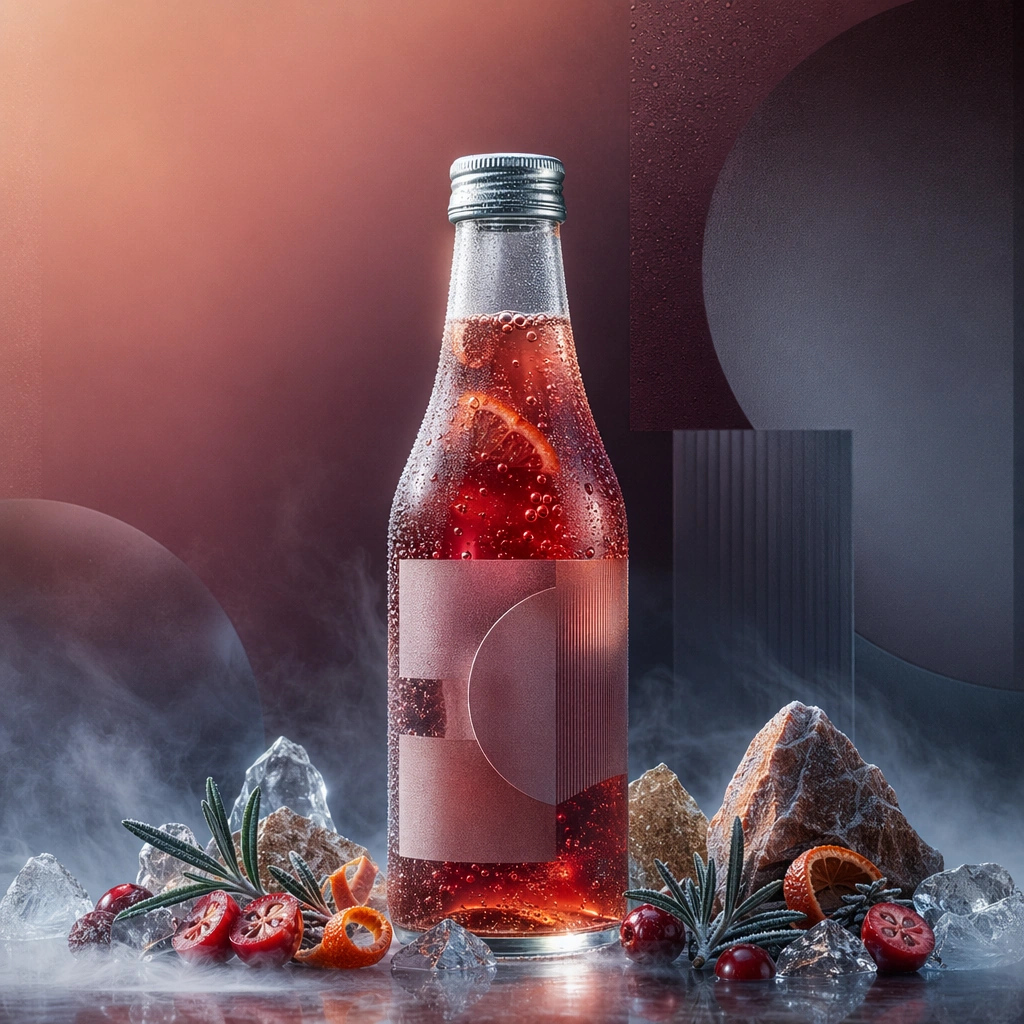
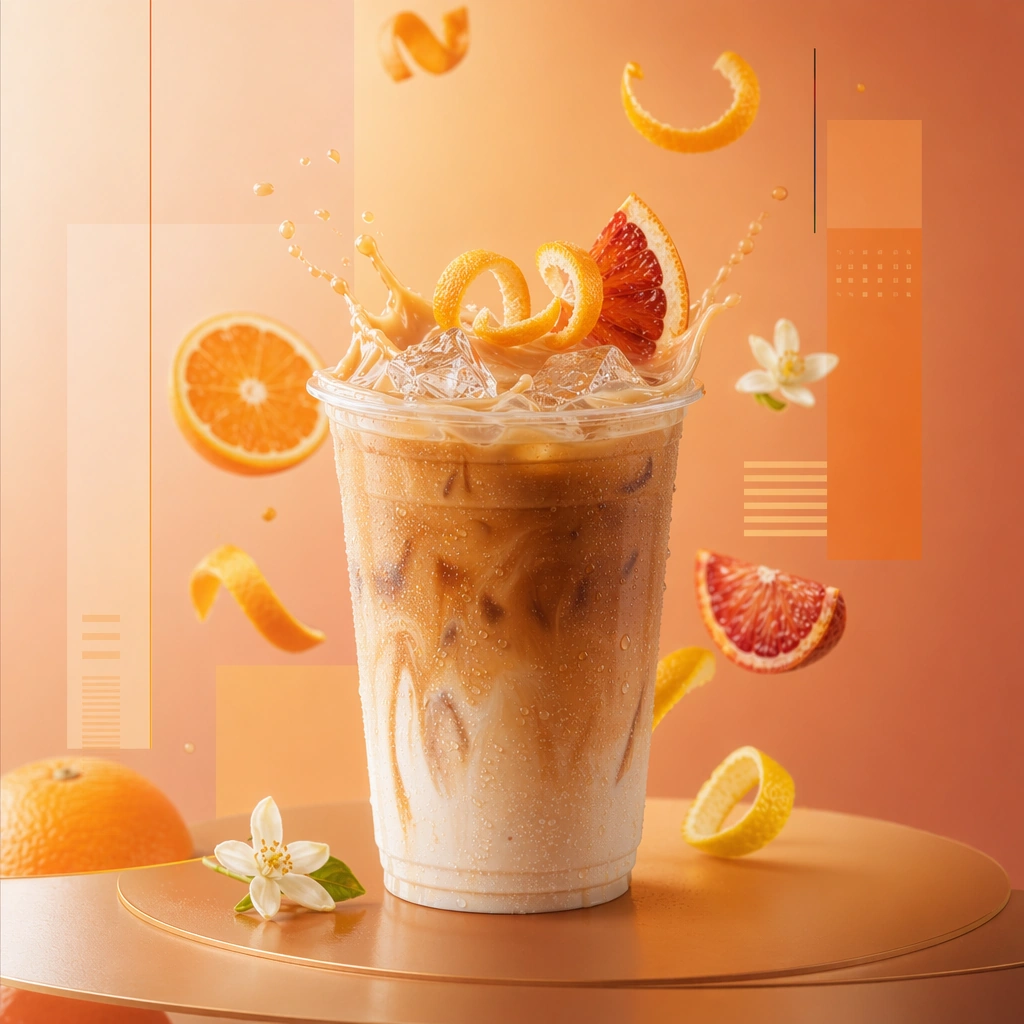
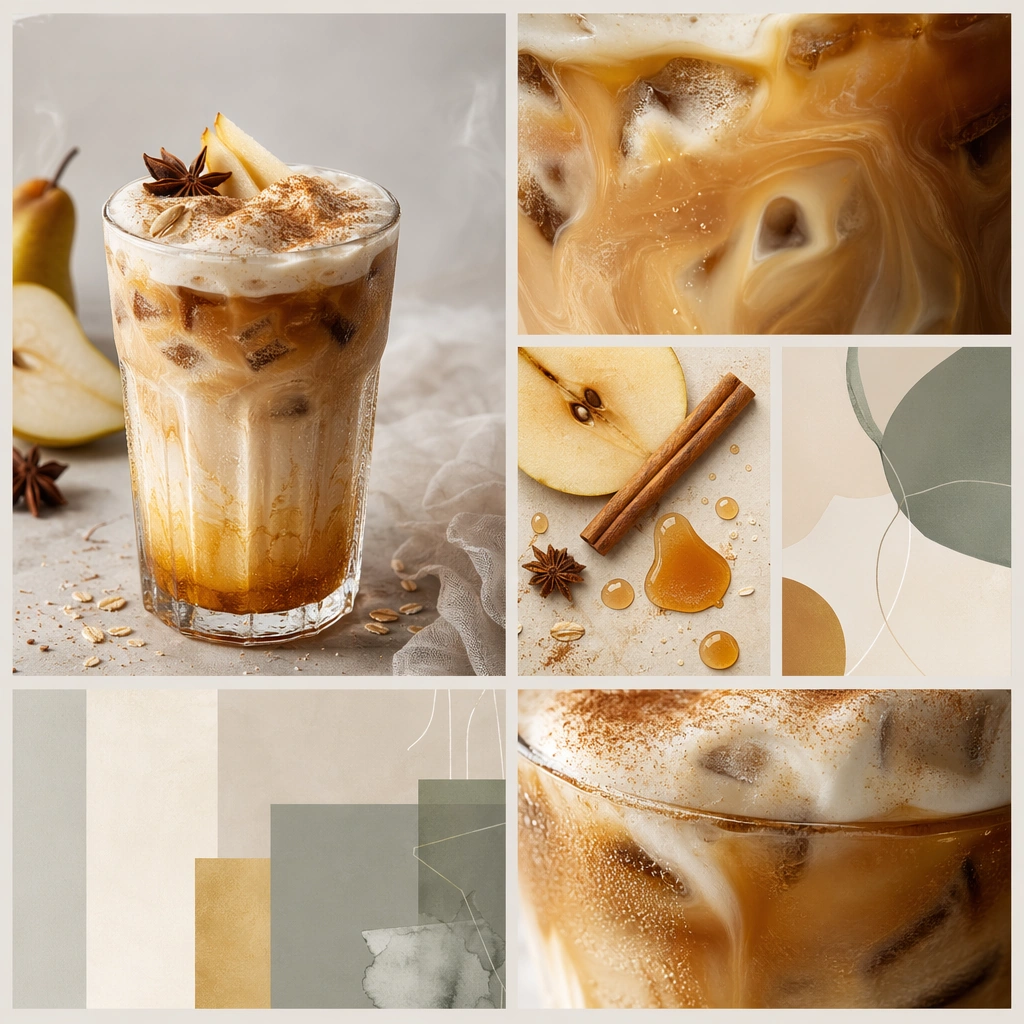
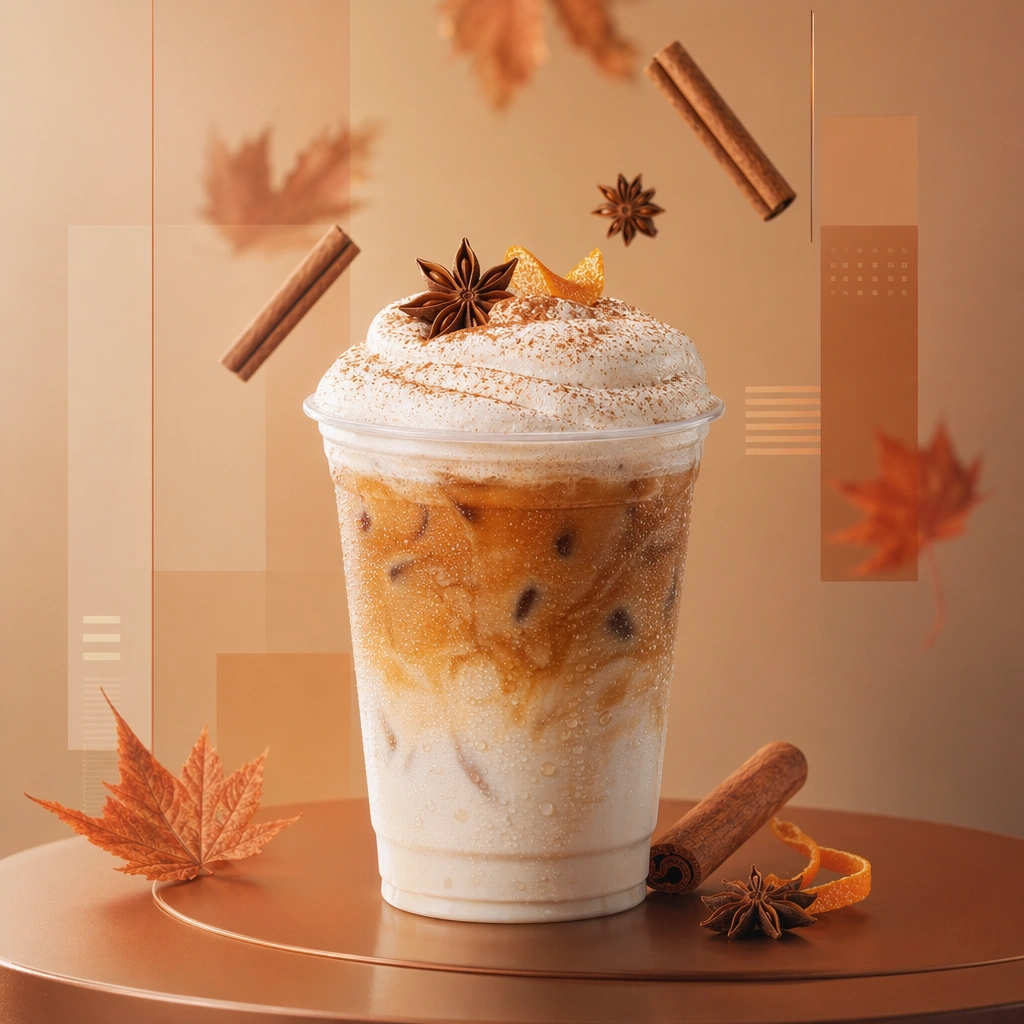
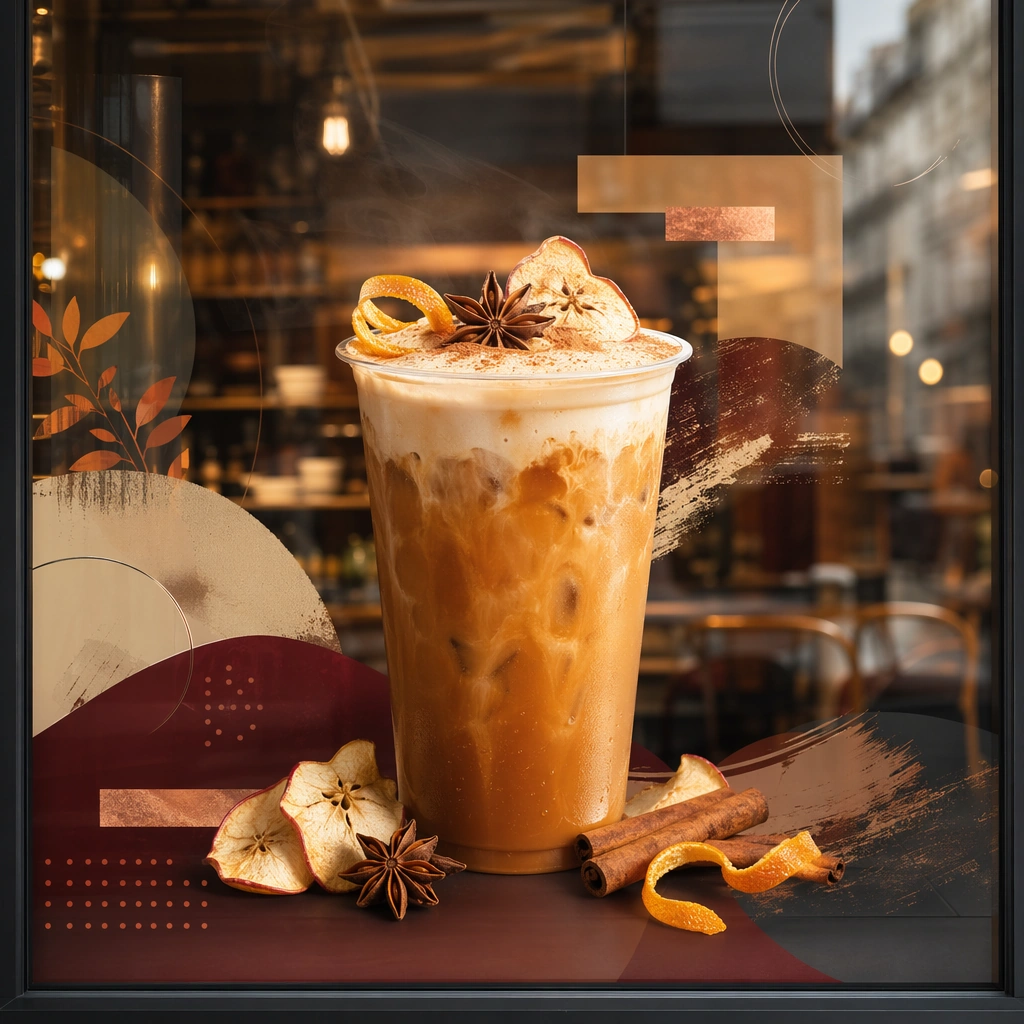
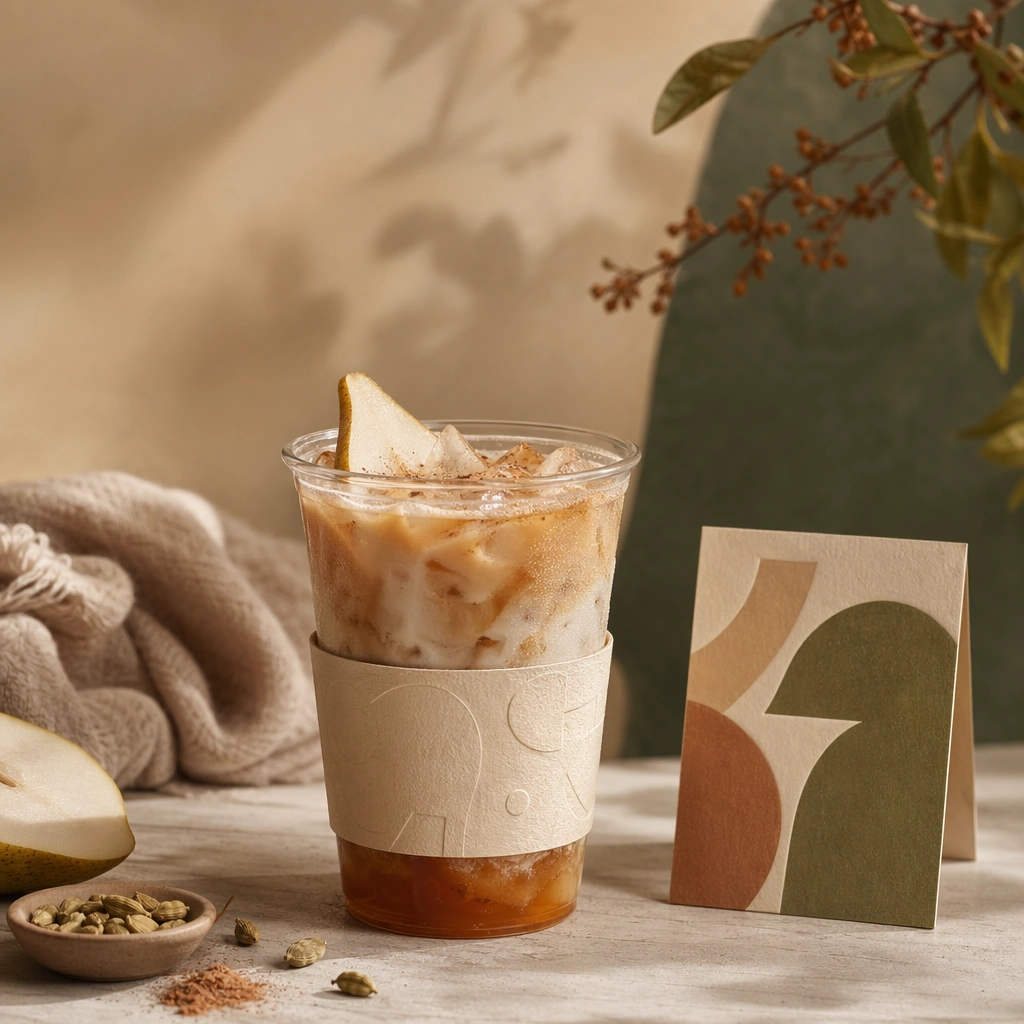
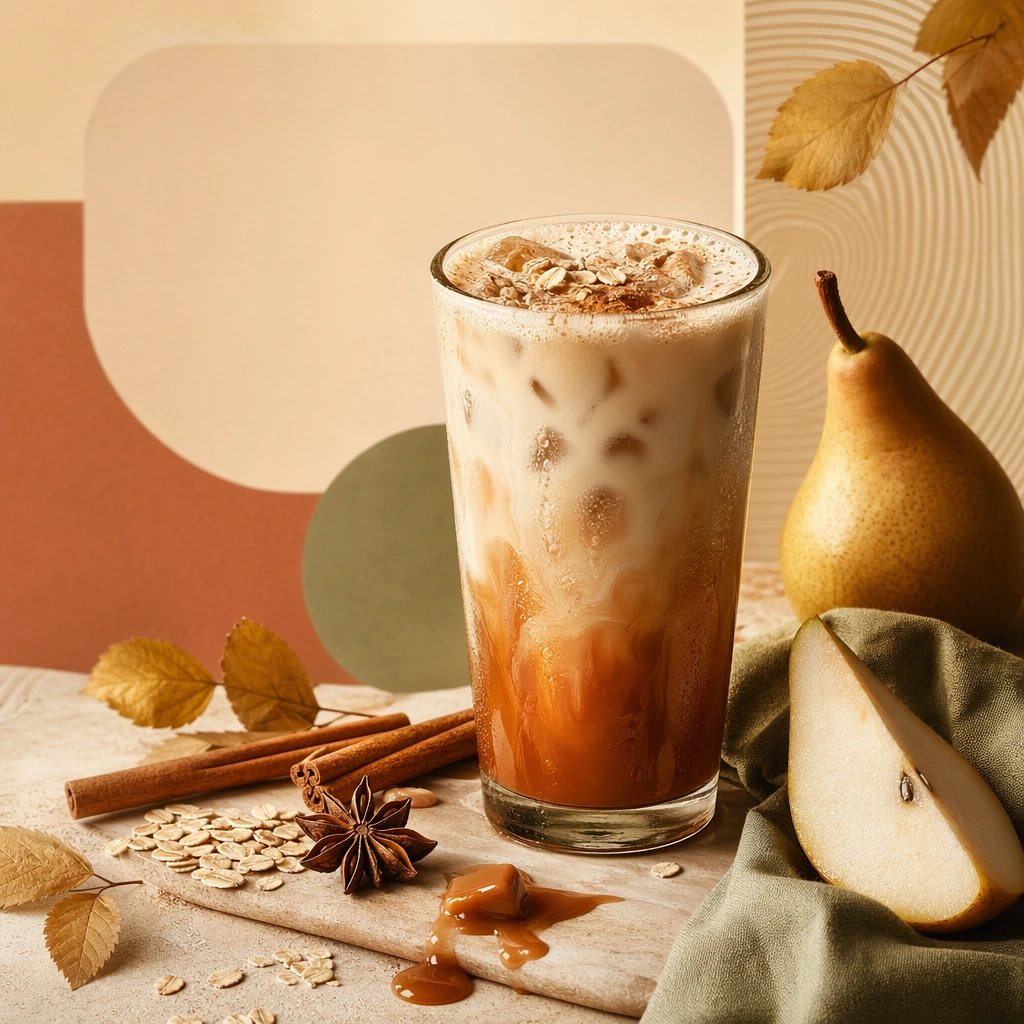
Compose a square seasonal drink campaign image that can function as a poster, counter card, or launch visual. The frame should combine a hero beverage with strong art direction, abstract text-safe zones, and seasonal cues expressed through ingredients, color shifts, atmosphere, and material accents rather than readable copy. Compose a square board-like layout on a clean color field with one drink and several ingredient elements arranged in a balanced orbit.

Subject:
The beverage must remain physically believable and delicious, with clear cup or bottle silhouette, realistic liquid behavior, and ingredients that support a limited-time seasonal story. Keep the beverage central while ingredients provide visual storytelling and poster-safe structure.

Important details:
This theme lives at the intersection of product photography and campaign layout. Preserve strong focal hierarchy, poster-safe negative space, and refined color systems that suggest seasonality without relying on legible words. Abstract lettering forms or blocks are allowed only as unreadable design elements. The drink must still look like something a real brand could launch tomorrow. This image should feel fully self-contained while still belonging to the same broader topic and commercial world. Spacing, shadow softness, and ingredient realism should feel carefully art directed, with enough room for abstract text-like shapes that remain unreadable.

Use case:
Seasonal Drinks single study 5/9, built for Prompt Atlas coverage of a food and beverage commercial visual system.

Constraints:
No readable text, no watermark, no logos, preserve exact 1:1 aspect ratio, no readable text, no logos, no fake holiday slogans, no amusement-park color overload, no unreadable clutter, no cheap stock-poster look, no recipe diagram copy, no scientific labels, no chaotic floating objects.
How to use
- Copy the complete original prompt, including any parameters.
- Replace the subject, text and composition with your own requirements.
- Use a compatible external tool; check its current access conditions and review the result.
Before you start
- Check whether a reference image is required. A compatible model label does not mean this example was generated with that model.
- Keep names, figures and visible text accurate; results can vary between model versions.