Original document
GPT Image 2 · en
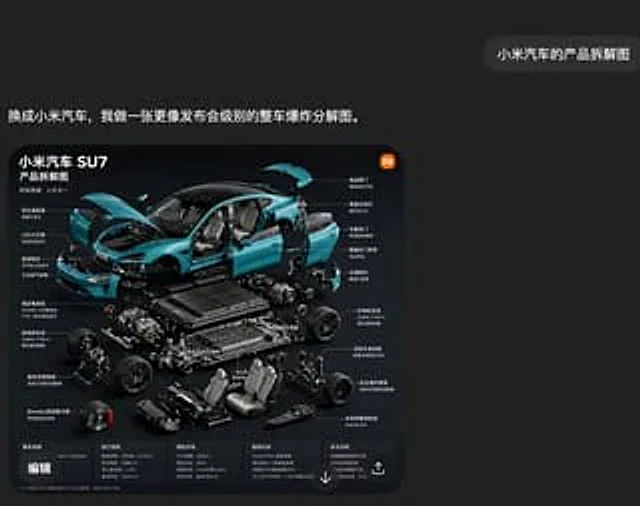
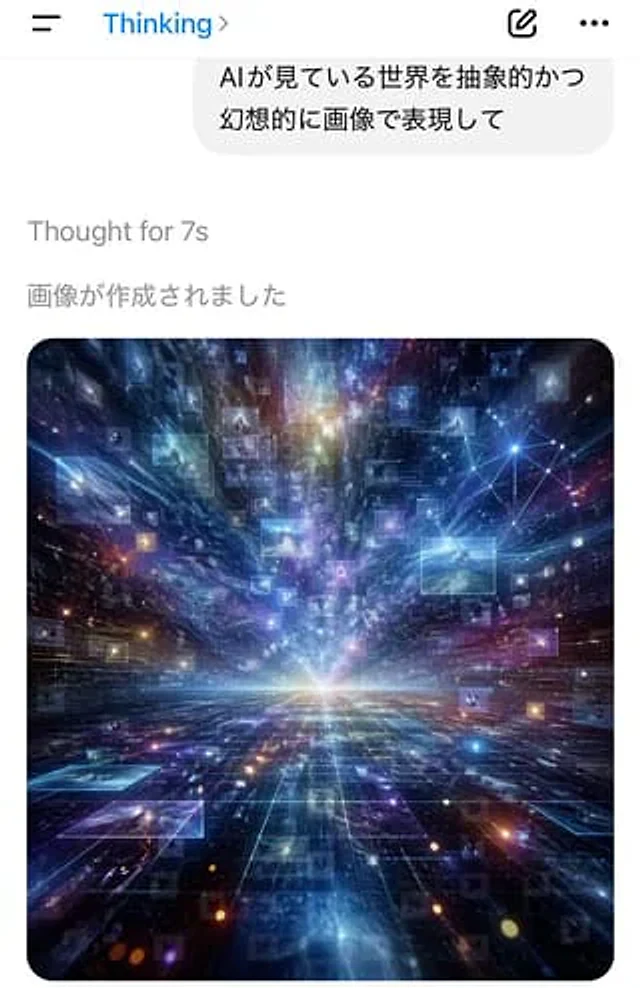
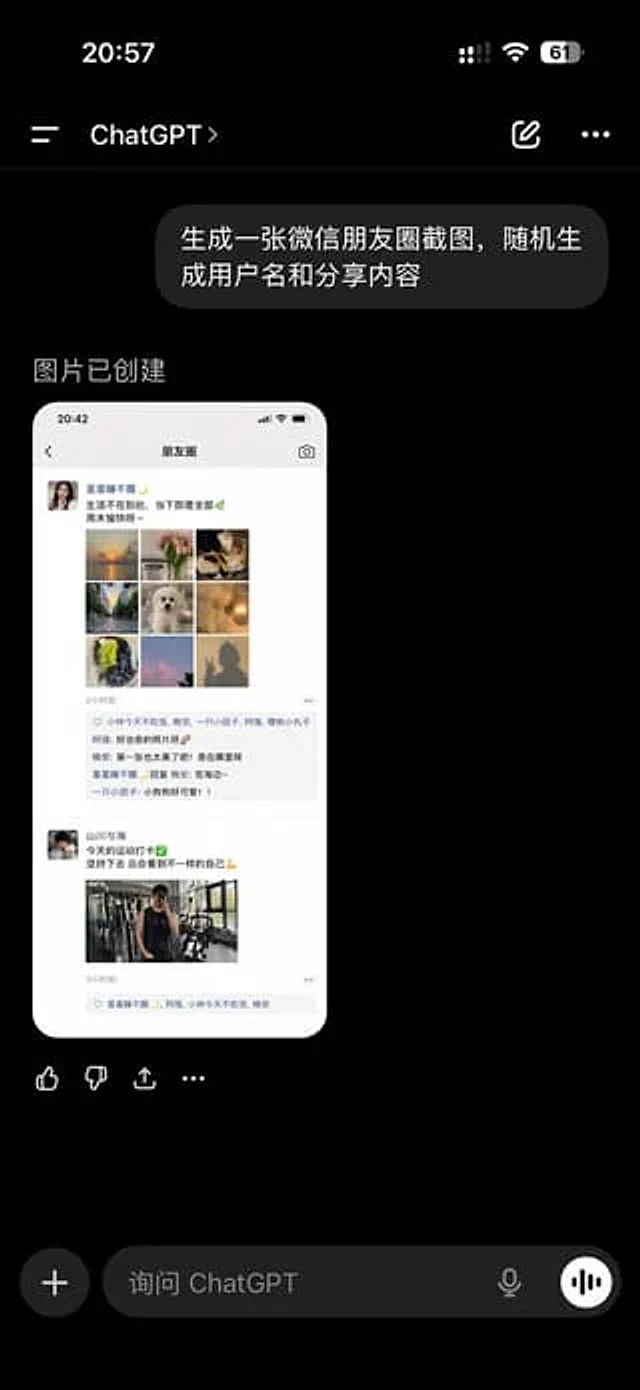
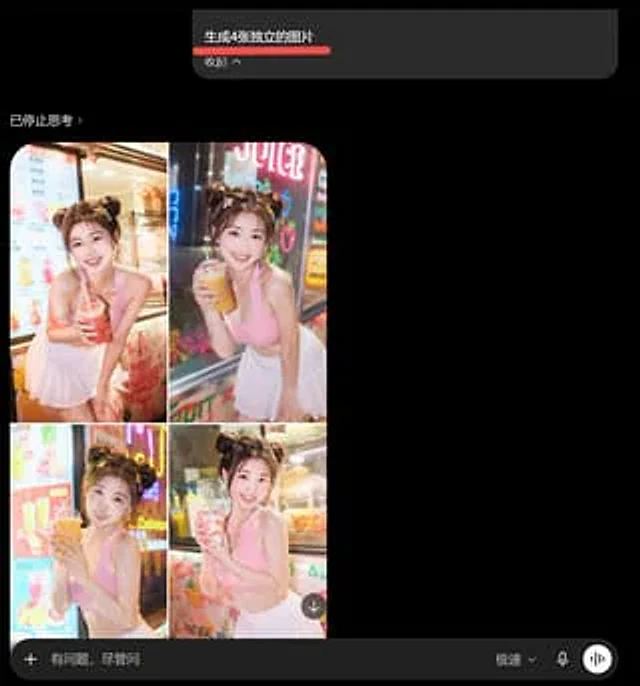
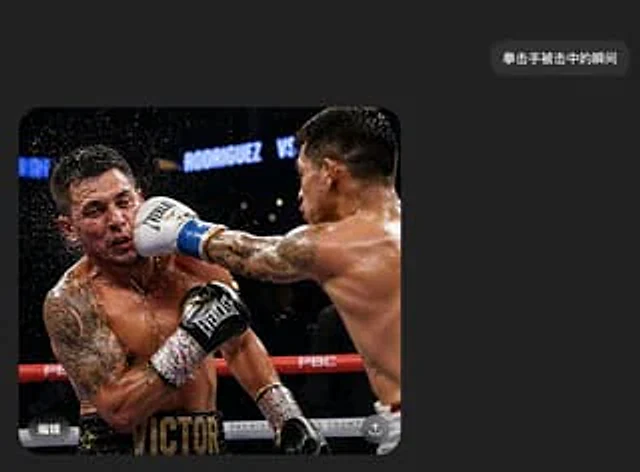
A realistic screenshot of a Chinese dark mode chat interface on a mobile phone. The style is minimalist and modern, featuring a charcoal black background with ample white space. Near the upper right corner is a rounded, dark gray message bubble containing white Chinese characters.{argument name="message text" default="The moment the boxer was hit"} A large, rounded-corner image is embedded in the lower left corner of the screen. The embedded photo shows the moment a boxer lands a powerful punch on his opponent's face during a professional boxing match. Two shirtless, muscular, and sweaty male boxers are positioned in the ring under the arena lights. The boxer on the right is primarily shown from the back, his right arm fully extended across the frame; his back and shoulder muscles are clearly defined, he has short, dark hair, and tattoos on his arms. He wears a white boxing glove with blue trim and is violently striking the boxer on the left in the face. The boxer on the left is thrown back by the impact, his head swinging to the side, sweat and water droplets splashing around his head. He has large tattoos on his left arm and chest, a black glove raised near his torso, and wears black shorts with the prominent gold lettering "VICTOR" on his belt. The ring ropes are red and white, displaying brand logos such as PBC, against a blurred, dark arena background with a bright sign that reads "RODRIGUEZ VS". This action photo should capture the frozen moment of high-speed motion, with a dramatic, clear, and highly realistic image. Each boxer's face should be covered with a rectangular mosaic blur. Add subtle mobile UI overlay details to the image: a white Chinese "Edit" icon in the lower left corner and a circular share/upload icon in the lower right corner. The overall composition should look like an AI-generated image casually shared in an instant messaging app—simple, believable, and highly realistic.How to use
- Copy the complete original prompt, including any parameters.
- Replace the subject, text and composition with your own requirements.
- Use a compatible external tool; check its current access conditions and review the result.
Before you start
- Check whether a reference image is required. A compatible model label does not mean this example was generated with that model.
- Keep names, figures and visible text accurate; results can vary between model versions.