
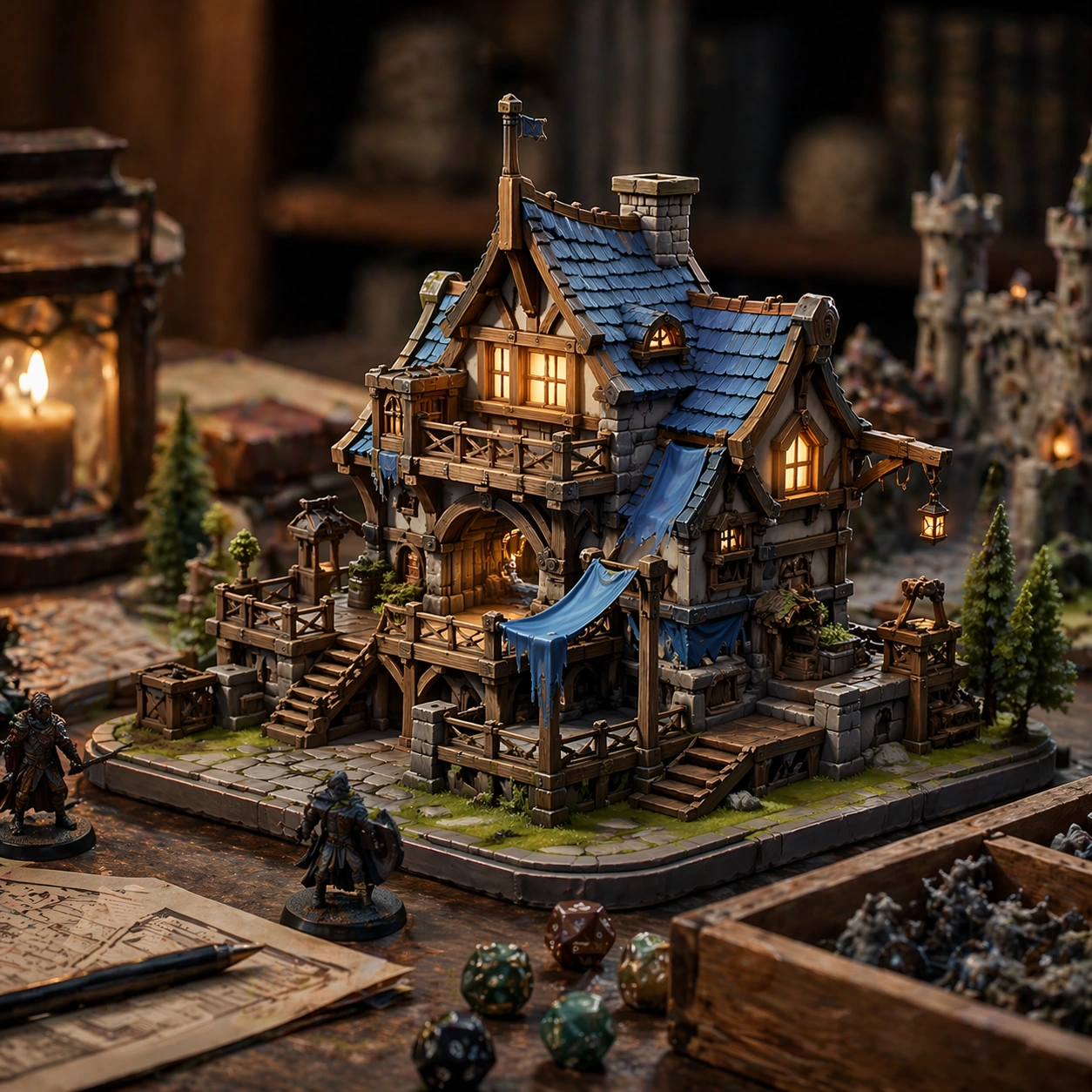
Original document
GPT Image 2 · en
Scene:
A square continuity-based lifestyle crop that proves the outcome in use. Frame the composition like a premium game-production deliverable rather than generic concept art, with disciplined square balance, controlled highlight placement, and enough negative space to keep the focal structure easy to parse. Use lighting, value grouping, and depth layers to make the scene feel intentional, collectible, and immediately useful for internal review or outward-facing promotion.

Subject:
Show the same subject in a real-life usage context while maintaining the same product and proof identity. Build the image around one dominant primary read, then support it with clearly organized secondary shapes, props, interface shells, or environment structures that reinforce gameplay context and commercial usefulness. Every object should look original, fully resolved, and designed to survive cropping for store, profile, patch, or gallery surfaces.

Important details:
The lifestyle setting should amplify trust. Make every frame conversion-oriented, with credible product or subject continuity, strong proof logic, and a premium commerce finish that could sit inside a real carousel or detail page. Subject identity and proof logic must remain consistent. The variation may change framing, intensity, or layout emphasis, but it must still feel like a direct continuation of the same design system.

Use case:
Before-After Proof Carousel series study 7/9.

Constraints:
No readable text, no watermark, no logos, preserve exact 1:1 aspect ratio, no exaggerated miracle effects, no readable copy blocks, no brand logos, no fake certification seals, no chaotic ecommerce clutter.
How to use
- Copy the complete original prompt, including any parameters.
- Replace the subject, text and composition with your own requirements.
- Use a compatible external tool; check its current access conditions and review the result.
Before you start
- Check whether a reference image is required. A compatible model label does not mean this example was generated with that model.
- Keep names, figures and visible text accurate; results can vary between model versions.