Original document
GPT Image 2 · en
Scene:
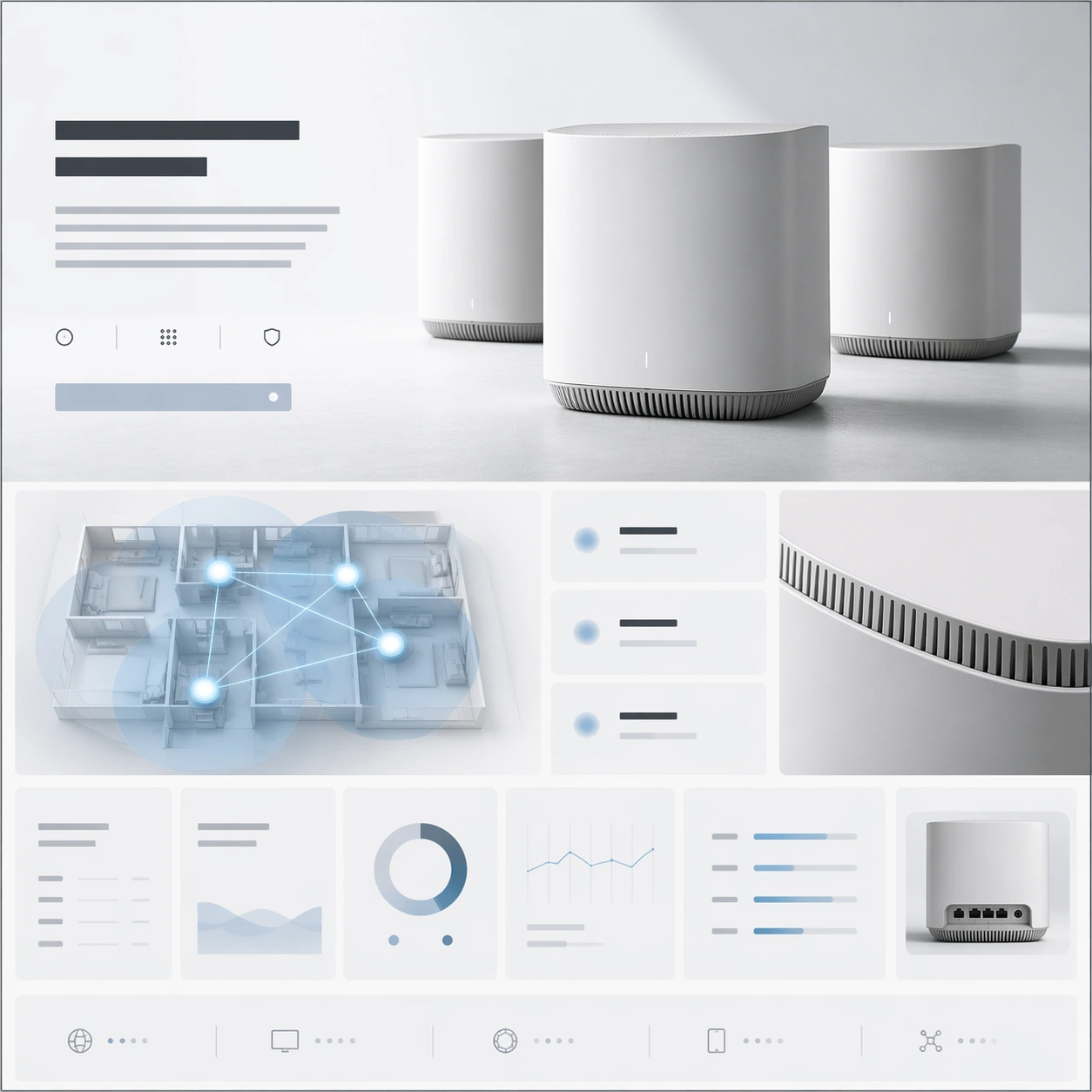
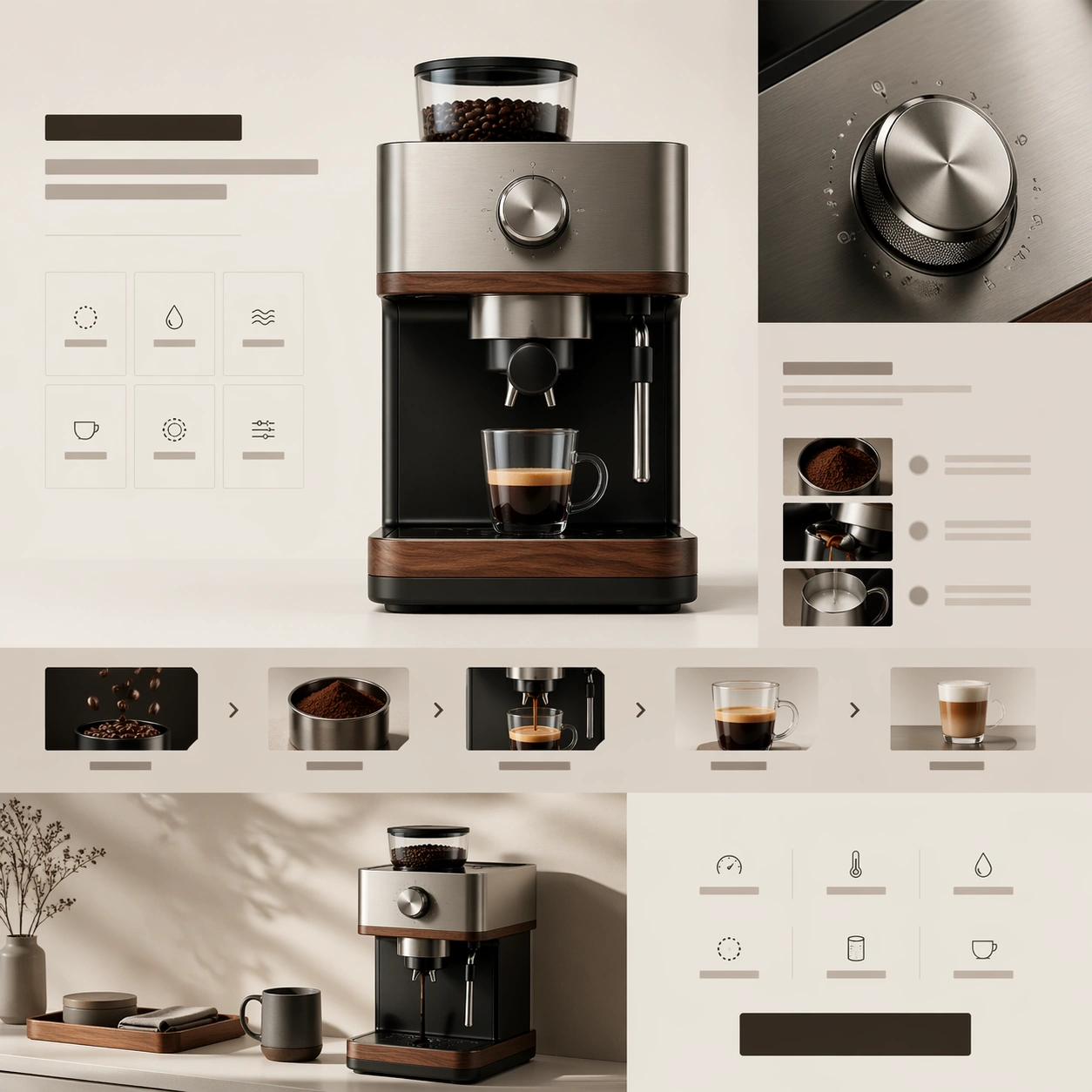
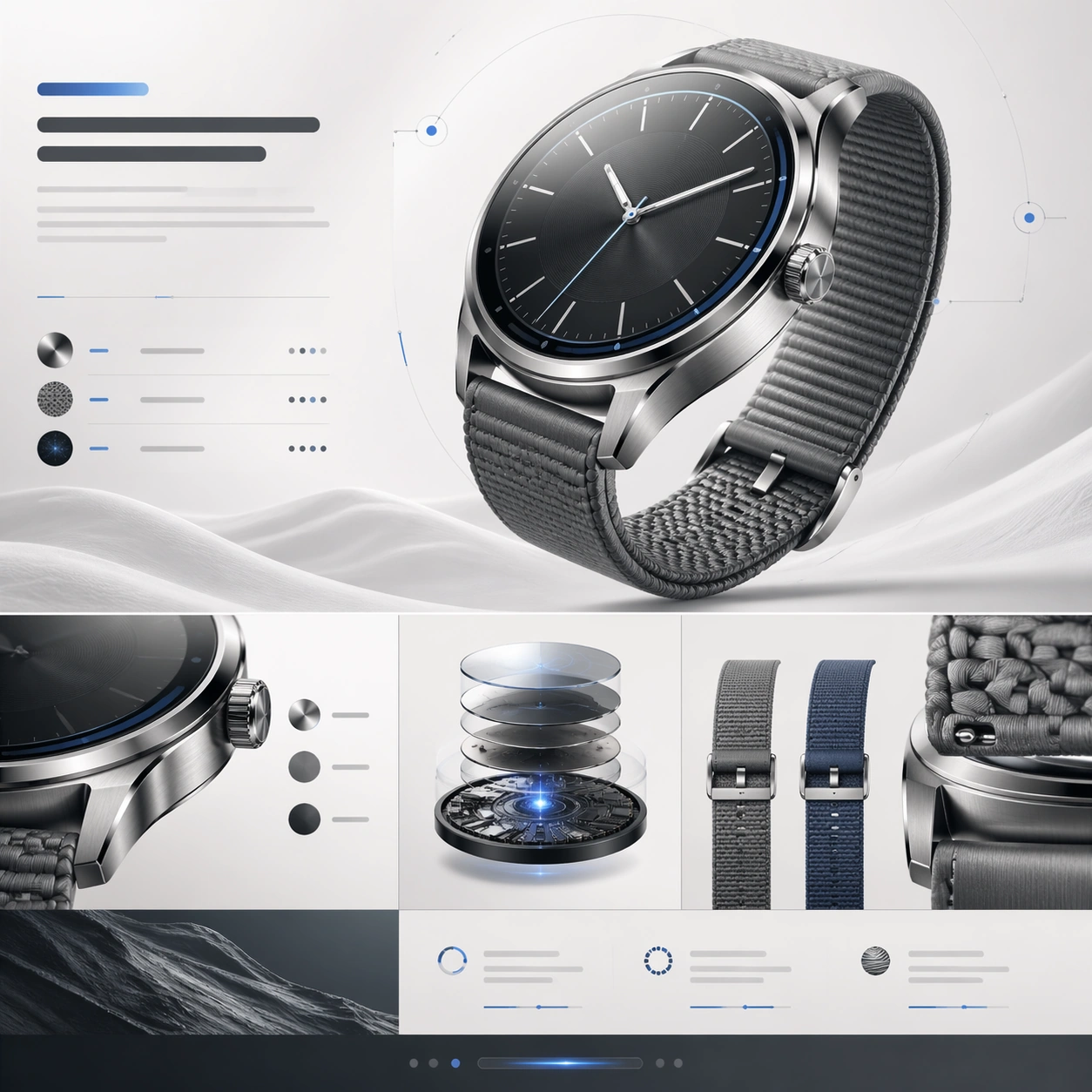
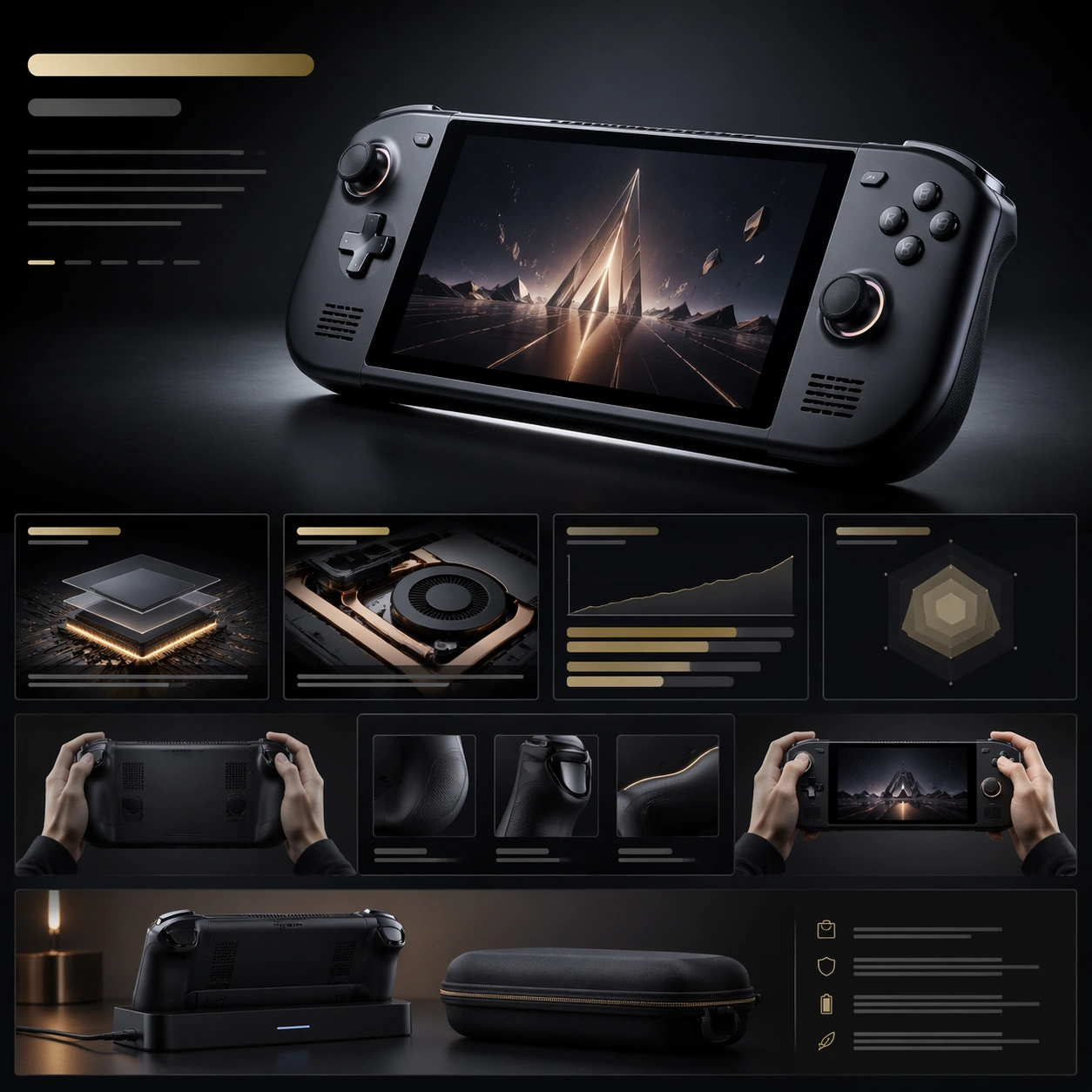
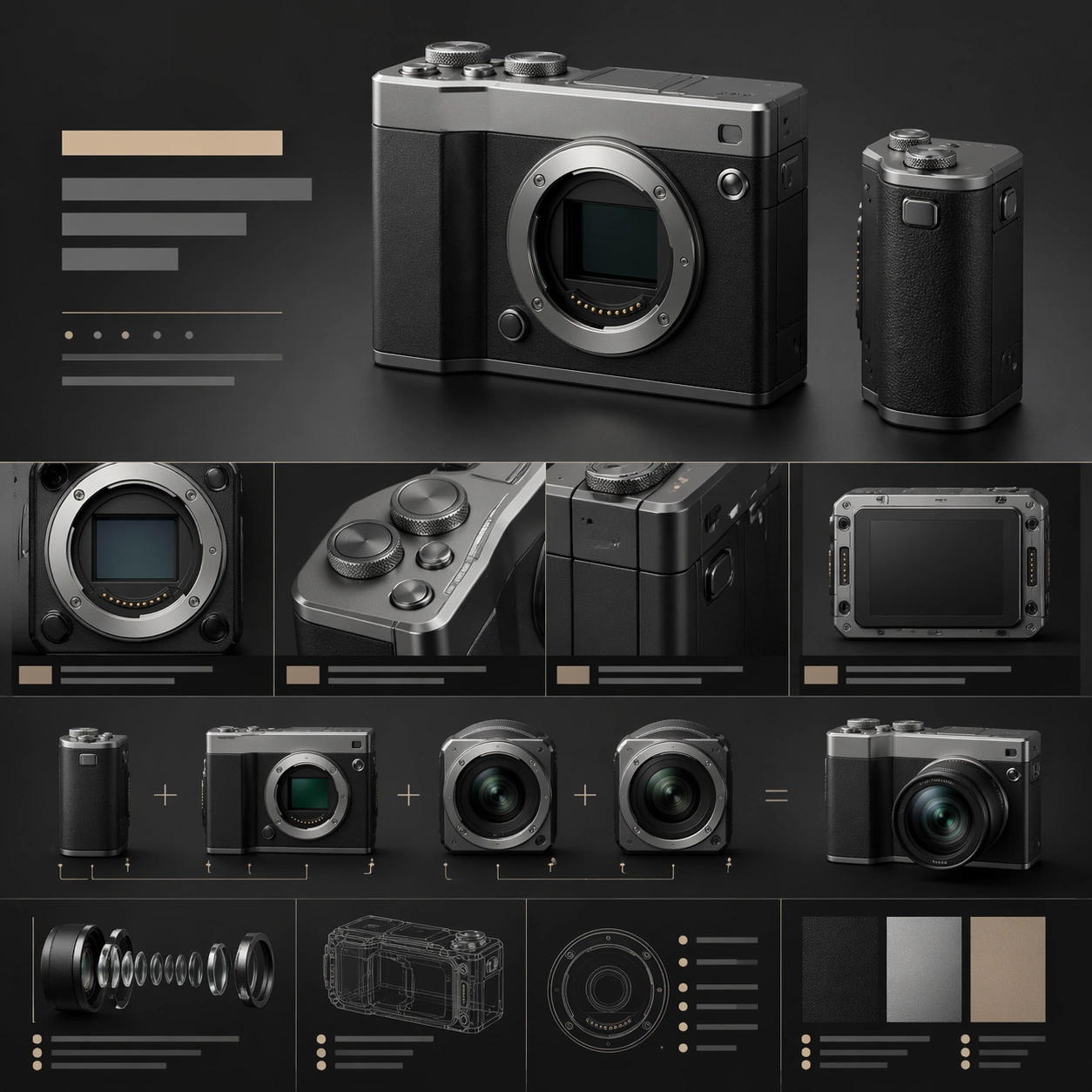
A square premium web still for a modular compact camera system, laid out like a high-end product landing page with crisp art direction. The palette combines matte charcoal, silver aluminum, and muted sandstone highlights, with lighting that feels like a blend of studio catalog photography and editorial design. The frame should contain a dominant hero section above a sequence of tightly designed feature areas and specification blocks, all arranged in a precise vertical cadence.

Subject:
Show a compact modular camera body with interchangeable lens modules and an attachable grip, rendered with believable machined edges, knurled dials, textured buttons, and a soft shadow beneath the main hero object. Surround it with abstract headline bars, feature panels, small diagram-like callout zones, and cropped detail windows revealing the lens mount, tactile controls, and modular seams. One supporting module can show two lens units aligned side by side to imply system versatility, but the central product body remains the main focal point.

Important details:
The page must communicate that the product is a premium camera ecosystem. Emphasize industrial precision, material fidelity, and clean hierarchy from hero render to feature explanation to specs. The composition should feel design-agency polished: sharp alignment, elegant spacing, and convincing relationships between large product renders and smaller supporting modules. Use restrained contrast and avoid noisy interface clutter.

Use case:
Premium Product Landing Page single study 3/9, testing camera-system storytelling with product photography, module hierarchy, and diagram-like feature framing.

Constraints:
No readable text, no watermark, no logos, preserve exact 1:1 aspect ratio, no browser chrome, no photographer model, no oversized lens flare, no chaotic accessory pile, no fake retro film nostalgia, no distorted camera proportions.
How to use
- Copy the complete original prompt, including any parameters.
- Replace the subject, text and composition with your own requirements.
- Use a compatible external tool; check its current access conditions and review the result.
Before you start
- Check whether a reference image is required. A compatible model label does not mean this example was generated with that model.
- Keep names, figures and visible text accurate; results can vary between model versions.