Original document
GPT Image 2 · en
Scene:
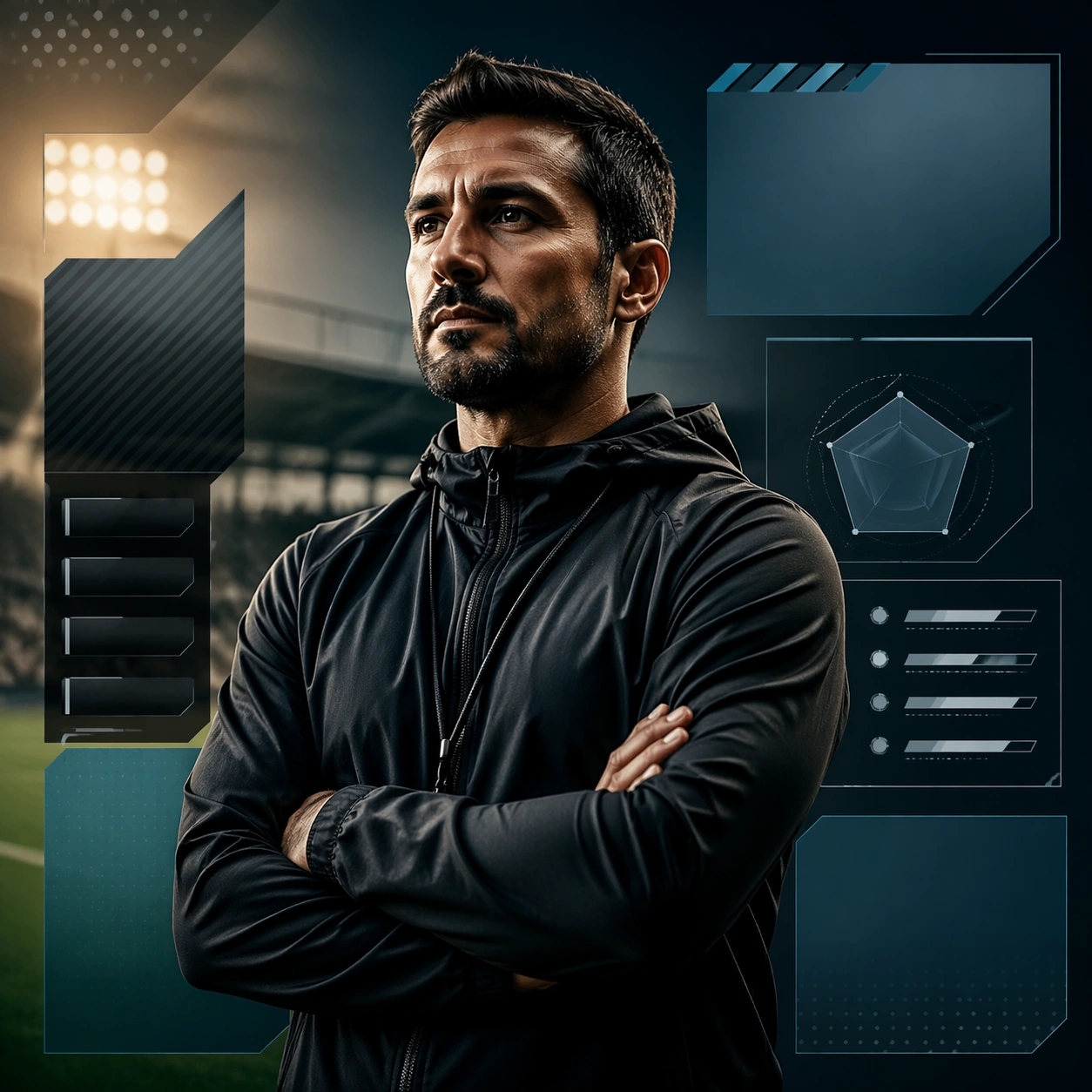
A square production-ready image designed for a game-art review wall and a commercial gallery at the same time. Frame a versus-focused crop that distills the matchday energy into a compact faceoff card with disciplined lighting, clean edge separation, and enough surrounding context to prove how the asset would behave in a real product surface. The camera, crop, and tonal balance should feel intentional rather than generic, with high readability at first glance and convincing material response under closer inspection.

Subject:
Center the study on a versus-focused crop that distills the matchday energy into a compact faceoff card. Translate the topic into a concrete, shippable visual statement instead of a loose mood board. Build layered object relationships, believable surface finish, and strong silhouette grouping so the image reads immediately as part of Esports Matchday Visual Kit. The subject should feel made for a live game pipeline: useful in store, UI, campaign, or art-review contexts, with visual hierarchy strong enough to survive aggressive cropping.

Important details:
the structure should feel instantly readable and intense on mobile surfaces. Keep every supporting element subordinate to the main read, and make category separation obvious through form, color zoning, depth, and material logic rather than words. Where panels, cards, badges, or interface blocks appear, they must look professionally structured but remain unreadable. The visual language should feel premium, original, and coherent across this package, with no filler clutter and no accidental resemblance to a specific shipped game IP.

Use case:
Esports Matchday Visual Kit single study 1/5, focused on versus banner crop.

Constraints:
No readable text, no watermark, no logos, preserve exact 1:1 aspect ratio, no readable team names, no scores, no broken hierarchy, no generic stock-photo staging, no accidental UI gibberish.
How to use
- Copy the complete original prompt, including any parameters.
- Replace the subject, text and composition with your own requirements.
- Use a compatible external tool; check its current access conditions and review the result.
Before you start
- Check whether a reference image is required. A compatible model label does not mean this example was generated with that model.
- Keep names, figures and visible text accurate; results can vary between model versions.