Original document
GPT Image 2 · en
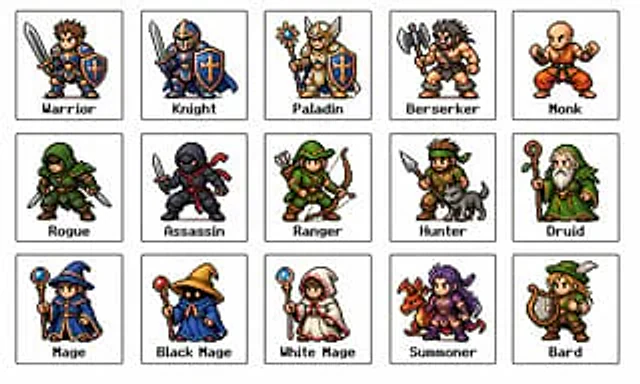
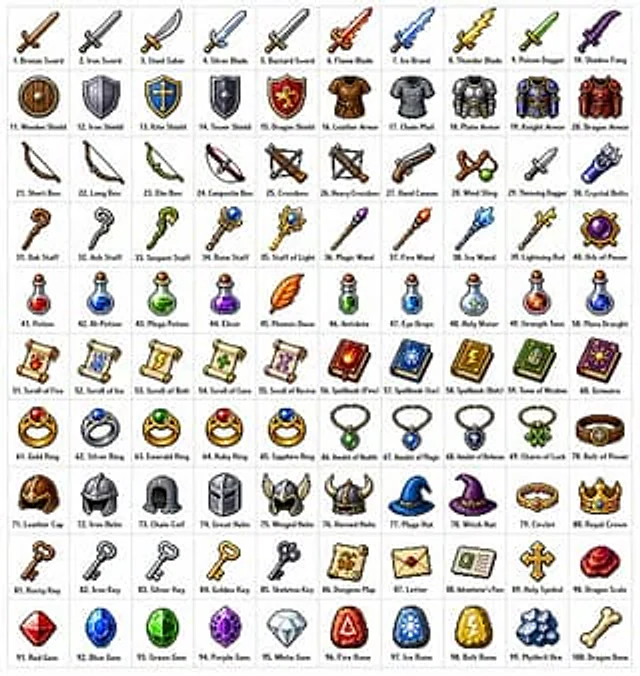
Create{argument name="grid size" default="10x10"} A grid containing{argument name="item count" default="100"} Different fantasy role-playing game (RPG) items, in various styles{argument name="art style" default="Classic pixel art style"} (16-bit or 32-bit sprite sheet style, similar to Japanese RPGs from the SNES/GBA era). Each item should occupy a separate square grid with a clear, concise label below. The grid should be neatly arranged on a white background. Ensure each item is visually unique and each label is spelled correctly. Use sharp pixel edges, a limited color palette for each sprite sheet, and subtle dithering effects for shadows. Please use the following row themes: Row 1: Swords and Blades; Row 2: Shields and Armor; Row 3: Bows, Crossbows, and Ranged Weapons; Row 4: Staffs, Wands, and Magical Implements; Row 5: Potions, Elixirs, and Bottles; Row 6: Scrolls, Tomes, and Spellbooks; Row 7: Rings, Amulets, and Enchanted Trinkets; Row 8: Helmets, Crowns, and Headwear; Row 9: Keys, Relics, and Quest Items; Row 10: Gems, Runes, and Crafting Materials. Each cell is displayed as a centered item sprite on a clean background square, presented as a classic inventory icon—similar to what you'd see in a fantasy RPG menu. Maintaining overall style consistency and coherence evokes beloved retro fantasy RPGs—charming and refined, clearly visible even at small sizes.How to use
- Copy the complete original prompt, including any parameters.
- Replace the subject, text and composition with your own requirements.
- Use a compatible external tool; check its current access conditions and review the result.
Before you start
- Check whether a reference image is required. A compatible model label does not mean this example was generated with that model.
- Keep names, figures and visible text accurate; results can vary between model versions.