
Original document
GPT Image 2 · en
Scene:
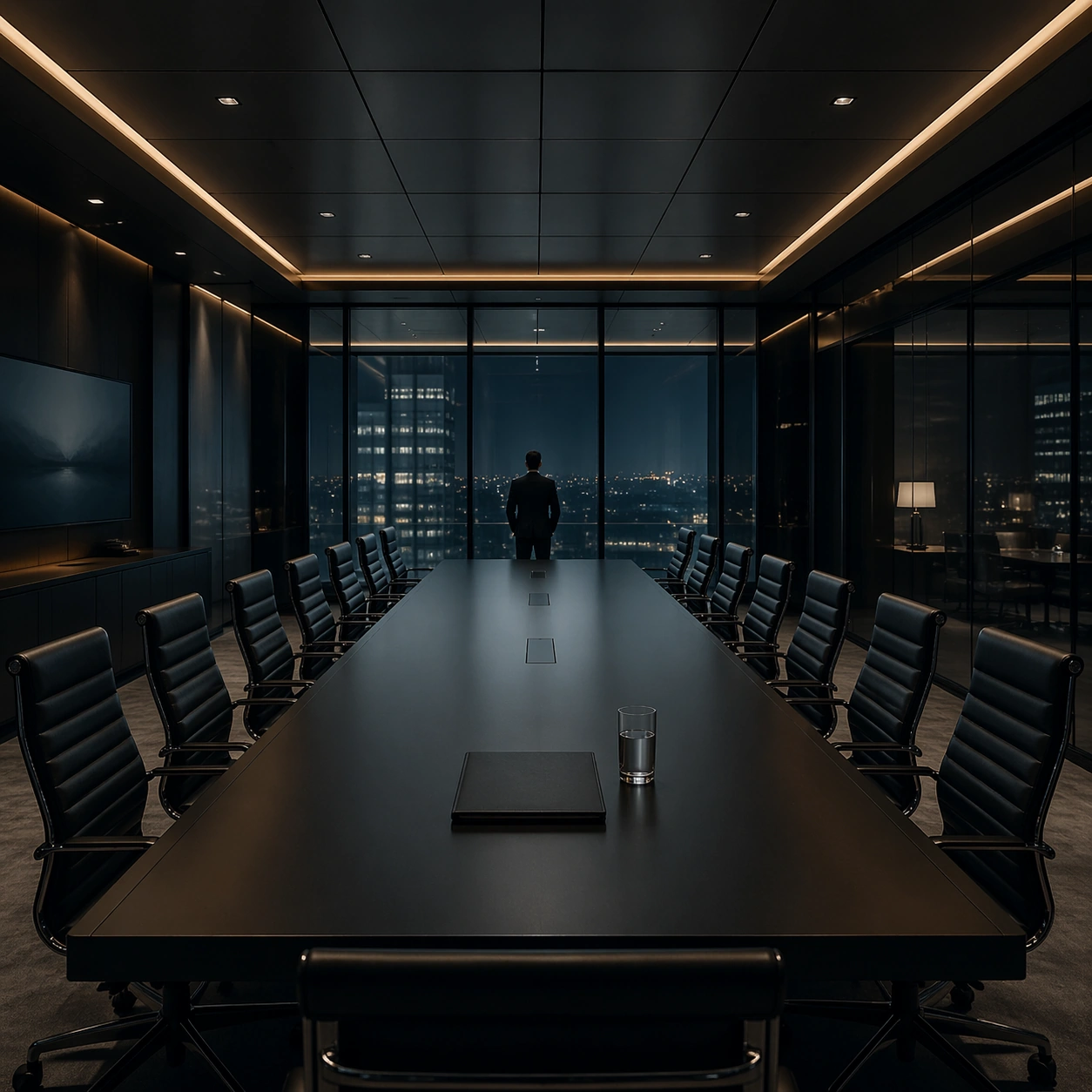
A square interior image defined by desaturated teal, nicotine amber, matte charcoal, and polished glass, with every desk, chair, monitor, and light source positioned with mathematical restraint. The room should feel contemporary and expensive, but emotionally distant, as if every element has been audited for balance and control. Use a boardroom with elongated table, identical leather chairs, concealed lighting coves, and dark glass panels reflecting the room back into itself.

Subject:
Use office floors, apartments, control rooms, or meeting spaces where human figures appear small, backlit, and subordinate to the grid of furniture and screens. The subject is not one person so much as the cold system of objects, reflections, and intervals between them. A solitary folder and water glass sit at the midpoint of the table while one attorney silhouette lingers at the far end.

Important details:
The signature depends on exact spacing, subdued color, restrained contrast, and a polished investigative mood. Preserve orderly cable paths, clean desk surfaces, sensible monitor glow, and strong negative space. Avoid colorful personality clutter, playful decor, or casual lived-in mess. The composition should communicate power through stillness and expensive restraint rather than grand decoration.

Use case:
Cold Precision Grid Interior single study 5/9.

Constraints:
No readable text, no watermark, no logos, preserve exact 1:1 aspect ratio, no visible logos on screens, no colorful sticky notes, no comic exaggeration, no warm family-home coziness, no random clutter piles, no broken anatomy, no low-detail background, no accidental text fragments.
How to use
- Copy the complete original prompt, including any parameters.
- Replace the subject, text and composition with your own requirements.
- Use a compatible external tool; check its current access conditions and review the result.
Before you start
- Check whether a reference image is required. A compatible model label does not mean this example was generated with that model.
- Keep names, figures and visible text accurate; results can vary between model versions.