Original document
GPT Image 2 · en
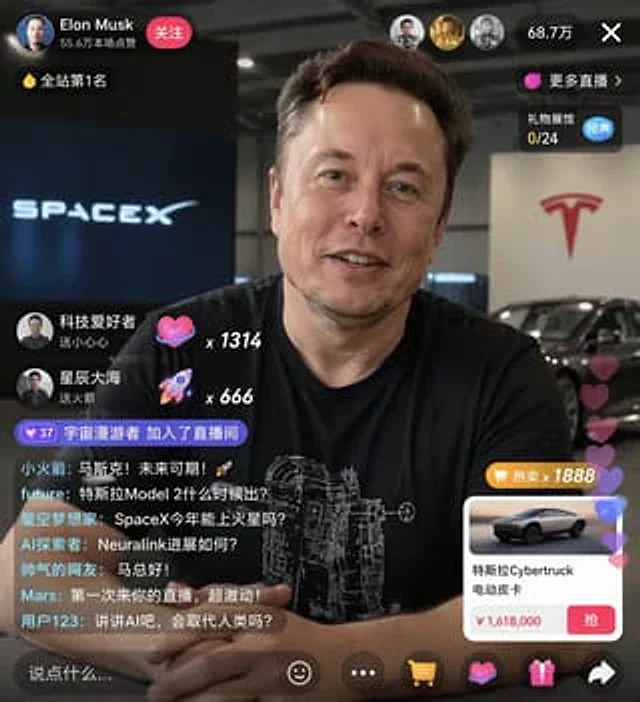
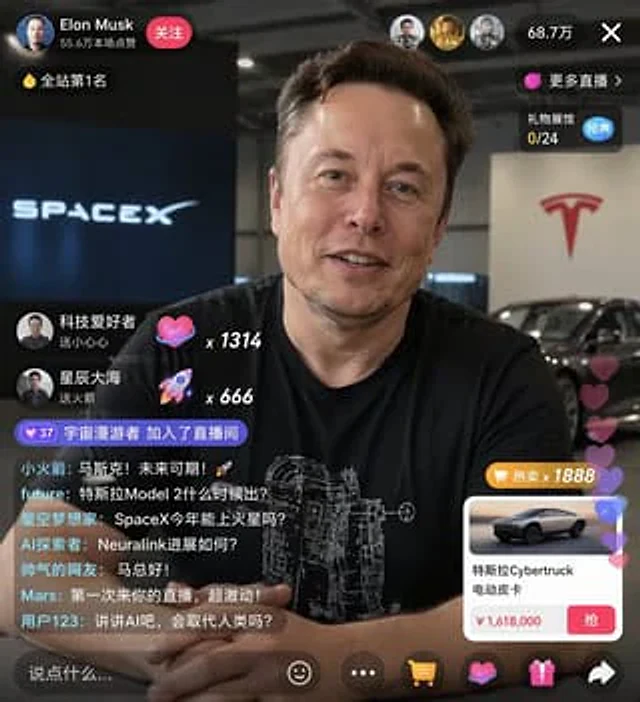
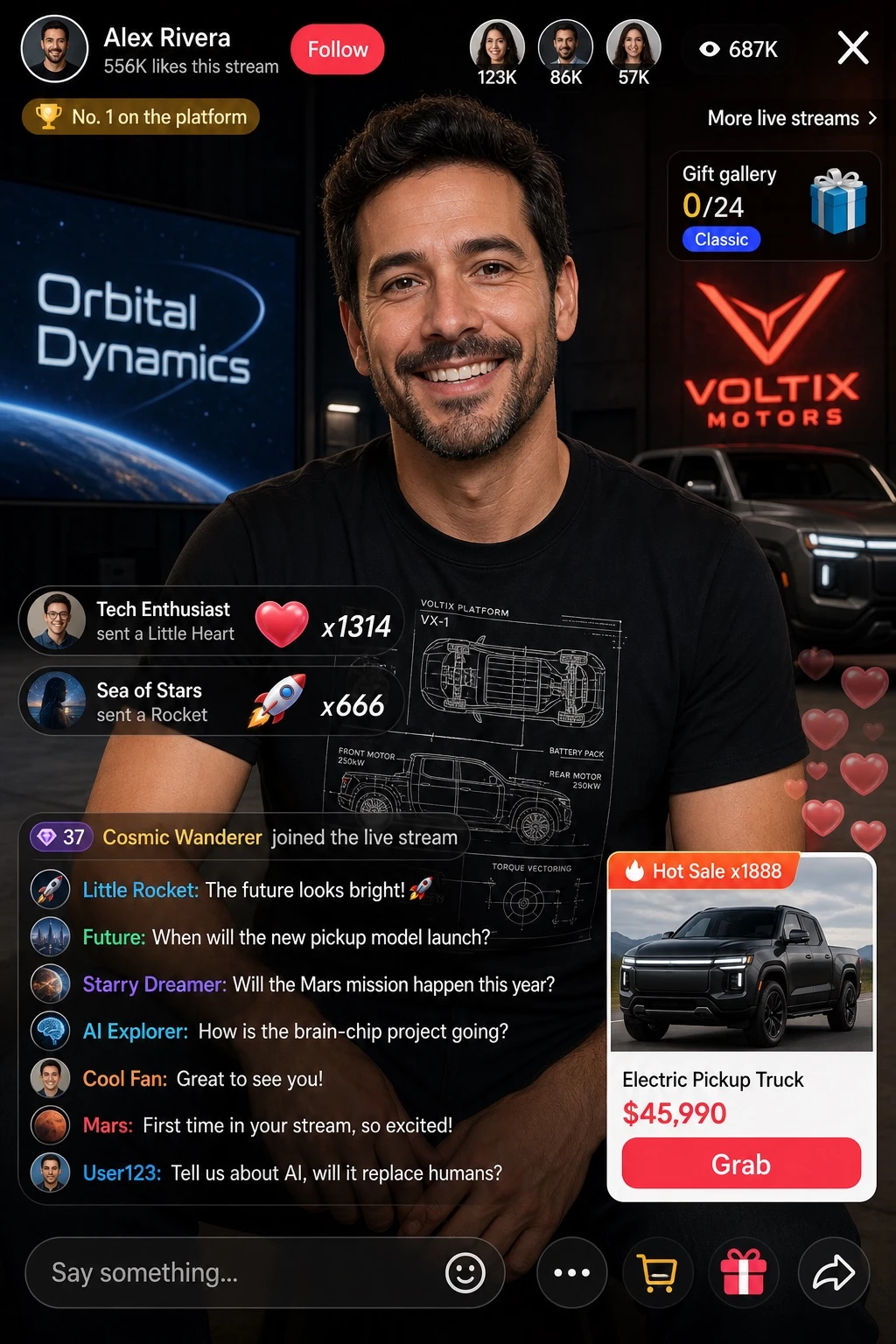
Design a portrait-orientation mockup of a live-streaming app UI. The main subject is a smiling [PERSON], wearing a black t-shirt printed with a white technical schematic graphic. The background shows, on the left side, a screen displaying the text '[BRAND_1]', and on the right side, a red '[BRAND_2]' logo alongside a dark parked car.

Overlay UI elements:
- Top header: host avatar and name '[PERSON]', subtext reading '556K likes this stream', red 'Follow' button; a gold coin rank badge reading 'No. 1 on the platform'; three top viewer avatars with counts '123K', '86K', '57K', a total of '687K' viewers, and an 'X' close button; on the right, links reading 'More live streams >' and 'Gift gallery 0/24' with a blue 'Classic' tag.
- Middle-left gift notifications (2 items): avatar 'Tech Enthusiast' with text 'sent a Little Heart', heart icon x1314; avatar 'Sea of Stars' with text 'sent a Rocket', rocket icon x666.
- Bottom-left chat panel: a system message with a level 37 badge reading 'Cosmic Wanderer joined the live stream'; below it, 7 chat messages: 'Little Rocket: The future looks bright! 🚀', 'Future: When will the new pickup model launch?', 'Starry Dreamer: Will the Mars mission happen this year?', 'AI Explorer: How is the brain-chip project going?', 'Cool Fan: Great to see you!', 'Mars: First time in your stream, so excited!', 'User123: Tell us about AI, will it replace humans?'.
- Bottom-right product card: an orange 'Hot Sale x1888' tag, an image of [PRODUCT_NAME], title '[PRODUCT_NAME]', price '[PRODUCT_PRICE]', a red 'Grab' button, and translucent floating hearts animating up the right edge.
- Bottom bar: an input field with placeholder text 'Say something...', and icons for smiley face, three-dot menu, shopping cart, gift box, and share.
How to use
- Copy the complete original prompt, including any parameters.
- Replace the subject, text and composition with your own requirements.
- Use a compatible external tool; check its current access conditions and review the result.
Before you start
- Check whether a reference image is required. A compatible model label does not mean this example was generated with that model.
- Keep names, figures and visible text accurate; results can vary between model versions.