Original document
GPT Image 2 · en
Scene:
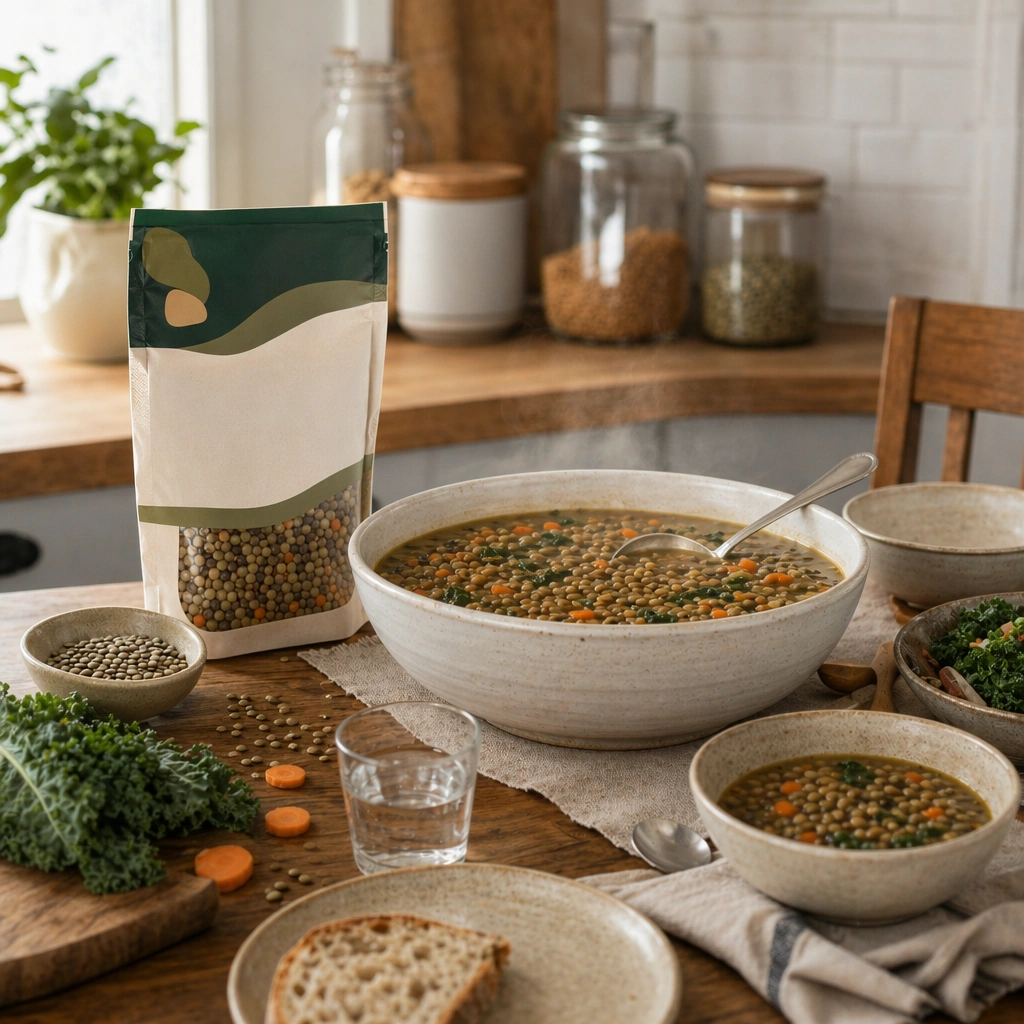
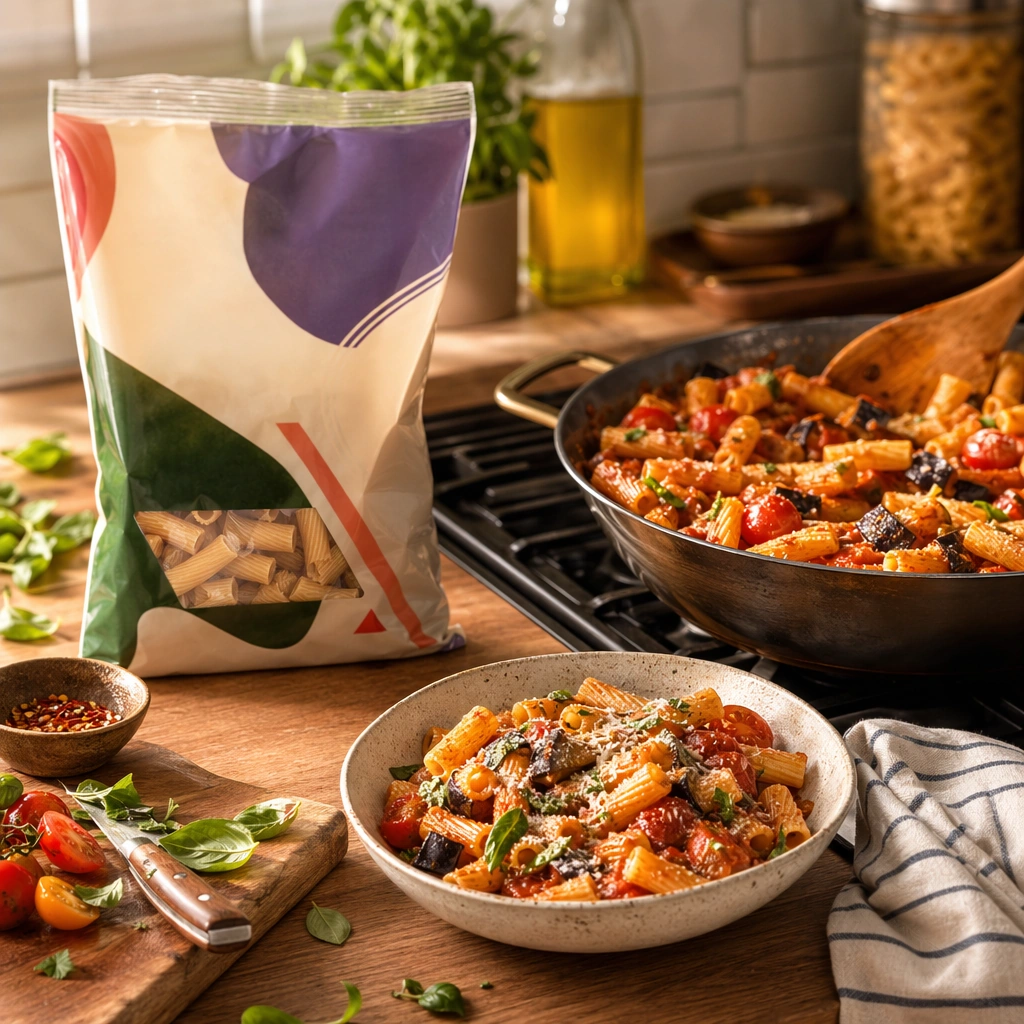
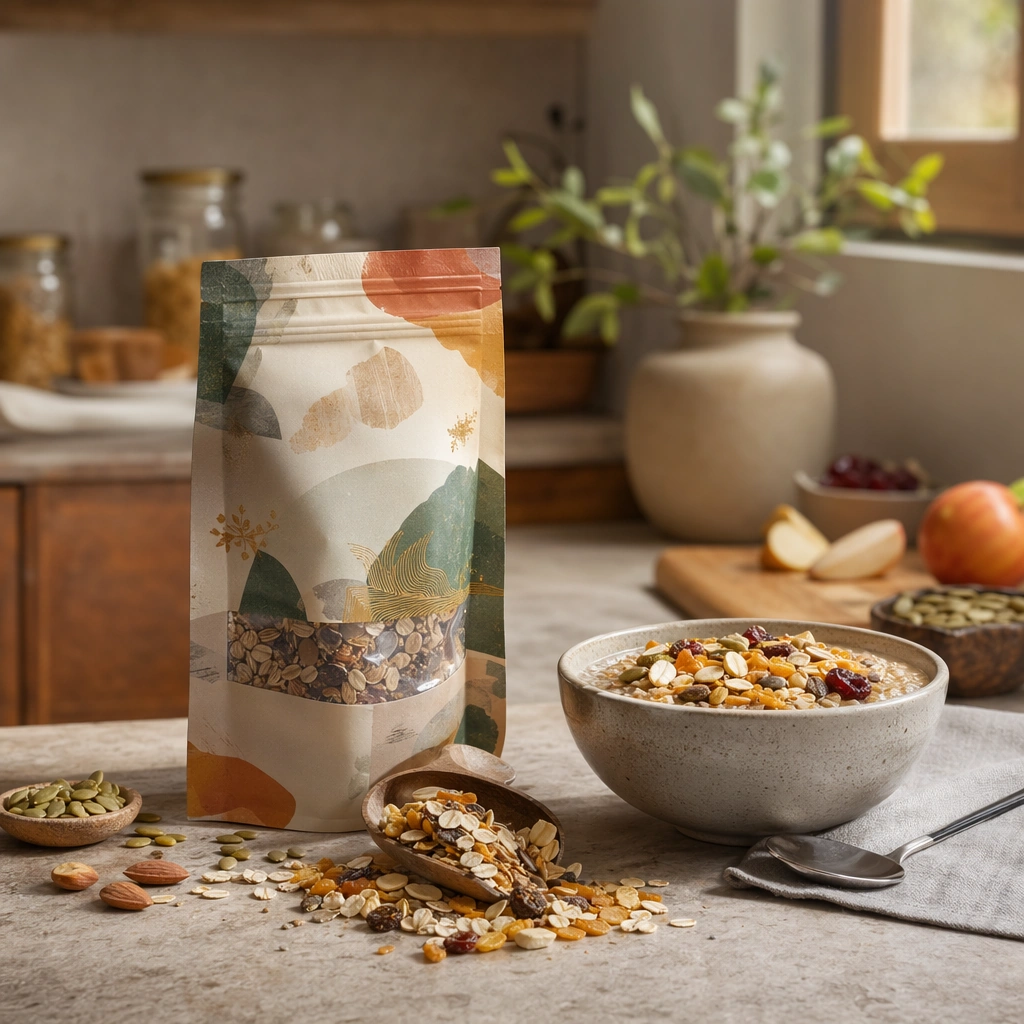
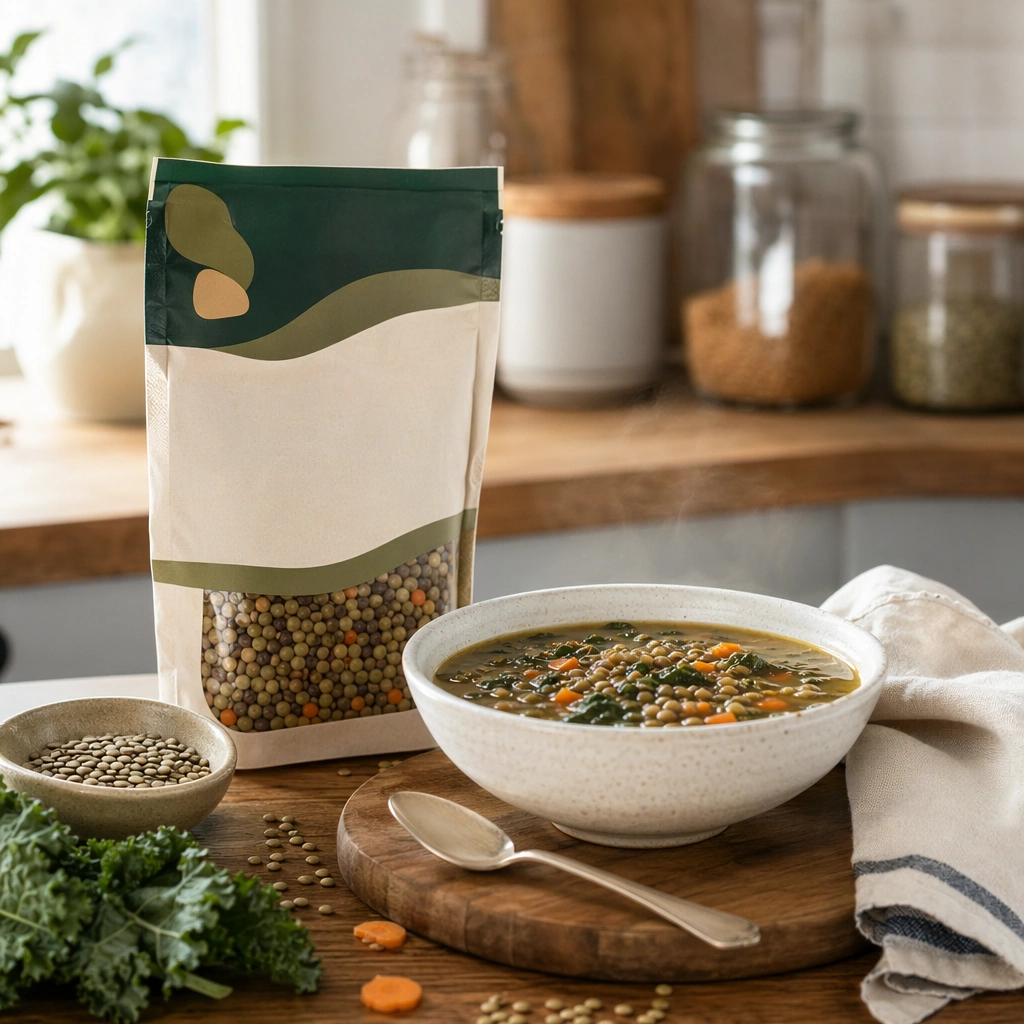
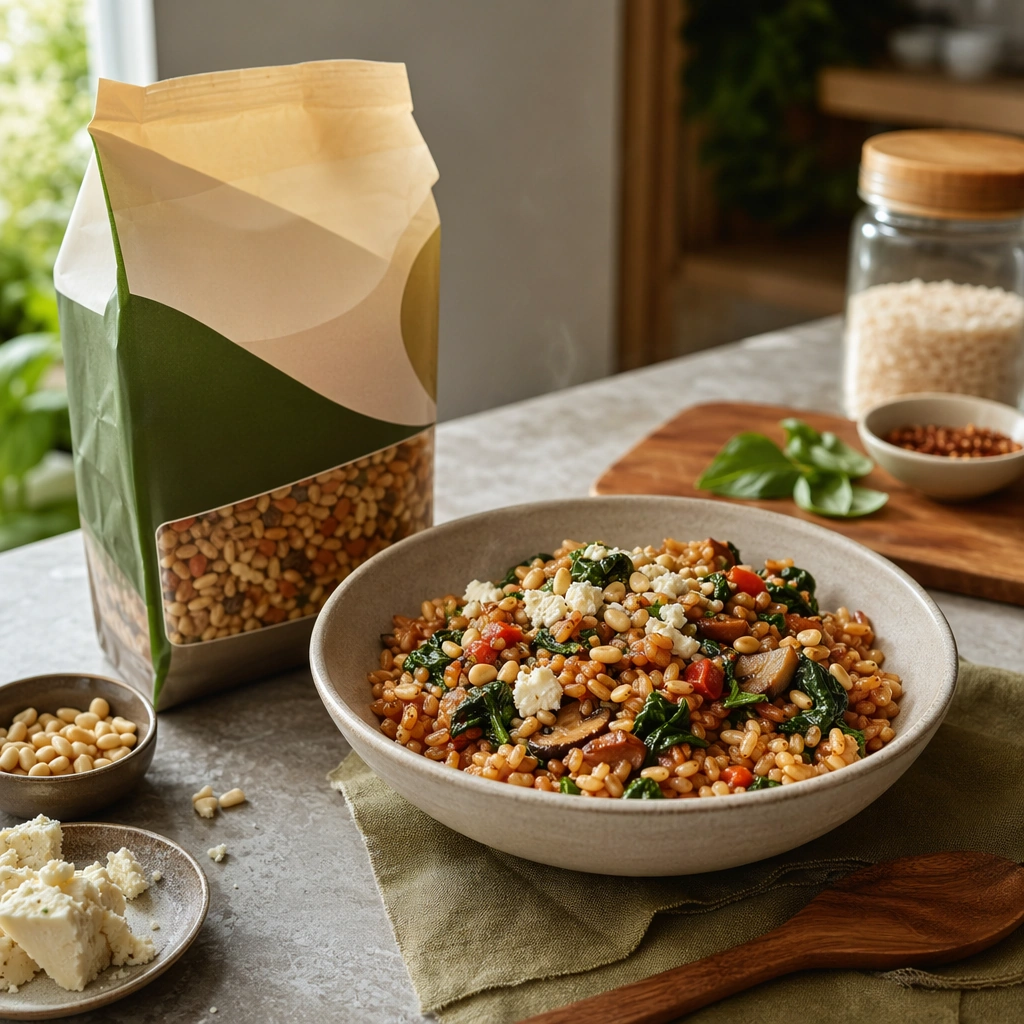
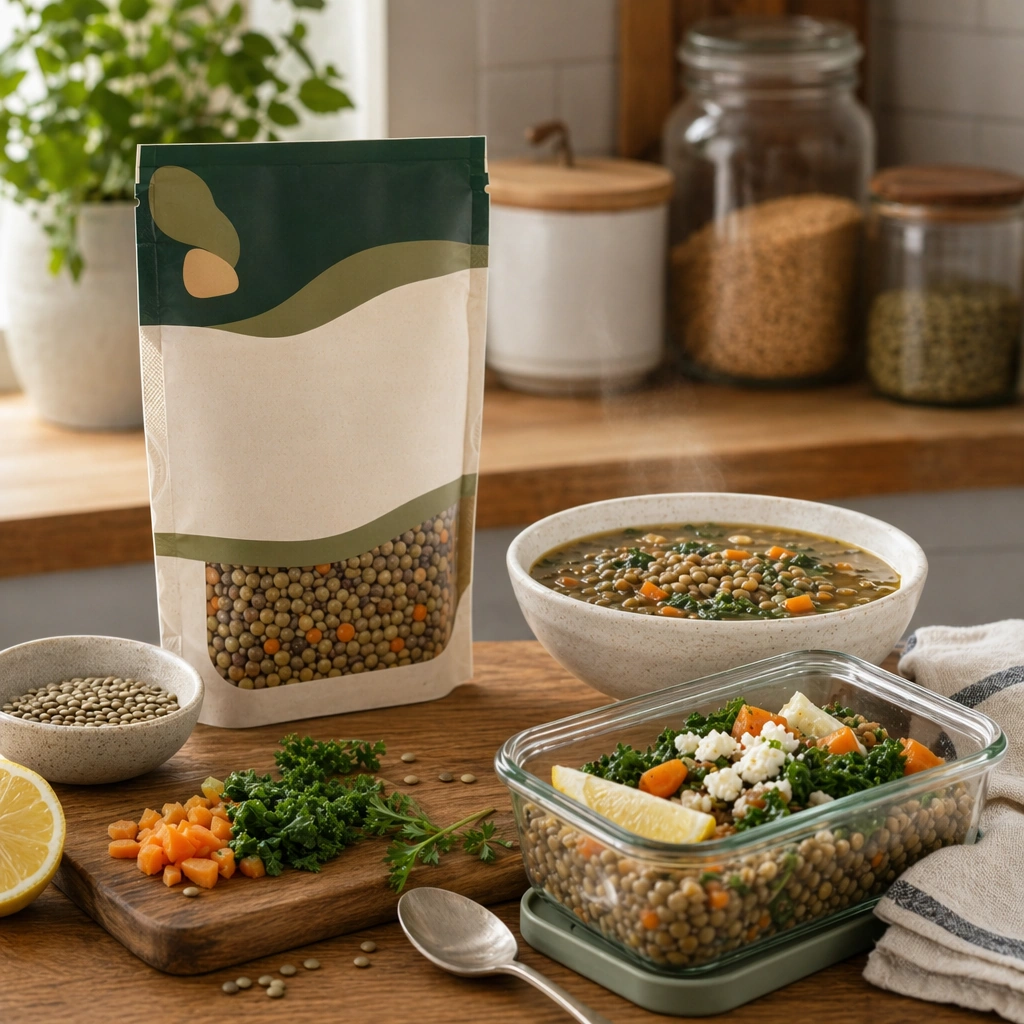
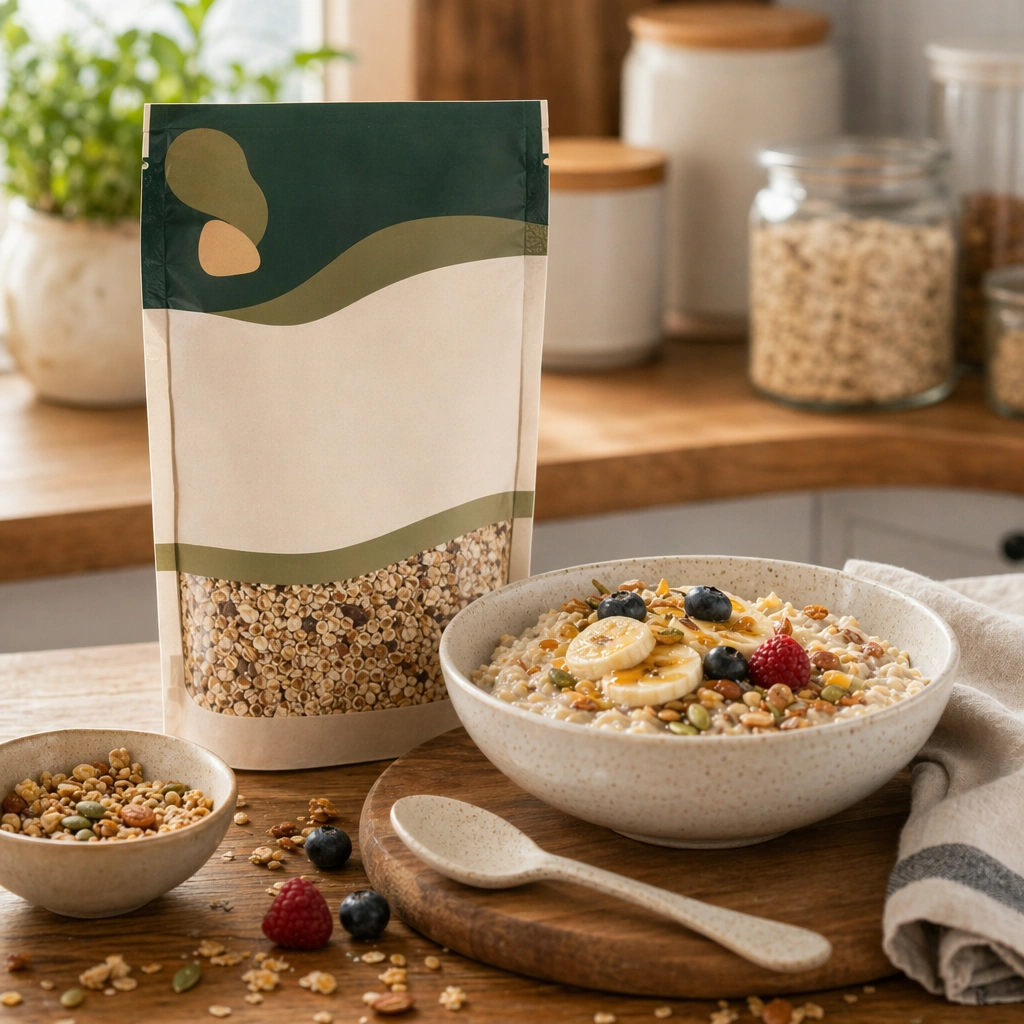
Compose a square packaged-food lifestyle image that connects shelf-ready packaging with actual household use, serving, and meal preparation. The frame should feel commercially precise but lived in, showing how the package belongs inside a believable kitchen, pantry, or dining context rather than isolated white-background product photography. Keep the same kitchen palette and household realism, but brighten the mood with early daylight, ceramic breakfast ware, and a calmer morning counter setup.

Subject:
The package must stay clearly visible and physically plausible, while the prepared food, ingredients, bowls, or serving scene demonstrate real usage and appetite appeal. Pair the packaged product with a freshly served breakfast bowl, cereal, granola, oats, or another relevant use case that feels natural for the pack type.

Important details:
This topic tests bridge-building between package design and lived food context. Preserve realistic kitchen materials, pantry organization, serving logic, and package handling so the brand feels trustworthy and useful. If abstract label areas appear, they must remain unreadable; trust should come from materials, cooking cues, and scene credibility rather than literal copy. Preserve the exact camera height, lens feel, prop family, tabletop scale, palette discipline, and brand logic established by 01-pantry-anchor. Preserve the anchor relationship between packaging and prepared food while emphasizing spoonable texture, bowl warmth, and morning ease.

Use case:
Food Package Scenes series study 2/9, built for Prompt Atlas coverage of a food and beverage commercial visual system.

Constraints:
No readable text, no watermark, no logos, preserve exact 1:1 aspect ratio, no readable text, no logos, no sterile white studio void, no messy family chaos, no unrealistic packaging scale, no cluttered supermarket shelf wall, no cereal-box mascot, no readable box copy, no kid-targeted cartoon styling.
How to use
- Copy the complete original prompt, including any parameters.
- Replace the subject, text and composition with your own requirements.
- Use a compatible external tool; check its current access conditions and review the result.
Before you start
- Check whether a reference image is required. A compatible model label does not mean this example was generated with that model.
- Keep names, figures and visible text accurate; results can vary between model versions.