Realistic Chalkboard Text Rendering

Realistic Chalkboard Text Rendering

Original document

GPT Image 2 · zh

手写在教室黑板上的{argument name="文字内容" default="出师表全文"},真实感的粉笔字迹,{argument name="光照" default="晴朗白天"}用{argument name="拍摄设备" default="iPhone手机"}实拍

How to use

  1. Copy the complete original prompt, including any parameters.
  2. Replace the subject, text and composition with your own requirements.
  3. Use a compatible external tool; check its current access conditions and review the result.

Before you start

  • Check whether a reference image is required. A compatible model label does not mean this example was generated with that model.
  • Keep names, figures and visible text accurate; results can vary between model versions.
More like this

Realistic Chalkboard Text Rendering
GPT Image 2en

A lifelike photo shows{argument name="text content" default="The full text of "Memorial on Dispatching the Troops""} Handwritten on the classroom blackboard, presenting authentic chalk writing,{argument name="lighting" default="bright sunlight"} Use below{argument name=

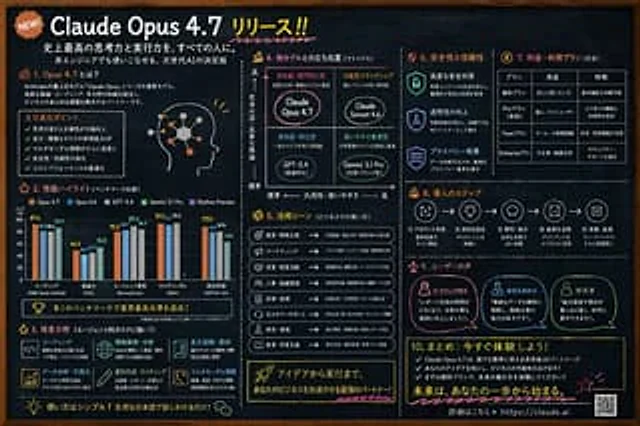
Chalkboard AI Product Infographic
GPT Image 2en

{ "type": "Blackboard-style infographic", "style": "Dark slate background, white text, hand-drawn style decorations, simple layout.", "colors": { "background": "Deep slate limestone", "text": "White", "accents": [ "{argument name=\"accent color 1\" default

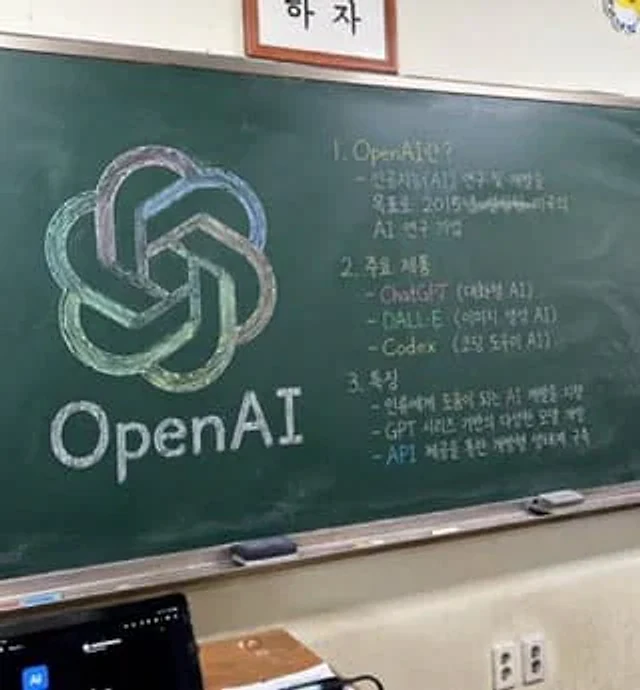
Classroom Chalkboard Lesson
GPT Image 2en

A photorealistic, slightly angled snapshot of a classroom greenboard. To the left of the blackboard is a meticulously drawn chalk sketch showcasing…{argument name="company name" default="OpenAI"} The logo uses a mix of soft colors such as green, blue, and purple, with the words "